
Managing business finances involves more than recording income and expenses. Businesses need to create invoices, track payments, reconcile bank transactions, manage bills, calculate taxes, and prepare financial reports. Handling these activities manually can take time and make it harder to identify errors or understand the company’s financial position. Cloud accounting applications help bring these activities together in one online platform.
Unlike traditional accounting software that may be installed on a specific computer, cloud accounting software allow authorized users to access financial records through the internet. Business owners can review cash flow, accountants can work remotely, and teams can use team collaboration tools to share financial information without constantly exchanging spreadsheets. Many platforms also support automated transaction imports, recurring invoices, payment reminders, and connections with other business applications.
However, choosing the right application requires more than comparing prices. A freelancer may need simple invoicing and expense tracking, while a growing company may require inventory management, multi-currency accounting, tax compliance, and advanced reporting. This guide covers 10 cloud accounting application, their key features, advantages, limitations, and pricing to help businesses select a suitable solution.
What Is A Cloud Accounting Application?
Cloud accounting application is an online software platforms that help businesses record, organize, and analyze their financial transactions. They typically store accounting data in cloud infrastructure, allowing authorized users to access records from different devices and locations. Common features include invoicing, expense management, bank reconciliation, accounts payable, financial reporting, and tax-related calculations.
These applications can also connect accounting with other business activities. For example, an online store may connect its sales platform to accounting software so that transactions can be recorded more efficiently. A consulting firm may use project billing and time tracking to calculate client invoices, while a distributor may need accounting software that also manages stock and purchase orders.
Cloud accounting does not remove the need for proper bookkeeping or financial checks. Users still need to review transaction categories, reconcile accounts, protect login credentials, and confirm that reports follow the applicable accounting and tax rules. The software helps organize the process, but businesses remain responsible for the accuracy of their financial records.
List Of 10 Best Cloud Accounting Applications
The following applications cover different business sizes and accounting needs. Some are designed for small businesses and freelancers, while others support more complex financial operations.
1. Zoho Books
Best for: Indian small businesses, service providers, and growing companies that need online accounting with GST support.
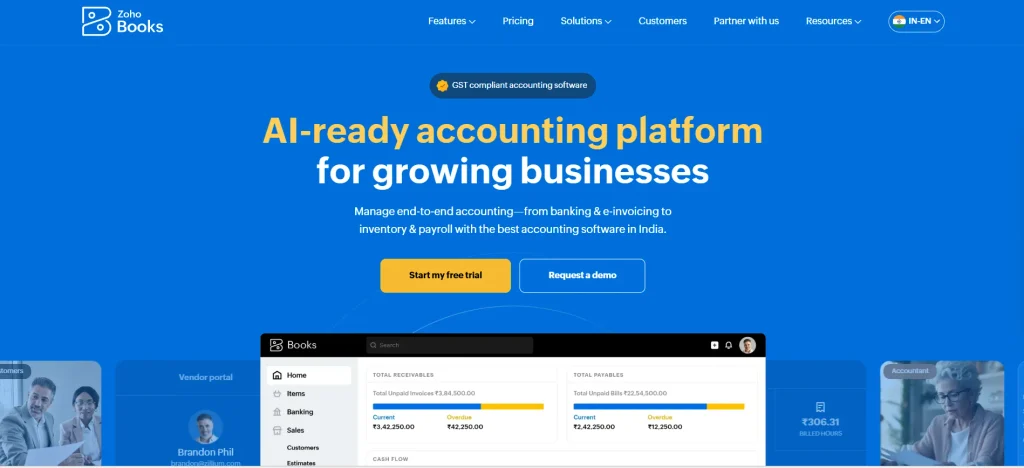
Zoho Books is a cloud accounting application that helps businesses manage invoicing, expenses, bank transactions, customer payments, and financial reports. Its features are useful for companies that want to organize routine accounting tasks without maintaining a complicated finance system. Businesses can also connect it with other Zoho applications to support workflows across sales, inventory, expenses, and customer management.
For Indian businesses, Zoho Books is especially relevant because it supports GST-related accounting workflows, including tax calculations and return-ready reports. Depending on the plan, businesses can also access inventory management, purchase orders, project billing, multi-currency transactions, and automation. This makes it suitable for companies that expect their accounting needs to grow as they add customers, products, and employees.
Key Features:
- GST accounting, tax calculations, and tax-related reports for India.
- Customer invoicing, recurring invoices, expense tracking, and payment reminders.
- Bank feeds and bank reconciliation, subject to supported banks and configurations.
- Purchase orders, inventory features, and project accounting on eligible plans.
- Integrations with other Zoho applications and supported third-party services.
Pros:
- Offers a free plan for eligible small businesses.
- Includes features relevant to Indian GST accounting.
- Can support more advanced workflows as a business grows.
Cons:
- Some automation and advanced features require higher-tier plans.
- Businesses may need time to configure taxes, accounts, and workflows.
- Certain bank connections and integrations depend on availability.
Pricing:
- Zoho Books offers a free plan and paid plans. Its India pricing page lists the Standard plan at ₹899 per organization per month, or ₹749 per month when billed annually, excluding applicable taxes. Higher plans cost more and include additional features.
Who should use it?
- Indian startups, small businesses, consultants, agencies, and companies that need GST accounting with online access.
2. QuickBooks Online
Best for: Small and medium-sized businesses that need accounting, financial reporting, and integrations with other business tools.
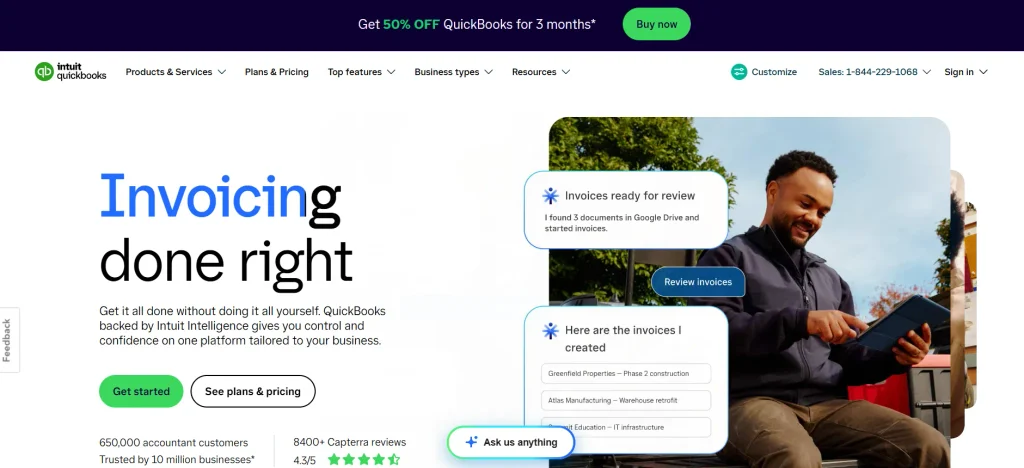
QuickBooks Online is a widely used cloud accounting applications for managing invoices, expenses, bills, payments, and financial reports. It helps business owners understand their financial position without having to prepare every report manually. Its features can also support budgeting, inventory tracking, project profitability, and additional financial workflows on eligible plans.
One of its strengths is its broader accounting ecosystem. Businesses can connect supported bank accounts, payment services, payroll products, and other applications to reduce repetitive data entry. However, QuickBooks Online plans and tax features differ by country. Businesses in India should check whether the regional product supports their specific GST, invoicing, banking, and compliance requirements before choosing it.
Key Features:
- Income and expense tracking, invoicing, and bill management.
- Bank transaction imports and reconciliation.
- Profit and loss statements, balance sheets, and other reports.
- Inventory, budgeting, and project profitability on eligible plans.
- Integrations with supported payment, payroll, and business applications.
Pros:
- Offers a broad set of accounting and reporting features.
- Supports connections with many business applications.
- Can suit businesses that need more than basic bookkeeping.
Cons:
- Subscription costs can increase as additional features are needed.
- Plan limits and features vary by country.
- Some businesses may require additional applications for specialized workflows.
Pricing:
- QuickBooks Online has multiple subscription tiers, with prices and features depending on the country. Its US pricing page lists several plans, but these prices should not be assumed to apply in India.
Who should use it?
- Small businesses, service providers, accountants, and growing companies that need structured accounting and reporting.
3. Xero
Best for: Small businesses and accounting teams that need cloud access, bank reconciliation, and collaboration.
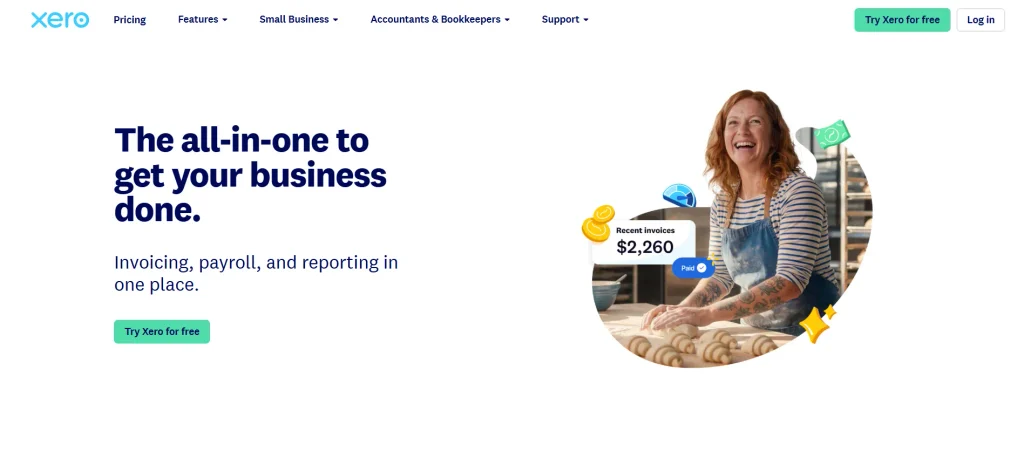
Xero is a cloud accounting application built around everyday financial management. It supports invoicing, expense tracking, bank reconciliation, bills, and financial reporting. Because authorized users can access the same accounting records online, business owners and accountants can collaborate without relying on multiple versions of the same spreadsheet.
Xero is particularly useful for businesses that want accounting software to connect with other parts of their operations. Supported integrations can help link accounting with e-commerce, customer relationship management, inventory, and payment tools. Its suitability depends on the country, available bank feeds, tax configuration, and plan limits, so businesses should confirm these details before migrating their accounts.
Key Features:
- Online invoicing, bills, and expense tracking.
- Bank feeds and transaction reconciliation.
- Financial statements and business performance reports.
- Multi-user access and collaboration with accountants.
- App integrations for supported business workflows.
Pros:
- Designed for online access and shared accounting work.
- Supports bank reconciliation and recurring financial tasks.
- Offers an ecosystem of third-party integrations.
Cons:
- Some plans limit the number of invoices or bills.
- Advanced needs may require add-ons or connected applications.
- Regional tax and banking features differ by market.
Pricing:
- Xero offers multiple subscription plans, and prices vary by country, billing method, and promotional offer.
Who should use it?
- Small businesses, accountants, agencies, and companies that want online bookkeeping with collaborative access.
4. FreshBooks

Best for: Freelancers, consultants, and service businesses that bill clients for their time.
FreshBooks is a cloud accounting application with a strong focus on invoicing and service-based business workflows. It helps users create professional invoices, track expenses, prepare estimates, and manage payments. Features for time tracking and project billing make it useful for consultants, designers, developers, and agencies that need to connect their work with client invoices.
FreshBooks can also help businesses understand the costs and revenue associated with their projects. For example, a consultant may track billable hours, prepare an invoice, and review outstanding payments from the same platform. When managing several client assignments, businesses may use a project management platform alongside FreshBooks to keep project schedules and billing activities organized. However, businesses with complex stock management, extensive manufacturing requirements, or advanced enterprise reporting may need a different accounting solution.
Key Features:
- Professional invoices, estimates, and recurring billing.
- Expense tracking and financial reports.
- Time tracking and project billing on supported plans.
- Client management and payment collection options.
- Online access and integrations with supported business tools.
Pros:
- User-friendly for freelancers and service businesses.
- Helps connect billable time with client invoicing.
- Reduces manual work involved in preparing estimates and invoices.
Cons:
- Client limits apply to some plans.
- Advanced accounting needs may require another solution.
- Some payment and team features cost extra.
Pricing:
- FreshBooks offers several paid plans, with costs depending on the plan, billing cycle, and promotions.
Who should use it?
- Freelancers, consultants, independent professionals, and small service businesses that regularly bill clients.
5. Sage Intacct

Best for: Growing and mid-sized organizations that need advanced financial management.
Sage Intacct is a cloud financial management platform designed for organizations with more complex accounting requirements. It supports areas such as general ledger management, accounts payable, accounts receivable, financial reporting, and multi-entity accounting. These capabilities make it one of the cloud accounting applications worth considering when a company operates across multiple departments, legal entities, locations, or business units.
Unlike basic accounting applications, Sage Intacct is generally suited to organizations that need structured financial controls and more detailed reporting. Finance teams can use it to organize financial information across entities and support month-end closing processes. Implementation and configuration are important considerations because a more advanced platform may require planning, staff training, and integration work.
Key Features:
- General ledger, accounts payable, and accounts receivable.
- Multi-entity and multi-dimensional financial reporting.
- Financial dashboards and reporting tools.
- Automation for selected accounting workflows.
- Integrations with supported business and finance applications.
Pros:
- Suitable for more complex financial structures.
- Supports detailed reporting across business units.
- Can reduce reliance on disconnected spreadsheets as operations expand.
Cons:
- More complex than many small-business accounting applications.
- Pricing and implementation costs can be significant.
- May be unnecessary for businesses with simple bookkeeping needs.
Pricing:
- Sage Intacct generally uses customized pricing based on business requirements, selected modules, users, and implementation needs.
Who should use it?
- Mid-sized businesses, multi-entity organizations, finance departments, and companies that need advanced financial reporting and controls.
6. Wave
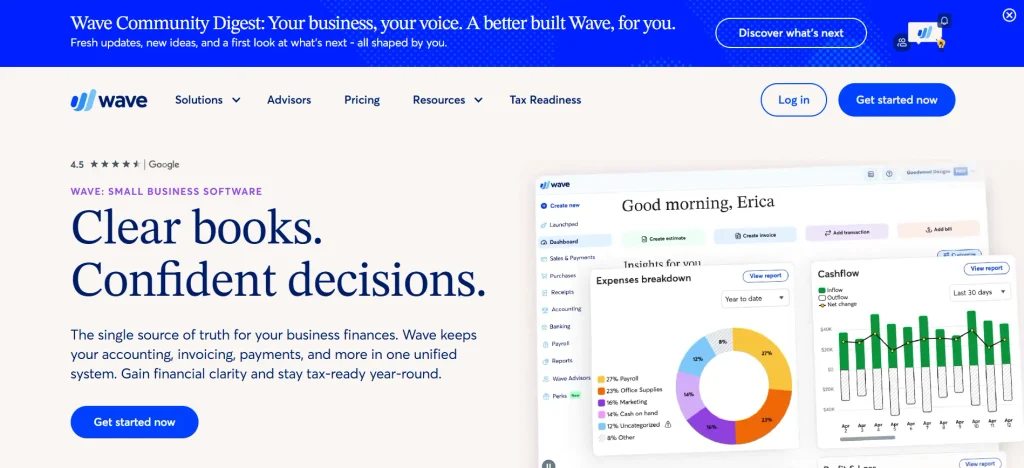
Best for: Freelancers and small businesses looking for basic accounting with a low starting cost.
Wave offers online accounting tools designed for small businesses and independent professionals. Its core workflows include income and expense tracking, invoicing, and financial reports. For users who need to maintain basic books without investing in a large accounting system, it can be a practical starting point.
Wave is especially relevant to businesses with relatively straightforward finances. A freelancer can use it to record income, track expenses, and send invoices, while a small service business can monitor outstanding customer payments. However, availability, payment services, and tax-related features vary by location. Businesses in India should confirm whether Wave meets their local GST and compliance needs before relying on it.
Key Features:
- Income and expense tracking.
- Invoicing and customer payment management.
- Basic financial reporting.
- Online access to accounting records.
- Additional payment and business services, depending on eligibility.
Pros:
- Offers a low-cost entry point for basic bookkeeping.
- Easy to understand for many small-business users.
- Combines invoicing with core accounting functions.
Cons:
- Advanced accounting and automation needs may require other tools.
- Payment features and availability vary by region.
- May not be suitable for businesses requiring Indian GST workflows.
Pricing:
- Wave offers free and paid options, with pricing and feature availability depending on the service and location.
Who should use it?
- Freelancers and small service businesses with straightforward accounting needs, especially where Wave’s services are supported.
7. Odoo Accounting
Best for: Businesses that want accounting connected with inventory, sales, purchasing, and other business operations.
Odoo Accounting is part of the Odoo business application ecosystem. It helps companies manage invoices, vendor bills, bank transactions, financial reports, and reconciliation. Its broader appeal comes from the ability to connect accounting with other Odoo applications, including sales, inventory, purchasing, and other operational functions.
This setup can be useful for businesses that want to reduce data duplication between departments. For example, a company may connect sales orders and inventory movements with its accounting workflow, subject to the modules and configuration in use. Odoo can be flexible, but businesses should plan the implementation carefully because the total effort depends on the number of modules, integrations, and custom workflows required.
Key Features:
- Customer invoices and vendor bill management.
- Bank synchronization and reconciliation features, where supported.
- Financial reports and tax-related configuration.
- Connections with inventory, sales, purchasing, and other Odoo applications.
- Customizable workflows through supported configuration and development options.
Pros:
- Can connect accounting with wider business operations.
- Offers flexibility for businesses with specialized workflows.
- Reduces the need to maintain separate systems for every function.
Cons:
- Setup can become complex when several modules are involved.
- Customization may require technical support.
- Costs depend on the selected applications, hosting, and implementation.
Pricing:
- Odoo offers different plans and pricing structures depending on the apps, hosting model, and subscription. Some accounting features may be available through eligible plan options, but users should check the current scope carefully.
Who should use it?
- Small and growing businesses, retailers, distributors, and companies that want accounting connected to inventory and operations.
8. NetSuite Cloud Accounting
Best for: Growing and large businesses that need accounting as part of a broader enterprise resource planning system.
Oracle NetSuite provides cloud-based financial management within a wider enterprise resource planning platform. It is one of the cloud accounting applications designed to support businesses that need accounting alongside processes such as order management, inventory, procurement, and business reporting. This can be valuable for organizations that have outgrown basic bookkeeping tools and need a more integrated view of financial and operational data.
NetSuite can support more complex requirements, including multiple subsidiaries, currencies, and consolidated financial reporting, depending on the configuration and licensed modules. Its capabilities are particularly relevant to companies expanding across regions or managing several business units. However, implementation requires careful planning, and the platform may be excessive for a small business that only needs invoicing and expense tracking.
Key Features:
- General ledger and financial management.
- Accounts payable, accounts receivable, and reporting.
- Multi-currency and multi-subsidiary capabilities, where configured.
- Connections between finance and operational ERP processes.
- Dashboards and business performance reporting.
Pros:
- Suitable for complex and expanding business operations.
- Integrates financial management with wider ERP functions.
- Supports consolidated reporting across eligible entities.
Cons:
- Implementation can require significant time and resources.
- Total costs depend on licensing, modules, users, and services.
- May be too complex for freelancers and very small businesses.
Pricing:
- NetSuite uses customized pricing based on business size, modules, users, and implementation requirements.
Who should use it?
- Mid-sized and large businesses, multi-entity companies, and organizations that need accounting as part of a wider ERP system.
9. Akaunting

Best for: Small businesses and independent professionals looking for an accessible online accounting platform.
Akaunting is an online accounting application designed to help businesses manage income, expenses, invoices, customers, vendors, and financial records. Its approach can appeal to users who want a simpler accounting setup rather than a large enterprise system. Depending on the deployment and available features, businesses can use it to organize bookkeeping and access their records online.
One factor that makes Akaunting worth evaluating is its deployment flexibility. Businesses should distinguish between hosted offerings and self-hosted arrangements because hosting, maintenance, updates, and technical responsibility can differ. A self-hosted setup may provide more control, but it can also require technical skills to manage backups, updates, and security.
Key Features:
- Income and expense tracking.
- Invoicing and customer management.
- Vendor and transaction management.
- Financial reports and online access.
- Additional applications and customization options, depending on the edition.
Pros:
- Provides core accounting features for smaller businesses.
- Can suit users looking for more flexibility in deployment.
- May be a useful option for businesses with straightforward accounting workflows.
Cons:
- Advanced functionality may require additional applications or setup.
- Self-hosting creates maintenance and security responsibilities.
- Businesses should confirm local tax and compliance support before adoption.
Pricing:
- Akaunting has offered hosted and self-hosted options, with costs depending on the edition and selected services.
Who should use it?
- Freelancers, small businesses, and technically capable users who want an online accounting solution with flexible deployment options.
10. Vyapar
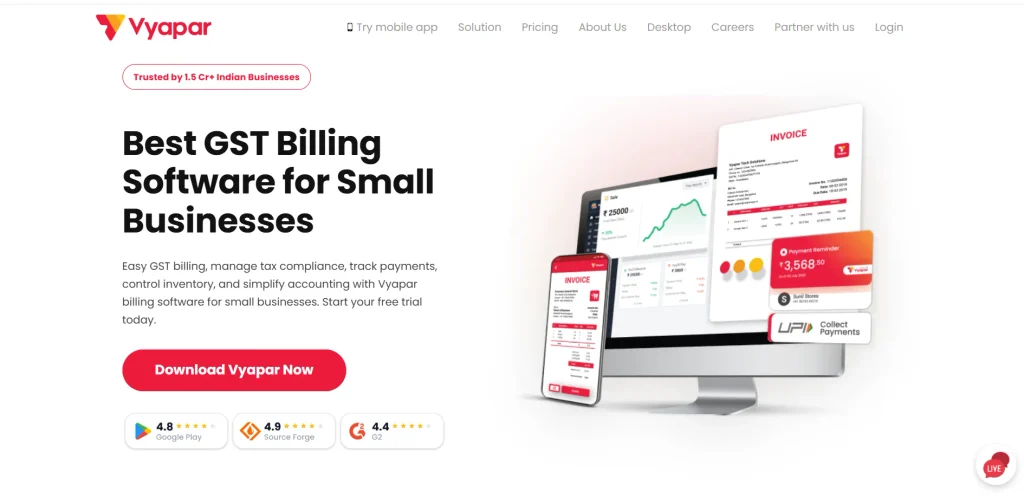
Best for: Indian small businesses, retailers, wholesalers, and traders that need billing and GST-related accounting workflows.
Vyapar is a business accounting and billing application aimed at Indian small businesses. It helps users create invoices, track expenses, manage stock, record payments, and organize business transactions. These features can be useful for retailers, wholesalers, and service providers that need a straightforward way to manage daily billing and financial records.
Vyapar is worth considering for businesses that want accounting and inventory-related functions in one place. However, buyers should check the exact cloud access, synchronization, backup, and multi-user capabilities included in the edition they choose. Product availability and functionality can differ by device, plan, and configuration, so it is important to confirm whether the chosen version fits the business’s access and compliance requirements.
Key Features:
- Billing and invoice creation.
- Expense and payment tracking.
- Inventory and stock management features.
- GST-related billing and reports, subject to the selected version.
- Business reporting and access through supported devices.
Pros:
- Focuses on practical needs of Indian small businesses.
- Combines billing with inventory-related functions.
- Can be useful for businesses that need straightforward transaction management.
Cons:
- Cloud and collaboration features should be checked for the chosen plan.
- Advanced reporting may be more limited than enterprise platforms.
- Businesses with complex financial structures may need a more advanced system.
Pricing:
- Vyapar offers different product and subscription options, and the exact price depends on the selected version and features.
Who should use it?
- Indian retailers, wholesalers, traders, and small businesses that need billing, stock tracking, and accounting-related features.
Comparison Table Of Cloud Accounting Applications: Features, Pricing, and Best Use Cases
Choosing cloud accounting software depends on your business size, accounting requirements, budget, and the amount of automation you need. Some tools focus on simple invoicing and expense tracking, while others provide advanced financial reporting, inventory management, and support for growing businesses.
| Software | Best For | Key Features | Inventory Management | Integrations and Scalability | Free Plan or Trial |
| QuickBooks Online | Small and growing businesses | Bank reconciliation, financial reports, tax tracking, expense categorization, and cash flow management | Available in selected plans | Broad app ecosystem; suitable for growing teams | Free options and trial availability vary by market |
| Xero | Businesses working with accountants and multiple team members | Bank feeds, financial reporting, purchase orders, reconciliation, and multi-currency support | Available through selected plans and integrations | Strong integrations and multi-user collaboration | Free trial available; terms vary by region |
| FreshBooks | Freelancers, consultants, and service-based businesses | Time tracking, project profitability, expense management, financial reports, and client management | Limited compared with inventory-focused accounting tools | Connects with payment, project management, and business apps | Free trial available |
| Wave | Freelancers and very small businesses | Income and expense tracking, financial reports, receipt management, and basic bookkeeping | Not designed for advanced inventory management | Best suited to simpler business workflows | Free accounting plan available in supported markets |
| Zoho Books | Small businesses and companies using Zoho applications | Bank reconciliation, automated workflows, financial reports, tax management, and inventory features | Available, with more advanced capabilities in higher plans | Integrates with Zoho applications and third-party services | Free plan available in India; paid plans also offered |
| Sage Accounting | Small businesses needing bookkeeping and financial reporting | Cash flow tracking, bank reconciliation, expense management, reporting, and tax-related features | Depends on the Sage product and plan | Connects with selected business applications; broader Sage products support larger organisations | Trial availability depends on product and region |
| Odoo Accounting | Small and growing businesses managing accounting alongside business operations | Invoicing, vendor bills, bank reconciliation, financial reports, and tax configuration | Available through Odoo Inventory integration | Connects with sales, purchasing, inventory, and other Odoo applications | Free One App plan available; paid plans offer additional applications |
| Oracle NetSuite | Mid-sized and large businesses | General ledger, financial consolidation, revenue management, reporting, and multi-entity accounting | Yes, through its integrated ERP capabilities | Designed for complex operations, multiple entities, and business expansion | Demo available; no standard free plan |
| Akaunting | Freelancers and small businesses seeking flexible online bookkeeping | Income and expense tracking, invoicing, customer management, vendor records, and financial reports | Available through additional applications or integrations, depending on the setup | Supports additional applications and customization; self-hosted and hosted options | Free self-hosted option; hosted plans may require payment |
| Vyapar | Indian retailers, wholesalers, traders, and small businesses | GST billing, invoice creation, expense tracking, payment records, and business reports | Includes stock and inventory management features | Supports business workflows through its available integrations and supported devices | Free version and paid subscription options available |
Essential Features To Look For In Cloud Accounting Software
Not every business needs every accounting feature. A freelancer may only need invoicing and expense tracking, while a distributor may need inventory management and purchase records. Before choosing an application, identify the functions that your business uses every day and the reports it needs for financial decisions.
Invoicing and Payment Tracking
Invoicing tools should make it easy to create bills, set payment terms, track outstanding amounts, and send reminders. Recurring invoices are especially useful for businesses that charge clients monthly, such as agencies, consultants, and subscription-based service providers.
Payment tracking is also important because revenue recorded on an invoice is not the same as money received in the bank. An accounting application should help users identify overdue invoices and understand how much cash is still expected from customers.
Bank Reconciliation and Expense Management
Bank reconciliation helps businesses match accounting records with transactions shown in bank statements. Applications with supported bank feeds can import transactions automatically, reducing the need for manual entry. However, imported transactions still need to be reviewed and matched correctly.
Expense management should also make it easier to categorize spending, attach supporting documents, and review business costs. These records help businesses understand where money is going and prepare more accurate financial reports.
Tax Compliance and Local Accounting Requirements
Tax features should match the country where the business operates. Indian businesses may need GST calculations, tax reports, e-invoicing support, or other applicable compliance features. Businesses operating internationally may need support for local sales tax, VAT, or other tax rules.
Do not assume that every cloud accounting application supports every country’s tax requirements. Confirm the relevant tax features, supported integrations, and reporting requirements before migrating your books.
Financial Reports and Cash Flow Visibility
Useful accounting applications should provide reports such as profit and loss statements, balance sheets, and cash flow summaries. These reports help business owners understand profitability, review expenses, and identify potential cash shortages. Companies that need closer control over their cash positions may also use treasury management software alongside their accounting systems to monitor liquidity and manage funds. Depending on their size and structure, they may also need budgeting tools, department-level reports, project profitability analysis, or consolidated financial statements.
Look for reports that answer actual business questions. For example, a service business may want to compare revenue by client, while a retailer may need to understand how inventory costs affect profit. A long list of reports is not useful unless the information helps the business make decisions.
Integrations and Multi-User Access
Integrations can connect accounting software with e-commerce platforms, payment gateways, payroll systems, inventory tools, and customer management applications. This reduces repeated data entry and helps keep business information consistent. However, check whether the integration is native, requires a third-party connector, or involves additional charges.
Multi-user access is important when owners, accountants, finance staff, and managers need different levels of access. The application should support suitable permissions so that employees can complete their work without receiving unnecessary access to sensitive financial information.
How To Choose The Right Cloud Accounting Application?
The best choice depends on your business size, transaction volume, tax requirements, and the complexity of your financial operations. Use the following steps to evaluate potential applications.
- Define your accounting needs: List the tasks you need to manage, such as invoices, expenses, bank reconciliation, inventory, payroll, or project billing. This prevents you from paying for features you are unlikely to use.
- Confirm local compliance support: Check whether the application supports the tax rules, reporting formats, and banking integrations required in your country. For Indian businesses, confirm the GST-related capabilities of the specific plan.
- Compare the total cost: Consider subscription fees, additional users, payment processing, integrations, migration, training, and accountant access. A low starting price may not represent the total cost of running the software.
- Test the application before switching: Use a free trial or demo to create invoices, enter expenses, reconcile transactions, and generate reports. Test the actual tasks your team performs instead of relying only on product demonstrations.
- Review data security and backups: Check access controls, authentication options, data export capabilities, backup practices, and the provider’s policies for handling financial information.
- Plan the migration: Confirm how opening balances, customer records, vendor details, invoices, and historical transactions can be transferred. Keep a copy of your existing records and reconcile balances after migration.
Benefits Of Using Cloud Accounting Applications
Cloud accounting can improve financial management by making records easier to access, reducing repetitive work, and helping teams maintain a more consistent view of business performance. The value is especially clear when several people need to work with the same financial information.
Access Financial Records From Different Locations
Authorized users can review financial information through supported web or mobile applications without relying on a single office computer. This can help business owners, accountants, and managers collaborate when they work from different locations. Access still depends on internet availability, user permissions, and the application’s supported devices.
Reduce Repetitive Accounting Work
Features such as recurring invoices, bank feeds, payment reminders, and transaction rules can reduce manual work. This gives finance teams more time to review transactions, follow up on overdue payments, and analyze business performance. Automation should still be reviewed regularly because incorrect rules can create repeated errors.
Improve Cash Flow Visibility
When invoices, bills, and bank transactions are recorded consistently, businesses can better understand incoming and outgoing cash. This helps owners identify overdue customer payments and plan upcoming expenses. Timely financial information can support better decisions about purchasing, staffing, and other operating costs.
Support Collaboration With Accountants
Cloud accounting allows authorized accountants and internal teams to work from a shared set of records. This can reduce the need to email spreadsheets back and forth and make it easier to review transactions during the month. User permissions and audit trails are important for maintaining accountability.
Scale Accounting as the Business Grows
A business may begin with simple invoicing and expense tracking, then later need inventory, multi-currency support, project accounting, or consolidated reports. A scalable accounting application can support these changes without requiring an immediate switch to a completely different system. Before selecting a platform, check whether the required features are available in higher plans and whether upgrading would remain affordable.
Cloud Accounting Market Trends And Future Outlook
Cloud accounting is part of a broader shift toward digital financial management. A 2026 market report from Grand View Research estimated that the global accounting software market was valued at US$20.8 billion in 2025 and projected it to reach US$38.7 billion by 2033, representing a forecast compound annual growth rate of 8.1%. The report also estimated that cloud-based solutions accounted for more than 60% of the market in 2025. These are industry research estimates rather than audited figures, and market definitions can vary between research providers.
The demand for cloud accounting is linked to the need for faster access to financial information, simpler collaboration, and reduced dependence on locally installed systems. Small businesses can access accounting functions without maintaining extensive internal IT infrastructure, while larger organizations can connect finance with other business systems. The following trends are likely to influence how businesses evaluate these applications.
More Automation in Bookkeeping and Reconciliation
Accounting platforms are increasingly offering tools that help categorize transactions, match bank entries, flag discrepancies, and reduce repetitive data entry. These features can speed up bookkeeping, particularly for businesses that handle many similar transactions every month. However, automatic categorization should not be treated as proof that a transaction has been recorded correctly.
A useful system should make exceptions easy to identify and review. Businesses should monitor unmatched transactions, unusual expenses, and discrepancies rather than assuming the software will resolve every issue automatically.
AI-Assisted Financial Insights
Some accounting applications are adding AI features that can help users explore financial information, summarize trends, or identify potential anomalies. These capabilities may make reports easier to interpret for business owners who do not have a dedicated finance team. The practical value depends on the quality of the underlying records and the reliability of the analysis.
Businesses should treat AI-generated financial explanations as assistance rather than a substitute for accounting judgment. Important decisions involving taxes, cash flow, financial statements, or compliance still require validation against the original records and applicable rules.
Stronger Connections Across Business Applications
Cloud accounting is becoming more useful when it connects with payment systems, inventory applications, payroll, e-commerce platforms, and customer management tools. These connections can reduce duplicate data entry and provide a more complete view of business performance. Retail businesses using POS systems can also bring sales data into their accounting workflows, making financial reconciliation easier. For example, connecting sales and accounting can help a business compare sales activity with received payments and outstanding invoices.
The challenge is keeping integrations reliable. Businesses should check how frequently data syncs, how errors are handled, and whether a connector adds extra costs. A well-designed workflow is more valuable than simply connecting as many applications as possible.
Greater Attention to Security and Financial Data Control
As accounting records become accessible online, businesses need to pay close attention to login security, user permissions, data export, and vendor policies. Financial records may include customer details, bank transactions, payroll information, and commercially sensitive data. Access should be limited to people who need it, and additional authentication should be enabled where available.
Businesses should also have a clear process for reviewing access when employees leave or responsibilities change. Cloud hosting can simplify maintenance, but it does not remove the organization’s responsibility to protect its accounts and manage financial data carefully.
Conclusion
Cloud accounting applications help businesses manage invoices, expenses, bank transactions, and financial reports from an online platform. They can reduce repetitive work, make collaboration easier, and provide better visibility into financial performance. However, the right application depends on the size of the business, its accounting complexity, and the local tax rules it needs to follow.
For Indian small businesses, Zoho Books and Vyapar are useful options to evaluate for local billing and accounting workflows. Freelancers may prefer FreshBooks or a suitable low-cost platform, while growing organizations with more complex financial structures may need Sage Intacct or NetSuite. Before making a decision, test the application with real accounting tasks, confirm compliance support, compare the total cost, and plan how existing records will be migrated.
Frequently Asked Questions
1. What Is The Best Cloud Accounting Application For Small Businesses?
Zoho Books, QuickBooks Online, Xero, FreshBooks, and Wave are options worth considering for small businesses. The right choice depends on the business’s country, budget, invoicing needs, tax requirements, and reporting needs. Indian businesses should pay particular attention to GST support and local banking integrations.
2. Is Cloud Accounting Application Better Than Traditional Accounting Software?
Cloud accounting application provides online access, shared records, and automatic updates, which can be useful for businesses with remote teams or external accountants. Traditional or locally installed software may still suit businesses with specific infrastructure, workflow, or access requirements. The better option depends on how the business operates and manages its data.
3. Is There A Free Cloud Accounting Application?
Yes. Some platforms offer free plans or limited free editions. Zoho Books has a free plan for eligible users, and Wave offers free and paid options in supported markets. Before choosing a free plan, check transaction or invoice limits, user access, regional availability, integrations, and whether the features meet your accounting needs.
4. Which Cloud Accounting Application Is Best For Indian Businesses?
Zoho Books is a strong option to evaluate for Indian businesses because it offers GST-related accounting features and local pricing. Vyapar may suit retailers and traders that need billing and stock-related workflows. The best choice depends on the business model, transaction volume, inventory needs, and compliance requirements.
5. Can Cloud Accounting Software Help With GST Compliance?
Some cloud accounting software support GST calculations, tax-related reports, and other compliance workflows for India. However, the exact features depend on the software, plan, configuration, and applicable rules. Businesses should verify the current capabilities and review their records before filing returns or relying on generated reports.
