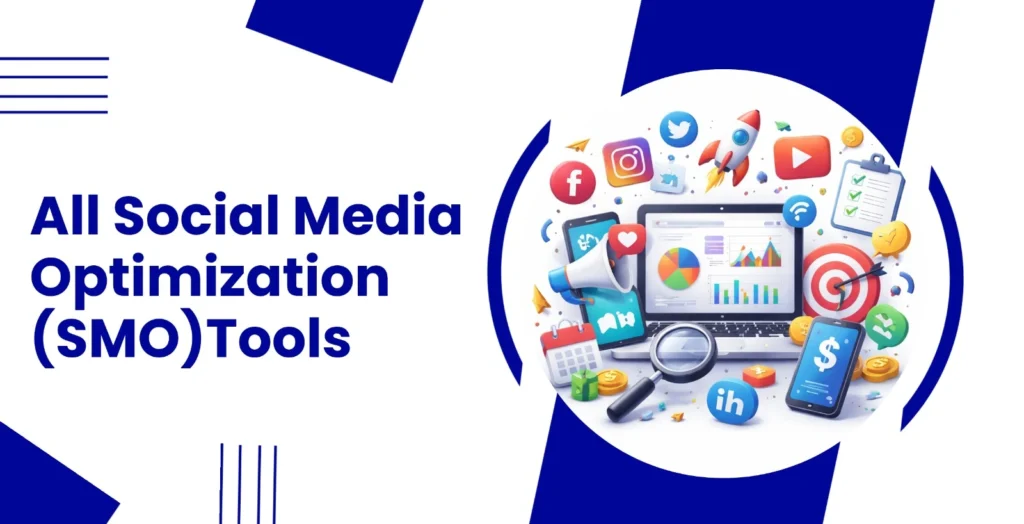
Managing social media today is not as simple as posting a picture and hoping for likes. With so many platforms, trends changing every week, and increasing competition, it can quickly feel overwhelming to stay consistent and get real results.
That’s where All SMO Tools come in. These tools help you plan content, schedule posts, track performance, and even understand what your audience actually likes all in one place. Whether you’re a business owner, marketer, or content creator, the right tool can save you hours of work and make your social media efforts much more effective.
But with so many options available, choosing the right one can be confusing. Some tools focus on scheduling, others on analytics, and some even use AI to help you create content faster. In this article, we’ve put together a list of the top SMO tools that can help you grow your social media smarter, not harder. Let’s explore them and find the one that fits your needs perfectly.
SEO vs SMO: What’s The Difference And Why It Matters
- Search vs. Scroll Intent: SEO targets users who are actively searching for specific answers, whereas SMO captures people who are browsing social feeds for discovery or entertainment.
- Pull vs. Push Marketing: SEO functions as a pull strategy by appearing when a user has a specific need, while SMO acts as a push strategy by placing content in front of an audience to spark interest.
- Discovery Platform: The primary focus of SEO is optimization for search engines like Google or Bing, while SMO focuses on increasing visibility and engagement within social networks like LinkedIn, Instagram, or TikTok.
- Longevity vs. Virality: SEO is built for long-term, sustainable traffic through consistent rankings, whereas SMO thrives on immediate engagement and the potential for content to go viral quickly.
- Content Format: SEO often prioritizes structured, keyword-optimized text and technical site performance, while SMO relies on high-impact visuals, shareable headlines, and community interaction.
Why Should Businesses Use SMO Tools
- Centralized Management: These tools allow teams to manage multiple social media profiles from a single dashboard, eliminating the need to log in and out of different platforms to post updates.
- Data-Driven Insights: Businesses can access advanced analytics and performance metrics that go beyond basic likes, helping them understand audience demographics and which content types drive the most engagement.
- Consistent Scheduling: Automation features enable brands to schedule posts weeks in advance, ensuring a steady stream of content is published during peak audience activity times without manual intervention.
- Efficient Social Listening: Many tools include monitoring capabilities that track brand mentions and industry keywords, allowing companies to respond to customer feedback or join trending conversations in real time.
- Enhanced Collaboration: SMO software often provides shared workspaces and approval workflows, which help marketing teams coordinate their strategy and maintain a unified brand voice across all social channels.
Comparison Table
| Tool | Best For | Free Plan | Starting Price | Ease of Use |
| Buffer | Simple scheduling | Yes | $6/month | Very High |
| Canva | Visual design | Yes | $5.41/month | Very High |
| Metricool | All-in-one analytics | Yes | $20/month | High |
| SocialBee | Evergreen recycling | No (Trial) | $24/month | Medium |
| Adobe Express | Small business value | Yes | $4.32/month | Medium |
| Later | Visual grid planning | No (Trial) | $25/month | High |
| SocialPilot | Agency scaling | No (Trial) | $21/month | High |
| ContentSt udio Agorapuls e | Content curation Community & ROI | No (Trial) No (Trial) | $19/month $79/month | Medium High |
| Brand24 | Reputation monitoring | No (Trial) | $249/month | High |
| Hootsuite | Enterprise management | No (Trial) | $20/month | Medium |
| Sprout Social | Deep social insights | No (Trial) | $199/month | High |
| BuzzSumo | Content research | No (Trial) | $199/month | Medium |
| VistaCreate | Agency ,white-labeling | Yes | $13/month | Medium |
| YouScan | Visual image listening | No (Trial) | $499/mo | Medium |
List OF 15 Best All SMO Tools
A. Businesses and Digital Marketers Social Media Scheduling Tools
1. Buffer – Best for small businesses and individuals
Website: https://buffer.com
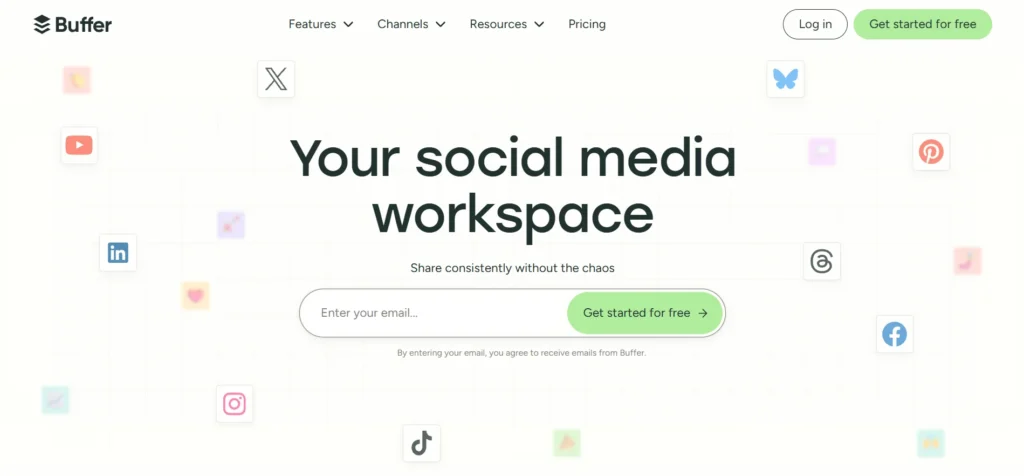
Buffer is a streamlined social media monitoring platform designed to simplify the process of scheduling and publishing content across multiple networks. It emphasizes a clean, distraction-free user interface that allows users to plan their social media presence without technical complexity, making it an ideal choice for creators and small teams who value efficiency.
By providing a unified dashboard for platforms like Instagram, LinkedIn, and TikTok, all smo tools Buffer helps users maintain a consistent posting cadence. The platform has also integrated AI-powered assistance to help generate captions and repurpose content, ensuring that even solo entrepreneurs can manage a professional-grade social media strategy with minimal manual effort.
Key features:
- Centralized multi-channel publishing calendar
- AI Assistant for caption generation and content ideas
- Tailored post customization for each specific platform
- Landing page builder to drive traffic from social bios
Pros:
- Extremely intuitive and user-friendly interface
- Offers a very generous free tier for beginners
- Reliable direct publishing for visual platforms like Instagram
Cons:
- Analytics and engagement tools are sold as separate add-ons
- Lacks a unified inbox for managing mentions and DMs in one place
Pricing:
| Free | Essentials | Team |
| $0 | $6/mo | $12/mo |
2. SocialBee – Best for evergreen content recycling
Website: https://socialbee.com
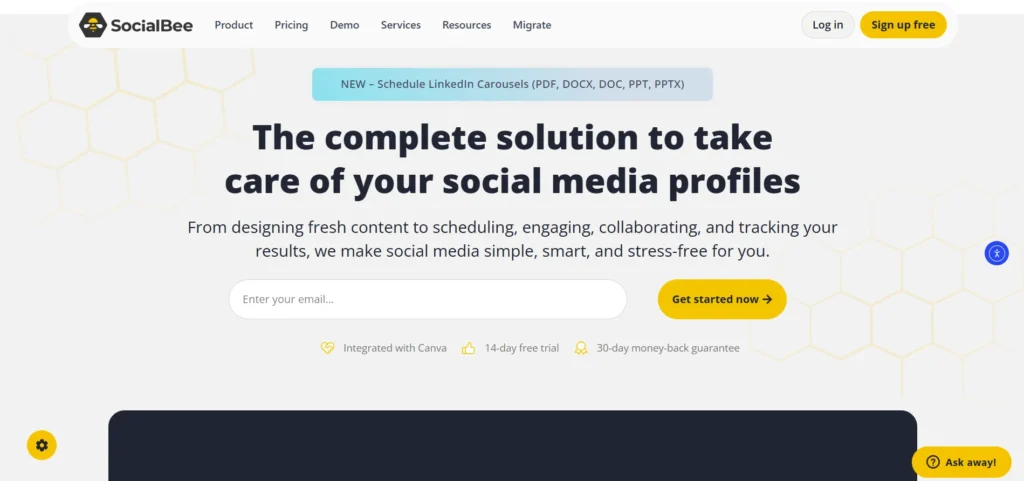
SocialBee is a robust social media automation tool that focuses on category-based scheduling and content longevity. Unlike traditional schedulers, SocialBee allows users to organize their posts into distinct buckets, such as “Educational,” “Promotional,” or “Behind the Scenes,” and then set a recurring schedule for each category to ensure a balanced feed.
The tool’s standout capability is its evergreen recycling feature, which automatically reshuffles and reposts your best-performing content at set intervals. This approach is particularly effective for businesses looking to maximize the reach of their core messaging without constantly creating new assets from scratch, effectively putting their social media growth on autopilot.
Key features:
- Category-based content organization and scheduling
- Automated evergreen content recycling and expiration dates
- AI Copilot for generating full social media strategies
- Bulk editor for updating multiple posts simultaneously
Pros:
- Highly effective for maintaining a consistent posting volume
- Strong workspace management features for small teams
- Integrated with Canva and Unsplash for easy design
Cons:
- The dashboard has a steeper learning curve than simpler tools
- Customer support hours can be limited depending on your time zone
Pricing:
| Bootstrap | Accelerate | Pro |
| $24/mo | $40/mo | $82/mo |
3. SocialPilot – Best for agencies managing multiple clients
Website: https://www.socialpilot.co
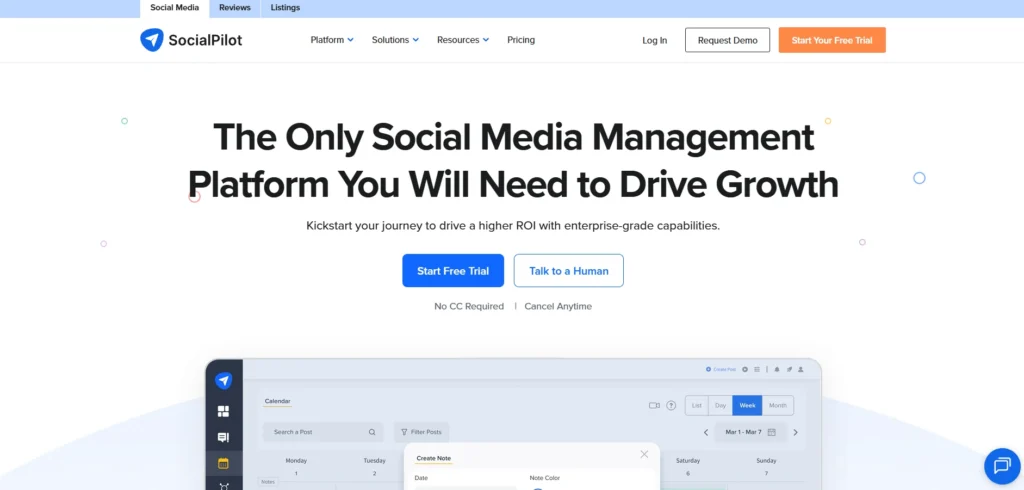
SocialPilot is a comprehensive and cost-effective social media management tool tailored specifically for marketing agencies and medium-sized businesses. all smo tools It provides a powerful suite of features designed to handle a high volume of accounts, making it easy to scale operations without the prohibitive costs associated with enterprise-level software.
The platform excels in collaboration, offering white-label reporting and client approval workflows that allow agencies to present a professional front while maintaining internal control. Its bulk scheduling capabilities and browser extensions streamline the content creation process, ensuring that teams can manage dozens of client profiles with speed and precision.
Key features:
- Bulk scheduling for up to 500 posts via CSV upload
- Client management and approval workflow systems
- White-label analytics reports for professional branding
- Integrated AI assistant for tone-specific content creation
Pros:
- Supports a high number of social profiles at a competitive price
- Excellent team collaboration and permission settings
- Includes first-comment scheduling for better engagement
Cons:
- The user interface can feel slightly dated compared to modern rivals
- Visual calendar views are sometimes less intuitive than list formats
Pricing:
| Standard | Premium | Enterprise |
| $21.64/mo | $64.93/mo | Custom |
B. Social Media Design Tools
4. Canva – Best for non-designers and quick visuals
Website: https://www.canva.com
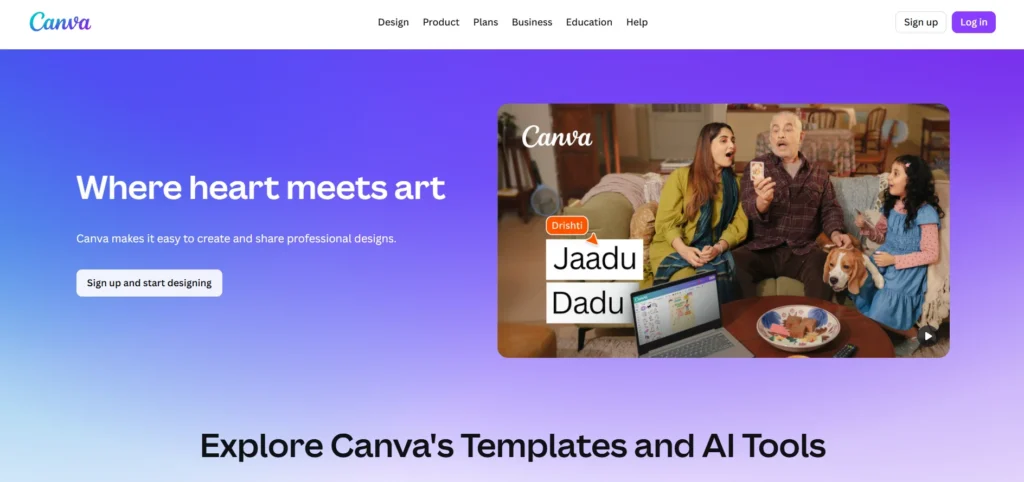
Canva is a revolutionary graphic design platform that has democratized the creation of high-quality visual content. By providing a vast library of pre-made templates and a simple drag-and-drop interface, it enables users with no formal design training to produce professional-looking social media graphics, videos, and presentations in minutes.
The platform is built for speed and accessibility, offering a wide range of assets including stock photos, illustrations, and fonts. It has recently expanded its capabilities with powerful AI tools that can generate images from text and automatically resize designs for different social platforms, ensuring that your brand maintains a consistent and polished look across the web.
Key features:
- Thousands of professionally designed social media templates
- Magic Switch for instant resizing across different platforms
- Brand Kit for storing logos, colors, and fonts in one place
- Integrated video editor with a library of audio and animations
Pros:
- Exceptionally easy to use with a very shallow learning curve
- Huge library of free and premium assets available
- Excellent mobile app for designing on the go
Cons:
- Highly popular templates can make designs look generic
- Advanced photo manipulation and vector editing are limited
Pricing:
| Free | Pro |
| $0 | $5.41/mo |
5. Adobe Express – Best for high-end brand assets
Website: https://www.adobe.com/express/
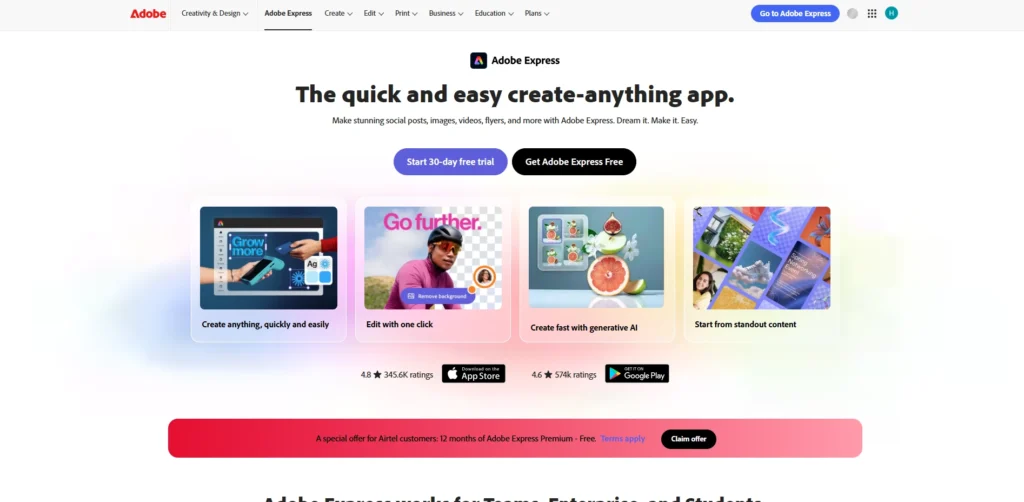
Adobe Express is a web-based design tool that brings the creative power of Adobe’s professional software into a simplified, user-friendly format. It is designed for businesses that need to create standout social content while leveraging Adobe’s industry-leading technology in image processing, typography, and artificial intelligence.
All smo tools One of its greatest strengths is the integration with the broader Adobe Creative Cloud ecosystem, allowing users to access assets created in Photoshop or Illustrator seamlessly. It features advanced AI-powered tools like Firefly, which allows for sophisticated text-to-image
generation and generative fill, making it a powerful choice for brands that want to push the boundaries of their visual storytelling.
Key features:
- Generative AI tools powered by Adobe Firefly
- One-click background removal and quick action video tools
- Access to the massive Adobe Fonts and Adobe Stock libraries
- Scheduled publishing to social media channels directly from the app
Pros:
- High-quality professional templates and typography options
- Seamless workflow for users already using Adobe Creative Cloud
- Very powerful “Quick Actions” for rapid photo and video editing
Cons:
- The interface is slightly more complex than simpler competitors
- The mobile application can be resource-heavy and slower to load
Pricing:
- $4.32/mo
6. VistaCreate – Best for small business marketing materials
Website: https://vistacreate.com
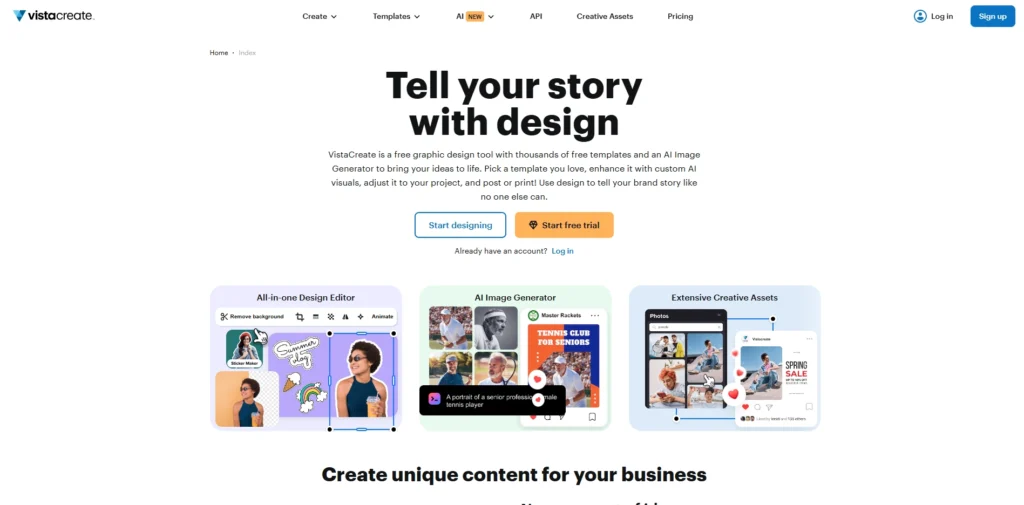
VistaCreate is an online design tool specifically built to help small businesses create professional-grade marketing materials without the need for a dedicated design team. It offers an expansive collection of templates tailored for social media posts, stories, and advertisements, with a strong focus on animated content that helps brands capture attention in busy feeds.
The platform provides a straightforward editing experience that includes a background remover, a brand kit manager, and a library of millions of creative assets. By focusing on the specific needs of small businesses, VistaCreate ensures that users can quickly produce consistent, eye-catching content that aligns with their marketing goals across both digital and print formats.
Key features:
- Large library of animated templates and video backgrounds
- Brand Kit to maintain visual consistency across all designs
- Direct integration with VistaPrint for physical marketing needs
- Multi-page editing and easy folder organization for projects
Pros:
- Very competitive pricing for the features provided in the Pro plan
- Excellent selection of animated elements and music tracks
- Simple and intuitive interface that is easy to master
Cons:
- The stock asset library is smaller than that of Canva
- Fewer third-party app integrations compared to larger platforms
Pricing:
| Starter | Pro |
| $0 | $13/mo |
C. Analytics & Performance Tools
7. Metricool – Best for comprehensive cross-platform reporting
Website: https://metricool.com
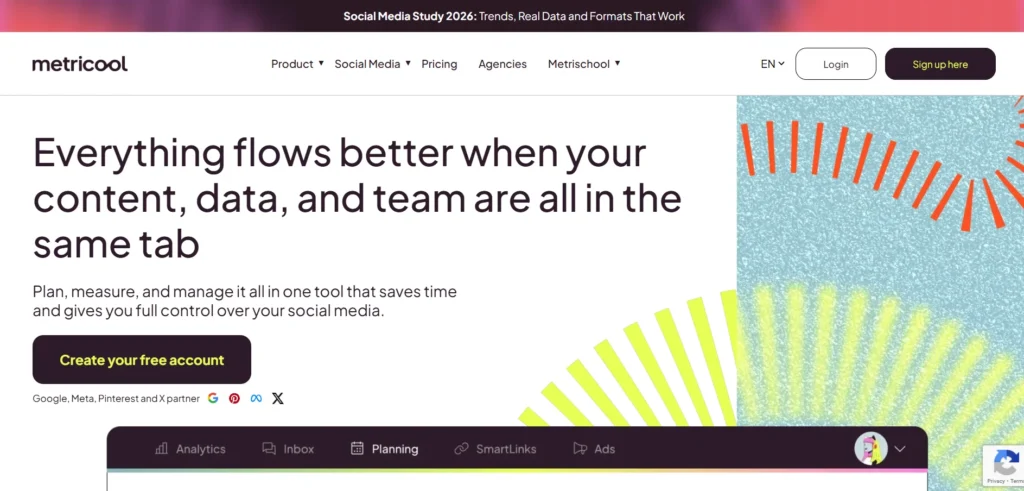
Metricool is a powerful, data-centric tool designed to help marketers analyze, manage, and grow their digital presence from a single location. It stands out by providing a unified view of not just social media performance, but also website traffic and digital ad campaigns, making it a favorite for those who need to see the bigger picture of their marketing funnel.
The platform excels at simplifying complex data through real-time dashboards and color-coded content calendars that suggest the best times to post based on actual audience activity. all smo tools by bridging the gap between social engagement and web conversions, Metricool empowers businesses to refine their strategies with precision, ensuring every post and ad dollar contributes to their overall growth goals.
Key features:
- Real-time tracking for social media, websites, and ad platforms
- Color-coded best-times-to-post feature for maximum reach
- Integrated Google and Meta ads management and analysis
- Competitor benchmarking and hashtag tracking across platforms
Pros:
- Offers a robust free plan that includes website analytics
- Simplifies complex data into easy-to-read, professional reports
- One of the few tools to integrate search and social ad data
Cons:
- The interface can feel data-heavy and overwhelming for beginners
- Advanced features like custom reporting are restricted to higher tiers
Pricing:
| Free | Starter | Advanced | Custom |
| $0 | From $20/mo | From $53/mo | Available on request |
8. Agorapulse – Best for community management and ROI tracking
Website: https://www.agorapulse.com
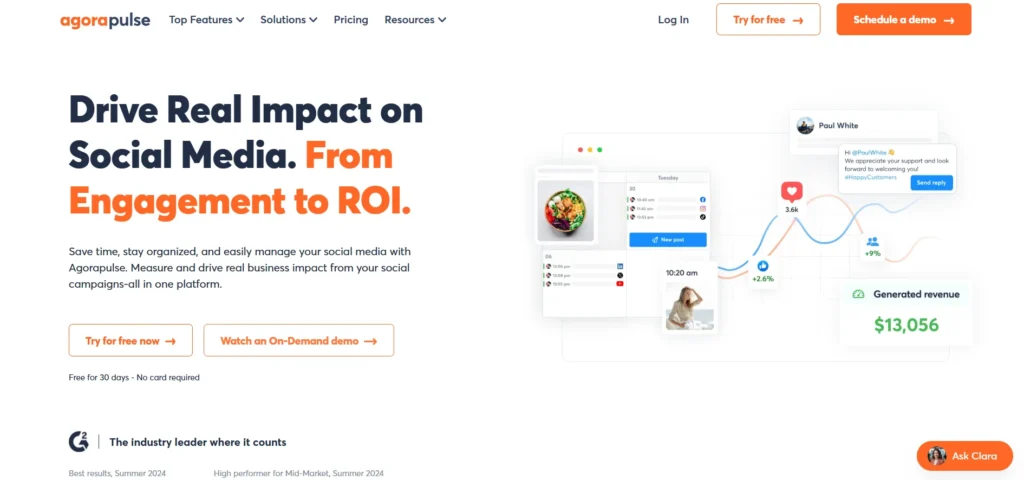
Agorapulse is a highly organized social media management suite that strikes a perfect balance between scheduling, engagement, and deep analytics. It is specifically built for medium-sized businesses and agencies that prioritize community management, offering a “zero-inbox” philosophy that ensures every comment and mention is addressed promptly.
Beyond engagement, Agorapulse provides some of the most intuitive ROI tracking tools in the industry, allowing teams to tie social media activity directly to business outcomes. With its clean interface and automated moderation rules, it helps busy marketing teams stay on top of their social presence while delivering the data-backed insights needed to prove the value of their work to stakeholders.
Key features:
- Unified Social Inbox with automated moderation and tagging
- Detailed Social Return on Investment reports that track link clicks and conversions
- AI-powered writing tools and alt-text generation in 38 languages
- Shared calendars for easy client or team approval workflows
Pros:
- Exceptionally clean and intuitive user experience
- Powerful reporting suite that is easy to customize and export
- Top-tier customer support with rapid response times
Cons:
- Pricing is per user, which can become expensive for larger teams
- X (Twitter) support and advanced reporting often require paid add-ons
Pricing:
| Standard | Professional | Advanced | Custom |
| $79/mo | $119/mo | $149/mo | Available on request |
9. Sprout Social – Best for enterprise-level data analysis
Website: https://sproutsocial.com
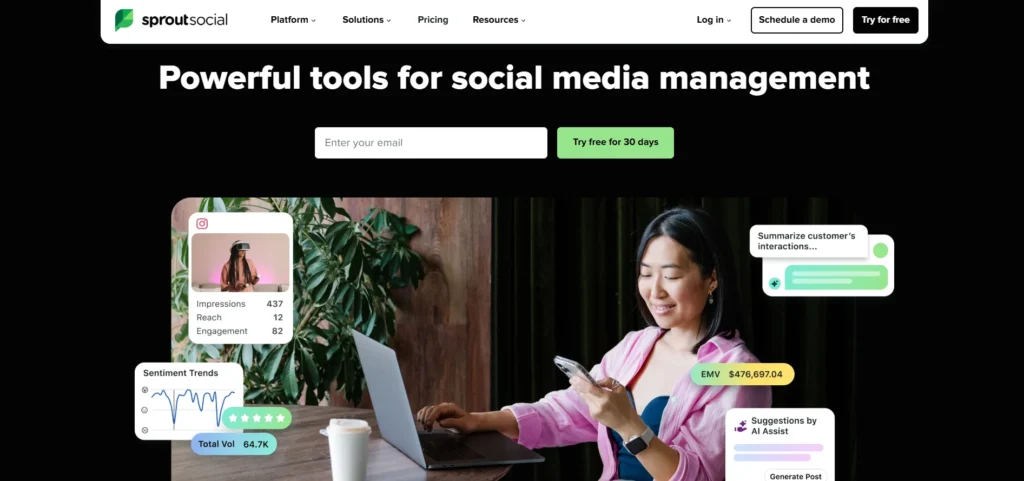
Sprout Social is a premium, enterprise-grade social media management platform that offers unparalleled depth in data analysis and social listening. It is designed for larger organizations that require a sophisticated, centralized hub to manage complex social operations, from customer care and advocacy to granular performance reporting across global teams.
What sets Sprout Social apart is its focus on “social intelligence,” providing tools that allow brands to listen to industry-wide conversations and extract actionable insights about sentiment and trends. all smo tools while it carries a higher price point, its polished interface and robust automation capabilities make it the gold standard for businesses that view social media as a primary driver of strategic decision-making.
Key features:
- Smart Inbox that consolidates all interactions into a single stream
- Advanced Social Listening to track industry trends and brand sentiment
- Automated link tracking and Google Analytics integration
- Custom report builder for granular, presentation-ready data
Pros:
- Highly polished and professional interface suitable for large teams
- Superior collaboration tools and sophisticated approval workflows
- Comprehensive training and dedicated account management for enterprises
Cons:
- Significantly more expensive than most other tools on the market
- Higher tiers are required to access the most powerful listening features
Pricing:
| Standard | Professional | Advanced | Enterprise |
| $199/mo | $299/mo | $399/mo | Custom |
D. Content Research & Hashtag Tools
10. BuzzSumo – Best for content discovery and influencer research
Website: https://buzzsumo.com
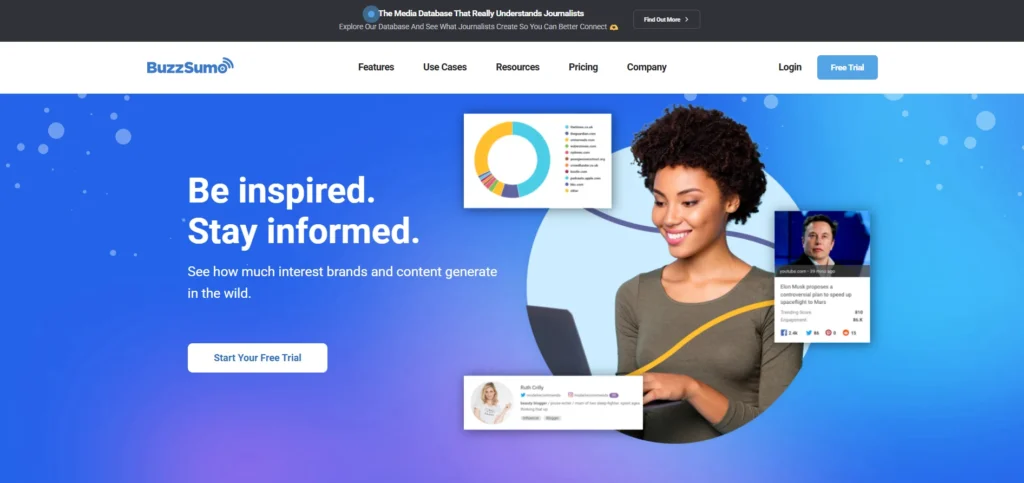
BuzzSumo is a premium research platform that specializes in analyzing what content performs best across social media and the open web. It provides marketers with a massive database of billions of articles, allowing them to search for any keyword or domain to see which stories have generated the most engagement, shares, and backlinks over various timeframes.
Beyond simple content analysis, the tool is a powerhouse for identifying industry influencers and tracking trending topics in real-time. By revealing the questions people are asking on forums and the specific journalists covering certain niches, BuzzSumo enables businesses to craft data-backed content strategies that are much more likely to resonate with their target audience and gain organic traction.
Key features:
- Content Analyzer for tracking engagement across all major social networks
- Influencer search and outreach database for TikTok, YouTube, and X
- Real-time trending feeds to catch viral stories as they break
- Question Analyzer that pulls queries from Reddit, Quora, and Amazon
Pros:
- Unrivaled historical data on content performance and virality
- Highly effective for competitor benchmarking and gap analysis
- Precise filtering options to find the most relevant niche influencers
Cons:
- The entry-level price point is quite high for freelancers or small startups
- The depth of data can lead to a steep learning curve for new users
Pricing:
| Content Creation | PR & Comms | Suite | Enterprise |
| $199/mo | $299/mo | $499/mo | $999/mo |
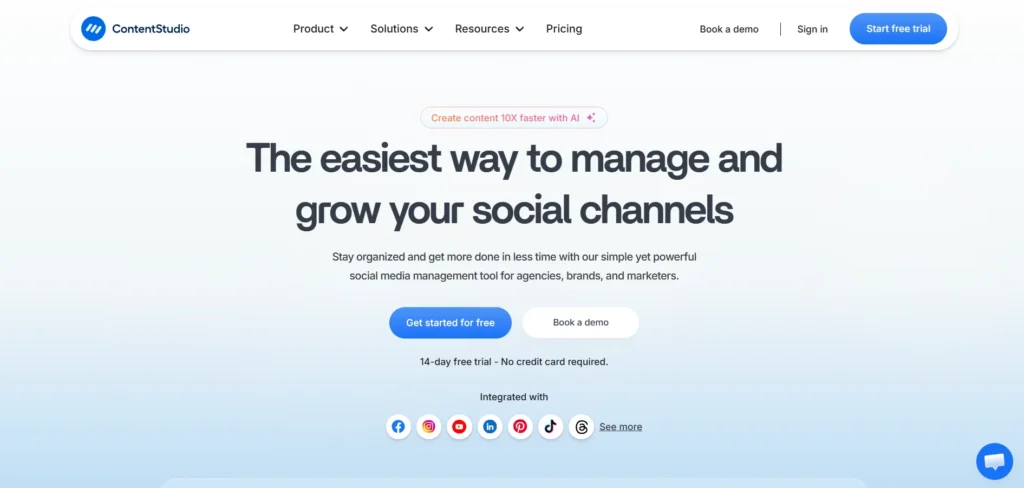
11. ContentStudio – Best for content curation and automation
Website: https://contentstudio.io
ContentStudio is an all-in-one social media and content marketing tool designed to help businesses discover, curate, and share trending content with ease. It combines powerful discovery engines with automation “recipes” that allow users to automatically post relevant industry news to their social channels, keeping their feeds active and informative without constant manual curation.
The platform serves as a central hub for both original content creation and external discovery, featuring an AI writing assistant and a unified social inbox. all smo tools Its ability to categorize content and schedule it across multiple platforms makes it a favorite for agencies and marketing teams who need to manage complex content calendars while maintaining a high standard of variety and engagement.
Key features:
- Discovery engine for finding trending news and articles by niche
- Automated “recipes” for hands-free social media posting
- AI-powered content writer for captions and blog posts
- Multi-channel social inbox and team collaboration workflows
Pros:
- Excellent for maintaining a high volume of curated industry content
- Offers a more affordable price point for its breadth of features
- Robust blog and social media integration in a single dashboard
Cons:
- The discovery results can sometimes feel cluttered with irrelevant sources
- AI credits are limited on the lower-tier plans
Pricing:
| Standard | Advanced | Agency |
| $19/mo | $49/mo | $99/mo |
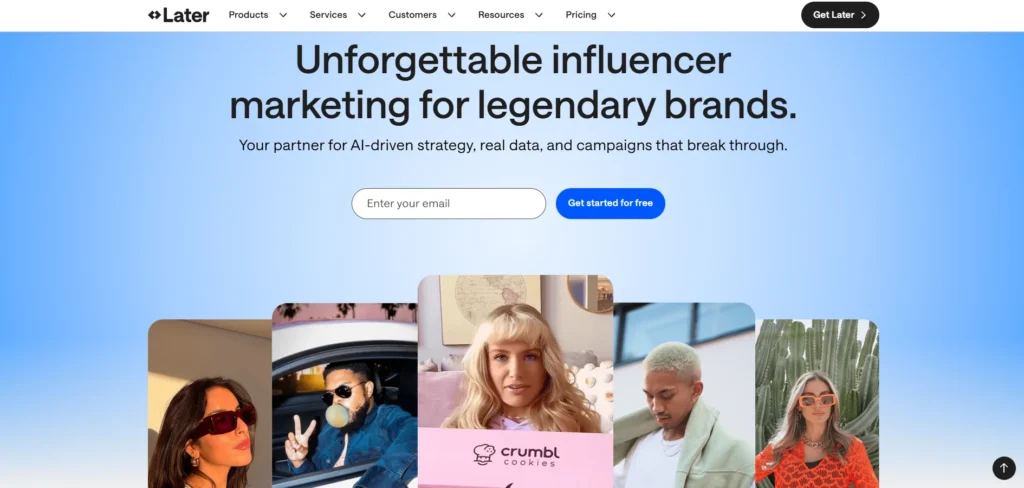
12. Later – Best for visual-first platforms like Instagram
Website: https://later.com
Later is a visual-centric social media management tool that was originally built as a dedicated Instagram scheduler. It has since expanded to support all major platforms, but it retains a unique focus on aesthetic planning, providing a “drag-and-drop” visual grid that allows brands to see exactly how their feed will look before any content is published.
The platform is designed to streamline the workflow for creators and visual brands, offering tools to find user-generated content and manage high-quality media libraries. With its integrated “Link in Bio” tool and hashtag suggestion engine, Later helps businesses maximize their visual impact and drive measurable traffic from their social profiles back to their websites or online stores.
Key features:
- Visual Instagram Grid Planner for aesthetic feed management
- “Linkin.bio” tool to turn social posts into a clickable storefront
- User-generated content (UGC) discovery and rights management
- AI-powered hashtag suggestions and best-time-to-post analytics
Pros:
- The visual planner is one of the most intuitive in the market
- Superior features for managing Instagram and TikTok campaigns
- Clean, modern interface that is very easy for creators to use
Cons:
- Analytics for text-based platforms like LinkedIn are less comprehensive
- Advanced team features and unlimited posts require higher-tier plans
Pricing:
| Starter | Growth | Scale |
| $25/mo | $50/mo | $110/mo |
D. Brand Monitoring & Listening Tools
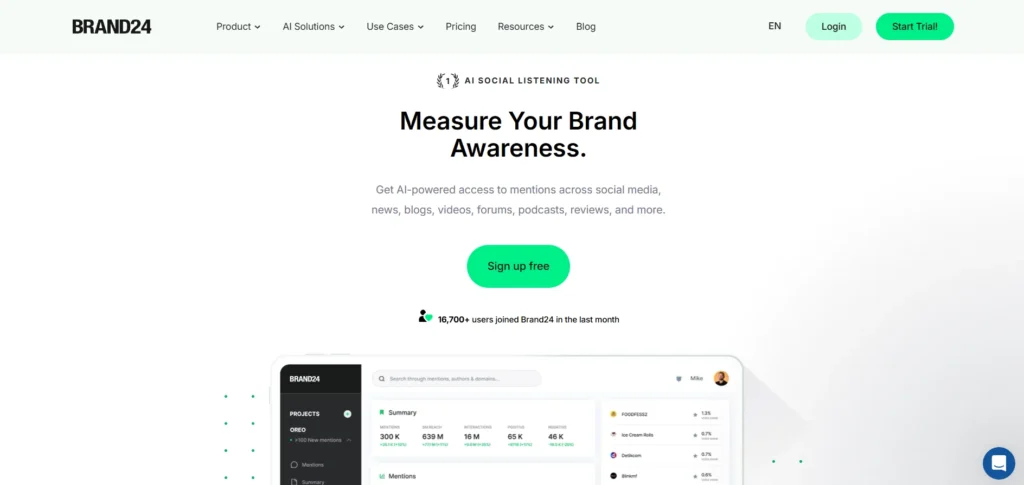
13. Brand24 – Best for real-time brand reputation management
Website: https://brand24.com
Brand24 is a specialized social listening platform that provides businesses with instant access to online mentions across social media, news sites, blogs, and forums. By aggregating these conversations into a single dashboard, it allows companies to stay informed about what is being said about their brand, products, or competitors in real time, facilitating immediate engagement and proactive crisis management.
The tool is particularly renowned for its advanced sentiment analysis, which categorizes mentions as positive, negative, or neutral. This helps marketing teams quickly identify potential PR issues before they escalate and recognize brand advocates who are spreading positive word-of-mouth. all smo tools With its user-friendly interface and automated alerts, Brand24 makes sophisticated reputation monitoring accessible to both small startups and large marketing agencies.
Key features:
- Mentions Feed for real-time tracking across the web and social media
- AI-driven Sentiment Analysis to gauge public perception
- Discussion Volume Chart to identify spikes in brand conversations
- Data Exporting for professional PDF and Excel reporting
Pros:
- Extremely fast setup with a very intuitive, clean dashboard
- Real-time notifications ensure no critical mention is missed
- Excellent balance of advanced features and affordability for SMEs Cons:
- AI can occasionally struggle with sarcasm or nuanced language
- Mobile app functionality is somewhat limited compared to the desktop version
Pricing:
| Individual | Team | Pro | Business | Enterprise |
| $249/mo | $349/mo | $499/mo | $699/mo | $1499/mo |
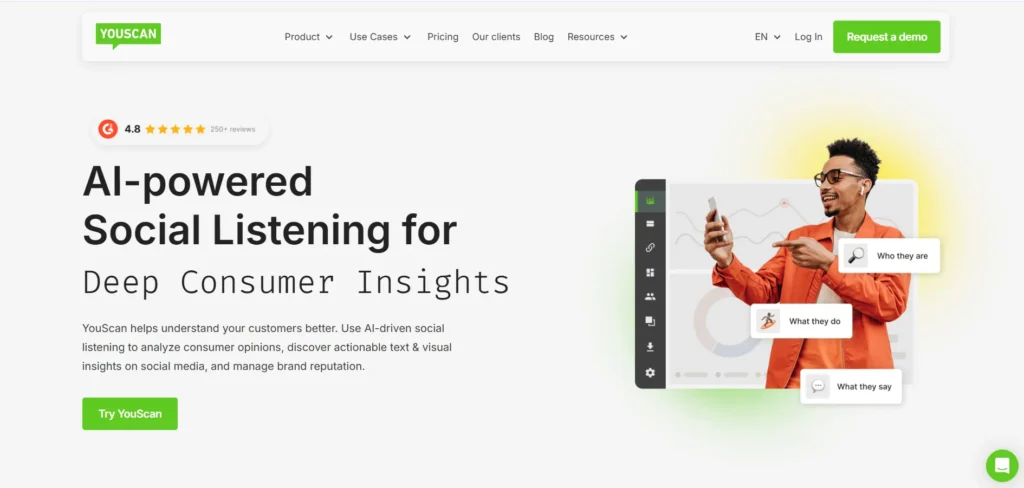
14. YouScan – Best for visual brand monitoring and image recognition
Website: https://youscan.io
YouScan is a next-generation social listening platform that leverages industry-leading AI to provide deep consumer insights. While it handles text analysis with high precision, its standout capability is “Visual Insights,” which uses sophisticated image recognition to detect logos, objects, scenes, and even demographic data within images shared on social media.
This visual-first approach allows brands to see how their products are used in real-world settings, even when the brand isn’t explicitly mentioned in the accompanying text. Trusted by global giants like Nestle and Coca-Cola, YouScan helps organizations understand the “who, where, and how” of their brand consumption, making it an invaluable asset for market research, competitor analysis, and measuring the true reach of sponsorship and branding efforts.
Key features:
- Visual Insights for logo, object, and scene detection in images
- Insights Copilot, a conversational AI agent for data analysis
- Tiger Finder tool for discovering relevant TikTok influencers
- Comprehensive sentiment analysis and multi-layered data filtering
Pros:
- Unmatched image recognition accuracy and visual data depth
- Powerful AI-driven summaries that reduce manual analysis time
- High-class technical support and extensive historical data access
Cons:
- The platform has a higher learning curve due to its advanced nature
- Pricing is geared toward enterprises and may be prohibitive for small teams
Pricing:
| Starter | Unlimited |
| $499/mo | Available on request |
15. Hootsuite – Best for comprehensive brand monitoring and security
Website: https://www.hootsuite.com
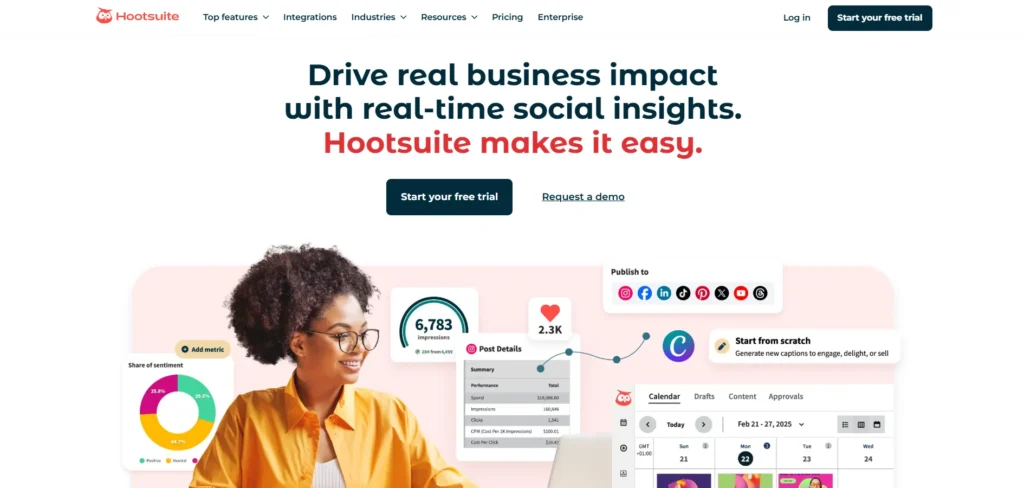
Hootsuite is one of the most established and widely used social media management platforms in the world. It offers a powerful “Streams” feature that allows users to set up custom feeds for tracking specific keywords, hashtags, and brand mentions side-by-side. This layout provides a command-center view of the social landscape, making it easy for teams to monitor industry trends and engage with their audience simultaneously.
Beyond monitoring, Hootsuite provides a robust suite of tools for publishing, analytics, and team collaboration. Its enterprise-grade security and sophisticated permission settings make it a top choice for large organizations that need to manage a vast network of social accounts while maintaining a consistent brand voice. all smo tools By integrating with CRMs and other marketing tools, Hootsuite serves as a central engine for a brand’s entire digital strategy.
Key features:
- Customizable monitoring streams for side-by-side keyword tracking
- Unified Inbox for managing public and private messages in one place
- OwlyWriter AI for generating captions and content ideas
- Enterprise-level security with Single Sign-On (SSO) and approval workflows
Pros:
- Supports an extensive range of social networks and third-party integrations
- Excellent for large-scale team collaboration and task assignments
- Highly reliable and scalable for global enterprise needs
Cons:
- The user interface can feel cluttered and complex for new users
- Pricing has increased significantly, making it one of the more expensive options
Pricing:
| Standard | Advanced | Enterprise |
| $20.72/mo | $81.59/mo | Available on request |
How to Choose The Right SMO Tools for Your Business
- Identify Your Primary Goals: Before evaluating software, define whether your priority is scheduling high volumes of content, engaging with community comments, or performing deep social listening to track brand sentiment. A business focused on visual aesthetics on Instagram will require a very different toolset than one focused on LinkedIn B2B networking.
- Assess Platform Compatibility: Ensure the tool offers full API integration for the specific platforms your audience frequents, as some tools excel at Instagram and TikTok but offer limited functionality for platforms like Pinterest or X. Check if the tool supports “Direct Publishing” versus “Mobile Reminders,” as the latter can disrupt your workflow.
- Evaluate Team Collaboration Features: If you work with a team or external clients, look for tools that offer hierarchical permission settings and streamlined approval workflows. Being able to tag team members in comments and assign “tasks” within a social inbox prevents duplicate responses and ensures a consistent brand voice.
- Analyze Reporting and Analytics Depth: Choose a tool that provides the specific metrics your stakeholders care about, such as social ROI, engagement rates, or competitor analysis tools. The ability to automatically generate and export white-label PDF reports can save hours of manual data entry every month.
- Consider Scalability and Budget: Look beyond the initial “starting price” to see how costs increase as you add more social profiles or team members. Many tools offer a low entry price but become significantly more expensive when you need advanced features like social listening or unified inboxes, so choose a platform that can grow with your business.
Best SMO Tools for Small Businesses
- Buffer: This is the go-to for small teams that need simplicity and budget flexibility. It allows you to manage up to three social channels for free, which is perfect for startups just getting off the ground. Its standout feature is the AI Assistant, which helps you brainstorm content
- ideas and rewrite captions to fit the specific “vibe” of different platforms like LinkedIn or TikTok without extra effort.
- Metricool: This tool is a powerhouse for small businesses that want to grow using data but can’t afford expensive enterprise software.Your website traffic, Google/Meta ad performance, and social media stats are all combined into a single dashboard. Its color-coded “best time to post” view is particularly helpful, as it visually shows you exactly when your specific audience is most active, ensuring your content gets maximum reach.
- Canva: While technically a design tool, it is an essential SMO asset because it bridges the gap between content creation and publishing. Small business owners can use its Brand Kits to lock in their startup’s logos and colors, ensuring every post looks professional and consistent. Additionally, its newer AI Image-to-Video features allow you to turn static product photos into engaging social clips instantly, which is a major time-saver for lean marketing teams.
Conclusion
Choosing the right SMO tool doesn’t have to be complicated. If you are just starting out, free tools like Buffer or Canva are perfect for getting your feet wet without spending a dime. As your business grows and you need to manage more accounts or track deeper data, moving to a paid platform like Metricool or SocialBee can save you hours of manual work every week.
The goal is to find a tool that fits your specific workflow, whether that is high-end design, automated scheduling, or detailed analytics. By picking the right partner for your social media strategy, you can stop worrying about the technical side of posting and focus on what really matters: connecting with your audience and growing your brand.
FAQs
1. Can SMO Tools Help With Customer Service On Social Media?
Yes, many tools include a unified social inbox that pulls in direct messages, comments, and mentions from all your platforms into one view. This allows your team to provide faster customer support, tag specific conversations as “resolved,” and even use automated replies to handle common queries during off-hours.
2. Is It Safe To Give These Tools Access To My Social Media Passwords?
You actually don’t give these tools your passwords. Instead, they use a secure process called OAuth, which allows you to “authorize” the tool to post on your behalf via the platform’s official API. This means you can revoke access at any time through your social media settings without ever having to change your actual password.
3. Can I Schedule The Same Post To Multiple Platforms At Once?
Yes, but it is best practice to use a “tailored post” feature found in most SMO tools. This allows you to write one main caption but then customize it—such as adding 30 hashtags for Instagram while keeping the LinkedIn version professional and hashtag-light—all within the same scheduling window.
4. How Do SMO Tools Help Eith “Social SEO”?
While SEO is for search engines, Social SEO is about making your posts discoverable within social app searches. Many SMO tools now offer keyword and hashtag suggestion engines that analyze what is currently trending, helping you optimize your captions so your content appears when users search for specific topics on TikTok or Instagram.
5. Will Using A Third-Party Tool Decrease My Reach Or Engagement?
This is a common myth, but there is no evidence that platforms like Meta or LinkedIn “punish” posts made through authorized third-party tools. As long as you are using a tool that is an official partner of the social network, your reach is determined by the quality of your content and how your audience interacts with it, not the software you used to post it.
