
Have you ever wondered how a small scannable square can instantly connect people to websites, offers, payments, and digital experiences? From restaurant menus and product labels to event tickets and business promotions, QR codes have become a simple yet powerful part of everyday interactions.
But creating an effective QR code requires more than just generating a pattern of black and white squares. The right QR Code Generator helps ensure your codes are easy to scan, visually appealing, and aligned with your brand. Advanced tools offer features like customization, logo integration, dynamic QR codes, and scan analytics to improve user engagement and campaign performance.
This guide explores the best QR Code Generators available, comparing their features, pricing, and capabilities to help you choose the right tool for creating professional, reliable, and trackable QR codes for your personal or business needs.
What Is a QR Code Generator?
A QR Code Generator is an online tool or software that creates QR codes by converting information such as URLs, text, contact details, payment links, or digital content into a scannable code. Instead of manually creating complex patterns, users can simply enter their desired information, and the generator automatically transforms it into a unique QR code.
Modern QR Code Generators offer more than basic code creation. They allow users to customize designs with colors, logos, frames, and branding elements while maintaining scan accuracy. Many advanced tools also provide features like dynamic QR codes, editing options, and scan analytics to monitor performance.
These tools are widely used by businesses, marketers, and individuals to share information quickly across websites, packaging, advertisements, menus, and digital platforms. With a QR Code Generator, creating a professional and functional QR code takes only a few seconds.
Static vs Dynamic QR Codes: What Is The Difference?
Understanding the difference between static and dynamic codes is crucial before choosing QR code software.
- Static QR codes store data permanently. You cannot edit the destination link once it is generated. They are best for fixed information like Wi-Fi passwords or personal vCards.
- Dynamic QR codes use a short redirect URL, allowing you to update the destination anytime without reprinting the code. They also track scan data like location and device type, making them essential for marketing campaigns.
| Feature | Static QR Codes | Dynamic QR Codes |
| Editability | Cannot be edited | Fully editable anytime |
| Scan Tracking | No tracking available | Detailed scan metrics |
| Analytics | None | Location, device, time |
| Best Use Cases | Personal use, Wi-Fi | Marketing, product packaging |
| Cost | Usually completely free | Requires a paid subscription |
For most businesses, dynamic QR codes provide the best return on investment due to their flexibility and tracking capabilities.
How Does a QR Code Generator Work?
Using a QR code creator is a simple and straightforward process. Here is how the technology works behind the scenes:
1. Data input: You start by entering the information you want to share through the QR code, such as a website URL, contact details, text message, payment link, social media profile, or any other digital content. The QR code generator uses this input as the source data to create the code.
2. Encoding Information: The QR code software converts your provided information into a machine-readable format. It processes the text or URL and changes it into binary data (a combination of 0s and 1s) that can be understood by QR code scanners.
3. QR Code Generation: After encoding the information, the generator transforms the binary data into a unique QR pattern made up of small black and white squares. Each square represents a part of the stored information, allowing scanners to quickly read and access the data.
4. Design Customization: Many QR code tools allow you to personalize the appearance of your QR code. You can change colors, add a company logo, adjust shapes, include frames, or match the design with your brand identity while keeping the code functional.
5. Testing: Before using the QR code, the generator checks whether it can still be scanned properly after customization. Users can also test it with different QR scanner apps to make sure it directs to the correct information.
6. Publishing: Once the QR code is ready, you can download it in formats like PNG, SVG, or PDF and use it on business cards, packaging, posters, menus, advertisements, websites, or other marketing materials.
7. Performance Tracking: Advanced QR code platforms provide analytics features that track scans, locations, devices, and user activity. This helps businesses measure engagement and understand how effectively their QR codes are performing.
Key Features to Look for in a QR Code Generator
Choosing the best platform requires evaluating a few essential features. Here is what to look for:
- Dynamic QR codes: Update your destination links anytime without reprinting your physical materials. This flexibility is crucial for businesses running changing promotions.
- Tracking and analytics: Measure campaign success by capturing scan locations, times, and device types. This data helps you optimize your marketing strategies and boost engagement.
- Design and branding: Customize colors, shapes, and insert your company logo directly into the code. This ensures your QR codes look professional and match your brand identity.
- Bulk generation: Quickly generate thousands of unique codes simultaneously to save time. This is essential for large-scale needs like event ticketing or product packaging.
- Multiple download formats: Access high-resolution PNGs for web and scalable SVGs for print. Getting the right format ensures your codes stay crisp and scalable anywhere.
- Security and expiration: Restrict access to sensitive content using password protection. You can also set codes to expire automatically after a specific date or scan limit.
- Marketing integrations: Seamlessly connect scan data directly to your CRM or email software. This automates lead generation and bridges your physical and digital marketing efforts.
Best QR Code Generators at a Glance (Quick Comparison Table)
| Tool | Best For | Dynamic QR Codes | Free Plan | Starting Price | Analytics |
| QR Code Generator | Quick Campaigns | Yes | Yes | $5 / month | Yes |
| QRCode Monkey | Free Customization | No | Yes | Free | No |
| Uniqode | Enterprise Management | Yes | No | $15 / month | Yes |
| QR TIGER | Creative Marketers | Yes | Yes | $7 / month | Yes |
| Scanova | Lead Generation | Yes | No | $15 / month | Yes |
| Flowcode | Secure Tracking | Yes | Yes | $12 / month | Yes |
| Bitly QR Codes | Link Management | Yes | Yes | $8 / month | Yes |
| Canva | Graphic Designers | No | Yes | Free | No |
| Me-QR | Code Variety | Yes | Yes | $5 / month | Yes |
| QRStuff | No Signups | Yes | Yes | $12 / month | Yes |
| Pageloot | Smart Routing | Yes | Yes | $14 / month | Yes |
| Hovercode | Small Businesses | Yes | Yes | $12 / month | Yes |
| QRCodeChimp | Unique Shapes | Yes | Yes | $7 / month | Yes |
| BL.INK | Corporate Compliance | Yes | No | $48 / month | Yes |
| QR.io | Landing Pages | Yes | No | $35 / month | Yes |
| ZebraQR | Digital Menus | Yes | Yes | $9 / month | Yes |
| QRFY | Everyday Users | Yes | Yes | $30 / month | Yes |
| Unitag | Brand Customization | Yes | Yes | $17 / month | Yes |
| The QR Code Generator | Minimalist Creation | Yes | Yes | $5 / month | Yes |
| GoQR.me | Developer APIs | Yes | Yes | $5 / month | Yes |
List of 20 Best QR Code Generators for 2026 (Detailed Reviews)
Here are the top QR code marketing tools available today. We verified that every platform listed below is currently active and reliable for 2026.
1. QR Code Generator: Best For Quick Campaigns
Website: qr-code-generator.com
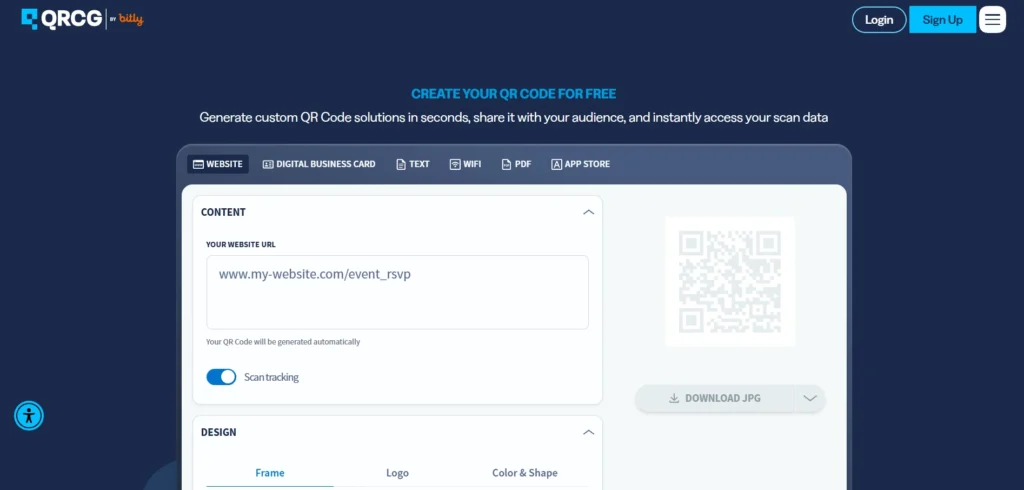
QR Code Generator is a highly popular QR code creator online. It provides a simple interface for individuals and businesses alike. Users can create codes for websites, digital business cards, and social media easily. It is ideal for quick marketing campaigns. The tool offers a reliable QR code management platform with excellent features.
Key Features:
- Custom design options.
- Detailed scan tracking.
- Multiple code types.
- High resolution downloads.
Pricing:
- Free Plan: Basic static codes only.
- Starter Plan: $5 per month (billed annually)
- Advanced Plan: $12.50 per month (billed annually)
- Professional Plan: $35 per month (billed annually)
Pros:
- Very user friendly.
- Reliable system performance.
- Good software integration.
- Clean user interface.
Cons:
- Expensive premium plans.
- Limited free tracking.
- Requires account creation.
- Basic customer support.
2. Uniqode: Best For Enterprise Management
Website: uniqode.com
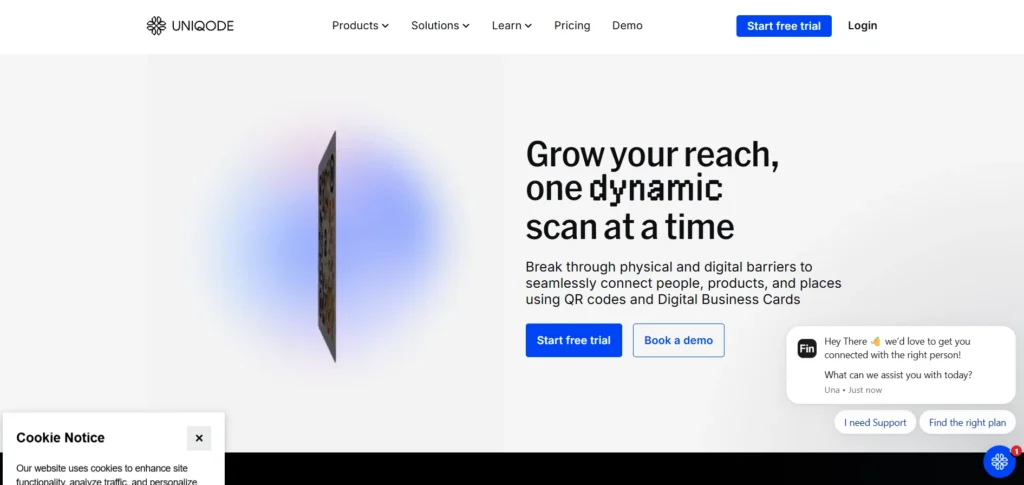
Uniqode recently rebranded from Beaconstac and remains a top-tier platform for QR Code Generators. The platform focuses heavily on security, scalability, and enterprise management, making it a reliable choice for businesses of all sizes. It provides advanced tracking and analytics features that help global brands monitor campaign performance and user engagement. With powerful customization options, secure QR code management, and team collaboration features, Uniqode is considered one of the best solutions for large marketing teams looking to create and manage professional QR codes.
Key Features:
- Enterprise grade security.
- Advanced scan tracking.
- Bulk generation tools.
- CRM software integrations.
Pricing:
- Essential: $9/mo billed annually
- Core: $49/mo billed annually
- Plus: $99/mo billed annually
- Business+: $399/mo billed annually
- Enterprise: custom pricing
Pros:
- Highly secure platform.
- Excellent customer support.
- Powerful team collaboration.
- Detailed scan analytics.
Cons:
- Higher pricing tiers.
- Complex initial setup.
- Overkill for beginners.
- Short trial period.
3. QRCode Monkey: Best For Free Customization

Website: qrcode-monkey.com
QRCode Monkey is an excellent free QR Code Generator tool that allows users to create high-quality static QR codes with advanced design options. You can add logos, change colors, and modify shapes easily to match your brand identity. It is perfect for users who want visually appealing QR codes without paying monthly subscription fees. With its simple interface and customization features, QRCode Monkey makes it easy to create professional-looking codes for websites, marketing materials, and everyday digital sharing needs.
Key Features:
- Free high resolution.
- Custom logo upload.
- Advanced color options.
- Vector format downloads.
Pricing:
- Completely free to use for static code generation.
Pros:
- Completely free tool.
- Beautiful custom designs.
- High quality exports.
- No expiration dates.
Cons:
- No dynamic codes.
- Lacks scan tracking.
- Ads on website.
- No bulk generation.
4. QRStuff: Best For No Signups
Website: qrstuff.com
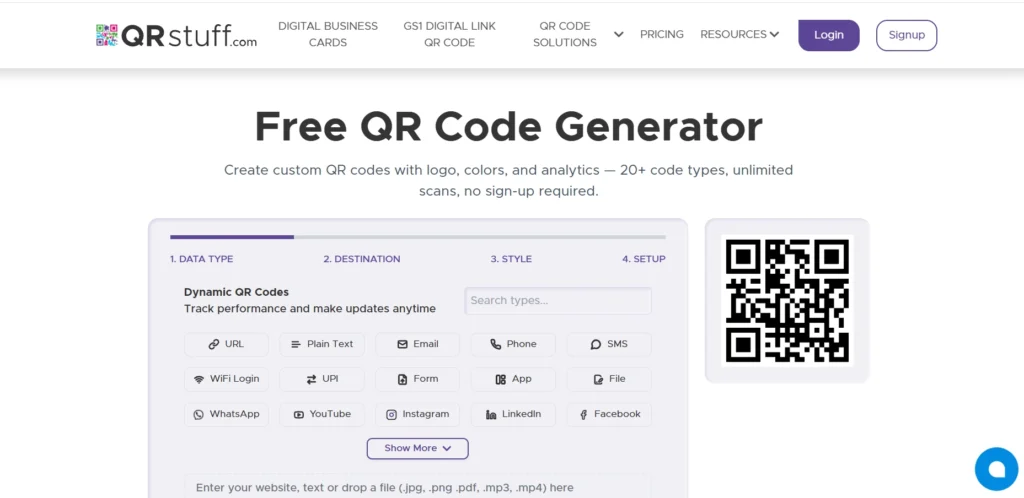
QRStuff is one of the oldest and most reliable QR Code Generators available today. It offers more than twenty different data types for creating QR codes, including links, text, contact details, and other digital information. Users can generate codes instantly without needing to create an account, making the process quick and convenient. With its straightforward interface and easy-to-use features, QRStuff remains a solid choice for individuals and businesses looking for simple, fast, and effective QR code generation solutions.
Key Features:
- No account required.
- Many data types.
- High resolution outputs.
- Batch creation tools.
Pricing:
- Free Suite: $0/mo
- Lite Suite: $10/mo
- Full Suite: $25/mo
- Enterprise: $250/mo
Pros:
- Very fast generation.
- No signups needed.
- Huge feature variety.
- Affordable paid plans.
Cons:
- Outdated user interface.
- Limited design shapes.
- Basic scan analytics.
- Older platform design.
5. QR TIGER: Best For Creative Marketers
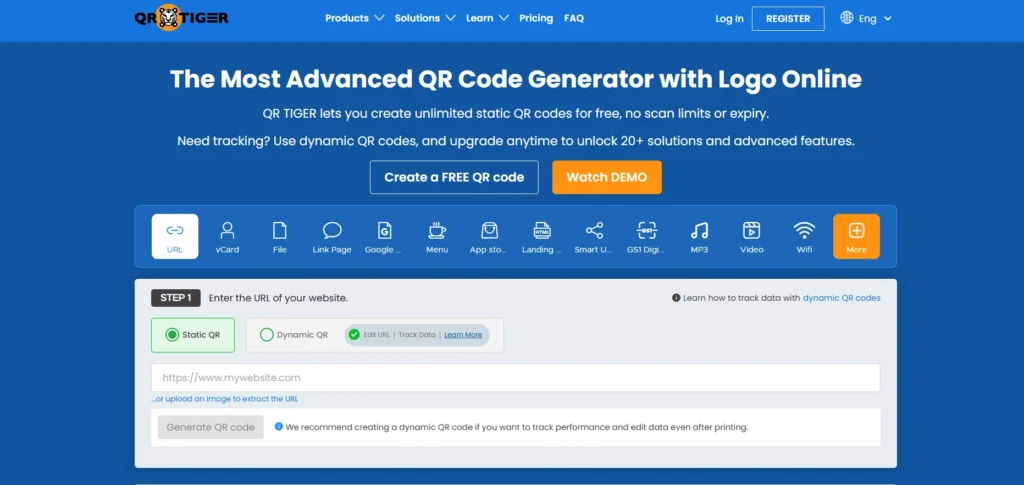
Website: qrcode-tiger.com
QR TIGER is a highly rated QR code creator. It offers a wide variety of code types including robust multi URL options. The platform is known for its reliability and excellent tracking capabilities. It is ideal for creative agencies and marketers running global digital campaigns.
Key Features:
- Multi URL routing.
- Retargeting tool integration.
- API access included.
- Dynamic code support.
Pricing:
- Free basic plan available.
- Regular Plan: $7 per month
- Advanced Plan: $16 per month
- Premium Plan: $37 per month
- Enterprise: Custom quote based on volume
Pros:
- Very reliable platform.
- Advanced marketing features.
- Excellent API access.
- Great customization options.
Cons:
- Cluttered user interface.
- Limited free version.
- Steep learning curve.
- Occasional slow loading.
6. Bitly QR Codes: Best For Link Management
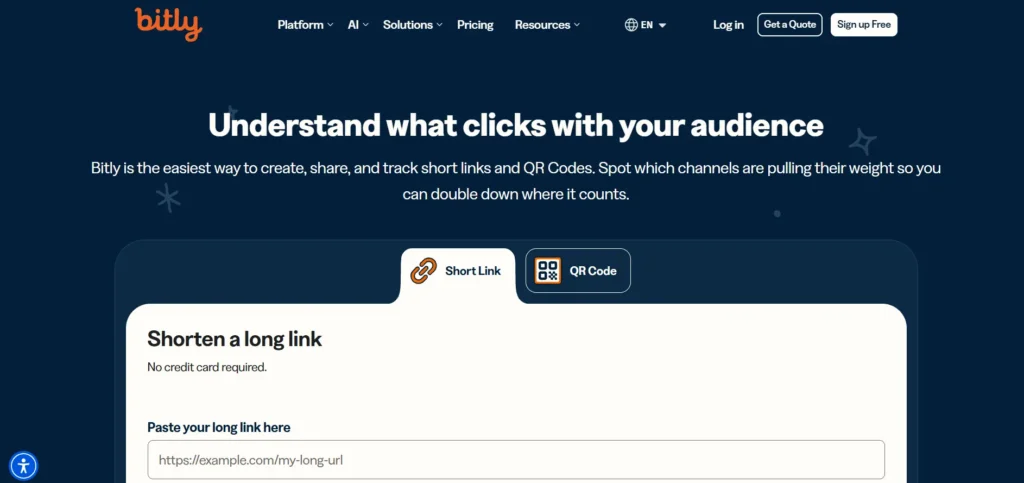
Website: bitly.com
Bitly is famous for link shortening but also offers reliable QR Code Generators features. The platform combines short links with dynamic QR codes seamlessly, allowing users to manage and share digital content more effectively. Users get a unified dashboard to track both clicks and scans, helping businesses measure engagement and campaign performance. With its easy-to-use tools and brand-friendly features, Bitly is an ideal choice for marketers looking for simple QR code creation, link management, and consistent digital experiences.
Key Features:
- Link shortening included.
- Unified tracking dashboard.
- Dynamic code support.
- Custom domain setup.
Pricing:
- Free Plan: 2 QR codes per month
- Core Plan: $10 per month
- Growth Plan: $29 per month
- Premium Plan: $199 per month
Pros:
- Trusted global brand.
- Unified link tracking.
- Very simple interface.
- Great API support.
Cons:
- Limited design options.
- Expensive premium tiers.
- Basic QR customization.
- Few code types.
7. The QR Code Generator: Best For Minimalist Creation

Website: the-qrcode-generator.com
The QR Code Generator is a straightforward, no-nonsense code creation tool. It allows users to quickly build static and dynamic codes without any hassle. The interface is minimal and highly intuitive. It is perfect for users needing fast and basic functioning codes.
Key Features:
- Minimal user interface.
- Fast code generation.
- Basic dynamic tracking.
- Simple text codes.
Pricing:
- Free basic plan available.
- Flex: ₹800/mo
- Core: ₹4,658/mo
- Plus: ₹9,412/mo
- Enterprise: Custom pricing
Pros:
- Very simple interface.
- Extremely fast generation.
- Free basic tools.
- No learning curve.
Cons:
- Very limited designs.
- Basic tracking only.
- Few code types.
- No advanced integrations.
8. Canva QR Code Generator: Best For Graphic Designers
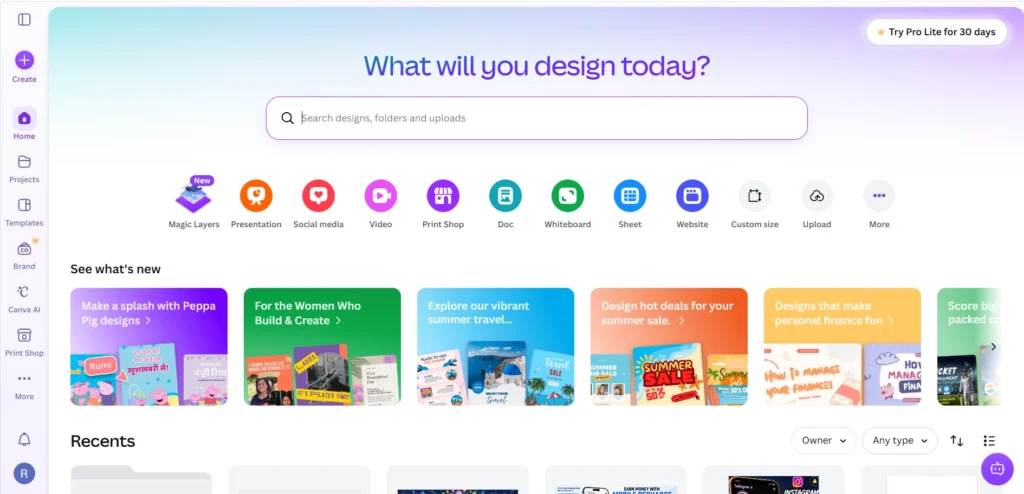
Website: canva.com
Canva includes a built-in QR Code Generators feature within its design platform, making it easy for users to create and add QR codes directly into their designs. Users can generate a code and instantly place it on flyers, posters, social media graphics, or business cards. It is especially convenient for graphic designers and marketers who want to combine visual content with scannable digital links. However, the tool mainly focuses on basic static QR codes and does not offer advanced features like detailed tracking or dynamic code management.
Key Features:
- Built in integration.
- Simple user interface.
- Instant design placement.
- High resolution export.
Pricing:
- Free Plan: Built-in QR generator is completely free.
- Canva Pro: ₹500/mo (unlocks premium design assets to use with your codes).
- Canva for Teams: ₹680/mo
Pros:
- Highly convenient tool.
- Completely free generator.
- Perfect for designers.
- Very fast creation.
Cons:
- No dynamic tracking.
- Very limited customization.
- Basic features only.
- No bulk creation.
9. Pageloot: Best For Smart Routing
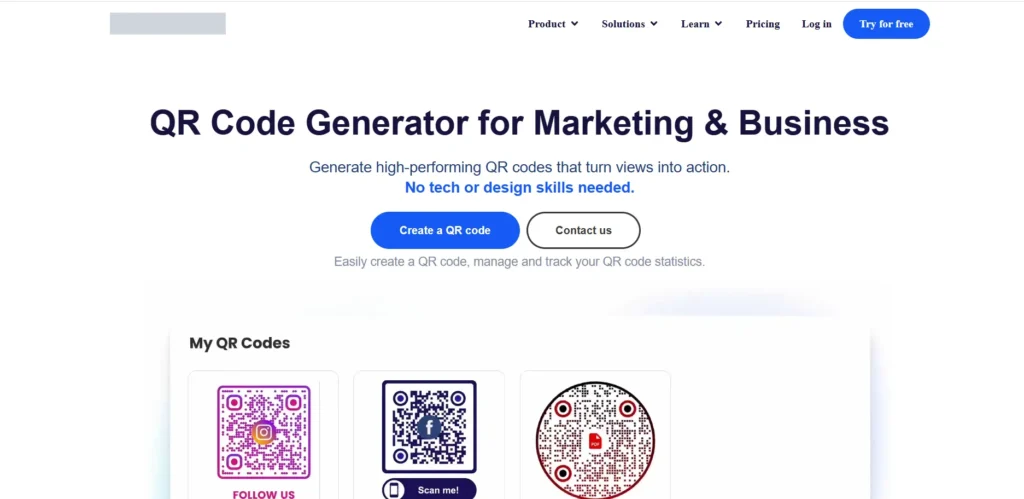
Website: pageloot.com
Pageloot is an excellent business QR code generator focused on lead generation. It includes a smart scanning feature that directs users based on their device operating system. The platform offers clean interfaces and competitive pricing. It is a great option for app downloads.
Key Features:
- Smart device routing.
- Lead collection forms.
- Clean user interface.
- Offline scanning options.
Pricing:
- Starter Plan: ₹1k/mo
- Premium Plan: ₹4k/mo
- Pro plan: ₹8k/mo
- Custom: ₹28k/mo
Pros:
- Great smart routing.
- Easy lead collection.
- Modern clean interface.
- Fair pricing plans.
Cons:
- Fewer integration options.
- Basic visual customization.
- Smaller template library.
- Limited customer support.
10. Hovercode: Best For Small Businesses
Website: hovercode.com
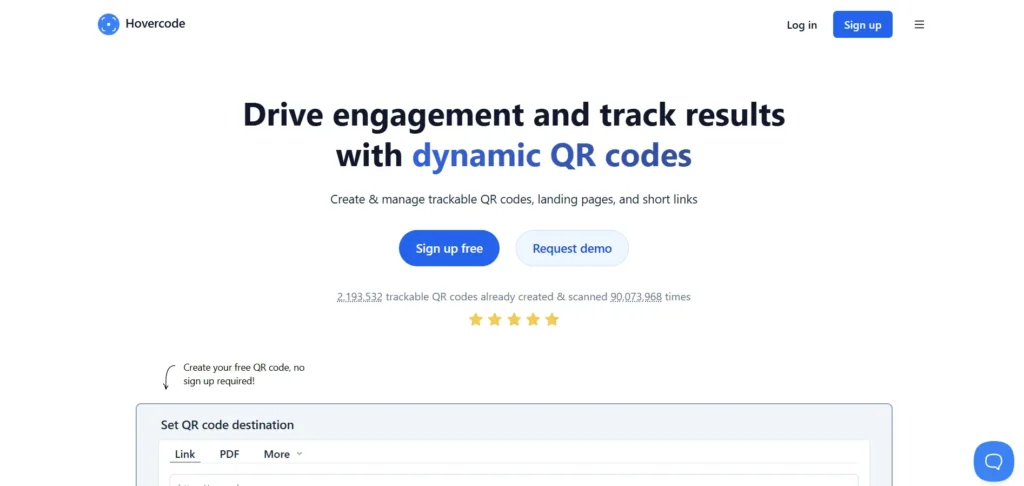
Hovercode is a modern QR code software designed for absolute ease of use. It provides a clean dashboard for managing dynamic QR codes. The platform offers excellent tracking metrics and straightforward pricing. It is a fantastic option for growing small business owners.
Key Features:
- Dynamic code management
- Clean analytics dashboard
- Custom logo branding
- Bulk generation support
Pricing:
- Free forever: $0 /mo
- Pro: $12 /mo
- Business: $39 /mo
- Business Plus: $99 /mo
Pros:
- Very user friendly.
- Transparent pricing plans.
- Good customer support.
- Reliable scan tracking.
Cons:
- Limited advanced integrations.
- Fewer design templates.
- No API access.
- Basic security features.
11. BL.INK QR Codes: Best For Corporate Compliance

Website: www.bl.ink/
BL.INK is a powerful link management and QR Code Generators platform designed primarily for enterprise clients that require strong security, compliance, and advanced control. The tool offers features like smart routing, detailed data analytics, and efficient QR code management to help businesses optimize their digital campaigns. With its robust tracking capabilities and secure infrastructure, BL.INK is a suitable choice for large-scale corporate marketing teams looking to manage links, monitor performance, and improve customer engagement.
Key Features:
- Enterprise security compliance.
- Advanced link routing.
- Deep data analytics.
- Team access controls.
Pricing
- Expert Plan: $48 per month
- SMB Plan: $99 per month
- Team Plan: $299 per month
- Business Plan: $599 per month
- Enterprise: Custom
Pros:
- Highly secure platform.
- Great enterprise tools.
- Excellent data privacy.
- Strong compliance standards.
Cons:
- Very high cost.
- Complex enterprise setup.
- Not for beginners.
- Strict user limits.
12. QRCodeChimp: Best For Unique Shapes
Website: qrcodechimp.com
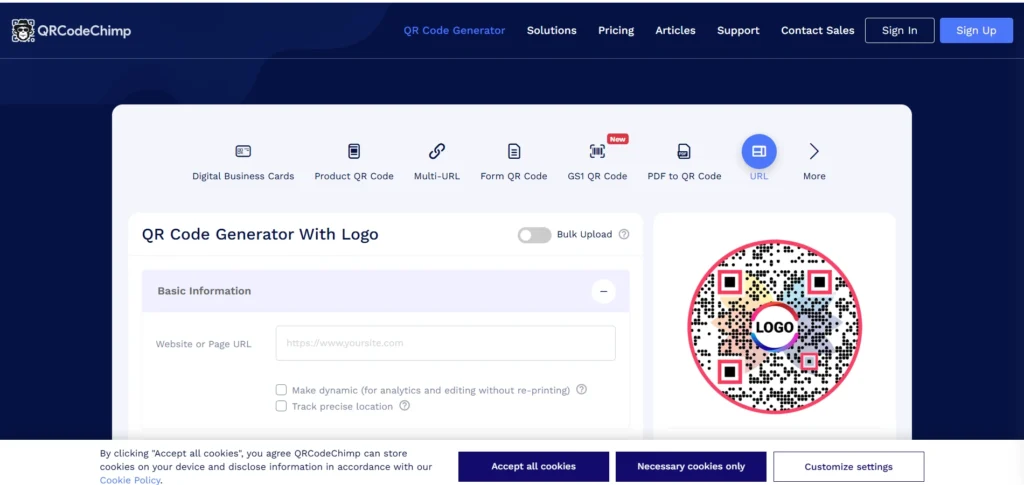
QRCodeChimp offers highly creative and unique design capabilities. Users can create codes in various custom shapes including animals, coffee cups, and brand logos. It provides a fun and engaging way to share digital content. The platform is ideal for creative marketing campaigns.
Key Features:
- Unique custom shapes.
- 3D design options.
- In depth analytics.
- Bulk creation features.
Pricing:
- Free Plan: Up to 10 dynamic codes.
- Starter Plan: $6.99 per month.
- Pro Plan: $13.99 per month.
- Ultima Plan: $34.99 per month.
Pros:
- Amazing design shapes.
- Very creative options.
- Good free tier.
- Detailed scan tracking.
Cons:
- Complex design tools.
- Slower generation process.
- Overwhelming feature set.
- Cluttered user interface.
Explore more
13. ZebraQR: Best For Digital Menus

Website: zebraqrcode.com
ZebraQR is a specialized QR code generator designed explicitly for restaurants and cafes. It focuses on creating digital menus that are incredibly easy to update. The platform includes contactless ordering features. It is the absolute best choice for the modern food service industry.
Key Features:
- Digital menu builder.
- Contactless ordering tools.
- Easy menu updates.
- Table number tracking.
Pricing:
- 1 month: $2/mo
- Yearly plan: $20/year
Pros:
- Perfect for restaurants.
- Easy menu management.
- Contactless ordering works.
- Very affordable pricing.
Cons:
- Niche use case.
- Limited marketing tools.
- Basic design options.
- Few API integrations.
14.Scanova: Best For Lead Generation

Website: scanova.io
Scanova is a premium QR Code Generator platform designed mainly for marketing professionals and mid-sized businesses. The platform offers excellent design capabilities, customization options, and lead generation features to create engaging QR code campaigns. Users can easily track scan locations, scan times, and operating devices, helping businesses understand customer behavior and measure campaign effectiveness. With its advanced analytics and management tools, Scanova is a strong choice for businesses looking to create, monitor, and optimize professional QR code experiences.
Key Features:
- Landing page builder.
- Mobile optimized templates.
- Detailed visual analytics.
- Lead generation forms.
Pricing:
- Basic Plan: $5/mo
- Lite Plan: $15/mo
- Standard Plan: $50/mo
- Pro Plan: $100/mo
- Enterprise: Custom tailored pricing
- Ultra Lite: $150 for lifetime validity
Pros:
- Great landing pages.
- Excellent scan analytics.
- Highly customizable codes.
- Clean user interface.
Cons:
- No free plan.
- Expensive for individuals.
- Limited basic features.
- Short trial period.
15. QR.io: Best For Landing Pages
Website: qr.io
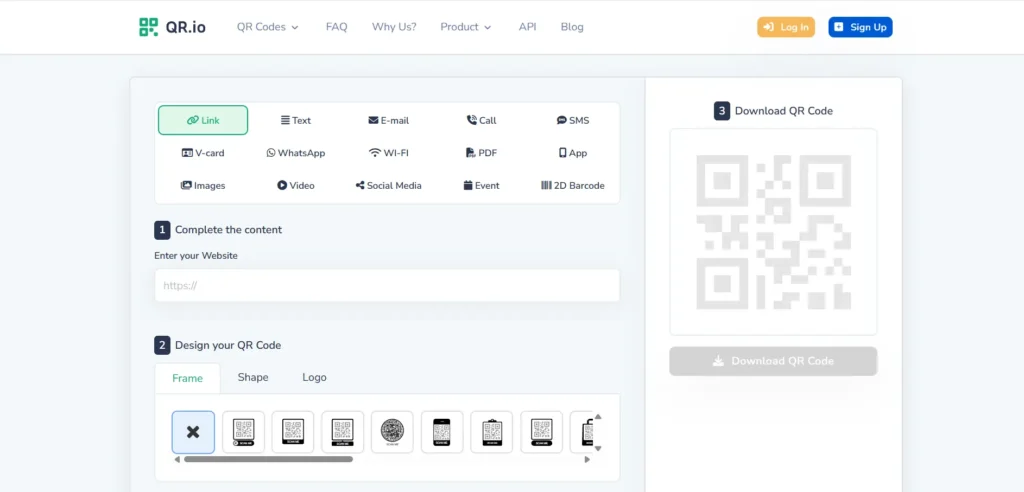
QR.io is an easy to use QR code creator designed for modern marketers. It focuses heavily on creating optimized landing pages for promotional campaigns. The platform helps track consumer behavior effectively. It is a highly reliable tool for running mobile first marketing promotions.
Key Features:
- Custom landing pages.
- Detailed visitor analytics.
- Dynamic code tracking.
- Easy branding options.
Pricing:
- Monthly Plan: $39.99/mo
- Annual Plan: $350 per year
Pros:
- Great landing pages.
- Easy to use.
- Good tracking features.
- Modern user interface.
Cons:
- Expensive monthly plans.
- Limited shape designs.
- Basic API features.
- Short trial period.
16. Unitag: Best For Brand Customization

Website: unitag.io
Unitag provides a robust platform among QR Code Generators, focused primarily on design and customization. It allows users to create beautiful, colorful codes that match brand identities perfectly. The tool includes standard tracking features and dynamic updates, helping businesses manage their QR code campaigns efficiently. It is ideal for visually focused brands, marketers, and advertisers who want attractive, branded, and functional QR code solutions.
Key Features:
- Beautiful color templates.
- Advanced design tools.
- Dynamic code updates.
- Custom logo placement.
Pricing:
- Silver: $29/mo
- Gold: $59/mo
- Platinum: $119/mo
- Diamond: $519/mo
Pros:
- Excellent design tools.
- Beautiful template library.
- Strong brand customization.
- Reliable dynamic codes.
Cons:
- Interface feels dated.
- Limited integration tools.
- Higher pricing tiers.
- Slower customer service.
17. QRFY: Best For Everyday Users
Website: qrfy.com
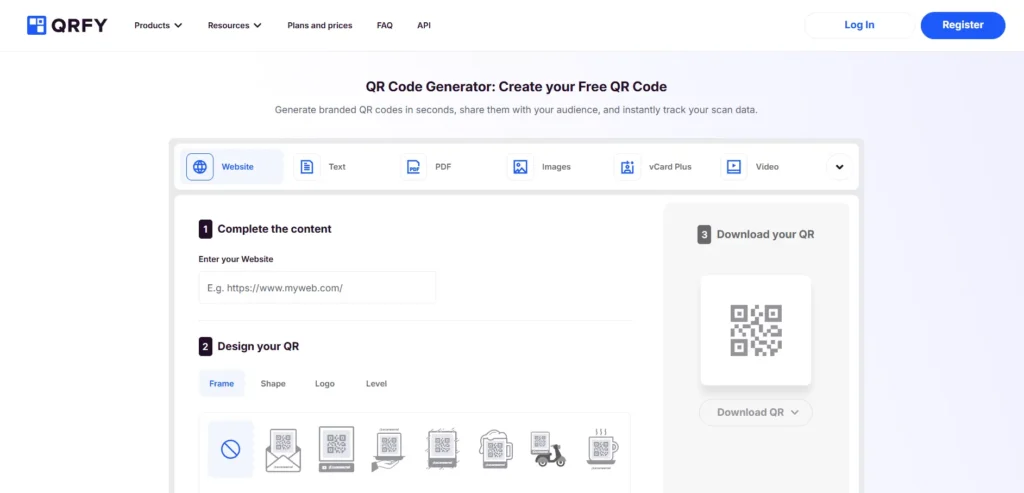
QRFY replaces outdated legacy tools with a sleek and modern generation platform. It allows users to quickly generate dynamic QR codes for various everyday needs. The platform includes a clean analytics dashboard. It is an excellent all around tool for standard users.
Key Features:
- Quick dynamic codes.
- Clean metrics dashboard.
- Folder management system.
- Multiple download formats.
Pricing:
- YEARLY: ₹2,000/mo
- QUARTERLY: ₹4,400/mo
- SEMI-ANNUAL: ₹3,200/mo
Pros:
- Very fast setup.
- Clean user dashboard.
- Easy folder management.
- Reliable scan tracking.
Cons:
- Pricey premium plans.
- Limited advanced features.
- Few custom shapes.
- Basic customer support.
18. Me-QR: Best For Code Variety
Website: me-qr.com
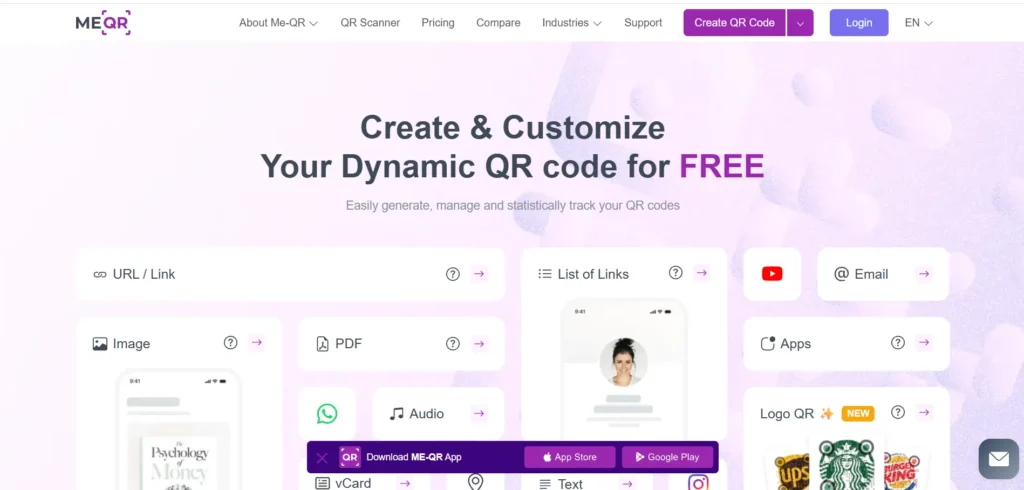
Me-QR is a versatile QR code creator offering many unique code types. Users can generate codes for restaurant menus, Wi-Fi networks, and hidden text messages. The platform is affordable and straightforward. It is suitable for personal use and small local businesses.
Key Features:
- Multiple code types.
- Simple content management.
- Expiration date settings.
- Quick code generation.
Pricing:
- Free Plan: Unlimited static codes (with ads)
- Lite: $9.9/mo (removes ads)
- Premium: $15.99/mo
Pros:
- Very affordable pricing.
- Many code types.
- Simple to use.
- Good basic tracking.
Cons:
- Intrusive website ads.
- Basic design interface.
- Slower customer support.
- Limited advanced features.
19. Flowcode: Best For Secure Tracking
Website: flowcode.com
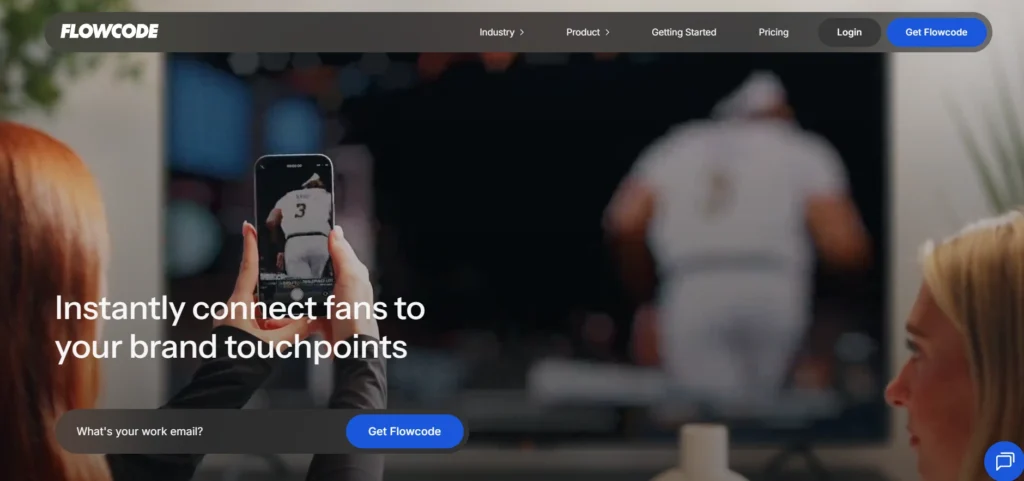
Flowcode is a highly secure QR code marketing tool. It focuses heavily on privacy compliance and fast scanning speeds. The platform offers unique circular designs that stand out on printed materials. It is a great choice for television ads and direct mail campaigns.
Key Features:
- Unique circular designs.
- Privacy compliant platform.
- Ultra fast scanning.
- Advanced data analytics.
Pricing:
- Free basic plan available.
- Pro+ Plan: $25 per month.
- Growth: for teams- custom package.
- Growth plus: usage based.
- Enterprise: Custom pricing.
Pros:
- Very secure platform.
- Beautiful circular designs.
- Great TV integrations.
- Excellent scan speeds.
Cons:
- Expensive premium plans.
- Limited shape options.
- Basic free features.
- Complex dashboard interface.
20. Delivr: Best For Privacy Compliance
Website: delivr.com
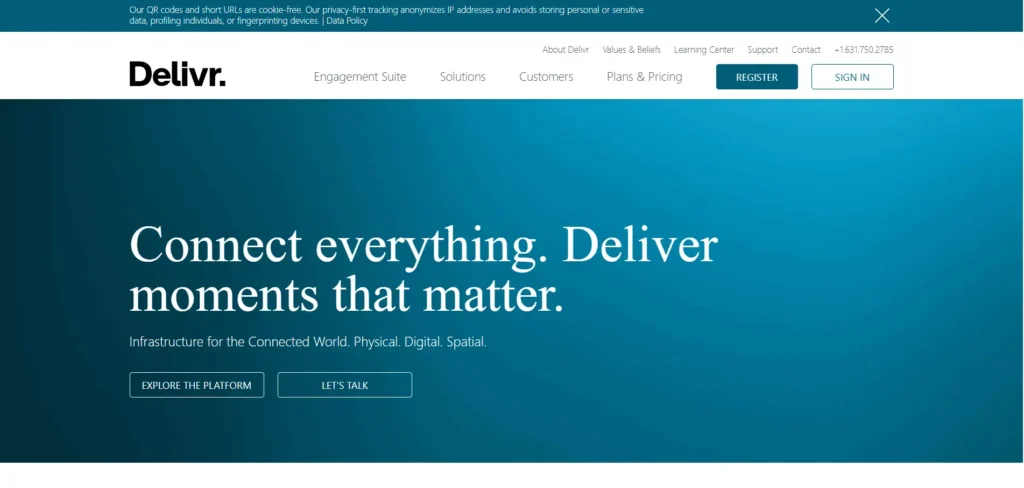
Delivr is a highly secure QR code generator trusted widely by broadcast media and publishing brands. It stands out by offering privacy-first tracking that complies with strict global data protection regulations. The platform is ideal for enterprise companies and large broadcasters who prioritize user privacy without sacrificing essential marketing analytics.
Key Features:
- Privacy-first tracking.
- Broadcast media integrations.
- Dynamic link routing.
- Secure data management.
Pricing:
- Free basic plan available.
- Plus plans: $25/mo.
- Prime: $50/mo.
Pros:
- Strict privacy compliance.
- Highly secure platform.
- Reliable dynamic routing.
- Trusted by broadcasters.
Cons:
- Higher pricing tiers.
- Basic visual customization.
- Steeper learning curve.
- Niche target audience.
How to Create a QR Code (Step-by-Step)?
Creating a QR code is fast and easy. Follow this simple numbered guide:
- Step 1: Select a QR Code Generator
- First, choose a QR code generator tool that fits your needs. Different platforms offer features like custom designs, dynamic QR codes, and scan tracking.
- Step 2: Enter the Information
- Add the content you want to convert into a QR code, such as a website URL, text, contact details, payment link, or any digital information.
- Step 3: Create the QR Code
- After adding your information, click on the create or generate option. The tool processes your data and instantly creates a scannable QR code.
- Step 4: Customize the QR Code
- Adjust the design by changing colors, adding your brand logo, selecting patterns, or modifying the style while keeping it readable.
- Step 5: Test the QR Code
- Scan the code using a smartphone to make sure it opens the correct content and works properly.
- Step 6: Download the QR Code
- Save the final QR code in formats like PNG, SVG, or PDF based on where you plan to use it.
- Step 7: Share and Monitor
- Place the QR code on your marketing materials, products, or digital platforms. If it’s a dynamic QR code, track scans and performance through analytics.
How to Choose the Right QR Code Generator for Your Needs?
Selecting the correct platform depends entirely on your specific goals. Consider these practical points:
- Budget: Decide if you need a free QR code generator for basic tasks or a paid plan for advanced features. Free tools are useful for creating simple QR codes, while paid platforms provide features like dynamic QR codes, tracking, customization, and better management options.
- Business size: Choose a tool based on your business requirements. Small businesses usually need simple QR code solutions, while enterprises require advanced security, multiple user access, team management, and detailed analytics.
- Static vs dynamic requirements: Select between static and dynamic QR codes depending on your needs. Static QR codes cannot be edited after creation, while dynamic QR codes allow you to update links and content anytime.
- Analytics needs: Choose platforms with tracking features if you use QR codes for marketing campaigns. Analytics help you monitor scans, locations, devices, and user engagement to measure performance.
- Branding requirements: Ensure the tool supports customization options like colors, logos, and design changes. Branded QR codes help businesses maintain a professional identity and improve recognition.
- Team collaboration needs: Look for platforms with multi-user access if you have a marketing team. This allows members to create, manage, and track QR code campaigns together.
- API and integration requirements: Choose developer-friendly platforms if you need software integration. API support helps connect QR code data with CRM, marketing tools, and other business systems.
- Scalability for future growth: Pick a platform that supports bulk generation and advanced features as your campaigns grow. A scalable tool helps manage increasing QR code requirements efficiently.
Common QR Code Mistakes to Avoid
Even the best QR code marketing tools cannot fix poor execution. Avoid these common mistakes:
- Not testing the QR code before publishing: Always scan your QR code on different smartphones before using it. A broken or incorrect QR code can lead users to the wrong page or create a poor experience.
- Using low contrast colors: Avoid using colors that blend together or make the QR code difficult to scan. Maintain enough contrast between the QR pattern and background for better readability.
- Over-customizing the design: Adding too many colors, logos, or design elements can damage the QR code pattern and make it unreadable. Keep the design attractive while ensuring functionality.
- Linking to non-mobile-friendly pages: Make sure the destination page works properly on smartphones. A QR code should lead users to a fast, responsive, and easy-to-use mobile experience.
- Using static QR codes for changing content: If you may update the information later, use dynamic QR codes instead of static ones. Static codes cannot be edited after creation.
- Ignoring scan analytics: Without tracking data, businesses miss important insights about customer behavior, scan locations, and campaign performance.
- Using low-resolution QR codes: Poor-quality images can become blurry when printed, making them harder to scan. Always use high-resolution formats for physical materials.
- Placing QR codes in difficult locations: Avoid placing codes where users cannot easily scan them, such as moving vehicles, uneven surfaces, or areas with poor visibility.
Conclusion: QR Code Generators
QR codes have become an essential tool for connecting offline and online experiences, making information sharing faster and more convenient. Whether you need to share a website, collect payments, promote a product, or improve customer engagement, the right QR Code Generators can help you create professional and effective codes easily.
From simple static QR codes for personal use to advanced dynamic QR codes with tracking and analytics, different tools offer solutions for different needs. Businesses can benefit from features like customization, branding, security, and performance monitoring to improve their marketing campaigns.
Choosing the right QR code creator depends on your goals, budget, and required features. A reliable platform ensures your QR codes remain functional, visually appealing, and valuable for long-term digital engagement.
FAQs
1. Can I track QR Code Scans?
Yes. If you use a business QR code generator to create dynamic codes, you can track how many people scanned the code, what devices they used, and their geographic locations.
2.Which QR Code Generator Is Best For Businesses?
Uniqode and QR TIGER are generally considered the best QR code management platforms for businesses due to their strong security, bulk creation features, and detailed marketing analytics.
3. Do QR Codes Expire?
Static QR codes never expire as long as the destination URL remains active. Dynamic QR codes require an active software subscription; if you stop paying, the provider may deactivate the redirect link.
4. Are QR Codes Safe To Use?
Yes, QR codes themselves are perfectly safe. However, users should always be cautious about scanning codes from unknown sources, as they can direct mobile browsers to malicious websites.
