SEO has become more competitive than ever. From keyword research and content optimization to technical audits and rank tracking, managing every SEO task manually can consume hours of valuable time. That’s where SEO Automation platforms come in.The best SEO Automation Tools help businesses, marketers, and agencies automate repetitive SEO tasks, improve efficiency, and make data-driven decisions faster. Whether you’re monitoring keyword rankings, analyzing backlinks, using SEO reporting tools, generating reports, or optimizing content with AI these tools can streamline your workflow and help you scale your organic growth without increasing your workload.
In this guide, we’ll compare the best SEO Automation Tools in 2026, covering their key features, pricing, pros and cons, and ideal use cases. By the end, you’ll know exactly which tool fits your SEO strategy, budget, and business goals.
What Is SEO Automation? (And Why It Matter)
SEO automation means leveraging software and artificial intelligence to factomize repeatedly performing time-consuming SEO tasks that you might atotherwise do stepwise by hand, like checking keyword rankings, finding broken links, auditing your site, or generating reports, and then focusing on strategy, arity, and what actually works to increase your site’s growth.
Why It Matters?
The search engine horizon is ever-changing, and data is increasing in numbers, so SEO automation is an absolute need if you want to win against all your competitors. Here are some striking facts:
- It’s a Cost Saver: Automation takes away the need to pay professionals a steep salary just to text and read and formulate data scores or to carry out tasks, and instead of spending human resource time on strategy, you can actually start earning.
- It’s Faster and More Accurate: If you notice a drop in your rankings or new opportunities, AI automation does it in real-time, not every month, and removes human error – giving you time to act faster than the competition with perfect data.
- It Makes Your SEO Scalable and Predictable: Manual methods reach their limits – you can only carry out so many pages. With automation, you can manage 100 pages or 10,000 pages with the same efficiency and make SEO a dependable growth engine.
- It Reduces Errors: Automated tools take care of routine tasks, such as updating meta descriptions or managing backlinks, ensuring consistency and accuracy.
- It Provides Data-Driven Decisions: Instead of relying on incomplete manual reports, automated tools provide in-depth, real-time information for making smarter decisions.
- This is what it Gives You a Competitive Edge: Automated systems will easily pick up new opportunities and threats in your niche, putting you ahead of the competitors who still work manually.
- It sends data automatically every 24 hours, 7 days a week: An automated system keeps an eye on your site all the time and will alert you of any problems in real time, while manual checks occur only once in a while.
How We Evaluated These SEO Automation Tools
I’m a digital marketer who has tried countless SEO tools, from SEMrush to Brandwatch to Similar web, so choosing the right automation tool can be daunting. Most experts judge these tools. The best way to evaluate SEO automation tools is by applying the following points:
- Data Accuracy & Freshness: Is the tool providing you with accurate, timely keyword rankings, backlinks, and traffic? Be sure to always cross-reference with Google Search Console to avoid surprises.
- Automation Depth: Is it capable of truly automating repetitive tasks such as site audits, rank tracking, content optimization, and reporting, without clicking five different platforms? The top tools address the entire SEO process.
- Google Compliance & Ethics: Has the vendor clearly written that they abide by Google’s guidelines? Don’t use tools that engage in unsafe techniques, such as link building or SERP scraping.
- Concealed integration with Your Tech Stack: Will it integrate seamlessly with your CMS, analytics (Google Analytics), CRM, and reporting systems? Check documented integrations before committing.
- Total Cost of Ownership: Go beyond the monthly fee and factor in all costs across 12 months, such as keywords tracked, pages crawled, API calls, team seats, team seats, onboarding and training.
- Customer Support & Learning Resources: SEO tools come with a high learning curve. Does there exist an extensive knowledge base, attuned support, and guidance for onboarding? Without support, mistakes are multiplied.
- Real-World Testing (Parallel Run): Don’t base your decision on demo data. Test the new tool with your existing processes for 30 days and document any suggestions, then check for any differences before you fully implement the new one.
Quick Comparison Table: Top SEO Automation Tools 2026
Why Do You Need SEO Automation?
Search engines are wiser and more competitive, with AI-generated results taking over many of the searches. You can work faster, ensure that there’s no room for error, and scale without overtaxing your team with SEO automation. Here are the following reasons why you need it:
- Saves you money – Automation helps you avoid paying professionals for doing your basic data tasks, such as copying and pasting or manually reporting on data. Your staff can then concentrate on strategy and creativity.
- It helps you to become faster and more precise – AI can identify drops in rankings and new opportunities in a flash, and not after a month. It also reduces manual data analysis errors, allowing you to respond quicker than your rivals.
- It simplifies SEO and makes it scalable and predictable – Manual SEO efforts hit a wall. Automation allows you to manage 100 pages or 10,000 pages, making SEO an effective growth engine.
- It automates repetitive tasks –Automation saves your team hours by tracking keywords, using competitor analysis tools, conducting technical audits, monitoring competitors, and recommending content opportunities.
- It detects patterns and trends that humans do not – AI and machine learning find patterns and emerging trends before competitors do, enabling you to stay ahead of algorithm changes.
- It saves you from minor incidents that become major losses – If a page position changes or a page is not found by a crawler, important pages can be lost without automation and can impact the rankings. These problems are spotted right away by automation.
- It’s all about Google’s artificial intelligence journey – Content needs to be organized and updated regularly in the face of Google’s new AI-powered Search Generative Experience. Automated SEO systems can help you always stay on top of the search rankings.
Types of SEO Automation Tools
SEO automation platforms simplify the process of search optimization in various parts of the process. These are the 5 principal classifications:
1. All-in-One SEO Platforms
They are all-in-one solutions that include several SEO tools such as keyword research, site audits, content optimization, rank tracking, and competitor analysis, all in one place. These are highly sought-after tools like Semrush, Ahrefs, and SEO Ranking, which work out great for groups that don’t wish to handle a number of instruments.
2. Tools for technical SEO and crawling.
Specialized for analyzing a website’s technical health, these tools crawl pages to identify indexing issues, broken links, slow load times, mobile-friendliness problems, and structured data errors. For comprehensive technical audits, the best tools include Screaming Frog, Google Search Console, and SiteAudit.io.
3. Content Optimization Tools
They offer features to help develop and optimize content, such as keyword clustering, on-page suggestions, content scoring, and NLP-based semantic optimization features. Use Surfer SEO, Clearscope, Frase, and Jasper AI to create short and make on-page recommendations to increase content speed.
4. Rank Tracking Tools
Rank trackers can track your page performance against certain keywords over time, provide historical data, competitor benchmarking, and automate reporting. Semrush and Ahrefs are great for reporting, as it’s something you need in this regard, and BrightLocal is the brand when it comes to local rank tracking.
5. link building and outreach tools.
These platforms streamline your backlink research, prospect identification, outreach email campaigns, and link monitoring to increase your site’s authority. They guide in identifying linking opportunities, monitoring competitor backlinks, and scaling up outreach processes.
List Of Top SEO Automation Tools In 2026
1. Semrush

Website: https://www.semrush.com
Semrush is an AI-powered all-in-one SEO and digital marketing tool to increase search visibility, competitor analysis, and campaign management. It operates by constantly scouring the web for information on keywords, backlinks, and traffic, and subsequently converting that data into actionable insights using integrated toolkits for SEO, content, PPC, social, and AI search visibility. It lets you conduct site audits, monitor keyword rankings, conduct competitor research, plan content, produce automatic reports, and it’s a central resource for your agency or in-house SEO workflows.
Key Features
- Researching the right keywords and ranking them.
- A site audit and technical SEO reviews are performed.
- Analyzing and creating backlinks.
- Competitor domain analysis and competitor traffic analysis.
- Monitor the visibility of your AI search and SERP tracking
- Automated customisable reporting dashboards
Pros
- Powerful and very extensive SEO and marketing suite.
- Exhaustive coverage of keywords and backlinks.
- Robust competitive intelligence and analysis.
- Integrations and reports suitable for the agencies/team.
Cons
- Prices are not very low for a small business.
- The steep learning curve for new users can be a barrier.
- Restriction on projects, reports, and tracked keywords
- Higher plans include some advanced features that are locked out of the lower plans.
Pricing
- SEO: $117.33/mo, billed annually
- Starter: $165.17/mo, billed annually
- Pro+: $248.17/mobile annually
- Advanced: $455.67/mo, billed annually
2. Ahrefs
Website: https://ahrefs.com
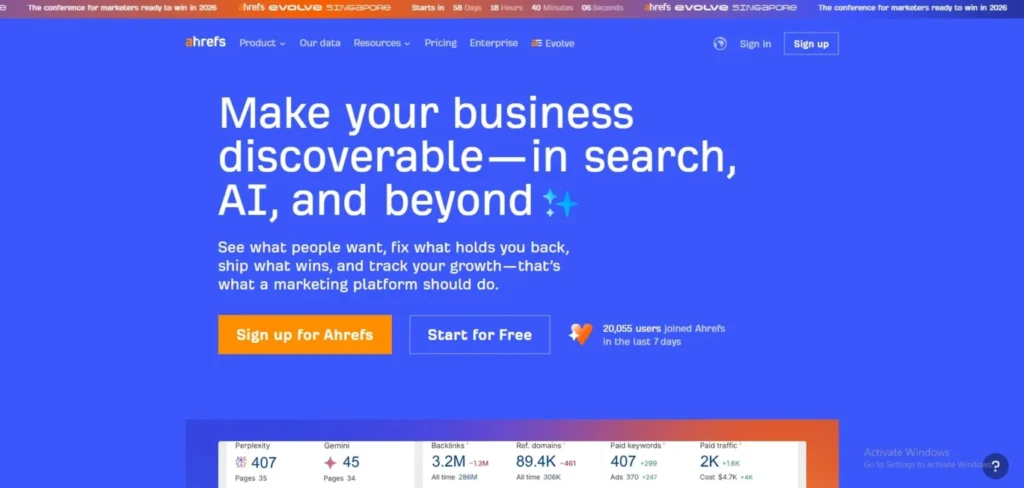
Ahrefs is an all-in-one SEO and marketing platform that helps you grow search traffic by analyzing keywords, backlinks, and competitors’ content. It’s designed to continuously crawl the web, index links and keywords, and then provide actionable reports for site audits, keyword research, rank tracking, competitor analysis, and link building software capabilities that help users discover valuable backlink opportunities.
key features
- Supports the use of keywords, including those with traffic potential.
- Organic data and backlink information from Site Explorer.
- Use Site Audit to identify technical issues of a site’s SEO.
- Monitoring positions with Rank Tracker.
- This tool is used for creating a content strategy and planning for topics or competitors.
- AI writing assistants (such as description/paragraph tools)
Pros
- An outstanding, fresh backlink index with very high volume.
- Great keyword and traffic statistics
- Excellent competitor and content analysis.
- Comprehensive and forward-looking SEO solution.
Cons
- Expensive for freelancers/beginners
- The primary downside to this free plan is that it only allows for limited features
- The first time people visit Interface, they can get it to feel complex.
- Limits and user seats may be limiting
Pricing:
- Lite: $129/mo
- Standard: $249/mo
- Advanced: $449/mo
3. Surfer SEO

Website: https://surferseo.com
Surfer SEO is an AI-based on-page SEO and content optimization tool for marketers to create articles that rank by mimicking the top SERP articles. It reviews the top-ranking pages for a given keyword and provides real-time suggestions on word count, headings, NLP terms, internal links, and structure as you create or optimize your content. For agencies and teams looking to scale their content production, Surfer also provides SEO automation capabilities, such as keyword clustering, brief creation, and bulk audits.
key features.
- Optimize your content in real time for search engines with the AI content editor.
- Top Competitor SERP Analysis.
- Keyword research and topical grouping.
- Produces text outlines and content briefs at the macro level.
- Site and page audits of on-page gaps.
- Integrations with Google Docs and WordPress.
pros
- Excellent on-page optimization information.
- Writing-friendly and non‑technical SEOs.
- Increases output for content.
- Proper use of AI support and human oversight.
cons:
- Not an all-in-one SEO suite (poor in backlinks, technical SEO).
- Content editor can be directive or inflexible.
- When you’re processing large numbers of credits/usage, it can be expensive.
- Learning curve for ideal settings and workflows.
Pricing
- Standard: 99 USD per month
- Pro: 182 USD per month
- Peace of Mind: 299 USD per month
4. SE Ranking
Website: https://seranking.com
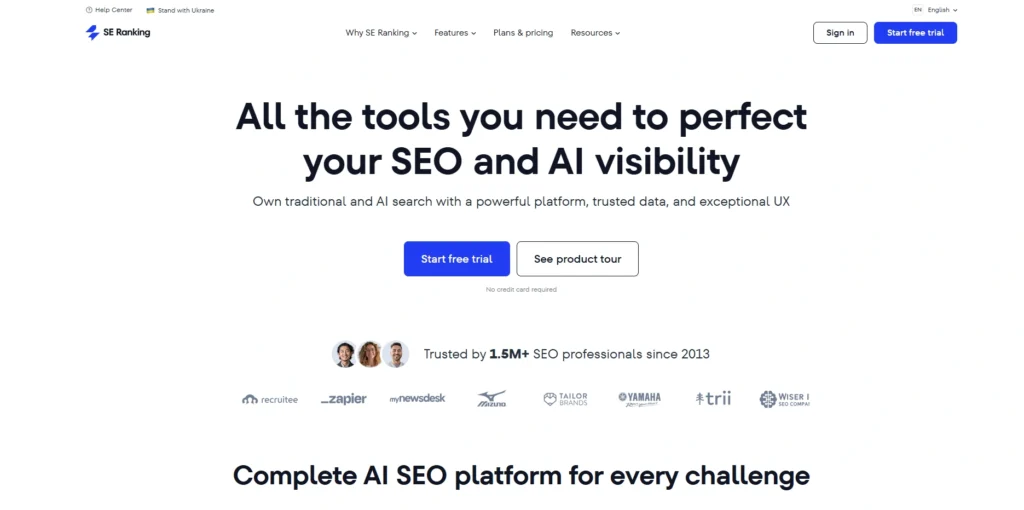
SE Ranking is an AI-driven, all-in-one SEO automation software for agencies and businesses to monitor rankings, find keywords, conduct website audits, and optimize content. It generates accurate rankings, actionable insights, and automated reports with advanced data processing algorithms and AI across 188 country databases and a 5.4B keyword database.It provides quick and responsive customer service.
Key Features
- Track rankings for multiple engines & countries.
- Unlimited keyword & competitor research
- Content optimization from AI and a content writer.
- Comprehensive website audit with Core Web Vitals
- The backlink checker includes a toxicity score to gauge spam and linkage.
- Access to API for integrations (Data Studio, GA, GSC)
Pros
- Intuitive, user-friendly interface
- Precise match of results with browser ranks.
- The price of Affordable is more affordable than Semrush/Ahrefs.
- A quick and responsive customer service.
Cons
- Limited AI Writer (250K words limited)
- The Essential plan doesn’t include the highest level of support.
- There is no global search volume aggregation.
- Projects that do not have subaccounts are excluded.
Pricing:
- Core: $103.20/mo
- Growth: $223.20/mo
- Agency Pack (add-on): $69.00/mo
- AI Search (add-on): $71.20/mo
- API (add-on): $149.00/mo
5. Screaming Frog SEO Spider

Website: https://www.screamingfrog.co.uk/seo-spider/
Screaming Frog SEO Spider is the BEST desktop website crawler for Windows, macOS and Ubuntu for technical SEO audits. It can be used to detect SEO problems and opportunities, at scale, by checking website structure, broken links, duplicate content, missing metadata, redirect chains, etc. It is compatible with Google Analytics, Google Search Console, and Google PageSpeed Insights, and can render JavaScript for crawling modern frameworks like React and Angular.
Key Features:
- Check for broken links, errors, and redirects
- Examine and interpret page titles & metadata.
- Check out meta robots & directives.
- Audit hreflang attributes
- Find duplicate pages
- Generate XML sitemaps
Pros:
- Rivaling Data Depth (300+ SEO problems)
- Cost-effective annual license
- JavaScript rendering capability
- Seamless GA4/GSC integration
Cons:
- Desktop-dependent (consumes RAM/CPU)
- Utilitarian spreadsheet-like interface
- Requires a steep learning curve to get started.
- Older machines are slow with large crawls
Pricing:
- Free Version: free
- Paid Version: $ 279 Per Year
6. Alli AI

Website: https://www.alliai.com
Alli AI is the world’s first on page SEO automation software and AI search visibility platform that optimises websites without CMS access or developer assistance. It operates through the use of a 1-line JavaScript record that works round the CMS restrictions, and deploys Search engine optimisation (SEO) modifications directly to the web pages in seconds. Automatic detection of AI crawlers (ChatGPT, Claude, Gemini) and delivery of pre-rendered HTML for sites to be seen by 50+ AI search platforms. The visual browser editor enables users to edit headers, schema, and meta tags in real time, and the optimization rules are created for deployment in bulk across thousands of pages.
Key Features
- Visual HTML/meta/schema editing editor
- Optimize your website with automatic AI recommendations
- Mass deploy hundreds and thousands of pages at once.
- On-site live diagnostics and real-time grading
- The SEO copy generated with AI
- Compatible with all CMS (WordPress, Shopify, Webflow, Wix)
Pros
- Strong automation automates SEO without manual updating.
- When a development team is not available, the visual editor removes the need for a development team.
- The software is currently in development and will receive monthly updates of features.
- Makes sites visible to ChatGPT, Claude, and Gemini instantly
Cons
- With high-traffic sites, price levels go up increasingly.
- Low keyword research tools option (requires Ahrefs/Surfer)
- Maybe expensive for newbies
- Not for complete SEO newbies
Pricing
- Business: $299/mo
- Agency: $599/mo
- Enterprise: Custom
- Trial: 10 days free
7. SEOClarity

Website: https://www.seoclarity.net/seo-automation/
seoClarity is an AI-powered enterprise SEO automation platform designed to support the growth of global brands in search optimization, without dev bottlenecks. It leverages machine learning, real-time ranking information, and EDGE SEO implementation to perform on page optimization optimizations, internal linking, schema implementation, and SEO split testing for any CMS. The platform offers unlimited data, customisable dashboards, GenAI content creation, and BI-style analytics, which allows marketing teams to align their actions, test their SEO hypotheses and correlate any action with traffic and revenue.
Key features
- AI-Powered SEO insights & forecasting.
- On page execution for EDGE SEO (no dev required)
- Split testing for SEO (A/B testing for search engines)
- Internal link clustering (automated)
- GenAI content & meta generation
- Custom dashboards + BI-style SEO analytics
Pros
- No limits on data use, it is limitless.
- The safest Enterprise-grade GenAI.
- Optimizes on page problems in clicks
- Entrepreneur performing as a dedicated success manager & support
Cons :
- The entry price is high (~$750/mo).
- Primarily enterprise-focused, less for SMBs
- For smaller teams, a more complex setup might be a better idea.
- Not much clear, public price information.
Pricing:
- Rankings: Custom pricing
- Research & Content: Starts at $2,500/month
- Technical SEO: Starts at $3,200/month
- Enterprise: Starts at $4,500/month
8. MarketMuse

website: https://www.marketmuse.com
MarketMuse is an AI-driven content planning and SEO optimisation tool for teams to carry out topic research, build content clusters and generate SEO-optimised briefs. It’s equipped with patented machine learning algorithms that analyse your content library and SERP data, and then provide tailored topic suggestions depending on your domain authority. The platform automatically creates in-depth topic models and discovers subtopics to address, and offers data-based briefs that inform writers to produce authoritative material.
Key Features
- AI-driven topic research & clustering.
- Keyword brief creation with automation.
- Individual difficulty level & authority analysis.
- SERP & competitive gap analysis
- FAQ question identification
- Content Inventory Analysis at scale
Pros
- Personalised suggestions for your domain
- Produces reports in mere minutes.
- Detailed guidance on the content of the topics.
- Generous limit on free plans, no restrictions!
Cons
- Costly for small businesses
- The number of queries on the lower tiers
- Briefs limited to entry plans
- Not available on the site—prices are temporarily unavailable.
Pricing:
- custom pricing
9. Clearscope

Website: https://www.clearscope.io
Clearscope is an AI-powered, content-scoring, and optimisation SEO automation platform to improve brand visibility on Google, ChatGPT, and AI search. It evaluates the top-ranking pages to better understand search intent , and compares your drafts to the signals, highlighting semantic keywords, related terms, and indicators of relevance. Content analytics safeguards traffic by tracking how content is doing across your site, while the AI-backed drafting process speeds up initial drafts.
Key Features
- Content grading and scoring live.
- Suggestions for keywords based on the content.
- You can connect Google Docs and WordPress.
- AI Tools for drafting and editing.
- Analyse search intent in detail
- Track and monitor topics on Google & AI Chatbots.
Pros
- Strong optimisation recommendations
- The ability to easily integrate Google Docs.
- Real-time content feedback
- Implements SEO best practices
Cons
- Only optimisation (not a complete SEO package)
- Higher price than simpler editors
- There is no free trial for full features.
- The lower tiers have restricted credits.
Pricing
- Essentials: $129/month
- Business: $399/month
- Enterprise: Custom pricing
10. BrightEdge

Website: https://www.brightedge.com/
BrightEdge is an AI-driven enterprise SEO platform that unites keyword research with automation and real-time optimisation to improve search rankings and traffic for big brands. It operates with its own Data Cube (4+ billion data points, 10 years of historical data) and AI features: Copilot offers insights/suggestions, and Autopilot is an AI optimisation feature, including traditional search and AI search such as ChatGPR.
Key Features
- Keyword research with the Data Cube engine
- AI automation (Copilot + Autopilot)
- BrightEdge Instant is a real-time SEO solution.
- Optimise a website for AI search like Google AI and ChatGPT.
- Track the rankings for ecommerce sites (such as Amazon)
- Technical site audits & local SEO
Pros
- Industry-leading proprietary database depth.
- The manual effort is greatly reduced with AI automation.
- Covers traditional + AI search engines
- A single platform for SEO, content, and e-commerce.
Cons
- Enterprise pricing is not suitable for small businesses.
- Very steep learning curve – will take time to master.
- The interface may be confusing/overwhelming
- Designed for large organisations for the most part.
Pricing:
- custom pricing
11. Lumar
Website: https://www.lumar.io
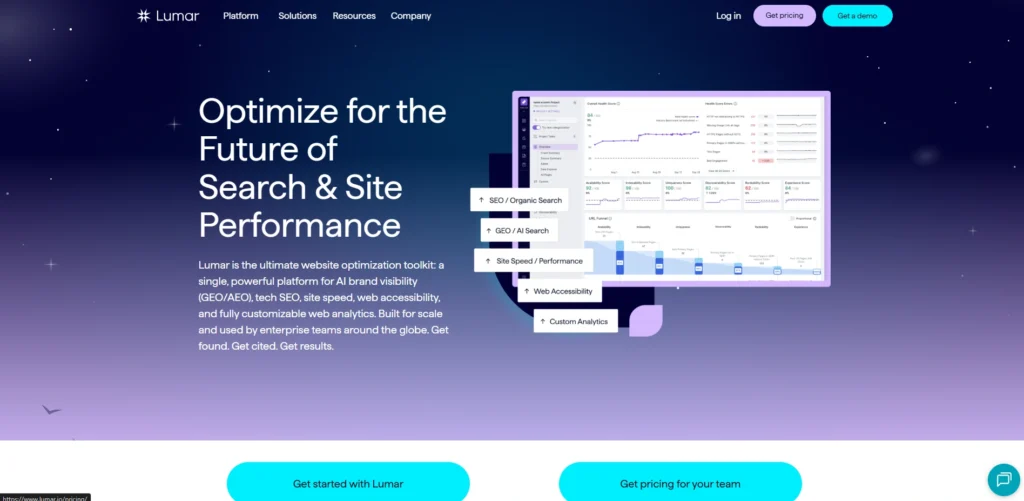
Lumar, formerly Deepcrawl, is an enterprise-grade SEO automation and website optimisation tool that crawls websites to assess technical SEO health, site architecture, accessibility, and site speed. It’s also incredibly fast, crawling thousands of pages to uncover problems such as broken links, duplicate content, missing metadata, and more, and displaying the information in organised dashboards. The platform provides AI-generated ticket content and suggested solutions to simplify fixes and lets teams know of new issues through continuous monitoring.
Key Features
- Ultra-fast website crawler for large sites
- Technical SEO metrics and identifying issues.
- AI-generated tickets and suggested solutions
- Alerts and monitoring dashboards that can be customised.
- WCAG 2.2 Accessibility Compliance Analytics
- The integration with other platforms through the GraphQL API.
Pros
- Suitable for large enterprise websites
- In-depth and organised reporting dashboards.
- AI-powered remediation guidance
- Enterprise-ready infrastructure
Cons
- Difficult for novices because of the depth
- Premium pricing geared toward enterprises
- Not a complete content/outreach package
- In some technical focus, you might need an SEO expert.
Pricing
- custom pricing
12. Oncrawl

Website: https://www.oncrawl.com
Oncrawl is an enterprise-grade technical SEO platform designed to help teams optimise large websites using website crawling, log file analysis, and data science. It crawls sites, much as search engines do, and analyzes HTML, linking structures, JavaScript, and incorporates server logs to show the bots’ interaction with pages. Combines machine learning (Oncrawl Labs) with a unified data cube to identify indexability problems, broken architecture, and performance bottlenecks and provide actionable reports to boost performance and ROI.
Key Features:
- An SEO crawler that supports JavaScript.
- An analyser of server log files.
- Data Cube for consolidated data and information.
- Oncrawl Labs (machine learning)
- Custom dashboards & exports
- integrations & API access with BI tools.
Pros:
- Supports large sites (billion URLs)
- Integrates crawl + log data with a combination of unique features.
- Robust machine learning capabilities.
- No limits on the number of users per project!
Cons:
- More expensive enterprise versions.
- Complex for beginners
- No Free Forever plan is available.
- Custom pricing is available upon a call with sales
Pricing:
- Custom pricing
13. ContentKing

Website:https://www.contentkingapp.com
ContentKing is an automated SEO and real-time audit tool that is constantly scanning your website 24/7 for technical errors, content changes and SEO roadblocks in real time. Rather than a scheduled audit, it checks your site regularly, logs all changes to your titles, meta tags and links and notifies you of any issues as soon as they are found, via the dashboard or by email, so you can get them sorted out before they affect your ranking.
Key Features
- Real-time SEO auditing (24/7)
- Change tracking for all content is enabled.
- Instant notification of problems.
- Broken link detection
- Internal linking analysis
- Custom reporting & API access
Pros
- Prevent problems from occurring at all
- Avoids backsliding in terms of SEO after the ranking impact.
- History of all website changes, and the date and time of the change
- Groupware applications for group
Cons
- The pricing starts at a premium level (around/$49/month).
- Maybe daunting for novices
- Fewer keyword research features than competitors
- The enterprise plan is costly
Pricing
- Custom pricing
14. AccuRanker
Website: https://www.accuranker.com
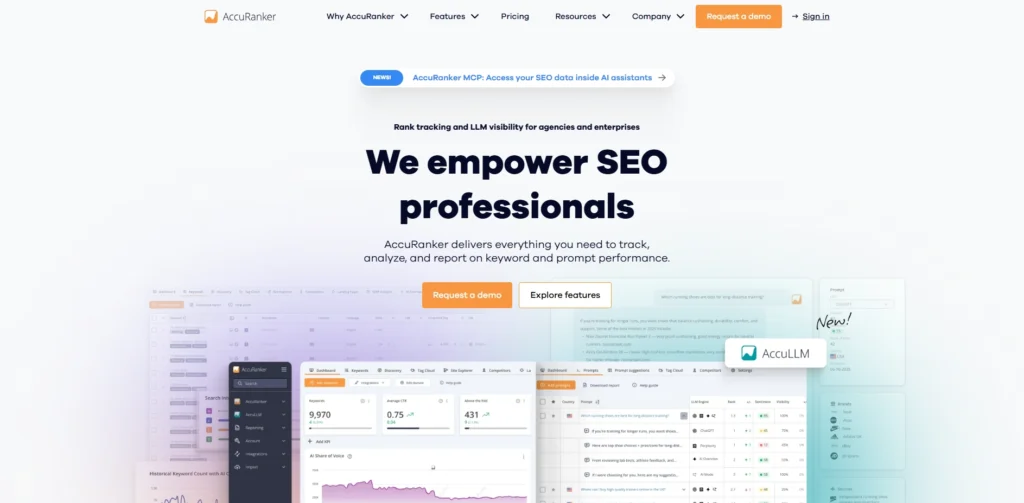
AccuRanker is the fastest automated agency/SEO rank tracker and provides real-time keyword ranking data on Google, Bing, YouTube , and more. It does this by importing keywords, updating these rankings daily (or on-demand), analysing the intention of searches, tracking competitors and creating customisable white-label reports with integrations with Google Analytics and Google Search Console.
Key Features
- Daily ranking and on-demand ranking updates.
- Keyword research & search intent
- Competitor analysis & SERP history.
- Tagging, filtering & tag clouds
- Google Analytics & Search Console integration.
- White-label customizable reporting
Pros
- Very rapid and precise data
- Easy to use, intuitive interface
- Robust automation & reporting
- Strong API & integrations
Cons
- It is quite a costly option for smaller teams.
- No backlink analysis
- No on-page optimisation audits were conducted.
- Limited free trial
Pricing:
- Starter: $109/month
- Professional: $224/month
- Expert: $764/month
- Enterprise: Contact for sales
15. Zapier
Website: https://zapier.com
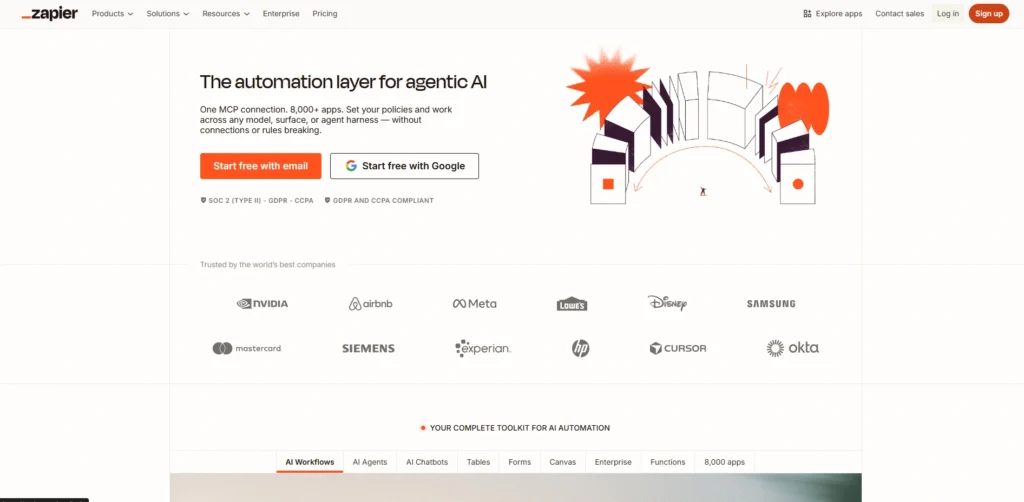
Zapier is a no-code workflow automation tool that links up 7,000+ apps so you can handle repetitive tasks without writing code. It does this by making “Zaps”, which are basically automated sequences where a trigger in one app automatically kicks off the chosen actions inside another app. That way, data moves across your whole tech stack pretty smoothly, almost in real time, instead of hopping around manually.
Key Features
- 7,000+ app integrations, yeah
- Multi-step Zaps with multiple steps
- Filters and Paths, (kindof branching logic)
- Webhooks support for extra control
- Zap templates, pre-built workflows ready to use
- Real-time data transfer
Pros
- No-code, drag-and-drop style interface
- Huge app library, 7,000+ options
- Works as your business grows
- Autoreplay to retry things when a task fails
Cons
- No dedicated mobile app
- If your setup is advanced, you might need some learning
- Pricing goes up as you run more tasks
- Data transfer control can feel limited sometimes
Pricing:
- Free: $0
- Pro: $19.99/month
- Team: $69/month
- Enterprise: Custom
How To Build an SEO Automation Stack (By Team Type)
SEO automation isn’t about swapping humans—it’s more like giving your team some air from all those repeated chores, rank tracking, broken link checks, or even meta description writing. The “right” stack, though, it really depends on your team size and what you’re actually trying to achieve. A solo marketer usually needs a lighter, all-in-one setup, while an agency often needs something bigger, connected, and scalable. Below is a breakdown that kind of matches each team type.
Solo Marketers / Freelancers
Go with afordable, all-in-one tools that cover multiple jobs without making you jump through too many hoops. The goal is simplicity, plus obvious time savings. In practice, Rank Math can help with schema and internal link work, while SEMrush or Ahrefs handles rank monitoring plus keyword research. For drafting, Jasper AI is commonly used. Then for reporting, you can pair that with Google Looker Studio, since it supports reports that refresh on their own, basically.
Small In-House Teams (3–10 people)
Instead of one giant tool, build a modular stack using more specialised platforms that talk to each other well. Start with a solid technical base such as Screaming Frog or Deepcrawl, then add support for content planning (MarketMuse), rank tracking (Semrush), and content refinement (Clearscope). For workflow stuff, tools like Asana or CoWork can help with automation, plus reusable brief templates so you’re not recreating everything every week.
Digital Marketing Agencies
Agencies usually want scale first, plus white-labeled reporting, and also multi-account management that doesn’t break when clients multiply. AgencyAnalytics is often used to roll up SEO, PPC, and social data into automated dashboards. For on-page improvements, InLinks can automate internal linking, and then SEO Clarity or SiteImprove can be layered in for enterprise-level insights and a more unified workflow.
Programmatic SEO / Tech Teams
If you’re doing programmatic SEO, treat it like software engineering, not just marketing ops. Build custom systems using Node.js or Django on the backend, PostgreSQL or MongoDB for storage, and Next.js or Gatsby for the frontend. The whole point is generating thousands of dynamic pages efficiently. Then automate the publishing side with CI/CD pipelines, and track indexing or ranking using custom scripts and monitoring routines.
Content-Focused Teams
Go for automation that makes briefs move faster, helps with topic clustering, and improves on-page optimisation. You can use MarketMuse or SEMrush Topic Research to form topical authority clusters. Then automate meta descriptions and outlines with Jasper AI, though you really need human editing too , before anything gets published.
How To Choose the Right SEO Automation Tools For Your Business
To choose the right SEO automation platforms, you really want to match what it can do with how big your business is, what you can afford, and the exact SEO stuff you actually need. Also, make sure it plays nice with the tech you already have. Here are the following basic points, which almost like that helps you avoid mistakes:
- See if it connects with your current tools: The tool should link up smoothly with what you already use, like Google Search Console, Google Analytics, or your CMS. Otherwise, you end up with extra manual steps, and honestly, that kind of defeats the whole point.
- Make sure the numbers are accurate and dependable: Avoid tools that act confidently but still give you made-up, or “hallucinated” insights. You need reliable data that lets you make decisions based on real signals, not guesswork.
- Choose something that fits your team size and skill level: If it’s just you, a simpler no-code approach usually feels better. If you run an agency, you might prefer more advanced features, more knobs, more automation, etc. Match the tool to your comfort level, not the other way around.
- Anchor it to your main SEO goal: If your priority is technical SEO, tools like Screaming Frog are often a solid fit. If content SEO is the focus, then Surfer or Jasper can be more aligned. Basically, pick based on where you need the most help.
- Check for team support and security options: If you collaborate with others, the tool should make that easy. And it also must protect your data, especially when it’s connected to analytics accounts or Search Console.
- Compare the total cost, not only the sticker price: Look at the overall cost, including setup time and any training you’ll need. A tool should pay off faster than doing everything manually or paying someone else to fill the gaps.
- Start small and test before you automate everything: Don’t flip every switch at once. Begin with one task (audits, rank tracking, something like that), test it, see the results, then grow gradually.
Final Verdict
Choosing the right SEO Automation Tools can significantly improve your SEO performance by reducing manual work, saving time, and helping you make smarter decisions based on real-time data. Whether you’re a freelancer, small business owner, agency, or enterprise team, the right tool can automate keyword research, technical audits, rank tracking, content optimization, reporting, and more.
The best SEO Automation platforms are the ones that align with your goals, budget, and workflow requirements. While all-in-one platforms like Semrush and Ahrefs offer comprehensive SEO solutions, specialized tools such as Surfer SEO, Screaming Frog, and AccuRanker excel in specific areas of SEO.
As search engines continue to evolve and AI reshapes digital marketing, investing in reliable SEO Automation platforms is no longer optional—it’s essential for staying competitive, scaling your efforts, and driving sustainable organic growth. Evaluate your needs carefully, test the available options, and build an SEO stack that helps you achieve long-term success
