
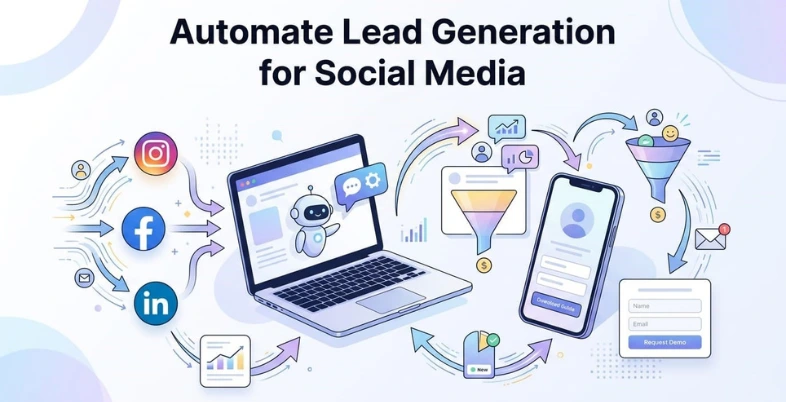
If you’re still manually replying to every DM, tracking leads in spreadsheets, or chasing prospects across different social platforms you’re not just wasting time, you’re missing opportunities. Social media is very reactive and unless it is automated the potential leads may fall through the cracks in a few minutes.
The game with automated lead generation is different because it transforms your social media into a 24/7 working system. You don’t need to respond to all messages and comments, but can create intelligent workflows that not only capture leads, but also respond immediately and direct the prospect to conversion without the need to work all the time.
In this guide, we’ll break down exactly how to Automate Lead Generation for Social Media, from understanding the basics to implementing tools and strategies that actually work. This can be applied by any size business to generate more leads with less manual work regardless of whether you are a small business or a growing business.
What is Automated Lead Generation?
Automated lead generation is the process of using tools, software, and predefined workflows to attract, capture, and nurture potential customers without constant manual effort. Instead of manually responding to every inquiry or tracking each lead, automation handles tasks like sending messages, collecting user information, segmenting audiences, and even following up automatically and in real time.
In the context of social media, automated lead generation means setting up systems that turn your content, ads, and interactions into a consistent lead pipeline. For example, when someone comments on your post or sends a DM, an automated response can guide them to a form, offer, or booking link. This ensures that every interested user is engaged instantly, improving both efficiency and conversion rates while reducing the workload on your team.
What Role Social Media Plays In Automating Lead Generation
Social media platforms serve as both the traffic source and data collection layer in an automated lead generation system. Every interaction such as a user clicking on an ad, commenting on a post, sending a direct message, or filling out a form provides valuable intent signals. Automation tools use these signals as triggers to initiate predefined workflows, such as sending instant replies, sharing lead magnets, or redirecting users to landing pages. This makes social media the starting point where automation begins capturing and qualifying potential leads.
In addition, social media platforms provide built-in features that support automation at scale. For example, lead generation ads allow users to submit their details without leaving the platform, while messaging automation enables instant responses based on keywords or actions. These features reduce friction in the lead capture process and ensure faster response times, which are critical for conversion. By integrating these capabilities with automation tools, businesses can systematically convert social engagement into structured leads without relying on manual follow-ups.
How Automated Lead Generation Works
Automated lead generation works by combining user actions (triggers) with predefined workflows (automation sequences) to capture and nurture leads without manual involvement. It starts when a user interacts with your social media such as clicking an ad, commenting on a post, or sending a message. This action triggers an automated response, like a chatbot message, a form link, or a lead magnet offer. The system then collects the user’s details (such as name, email, or phone number) and stores them in a CRM or database for further follow-up.
Following lead capture, the automation proceeds with qualification and nurturing. This can include sending follow-up messages, emails, or targeted content based on user behavior and interest. Leads can also be segmented automatically such as hot, warm, or cold based on their engagement level. This structured process ensures that every lead is consistently followed up, moved through the funnel, and prepared for conversion, all without requiring constant manual tracking or intervention.
What Are The Benefits of Automated Lead Generation Compared To Manual Methods
- Saves significant time and effort: Automation eliminates repetitive tasks such as replying to messages, collecting data, and following up with leads. Instead of handling each interaction manually, systems work continuously in the background, allowing your team to focus on strategy and conversions.
- Ensures instant response to every lead: With automation, leads receive immediate replies through chatbots or automated messages. This reduces response time from hours to seconds, increasing the chances of capturing and converting interested prospects before they lose interest.
- Improves lead consistency and reduces errors: Manual processes often lead to missed messages, forgotten follow-ups, or inconsistent communication. Automation ensures that every lead goes through the same structured process, minimizing human error and maintaining a consistent experience.
- Enables scalability without increasing workload: Whether you receive 10 leads or 1,000, automation systems can handle the volume without additional manpower. This makes it easier to scale your lead generation efforts without increasing operational costs.
- Provides better tracking and data insights: Automated systems track user interactions, conversion rates, and engagement data in real time. This helps you analyze performance, optimize campaigns, and make data-driven decisions that are difficult to achieve with manual methods.
How Do I Know If My Business Is A Good Fit For Automated Lead Generation
- You receive frequent inquiries on social media: If your business regularly gets DMs, comments, or questions on platforms like Instagram, Facebook, or LinkedIn, automation can help manage and convert these interactions efficiently without missing potential leads.
- Your lead process involves repetitive tasks: If you or your team repeatedly share the same information (pricing, services, links, FAQs), automation can streamline these responses and save time while maintaining consistency.
- You rely on social media for customer acquisition: Businesses that generate a significant portion of leads through social media will benefit the most, as automation can directly integrate with these platforms and optimize lead capture.
- You struggle with delayed responses or missed leads: If you are unable to respond instantly or often lose track of conversations, automation ensures every lead is captured, responded to, and followed up without delays.
- You want to scale lead generation without hiring more people: If your goal is to grow your business and increase leads without expanding your team, automation provides a scalable solution that handles higher volumes efficiently.
How To Do Automated Lead Generation
1. Define your target audience and offer
Start by clearly identifying who you want to attract and what you will offer them in exchange for their details. This could be a free guide, demo, consultation, or discount. Your automation will only work effectively if your messaging is aligned with a specific audience and a clear value proposition. Without this clarity, even the best tools won’t generate quality leads.
2. Set up lead capture entry points on social media
Create multiple ways for users to enter your funnel. This includes running lead generation ads, adding CTA buttons (like “Send Message” or “Sign Up”), using link-in-bio tools, and creating engaging posts that encourage comments or DMs. Each of these entry points should be connected to an automated system that captures user information.
3. Implement automation tools and workflows
Use automation tools to create workflows based on user actions. For example, when someone sends a message or comments on a post, an automated reply can be triggered with a question, form, or link. These workflows should guide users step-by-step from initial interaction to lead capture without requiring manual intervention.
4. Capture, store, and segment leads
Once a user shows interest, collect their details through forms, chatbots, or landing pages. Store this data in a CRM or database and automatically segment leads based on their behavior or interest level. This helps in sending more relevant follow-ups and improving conversion rates.
5. Nurture leads with automated follow-ups
After capturing the lead, continue engaging them through automated messages, emails, or retargeting ads using customer engagement tools. Share valuable content, reminders, or personalized offers to move them closer to conversion.
List of Top 5 Tools That Will Help You To Automate Lead Generation
1. HubSpot (CRM + Marketing Automation)
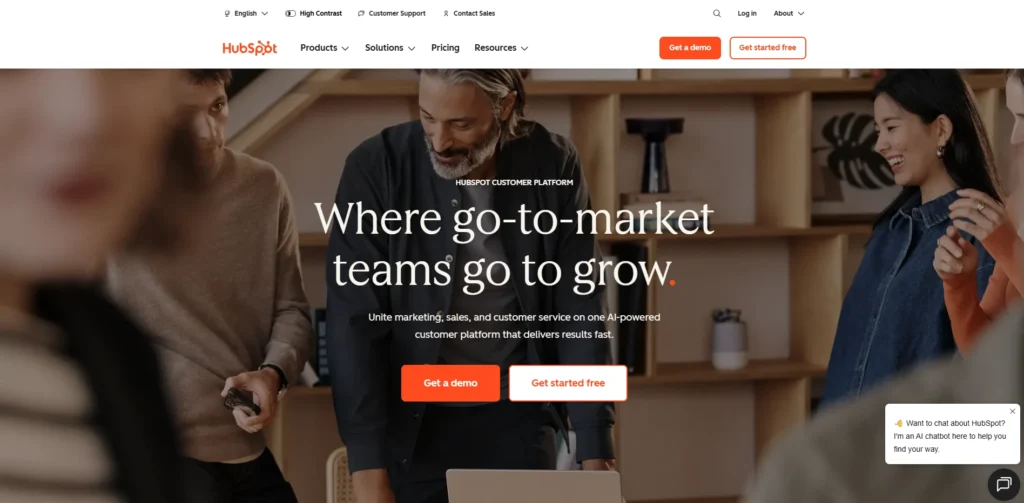
Website:https://www.hubspot.com
HubSpot is an all-in-one platform that allows you to capture, track, and nurture leads from social media in a structured way. It offers features like automated email workflows, lead scoring, forms, and pipeline management. You can integrate your social channels, track user behavior, and automatically move leads through different stages of the funnel, making it ideal for businesses looking for a complete automation solution.
2. ManyChat (Chatbot Automation for Social Media)

Website:https://manychat.com
ManyChat is specifically designed for automating conversations on platforms like Instagram, Facebook Messenger, and WhatsApp. It allows you to create automated DM flows based on triggers such as comments, keywords, or user actions. This makes it highly effective for capturing leads directly from social media interactions and guiding users through a conversational funnel.
3. Zapier (Workflow Automation Tool)
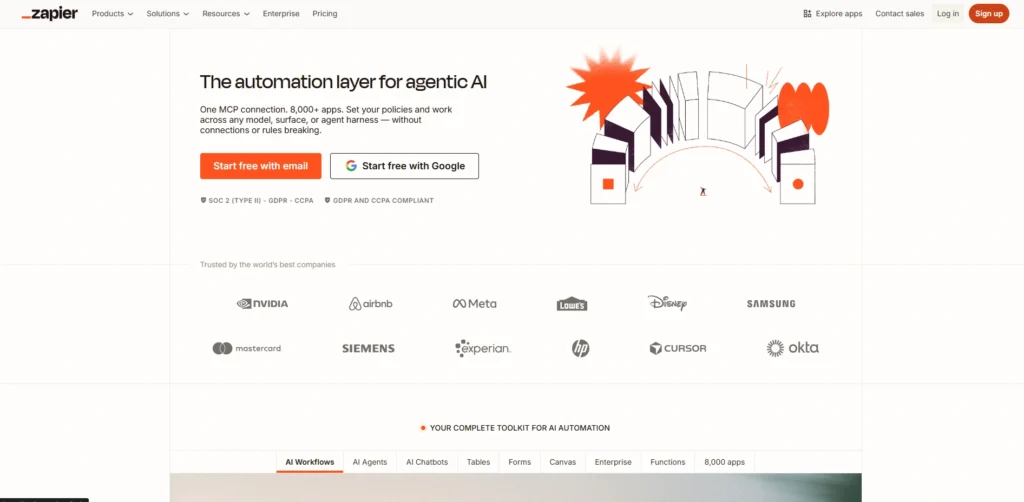
Website:https://zapier.com
Zapier connects different apps and automates workflows without requiring coding.. For example, you can automatically send leads from Facebook Lead Ads to your CRM, email marketing tool, or Google Sheets. It acts as a bridge between multiple platforms, ensuring smooth data transfer and eliminating manual data entry.
4. Leadpages (Landing Page & Lead Capture Tool)
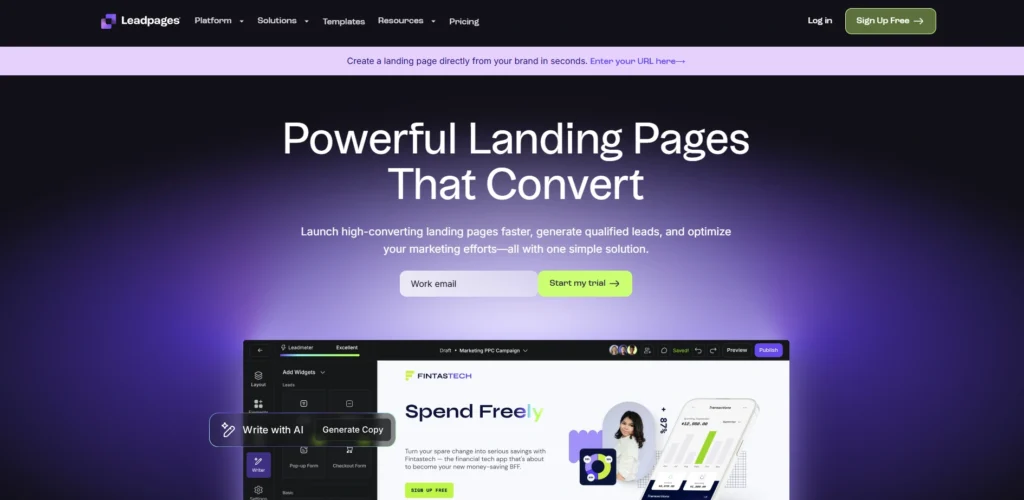
Website:https://www.leadpages.com
Leadpages helps you create high-converting landing pages and forms that can be linked directly from your social media profiles or ads. It offers templates, pop-ups, and alert bars that make it easy to capture user information. When integrated with automation tools, it ensures that every visitor from social media is converted into a trackable lead.
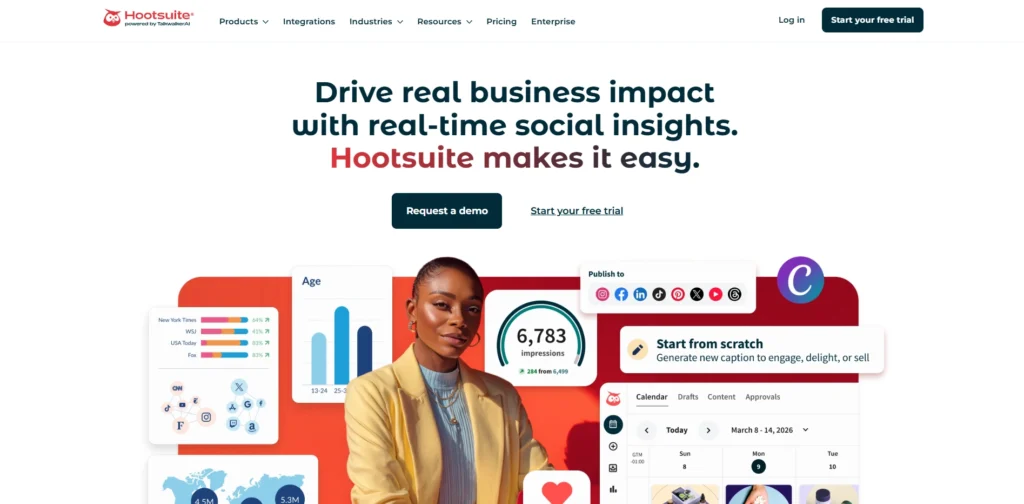
5. Hootsuite (Social Media Scheduling & Monitoring)
Website:https://hootsuite.com
Hootsuite allows you to schedule posts, monitor engagement, and manage multiple social media accounts from one dashboard. While it is primarily a social media monitoring tool, it plays a key role in automation by ensuring consistent posting and timely responses. Combined with other tools, it helps maintain a steady flow of engagement that feeds into your automated lead generation system.
How To Measure the Success Of Automated Lead Generation
To measure the success of automated lead generation, you need to track key performance metrics across the entire funnel from initial engagement to final conversion. Start by monitoring metrics such as number of leads generated, cost per lead (CPL), conversion rate, and response time. These indicators help you understand whether your automation is effectively capturing and converting users from social media. Additionally, tracking engagement metrics like click-through rates, message replies, and form completion rates can give insights into how well your automated workflows are performing.
Beyond basic metrics, it’s important to evaluate the quality of leads and overall business impact. This includes measuring how many leads turn into actual customers, the revenue generated from automated campaigns, and the return on investment (ROI). You should also analyze lead behavior such as how they interact with follow-up messages or email to identify areas for improvement. By consistently reviewing these data points, you can optimize your automation strategy, improve lead quality, and ensure long-term growth.
Conclusion
In conclusion, automating lead generation for social media is no longer just an option it’s a necessity for businesses that want to grow efficiently and stay competitive. By setting up the right systems, you can turn everyday social media interactions into a consistent and scalable source of leads. From capturing user interest to nurturing prospects automatically, automation helps streamline the entire process while reducing manual workload.
The key to success lies in combining the right strategy with the right tools. When done correctly, How to Automate Lead Generation for Social Media not only saves time but also improves lead quality, response speed, and overall conversions. By continuously monitoring performance and optimizing your workflows, you can build a reliable system that generates leads on autopilot and supports long-term business growth.
FAQs
1. Do I Need Coding Skills To Set Up Automated Lead Generation?
No, most modern tools like chatbots, CRM systems, and workflow automation platforms are designed to be no-code or low-code. You can easily create automation workflows using drag-and-drop interfaces without any technical expertise.
2. Can Automation Replace Human Interaction Completely?
Automation handles repetitive tasks and initial engagement, but human interaction is still important for closing deals and building relationships. A hybrid approach of automation plus human touch works best.
3. How Quickly Can I See Results From Automated Lead Generation?
You can start seeing initial results within a few days, especially if you’re running ads or have an active audience. However, optimizing workflows and improving lead quality may take a few weeks of testing and adjustments.
4. Is Automated Lead Generation Expensive To Implement?
It can be cost-effective compared to hiring additional staff. Many tools offer affordable plans, and the return on investment is often higher due to improved efficiency and conversion rates.
5. What Are Common Mistakes To Avoid In Automated Lead Generation?
Common mistakes include over-automation (making interactions feel robotic), not segmenting leads properly, delayed follow-ups, and not tracking performance metrics. Ensuring a personalized and well-structured workflow is essential for success.
