Looking for the best Email Marketing Tools to grow your business, increase engagement, and boost conversions? With so many platforms available, choosing the right one can be overwhelming. Whether you’re a small business owner, ecommerce brand, marketer, or content creator, the right email marketing software can help you automate campaigns, personalizecustomer communication, and achieve better results with less effort.
Modern Email Marketing Tools offer much more than sending newsletters. They include AI-powered automation, audience segmentation, A/B testing, analytics, CRM integrations, and advanced personalization features that help businesses build stronger customer relationships and drive higher ROI.
To help you make the right choice, we’ve researched and compared the best Email Marketing Tools based on ease of use, automation capabilities, pricing, deliverability, integrations, customer support, and overall value. In this guide, you’ll find detailed reviews, a side-by-side comparison, key features, pricing, pros and cons, and expert recommendations to help you choose the perfect platform for your marketing goals.
What Are Email Marketing Tools And Why Do They Matter
Email marketing platform refer to utilities used to produce, send, automate, and assess e-mail messages to consumers or subscribers in an easy, systematic method. They are even more important, given that people will look for that personalised messaging, smart automation, and results from every campaign.
Why are they important?
- They can assist you in getting the message to the right person, at the right time, and at the right place.
- They save time by automating welcome emails, reminders, and follow-ups.
- They provide transparent metrics such as open rates, click-through rates, and conversions, allowing you to track your efforts and understand which strategies are effective.
- They help to achieve better personalization, making the emails more human and helpful.
- They are also useful for businesses to remain in touch with the audience without relying on social media algorithms.
- They don’t cost a fortune, which is excellent for small companies and start-ups.
- They also help you to retain customers and keep them engaged for a long time.
Email marketing remains a highly effective tool for cultivating trust, nurturing leads, and boosting sales.
How We Evaluated and Selected These Tools
We’ve selected email marketing tools just like you would choose a good business partner — user-user-friendly, worth the cash, and capable of actually generating outcomes. We covered what is important in terms of everyday marketing and long-term growth. We have evaluated email marketing tool using the following methodology.
- Ease of use: The platform should be easy to use from the get-go, even for those who are new to the web development process, so your team can get started fast without getting bogged down in the learning curve.
- Automation features: We examined whether the tool could automatically send welcome emails, follow-ups, as well as behaviour-based campaigns, as that saves time and enhances targeting.
- Deliverability: It’s essential that emails reach the recipient’s inbox instead of being caught in the spam folder, and a good tool should help that happen.
- Segmentation options: We searched for tools that will segment the subscribers by their interests, actions, or demographics; the better one can target, the better engagement one will receive.
- Analytics and reporting: We liked platforms that provide easy-to-digest reports on opens, clicks, bounces, and campaign performance – so that we could make decisions based on data, not guesses.
- Pricing and value: The price was a factor, but so was the quality of the tools for the money, since the most effective tools are those that can be acquired and are still effective at providing growth.
- Integrations and scalability: We chose the tools that integrate seamlessly with CRM, websites, content marketing tools, SMO tools, and other marketing applications allowing businesses to streamline their marketing workflows.
A great email tool should not only enable you to send emails, but it should also enhance your working life, save time, and take your subscribers to your customers.
Quick Comparison Table: All Email Marketing Tools At a Glance
List Of Best Email Marketing Tools
1. HubSpot Marketing Hub- All-in-one marketing automation

Website: https://www.hubspot.com/products/marketing/email
HubSpot Marketing Hub’s AI-powered email marketing tool is designed to help businesses write, customise, and scale email campaigns like a pro. It is powered by HubSpot’s Smart CRM . The tool also has AI capabilities that analyse performance and engagement, offer data-driven content and CTA recommendations, and ensure that messages are delivered to the right audience.
It comes with analytics, attribution reporting, and integrates seamlessly with sales and customer service tools, making it easy to determine which marketing channels are generating revenue and which are attracting, converting, and engaging high-intent visitors.
Key Features
- Drag-and-drop email editor
- The ability to deliver personalisation at scale, powered by AI.
- Automated campaign workflows
- In-built analytics and reporting.
- CRM-integrated contact targeting
- A/B testing capabilities
Pros
- Leverage AI to gain performance insights and recommendations.
- Seamless CRM integration with unified customer data.
- Create emails using a drag-and-drop editor.
- Accurate revenue attribution reporting.
Cons
- An increase in the price for the Professional and Enterprise tiers
- Some people may get overwhelmed by the complexity of CRM.
- Additionally, some features of AI are still in beta.
- Less customization options than with standalone email applications.
Pricing
- Free: $0/month
- Starter: Starts at $585/month per seat
- Professional: Starts at ₹66,697/mo
- Enterprise: Starts at ₹300,000/mo
Best For
- Businesses looking for AI-driven email automation that’s fully connected with a comprehensive CRM system for content that can generate revenue.
2. Mailchimp- Small businesses and beginners

Website: https://mailchimp.com
Mailchimp is an all-in-one email and SMS marketing system designed specifically for small companies and novices seeking to manage expert email marketing campaigns without technological concerns. It features a straightforward drag and drop editor, templates, and a guided setup process to help users build on-brand emails fast, and yet gives them enough depth to enable them to automate their emails, segment audiences, and perform basic analytics as they scale.
It also has landing pages, forms, and basic CRM features, providing a consolidated way to capture contacts, nurture leads, and track their performance.
Key Features
- Use templates to create emails using the drag-and-drop builder.
- The audience is segmented, and a simple CRM.
- Automated welcome and follow‑up emails
- Landing pages, signup forms, and surveys
- Schedule email and SMS campaigns.
- Basic reports of open, clicks, and sales data
Pros
- Very beginner‑friendly interface
- Generous free forever plan
- The extensive automation tools and template library.
- All-in-one email, SMS and landing pages!
Cons
- It Can become costly when lists increase in size
- Services provided for additional fees on higher plans
- Slow response times in support on lower tiers
- There are some reporting/integrations less powerful than specialists.
Pricing
- Free plan: up to 2,000 contacts and 10,000 emails/month
- Premium plan:₹11,500/mo for 12 months
- Standard plan: ₹575/mo for 12 months
- Essential plan: ₹385/mo for 12 months
Best For
- Email and SMS marketing platforms for small businesses and newcomers looking for an all-in-one solution that offers a robust free program.
3. Brevo (formerly Sendinblue)- Email + SMS marketing
Website: https://www.brevo.com
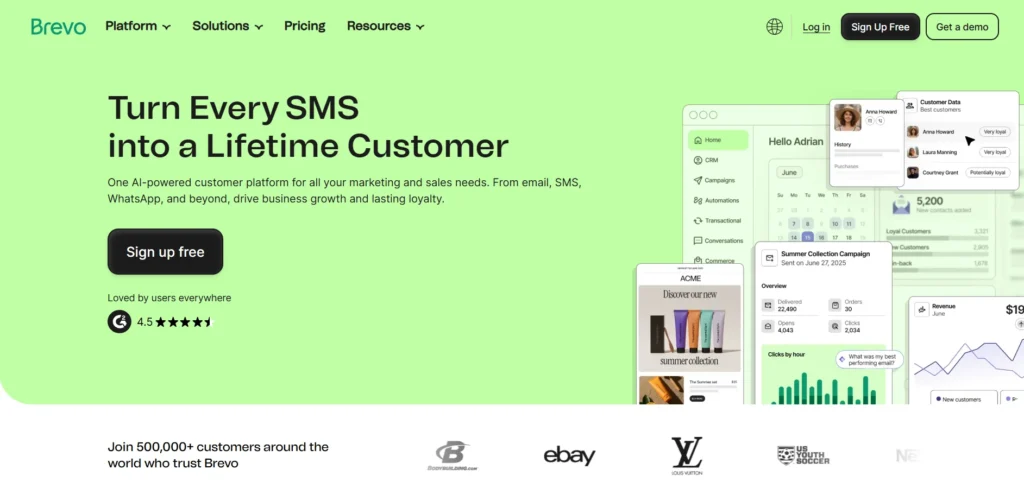
Brevo is an all-in-one customer engagement platform, designed to unite email and SMS marketing, marketing automation, CRM, transactional messaging, live chat, landing pages and a customer data platform. It is designed to cater to the needs of businesses of all size and allows them to personalise and send targeted campaigns, automate following behaviors of customers, and track the results with detailed analytics.
It has GDPR‑compliant infrastructure, has a good delivery ability, and supports multiple languages as a centralized HubSpot alternative for marketing, sales and service teams.
Key Features
- Create an email & SMS marketing with our drag & drop builder.
- Marketing automation & multi‑step workflows
- Integrated CRM and Pipeline Management system.
- Send and receive transactional emails & SMS messages through API.
- Landing pages, forms & live chat
- Content, segmentation & send time AI tools.
Pros
- All plans include unlimited contacts.
- Affordable entry price & pay-per-email model
- Strong automation & multi-channel (email, SMS, WhatsApp)
- Good delivery & GDPR compliance
Cons
- A few levels of advanced automation, primarily on lower levels.
- Less deep than some higher-end competitors.
- Only higher cost plans have phone support
- Higher plans include some advanced features.
Pricing:
- Starter: ₹562 per month
- Standard: ₹1,210 per month
- Professional: ₹40,212 per month
- Enterprise: Custom price
Best For
- Any small to medium enterprise or ecommerce brand looking for a comprehensive, on-the-go email/SMS marketing and CRM solution at an affordable price.
4. ActiveCampaign- Advanced automation and CRM
website: https://www.activecampaign.com
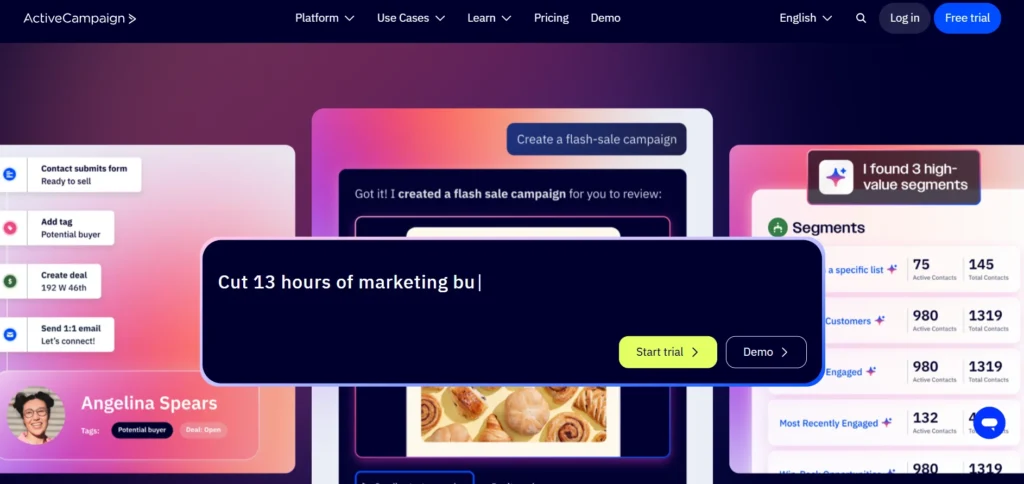
ActiveCampaign is an integrated marketing automation solution that lets companies create complex, behaviour-driven customer journeys and more than just emails. It offers segmentation, dynamic content, automation of follow-ups, built-in CRM, sales automation, and integrations with social media monitoring tools for improved customer engagement and improves deal tracking to help teams engage leads more effectively, across email, SMS, and other channels.
It leverages machine learning and AI agents to fine-tune send times, content, and journeys using billions of data points, making it particularly powerful for businesses aiming to scale personalised communication while reducing manual effort.
Key Features
- Visual automation builder using 170+ pre-built templates.
- Advanced segmentation and dynamic content feature:
- In-built CRM system and deal and pipeline administration.
- Email, SMS, WhatsApp marketing tools, and site messaging
- Optimizing content and sending at the right time with machine learning.
- Deep integrations with 870+ apps
Pros
- Extremely powerful automation and journey builder
- Strong CRM and sales automation solution built in.
- Solid deliverability and in-depth analytics.
- A variety of integrations and APIs are available.
Cons
- A more difficult learning curve for the novice.
- There are lots of options for the interface that can get cluttered.
- As the number of contacts increases, the cost increases.
- Other advanced features only on higher-tier plans
Pricing
- Enterprise: Starts at:$145/mo Billed annually
- Pro: Starts at $79/mo,Billed annually
- Plus: Starts at $49/mo, Billed annually
- Starter: Starts at $15/mo,Billed annually
Best For
- Advanced automation, CRM and multi-channel marketing in one platform for growing businesses.
5. Klaviyo- E-commerce businesses
website:https://www.klaviyo.com
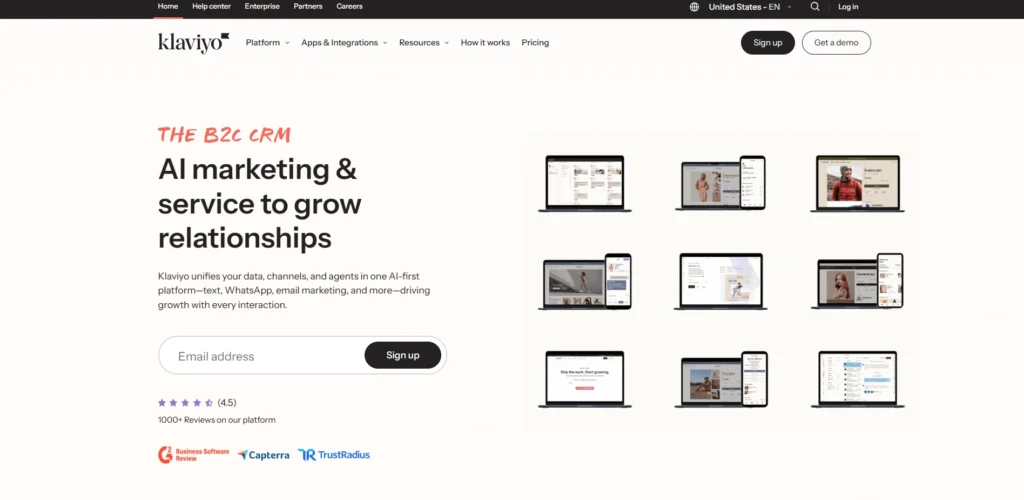
Klaviyo is an AI-powered email marketing and SMS app tailored for ecommerce companies. It integrates all your store’s customer information to enable you to use it for personalised and revenue-generating marketing campaigns via email, SMS, WhatsApp and mobile push.
The platform integrates a customer data platform with real-time signals and AI agents to enrich beliefs and carry out one-click marketing campaigns, supporting e-commerce brands to build stronger connections with their prospects, improve loyalty and push quantifiable sales growth with superior automation and segmentation.
Key Features
- Automated email & SMS with AI.Email & SMS automation with AI.
- Real-time customer segmentation
- 350+ pre-built ecommerce integrations
- Predictive analytics & product recommendations
- Drag-and-drop campaign builder
- Advanced analytics & reporting
Pros
- Powerful automation & segmentation
- Seamless Shopify integration
- An omnichannel email & SMS platform.One-stop email & SMS solution.
- Rob analytics & reporting
Cons
- More expensive than other products.
- Difficult to learn, especially for the new user.
- Uses a pricing scale with contacts
- Plans have limited SMS credits.
Pricing:
- Professional: Starts at $500/month
- Enterprise: Starts at $1,800/month
Best For
- Advanced email/SMS automation and integration of deep purchase data are required for ecommerce businesses, particularly Shopify stores.
6. GetResponse- Email marketing with webinars
Website: https://www.getresponse.com
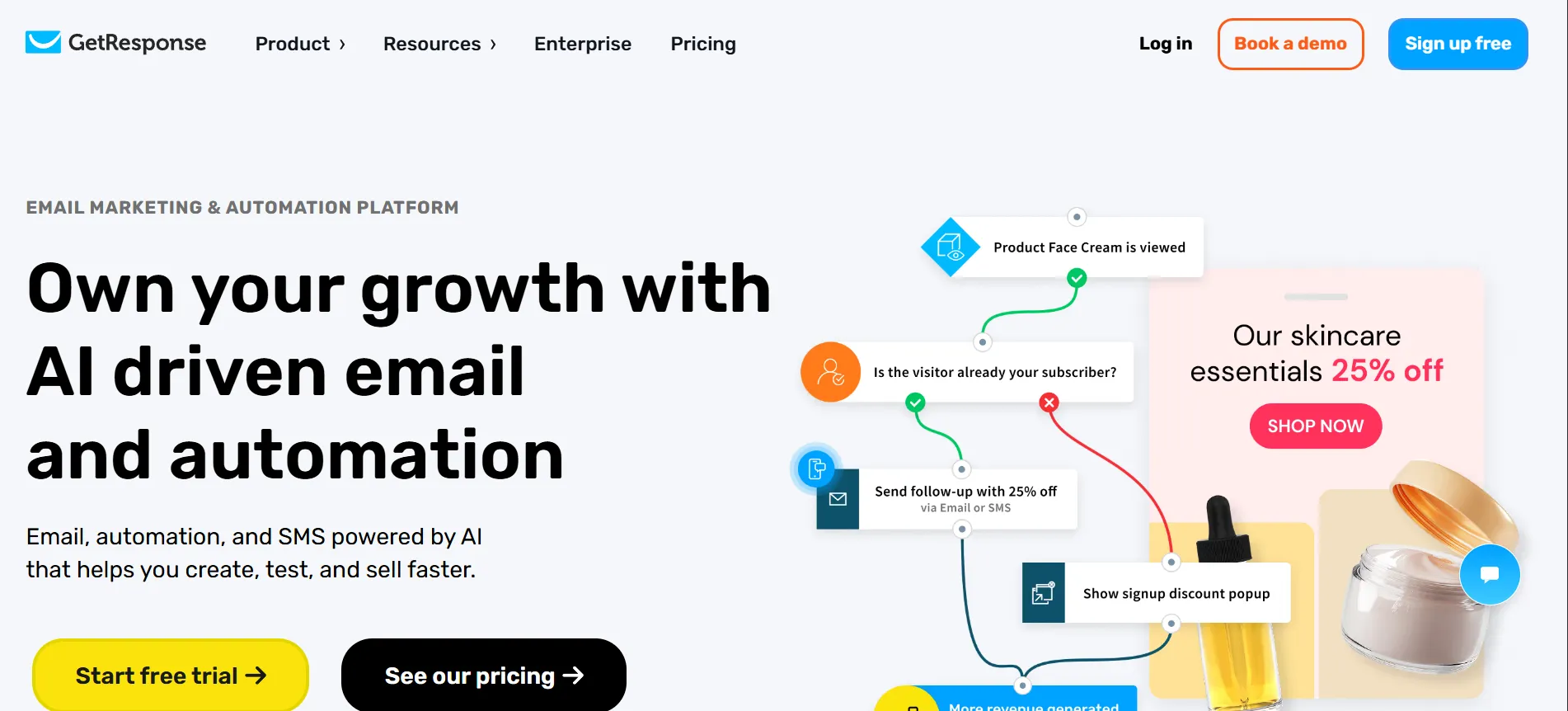
GetResponse is an email marketing tool for businesses that has over 350,000 users worldwide and is powered by AI. It has turned from a basic newsletter platform into a full-fledged all-in-one marketing tool, featuring email marketing, automation, landing pages, webinars, CRM, and AI capabilities that will help them convert leads into loyal customers and maximize repeat revenue. Users can build professional emails without any coding, create targeted emails, and measure performance with detailed analytics. GetResponse offers scalable plans and multilingual support that can meet the needs of businesses of all sizes.
Key Features
- Create and automate emails with the help of AI.
- Visual automation builder with triggers.
- Built-in landing page builder.In-built landing page builder.
- Webinar hosting integration
- Drag-and-drop email editor
- Advanced data segmentation
pros
- All-in-one marketing platform
- Powerful automation workflows
- Strong email deliverability (99%)
- Built-in webinar hosting
Cons
- As long as you’re growing, so are the prices!
- Advanced automation in higher tiers only!
- In some instances, Interface looks dated.
- No Phone Support (except Enterprise)
Pricing
- Starter: ₹1490.04/mo, Paid annually,
- Marketer: ₹4626.96/mo, Paid annually
- Creator: ₹5411.19/mo, Paid annually
- Enterprise: Custom pricing
Best For
- SMBs who need email marketing, automation, and webinars all in one.
7. Moosend- Budget-friendly automation

Website: https://moosend.com
Moosend is an email marketing and automation platform that allows businesses to design, deliver, and monitor professional email marketing campaigns. It provides a user-friendly campaign management system, robust analytics, and smart automation tools that guide customer journeys. Users can make amazing emails, create custom landing pages, and create automated workflows without leaving tabs.
The platform allows for subscriber segmentation according to their characteristics and interests to send personalized messages tailored to their needs and preferences, thus ensuring opens, clicks, and revenue generated directly from the inbox.
Key Features
- A/B testing of campaigns
- Powerful analytics dashboard
- Marketing automation workflows
- Custom landing page builder
- Email design templates
- Subscriber segmentation tools
Pros
- Easy to use pricing beginning at $7/month.
- Easy-to-use intuitive interface
- Strong automation capabilities
- Tiny, easy-to-use, and free plan for newbies!
Cons
- Quite basic advanced features on the free plan.
- In contrast to other competitors, there are fewer templates available.
- There are some limited integration options available.
- The reporting is less detailed than that of more expensive tools
Pricing
- Free plan available
- Pro: $7/month starting
Best For
- Small businesses and startups require inexpensive email marketing, yet with effective automation capacities.
8. MailerLite- Creators and startups
website: https://www.mailerlite.com
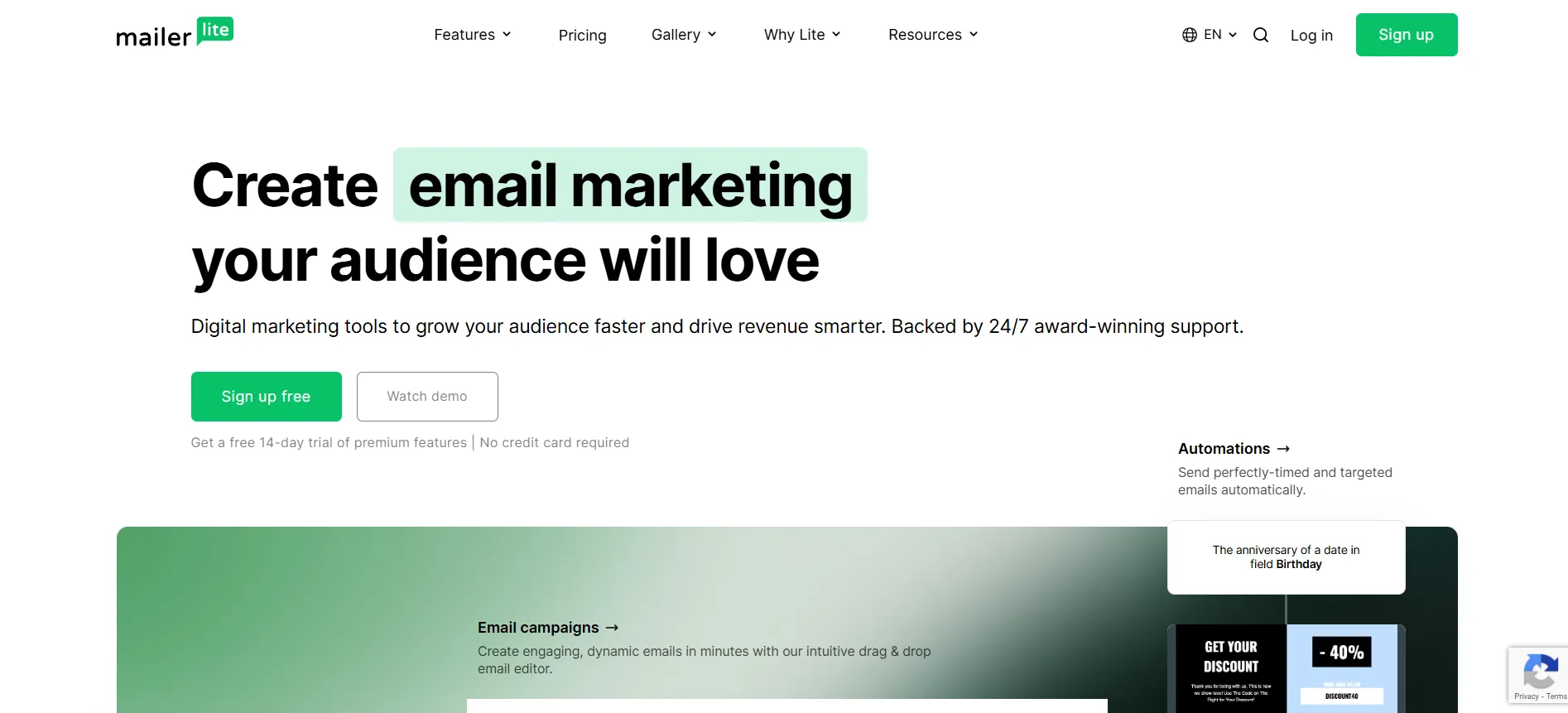
MailerLite is an easy-to-use email marketing service that aids companies in expanding their subscribers and generating revenue with simple yet powerful digital marketing solutions. It features a drag-and-drop email editor, automation workflows, landing pages, signup forms, and website creation tools with a clean, beautiful UI and award-winning customer support around the clock.
Its ability to integrate with other web applications enables seamless workflow automation and improves customer experience, making it perfect for those looking for professional email marketing without hassle.
Key Features
- Drag-and-drop email editor
- Automatic email automations
- Landing pages builder
- Custom signup forms
- Website building tool
- Third-party app integrations
Pros
- Intuitive, easy-to-use interface
- Competitive pricing for all budgets.
- Powerful automation capabilities
- Complete analytics and reporting features.
Cons
- Limited advanced segmentation
- There are fewer templates than competitors.
- No SMS marketing feature is built in.
- Basic landing page designs
Pricing
- Growing Business: $9.00 / month,$108.00 billed yearly
- Free: $0 for up to 500 subscribers
Best For
- Small businesses and beginners are looking for easy and cost-effective email marketing and great automation features.
9. Constant Contact- Small business marketing

website:www.constantcontact.com
Constant Contact is an email marketing solution that enables companies to grow using email, social media, and SMS marketing with hundreds of customisable templates, a drag-and-drop editor, and AI writing support to help generate professional campaigns in no time.
It features list-building capabilities with sign-up forms and landing pages, has automation flows for welcome series and resending to non-openers, and offers advanced analytics to monitor performance. It integrates with 300+ apps and guarantees GDPR and CAN-SPAM compliance.
Key Features
- Drag-and-drop email editor
- 300+ prebuilt templates
- AI writing assistance
- A multi-channel approach for email + social + SMS campaigns.
- Automation flows included
- 300+ app integrations
Pros
- Beginner-friendly interface
- Large template library
- All plans include phone support.
- Strong analytics & reporting
Cons
- The price is higher than the competitor’s.
- Limited advanced automation
- Restricted SMS is available on lower plans.
- The best, not the cheapest, SMB option.
Pricing:
- Lite: Starting at₹990/month
- Standard: Starting at₹2,888/month
- Premium: Starting at₹6,600/month
Best For
- Small businesses and solopreneurs that want simple email marketing that integrates seamlessly with social and SMS.
10. Campaign Monitor- Beautiful email templates
Website: https://www.campaignmonitor.com
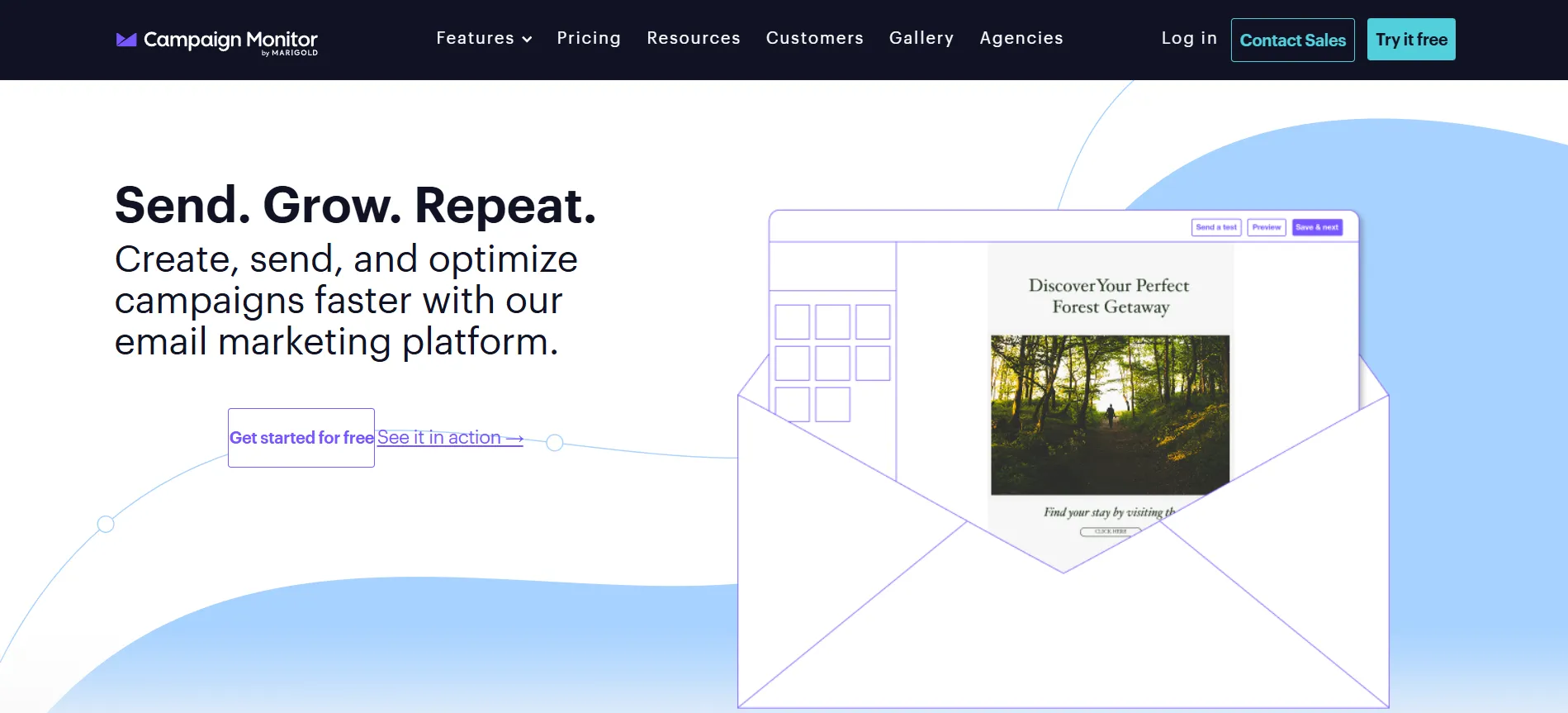
Marigold’s Campaign Monitor provides an email marketing platform designed for brand-conscious businesses to create beautifully designed, professional email campaigns. It has an easy-to-use drag-and-drop email builder that comes with a collection of templates without requiring any coding expertise.
Marketing automation tools for customer journeys, advanced segmentation for drawing in targeted audiences, and real-time analytics to monitor how the campaign is doing are all part of the platform. Campaign Monitor is opt-in only, does not allow cold emailing and is not mobile-based, but operates in modern browsers.
Key Features
- Drag-and-drop email builder
- Template library
- Marketing automation journeys
- Advanced audience segmentation
- Real-time analytics & reports
- Transactional email support
Pros
- Quick and simple custom email creation.
- Professional template designs
- Popular segmentation feature
- User-friendly interface
Cons
- You don’t have to use a landing page builder.
- Limited automation options
- Outdated UI elements
- Restrictive pricing structure
Pricing
- Lite: $11/month
- Essentials: 27/month
- Premier: $153/month
- Enterprise: Custom pricing
Best For
- Brand-conscious companies prioritize beautifully designed email campaigns.
11. Omnisend- Ecommerce automation
Website: https://www.omnisend.com
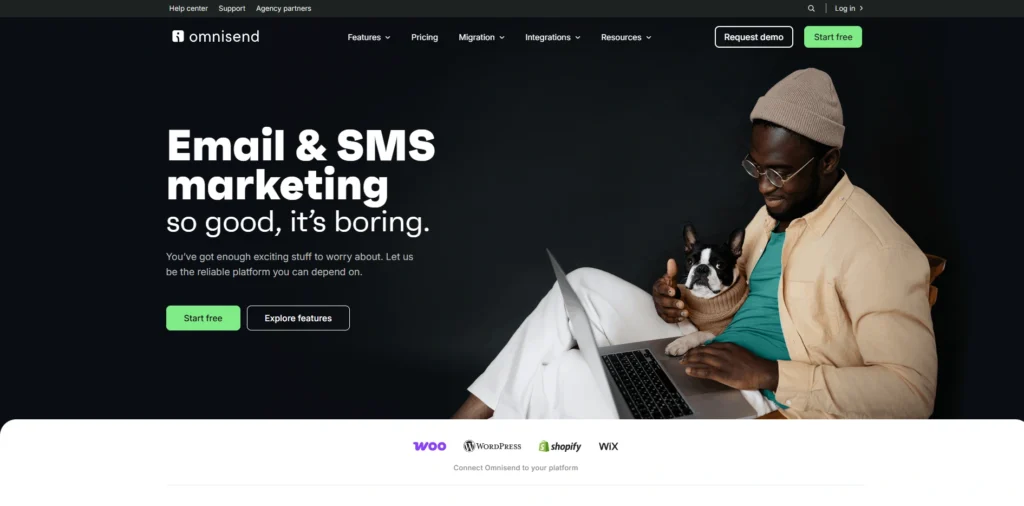
Omnisend is an integrated email and SMS marketing service, designed exclusively for ecommerce companies running Shopify, WooCommerce, and other platforms. It allows businesses to convert website visitors into customers with its robust segmentation features, automation workflows, and omnichannel campaigns.
The tool is easy to use and features a drag-and-drop editor that lets you customize your template, add a discount code, pick your products, and boost your campaigns. With Omnisend, business owners can have welcome series, abandoned cart follow-ups, and post-purchase follow-ups sent automatically.
Key Features
- Drag-and-drop email builder
- Automation workflows (Welcome, Cart recovery)
- SMS marketing integration
- Audience segmentation tools
- Customizable email templates
- Campaign boosters & product pickers
Pros
- Intuitive drag-and-drop editor
- 24/7 customer support
- In one place, all the tools you need to manage your email + SMS marketing.
- E-commerce-focused templates
Cons
- The data on the main page and the analytics dashboard is somewhat vague in comparison to competitors.
- The more contacts you add, the higher the costs will be.
- This is a template-heavy (less custom design) version.
- The free plan doesn’t include any advanced A/B testing.
Pricing
- Free: $0/mo
- Standard: $11.20/mo
- Pro: $41.30/mo
Best For
- E-commerce companies that are looking for a simple, one-stop email and SMS marketing solution.
12. ConvertKit (Kit)- Bloggers and content creators
Website: https://kit.com
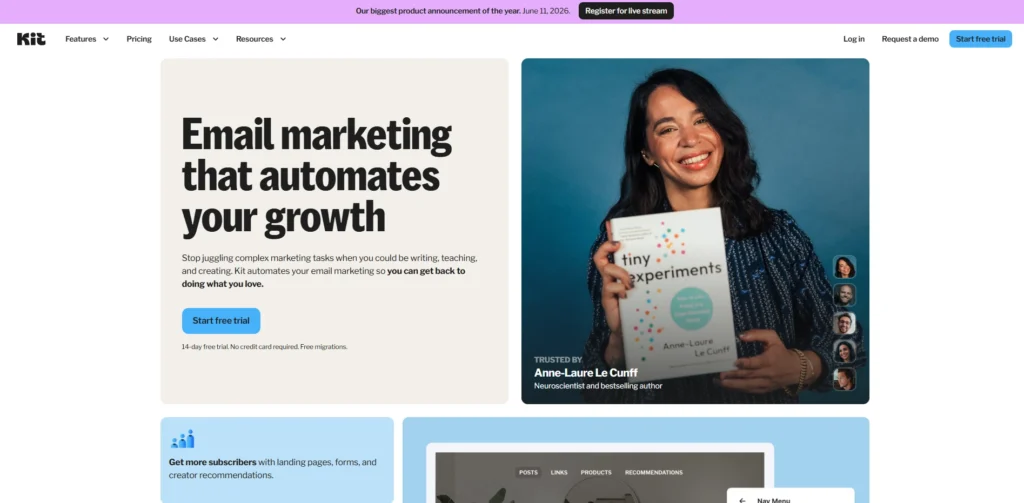
Kit is an email marketing and newsletters platform for creators built with creators in mind to build an audience, automate campaigns, and sell digital products without burnout. It is designed by and for creators, and it disrupts the conventional “list-based” email marketing format, making it possible to target specific audiences with a tag-based system.
All of this, from email broadcasting to visual automation builders, customizable opt-in forms, and integrated monetization tools, is rolled into one intuitive marketing platform that Kit uses to build end-to-end marketing campaigns.
Key Features
- Email sequence visual automation builder.
- An audience segmentation system that uses tags.
- Customisable opt-in forms and landing pages.
- Email marketing to groups or sections of lists.
- Digital selling and subscription solutions for products.
- Unlimited emails and landing pages with the Free plan
Pros
- International call plan with 10K free minutes.
- Creator-focused, intuitive interface
- In-built digital product monetization
- Powerful tag-based segmentation
Cons
- Email and Form templates.
- There are only a few automations available for the free plan (one).
- The cost to switch from free to paid is high.
- Not suitable for complex business needs.
Pricing
- Newsletter: $0 Up to 10,000 subscribers with essential features
- Creator Plan: $33/month
- Creator Pro Plan: $66/month
Best For
- Newsletter masters, bloggers, coaches, and content creators are creating audiences and selling digital products.
How To Choose The Right Email Marketing Platform For Your Business
You might think the process of selecting the appropriate email marketing tool can be daunting, but it’s all about the platform that works best for your business size, objectives, and budget—not the one with the most flash. These are the easy steps to help you choose the best:
- Identify objectives first – What are your objectives? Newsletters, adding subscribers, selling products, or creating automated customer journeys? The tools you need depend on your objective.
- Look for ease of use – Drag-and-drop editors, pre-built templates, and a transparent dashboard are important features to keep in mind. If it’s too difficult, you won’t use it regularly.
- Seek out automation – Great tools will have the option of welcome e-mails, abandoned cart reminders, and custom follow-ups by clicks or purchases.
- Be sure that it supports segmentation – Not all customers are the same. You should be able to segment the users into interest, action, or demographic groups to send targeted e-mails using the tool.
- Check for integrations – Make sure that your email system seamlessly integrates with your website, CRM, eCommerce platform (such as Shopify), and other platforms you’re already using.
- Check on your analytics and reporting – To understand what is working and what is not, you have to know how you are doing on your analytics and reporting.
- Take your budget into account – Look out for hidden fees, per email or per user limits, or steep price increases when you add more users. Numerous tools provide free plans or trials (test before making a purchase)
Key Features To Look for Email Marketing
When you’re deciding on an email marketing platform to choose this year, you are looking to simplify, not complicate. Here are must-have features that will help you to send smarter emails, reach real people, and achieve better results without wasting hours with manual work.
- AI-driven personalization – Ensure that the tool can automatically produce highly personalised content, tailored to the recipient’s past interactions, purchases, and tastes, providing a personalised touch to the email.
- Smart automation & behavior-triggered campaigns – Take abandoned cart emails to the next level with automated campaigns that engage customers with milestones, wishlists, and real-time actions.
- Automatic real-time segmentation – Segments should be automatically updated as customers move from “unconverted leads” to “first-time buyers” without a manual process.
- Send time optimization – AI should automatically calculate the optimal time for each email to each individual, enhancing engagement without you making a guess.
- Interactive elements in email – In-built support for embedded polls, surveys, clickable carousels, product selectors, and RSVP actions, which boost engagement.
- Predictive analytics & customer journey mapping – Advanced analytics that anticipate which promotions will connect and chart full customer journeys for improved optimization.
- Simple, scannable design templates – Pre-made templates for short newsletters, welcome emails, and promotional messages that don’t require much of the readers’ time.
Common Mistakes to Avoid When Using Email Marketing Tools
While the right email marketing tools can take campaigns to the max, poor habits can’t be overcome by poor software. The tools are acquired by many marketers without understanding how to use them effectively, and the money they spend is lost, the subscribers are annoyed, and the returns are substandard. Here are common mistakes to watch out for:
- Vague Subject Lines – If your subject line doesn’t give readers an idea of what’s in the email or why they should open it, they will likely ignore your email.
- Having a poor email list – Not purging old, inactive, or invalid emails from your email list affects your sender reputation and delivers fewer and less emails to recipients.
- No segmentation – Sending the same email to all your subscribers rather than segmenting leads to less engagement.
- No mobile optimisation – This means most of your readers are on mobile devices, and if your email design does not function on their mobile, you are missing a major part of your audience.
- Sending too late or too early – timing is important. Sending e-mails during times when they aren’t reading them means that you’re not generating any opens.
- Image-based CTA buttons – If your call-to-action is only an image, it may not display well in some email clients and poorly track.
- Failure to re-engage – Failure to engage users who have not been active means you are losing users rather than regaining them.
Conclusion
Which one is the best email marketing tools? This guide tells you it’s not necessarily the most featured one that’s the best fit for your business size, budget, and goals. For a quick and simple beginner’s option, you can opt for something like Mailchimp or MailerLite, or Brevo can provide an excellent value to small and medium-sized businesses, and HubSpot or ActiveCampaign are good choices.
If you’re looking for more in-depth automation and CRM capabilities. Claviyo and Omnisend are great for ecommerce brands as they are tailored to customer behavior, cart recovery and sales-based campaigns, whereas creators and bloggers may prefer simplicity and focus on building their audience with Kit. The first rule is: pick a tool that makes it easier for you to send just the right message to just the right person at just the right time – and also without the stress of doing it all by hand – and that also grows with you without making it hard to do.
