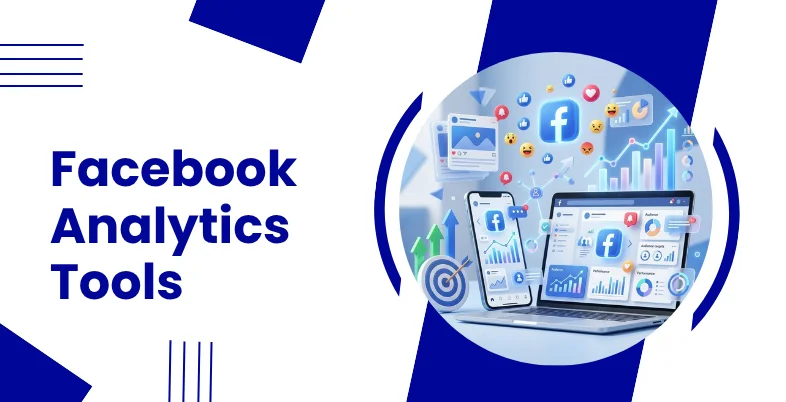
Facebook Analytics Tools are essential for businesses and marketers aiming to measure performance, understand audience behavior, and optimise social media strategies effectively. With increasing competition on social platforms, relying on data-driven insights helps improve engagement, reach, and conversions.
These tools provide detailed metrics on posts, ads, audience demographics, and campaign effectiveness. They also offer services like competitor analysis, real-time reporting, and content performance tracking. By using the right Facebook analytics platform marketers can identify what works best, refine their strategies, and make informed decisions to achieve consistent growth and maximise return on investment from their social media efforts.
Key Metrics To Track In Facebook Analytics Platform
- Engagement Rate: Measures likes, comments, shares, and interactions to evaluate how audiences engage with your content effectively
- Reach and Impressions: Tracks how many users see your content and total views generated across Facebook posts and campaigns
- Click-Through Rate (CTR): Indicates how often users click links in your posts, reflecting content effectiveness and audience interest levels
- Audience Demographics: Provides insights into age, gender, location, and interests to better understand and target your ideal audience
- Conversion Rate: Measures how many users complete desired actions like purchases, sign-ups, or downloads after interacting with content
- Page Likes and Followers Growth: Tracks increase or decrease in followers, helping measure brand awareness and audience growth over time
- Video Performance Metrics: Analyses views, watch time, and completion rates to understand how video content performs and engages viewers
How Facebook Analytics Tools Improve Decision-Making And ROI
- Data-Driven Insights: Facebook analytics platform provide accurate data, helping marketers make informed decisions based on real performance metrics.
- Audience Understanding: They analyse audience behavior, demographics, and interests to create targeted campaigns that improve engagement and conversions.
- Content Optimization: Tools identify high-performing content, allowing marketers to refine strategies and create more engaging and effective posts.
- Campaign Performance Tracking: They track ad and campaign results, helping optimise budgets and improve overall marketing effectiveness significantly.
- Improved Targeting Accuracy: Analytics tools help refine audience targeting, ensuring ads reach relevant users and increase conversion opportunities effectively.
- Real-Time Monitoring: They provide real-time insights, enabling quick adjustments to campaigns and strategies for better performance outcomes.
- Cost Efficiency: By identifying underperforming campaigns, tools help reduce wasted spending and allocate budgets more efficiently.
- Enhanced ROI Measurement: As part of a digital marketing platform, they track conversions and engagement, allowing businesses to measure return on investment (ROI) and improve long-term marketing strategies.
Comparison Table Of Facebook Analytics Tools
| Tools | Metrics Tracked | Ad Performance Tracking | Dashboard & Visualization | Starting Pricing |
| Brand24 | Engagement, reach, impressions, sentiment, mentions | Limited – focuses more on brand mentions than ad ROI | Real-time dashboards, sentiment charts, trend graphs | $199/month |
| NapoleonCat | Engagement, reach, impressions, follower growth | Yes – campaign insights and performance tracking | Custom dashboards, automated reports | $89/month |
| Sprout Social | Engagement, reach, impressions, clicks, audience growth | Yes – detailed campaign and ROI tracking | Advanced dashboards, charts, exportable reports | $199/month |
| Hootsuite | Engagement, reach, impressions, CTR, conversions | Yes – campaign tracking and ROI insights | Interactive dashboard, real-time analytics | ₹2,600/month |
| Buffer | Engagement, reach, impressions, clicks | Limited – basic campaign insights | Simple dashboards, performance graphs | $6/month |
| Google Analytics | Conversions, CTR, traffic from Facebook, user behavior | Yes – strong ROI and conversion tracking | Custom dashboards, detailed reports | Free |
| BuzzSumo | Engagement, shares, content performance | No – focuses on content analytics | Content insights dashboards, trend graphs | $199/month |
| Keyhole | Engagement, reach, impressions, hashtag performance | Yes – campaign and influencer tracking | Real-time dashboards, visual reports | $44/month |
| Socialinsider | Engagement, reach, impressions, video performance | Yes – campaign benchmarking and ROI analysis | Advanced dashboards, benchmarking charts | $99/month |
| Sotrender | Engagement, reach, impressions, audience insights | Yes – tracks paid and organic campaigns | Visual dashboards, automated reports | $80/month |
| Fanpage Karma | Engagement, reach, impressions, competitor metrics | Limited – focuses on performance comparison | Graphs, dashboards, benchmarking tools | $69 per month |
| Oktopost | Engagement, reach, impressions, lead tracking | Yes – strong B2B campaign ROI tracking | Custom dashboards, analytics reports | Request a Quote |
| Whatagraph | Engagement, reach, impressions, conversions | Yes – multi-channel campaign tracking | Visual dashboards, automated reports | $286/month |
| Iconosquare | Engagement, reach, impressions, follower growth | Limited – more focused on organic performance | Visual dashboards, charts, benchmarking tools | $39/month |
| Rival IQ | Engagement, reach, impressions, competitor benchmarks | Yes – campaign and competitor ROI tracking | Dashboards, alerts, comparison reports | $239/month |
List of 15 Best Facebook Analytics Tools
1. Brand24
Website: https://brand24.com
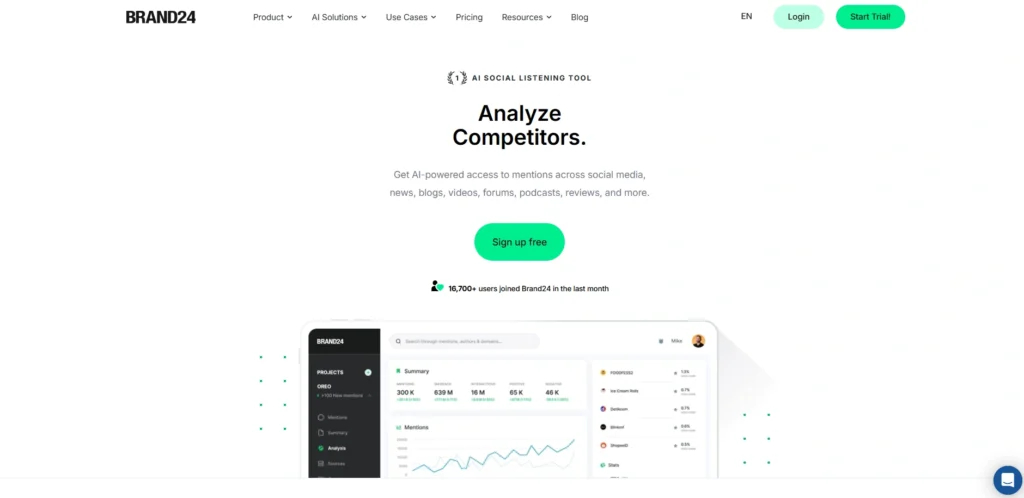
Brand24 is a robust social listening and analytics software that assists enterprises with tracking Facebook performance by mentions, sentiment analysis, and engagement.
It transcends conventional analytics in that it captures tagged and untagged brand mentions in platforms. This will enable marketers to know the perception and brand image of the audience in real time. It finds patterns, activity spikes, and conversations with AI-guided insights.
Share-of-voice metrics and competitor comparisons are also offered by Brand24. Its user-friendly interface and real-time notifications render it useful to PR teams, marketers, and agencies that aim to enhance brand awareness and engagement strategies.
Key Features:
- Social listening and brand mention tracking across platforms
- Sentiment analysis for audience perception insights
- Real-time alerts for mentions and engagement spikes
- Hashtag and keyword tracking
- Competitor and share-of-voice analysis
Pros:
- Strong real-time monitoring capabilities
- Useful for brand reputation management
- Easy-to-use interface
- Provides sentiment insights
- Good for PR and marketing teams
Cons:
- Limited direct ad analytics
- Pricing may be high for small businesses
- Focuses more on listening than full analytics
Pricing:
- Monthly
- Individual– $199/month
- Team– $299/month
- Pro– $399/month
- Business– $599/month
- Enterprise– $999/month
- Annually
- Individual- $149/month
- Team– $249/month
- Pro– $299/month
- Business– $499/month
- Enterprise– From $999/month
2. NapoleonCat
Website: https://napoleoncat.com
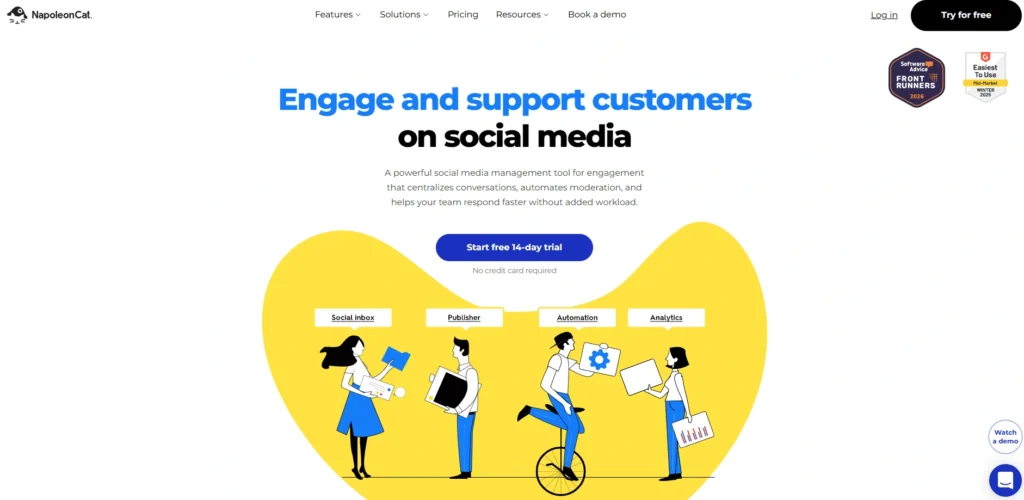
NapoleonCat is a social media management and analytics company that assists businesses to monitor Facebook performance and effectively manage interactions. It gives detailed information about engagement, reach, and audience growth and has automated reporting features.
The site also has moderation features, which are used to control comments and messages on several Facebook pages. Its facebook analytics tools help marketers evaluate campaign effectiveness and optimise content strategies.
NapoleonCat is especially helpful in the context of teams managing several accounts, and it is both an analytics and a workflow automation. It is an effective tool to enhance productivity and social media performance due to its easy to use interface and collaboration.
Key Features:
- Facebook analytics and reporting tools
- Automated social media monitoring tools
- Competitor analysis and benchmarking
- Scheduling and publishing features
- Multi-account management
Pros:
- Combines analytics with moderation tools
- Easy report generation
- Supports team collaboration
- Useful for agencies
- Improves workflow efficiency
Cons:
- Limited advanced analytics compared to premium tools
- Interface may feel basic
- Subscription-based pricing
Pricing:
- Standard– $89/mo
- Pro– $109/mo
- Expert- $139/mo
- Enterprise– from $465/mo
3. Sprout Social
Website: https://sproutsocial.com
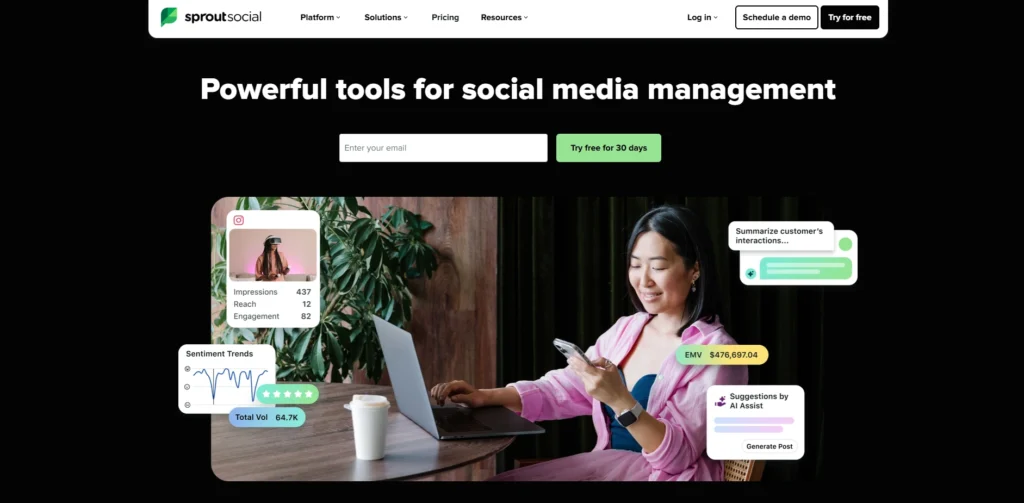
Sprout Social is a social media management and analytics software that offers in-depth Facebook performance data. It provides reports on engagement, impressions, clicks, and growth of the audience in detail, making marketers see the effectiveness of the content.
The platform has Smart Inbox, content scheduling, cross-channel analytics, and customer engagement tools, making it ideal for managing multiple accounts and improving audience interaction. Its customisable dashboards and reporting allow making decisions based on data.
Sprout Social also combines social listening and competitor analysis features. It is popular among agencies and enterprises to boost social media strategies and ROI using its advanced features and scalable solutions.
Key Features:
- Advanced Facebook analytics and reporting
- Engagement, reach, and audience insights
- Social listening and competitor analysis
- Content scheduling and publishing
- Customisable dashboards
Pros:
- All-in-one social media platform
- Strong analytics and reporting
- Excellent UI and usability
- Scalable for businesses
- Great customer support
Cons:
- Expensive pricing plans
- May be complex for beginners
- Advanced features locked in higher tiers
Pricing:
- Standard– $199 per seat/month
- Professional– $299 per seat/month
- Advanced– $399 per seat/month
- Enterprise– Custom Pricing
4. Hootsuite
Website: https://hootsuite.com
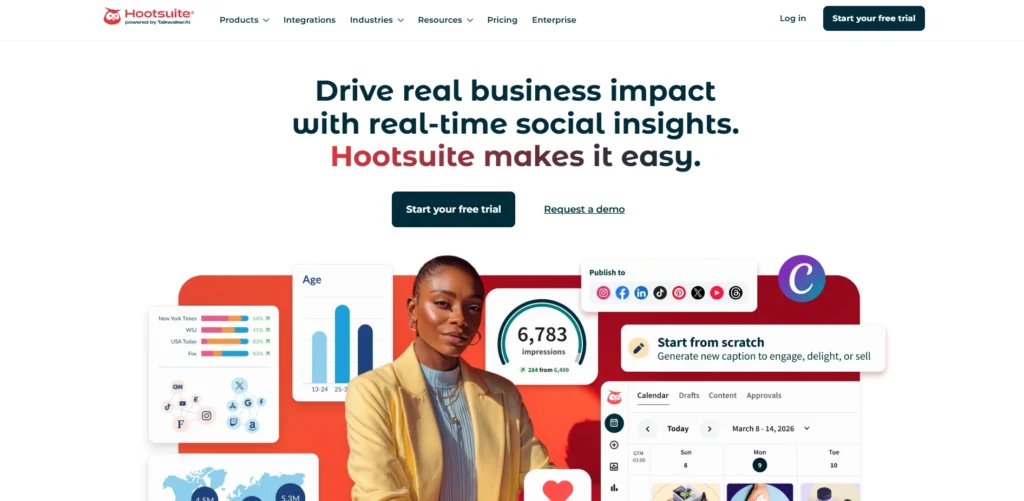
Hootsuite is a social media management app that is widely used and has strong facebook analytics tools. It enables users to monitor engagement, reach, impressions and conversions in a centralised dashboard. Hootsuite also allows scheduling, publishing and tracking on various social media channels.
Its analytics tools give marketers a sense of performance on campaigns and audience behavior to maximise their strategy. It supports team collaboration and allows the customisation of reports to make it suitable to businesses of all sizes.
The fact that Hootsuite can manage various accounts effectively is a key reason why it is a favorite among social media managers who want a complete analytics and management tool.
Key Features:
- Multi-platform social media analytics
- Facebook performance tracking and reporting
- Post scheduling and content management
- Real-time monitoring dashboards
- Team collaboration tools
Pros:
- Centralised social media management
- Supports multiple platforms
- Strong scheduling features
- Good analytics overview
- Suitable for teams
Cons:
- Pricing can be high
- Interface may feel cluttered
- Limited free plan features
Pricing:
- Standard– ₹2,600 per user/mo
- Advanced– ₹10,500 per user/mo
- Enterprise– Custom Pricing
5. Buffer
Website: https://buffer.com
Buffer is a user-friendly but powerful social media platform that has Facebook analytics capabilities and serves as a facebook analytics platform to monitor the post performance and interaction. It gives information about reach, clicks and interaction with the audience, making marketers know the content that is most popular.
The intuitive interface of Buffer allows posting and result analysis without the need to be intricate. It is not as advanced in analytics as some of its competitors, but it is best suited to small businesses and individuals.
It is convenient and cheap, which is why it is a favorite among novices. Buffer also facilitates team-work, which allows users to plan and manage content effectively across numerous platforms.
Key Features:
- Social media scheduling and analytics
- Engagement and reach tracking
- Content planning tools
- Performance insights for posts
- Multi-platform support
Pros:
- Simple and beginner-friendly
- Affordable pricing
- Clean user interface
- Easy scheduling features
- Good for small businesses
Cons:
- Limited advanced analytics
- Basic reporting features
- Not ideal for large enterprises
Pricing:
- Free– $0
- Essentials– $6/month
- Team– $12/month
6. Google Analytics
Website: https://analytics.google.com
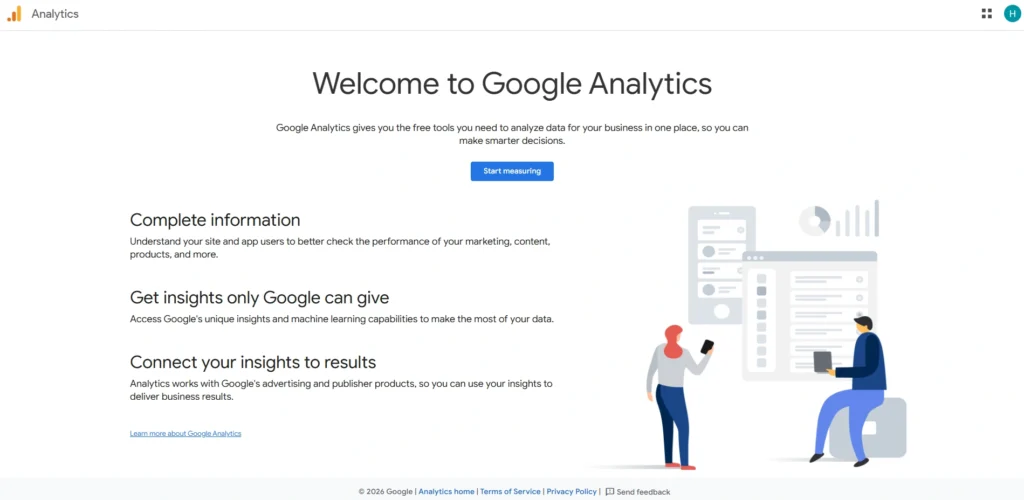
Google Analytics is mainly a web analytics tool but is important in Facebook analytics to monitor traffic and conversions of Facebook campaigns.
It can guide marketers on the interaction between the user and their webpage upon clicking Facebook posts or ads. It has capabilities such as UTM tracking and multi-channel attribution that can be used to gain valuable insights into campaign performance across PPC advertising platforms.
Companies are able to track ROI, user actions, and conversions. It does not offer native Facebook engagement metrics, but it is a supplement to other tools as it gives a larger view of marketing performance and customer paths.
Key Features:
- Tracks traffic from Facebook campaigns
- Conversion and ROI tracking
- Audience behavior analysis
- Multi-channel attribution
- Custom reporting dashboards
Pros:
- Free and powerful tool
- Strong conversion tracking
- Detailed user insights
- Integrates with marketing tools
- Data-driven decision support
Cons:
- No direct Facebook engagement metrics
- Requires setup and configuration
- Complex for beginners
Pricing:
- Free
7. BuzzSumo
Website: https://buzzsumo.com
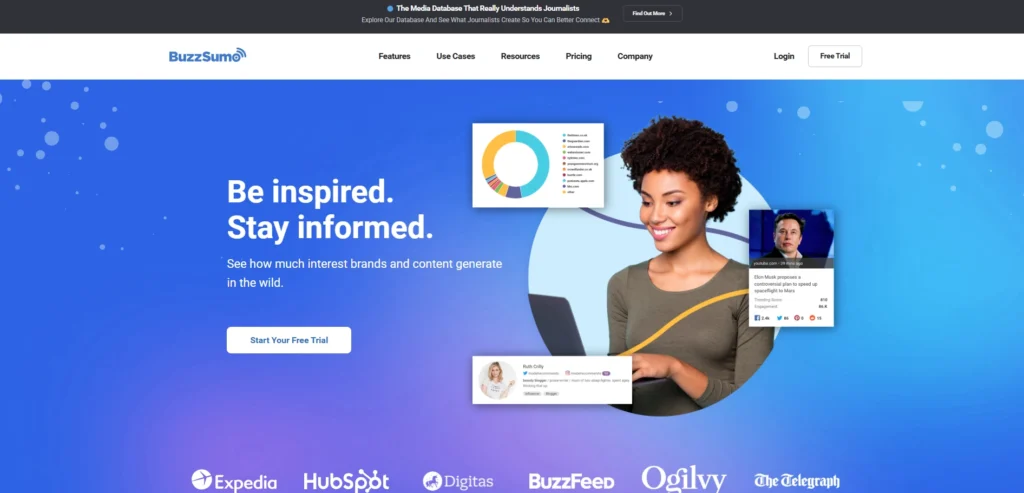
BuzzSumo is a platform for content research and analytics that helps advertisers identify Facebook-performing content. It measures interaction measures like shares, likes, and comments to identify what appeals to audiences.
The platform also enables a user to find out trending topics, monitor competitor content, and find influencers in their niche. BuzzSumo can also be used in content planning and strategy development.
Although it does not deal with intricate campaign analytics as much as content performance, it offers insightful data on audience preferences. Its data-driven strategy assists marketers to produce attractive content that leads to increased visibility and engagement on Facebook.
Key Features:
- Content performance analysis
- Social engagement tracking
- Trending topic discovery
- Influencer identification
- Competitor content insights
Pros:
- Excellent for content research
- Helps identify viral content
- Easy-to-use interface
- Strong content insights
- Useful for strategy planning
Cons:
- Limited campaign tracking
- Expensive plans
- Not a full analytics suite
Pricing:
- Content Creation– $199 /mo
- PR & Comms– $299 /mo
- Suite– $499 /mo
- Enterprise– $999 /mo
8. Keyhole
Website: https://keyhole.co
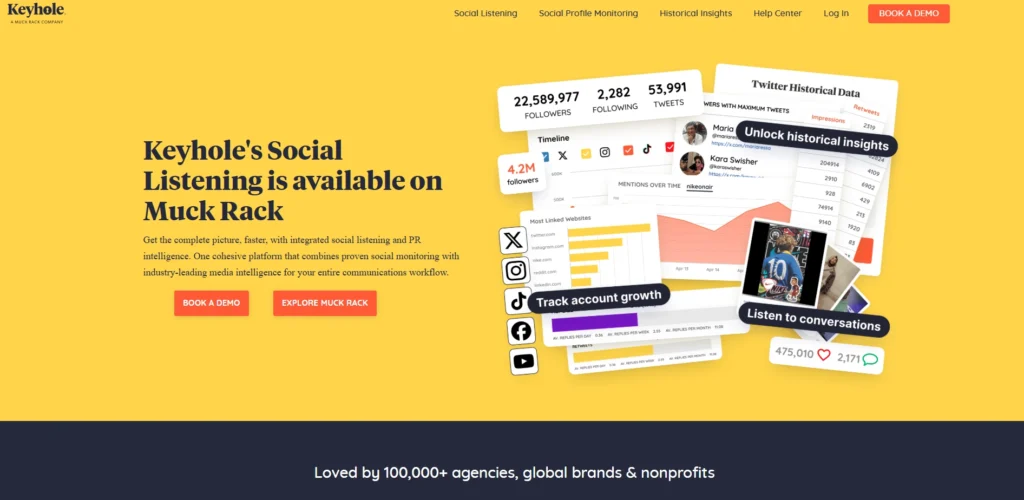
Keyhole is a social media analytics application aimed at real-time monitoring and campaigning. It offers an understanding of Facebook activity, reach, impressions, and hashtag activity.
Keyhole also has the features of influencer tracking and competitor analysis, which allow the marketers to know their place in the market. Its live dashboards and off-the-shelf reporting can ensure that one can track campaigns and change strategies fast.
The site breaks down complicated information into simple graphics, which are easy to read and understand by both amateurs and experts. Keyhole is best suited to brands that need to measure campaign performance and efficiency with social media.
Key Features:
- Real-time social media analytics
- Hashtag and keyword tracking
- Influencer performance insights
- Campaign tracking tools
- Automated reporting
Pros:
- Real-time performance tracking
- Easy visualisation of data
- Useful for campaign monitoring
- Good influencer tracking
- Simple dashboards
Cons:
- Pricing can be high
- Limited historical data in lower plans
- Smaller integration ecosystem
Pricing:
- Basic: Around $44/month
- Plus: Around $79/month
- Professional Around:$99/month
- Advanced Suite: Starting around CA$179/month
9. Socialinsider
Website: https://www.socialinsider.io
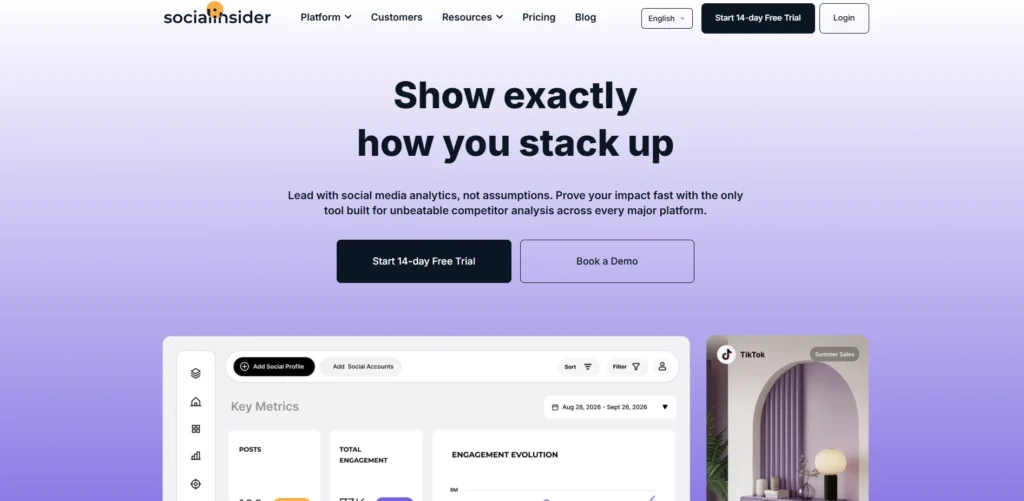
Socialinsider is a powerful social media optimization platform designed for benchmarking and competitive analysis on Facebook. It gives precise information about the engagement, reach and content performance of multiple pages.
The platform has sophisticated reporting capabilities and can be connected to business intelligence tools to conduct further analysis. The Socialinsider serves especially well to the agencies and enterprises that require comparing the performance with their competitors and the industry norms.
It also has video analytics as well as campaign tracking features. Socialinsider is a data-driven tool for refining strategies, enhancing the quality of content, and getting improved results by making better decisions.
Key Features:
- Competitor benchmarking tools
- Engagement and reach analytics
- Social media reporting
- Campaign performance insights
- Video analytics
Pros:
- Strong benchmarking features
- Detailed reports
- Great for agencies
- Easy data comparison
- Supports multiple platforms
Cons:
- Limited scheduling features
- Subscription-based pricing
- Not ideal for beginners
Pricing:
- Adapt– $99/month
- Optimize– $149/month
- Predict– $239/month
- Enterprise– Custom
10. Sotrender
Website: https://www.sotrender.com
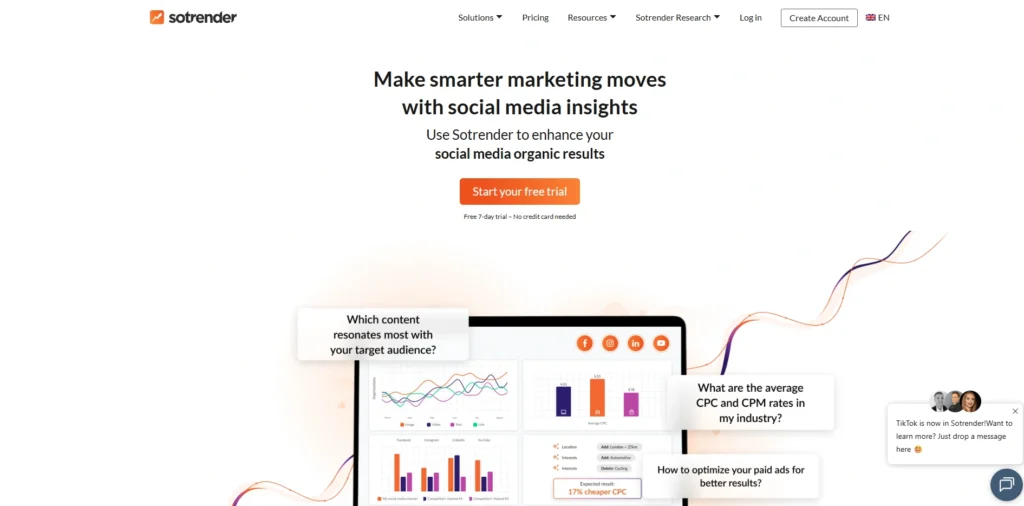
Sotrenderer is a Facebook analytics software that integrates data analysis and actionable information. It monitors organic and paid performance and gives a complete picture of social media activities.
The platform provides access to detailed engagement, reach, and audience behavior reports, which can be used to assess the success of the campaign by the marketer. Sotrender also involves competitor benchmarking and historical data analysis, so it allows one to plan better.
It has automated reporting and easy to use dashboards that enable monitoring of performance. This tool is especially useful for businesses that want to optimise both organic content and advertising campaigns on Facebook for improved results.
Key Features:
- Facebook analytics and reporting
- Paid and organic marketing
- Competitor benchmarking
- Audience insights
- Automated reports
Pros:
- Tracks both organic and paid performance
- Easy-to-use interface
- Good reporting features
- Useful for agencies
- Affordable plans
Cons:
- Limited integrations
- UI may feel outdated
- Advanced features are limited
Pricing:
- Essential– $80/month
- Plus– $200/month
- Expert– $355/month
- Custom– Custom Pricing
11. Fanpage Karma
Website: https://www.fanpagekarma.com
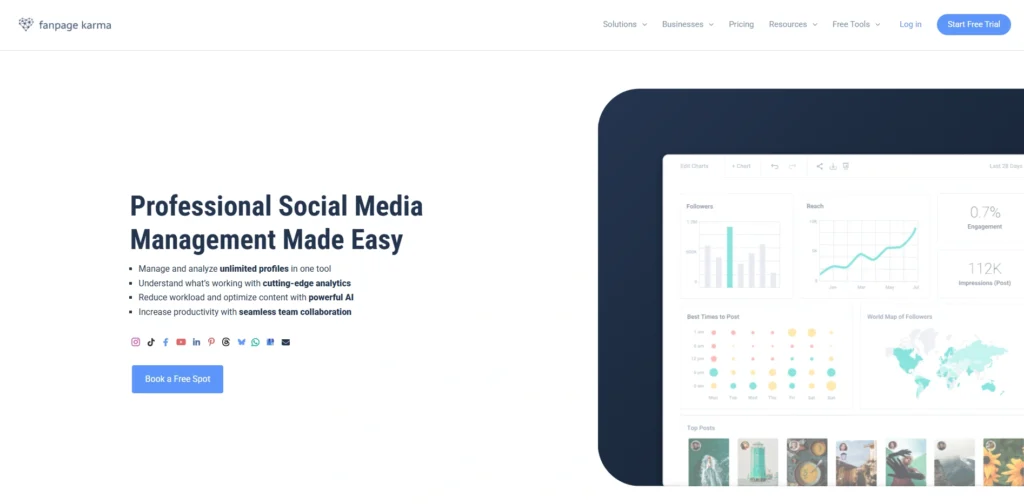
Fanpage Karma is a competitor benchmarking and performance tracking social media analytics tool. It gives us an understanding of engagement, reach and content efficacy among Facebook pages.
The platform enables users to compare with their competitors and determine what to improve. It also has content scheduling and reporting features that make it a handy tool to the marketer. Fanpage Karma is specifically relevant to small and medium sized businesses that require inexpensive analytics.
Its easy to use interface and comprehensive reports enable marketers to make informed decisions using data and improve their Facebook marketing strategies.
Key Features:
- Social media analytics and benchmarking
- Content performance tracking
- Competitor analysis
- Post scheduling tools
- Reporting dashboards
Pros:
- Affordable pricing options
- Easy competitor comparison
- Simple interface
- Good reporting tools
- Useful for small businesses
Cons:
- Limited advanced analytics
- Basic UI design
- Fewer integrations
Pricing:
- Free– $0
- Bronze– $69 per month
- Silver– $199 per month
- Gold– $299 per month
- Platinum– $799 per month
12. Oktopost
Website: https://www.oktopost.com
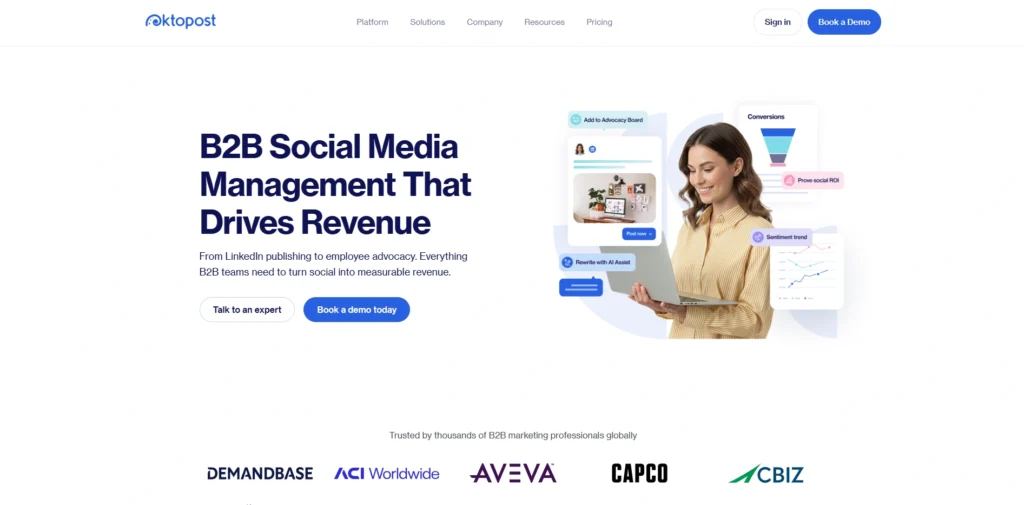
Oktopost is a social media analytics designed as the B2B marketing tool. It assists companies to monitor Facebook performance and connect social media activities with lead generation and sales. The site provides comprehensive analytics, campaign monitoring, and CRM, where marketers can easily track the ROI.
There is also the employee advocacy tool and multi-channel analytics in Oktopost. Its attribution and conversion tracking feature makes it suitable to organisations, which desire to relate social media activity to business performance.
Oktopost, with all its advanced features, allows supporting the strategies based on the data and the enhancement of the overall performance in marketing.
Key Features:
- B2B social media analytics
- Campaign tracking and ROI measurement
- Lead tracking integration
- Multi-channel analytics
- Employee advocacy tools
Pros:
- Strong ROI tracking features
- Ideal for B2B marketing
- CRM integration support
- Detailed analytics
- Scalable platform
Cons:
- Expensive for small businesses
- Not beginner-friendly
- Limited focus on B2C markets
Pricing:
- Request a Quote
13. Whatagraph
Website: https://whatagraph.com
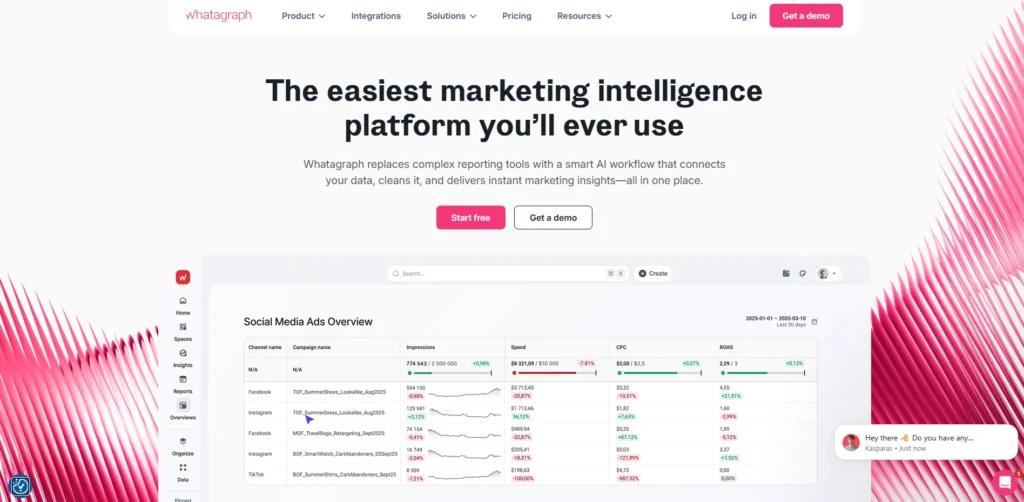
Whatagraph is a reporting and analytics software that allows marketers to visualise Facebook performance data using customisable dashboards. It is connected to various platforms to give a single perspective on the marketing metrics by engagement, reach and conversions.
The system automates the report generation and saves time and enhances efficiency. Whatagraph can be particularly helpful to those agencies and teams that have to provide data to their clients or other stakeholders.
Its easy-to-understand visualisations make complex data more accessible. Whatagraph is able to combine the data collected by diverse sources and can thus assist marketers in making better decisions and optimising their Facebook campaigns.
Key Features:
- Marketing data visualisation
- Automated reporting tools
- Multi-channel integrations
- Custom dashboards
- Real-time analytics
Pros:
- Excellent reporting visuals
- Saves time with automation
- Easy to share reports
- Good for agencies
- Integrates with many tools
Cons:
- Limited direct analytics features
- Requires integrations for full use
- Subscription-based pricing
Pricing:
- Monthly
- Start– $286/month
- Boost– $724/month
- Max– Custom
- Annually
- Start– $229/month
- Boost– $579/month
- Max– Custom
14. Iconosquare
Website: https://www.iconosquare.com
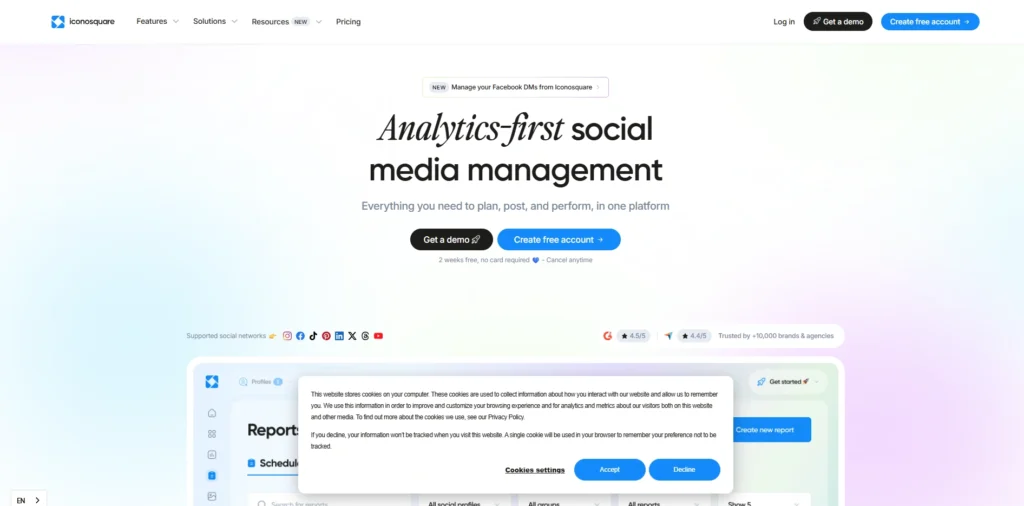
Iconosquare is a social media analytics company that is characterised by visually appealing dashboards and detailed performance insights. It follows the activity, reach, impressions and audience expansion on Facebook.
Scheduling and content planning are also part of the platform, thus a complete solution to managing social media. The benchmarking tools provided by Iconosquare enables its users to evaluate their performance against the industry and other rivals.
It is easy to use and its detailed reports make it appropriate to both beginners and professionals. Iconosquare enables marketers to enhance their social media strategies by giving them clear insights into content performance.
Key Features:
- Social media analytics and scheduling
- Engagement and audience insights
- Performance benchmarking
- Content planning tools
- Visual reporting dashboards
Pros:
- User-friendly interface
- Strong visual analytics
- Good scheduling features
- Useful benchmarking tools
- Suitable for marketers
Cons:
- Limited advanced analytics
- Subscription-based pricing
- Focused mainly on social platforms
Pricing:
- Launch– $39/month
- Scale– $83/month
- Excel– $139/month
15. Rival IQ
Website: https://www.rivaliq.com
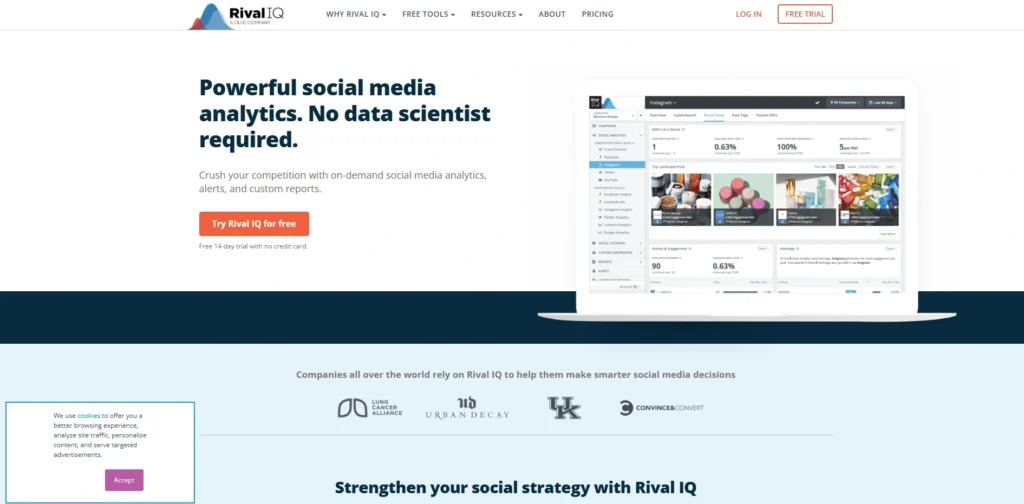
Rival IQ is a competitive analysis tool, which assists businesses to monitor Facebook performance and compare with competitors. It gives the indication of engagement, reach, content performance, and competitor activity alerts are automated.
The site employs AI-based analysis to detect patterns and propose changes. Rival IQ also provides social media audits and reporting, which is handy in strategic planning.
Its performance cross-platforming capability provides a wider view to marketers. Having a competitive intelligence orientation, Rival IQ assists companies to sharpen their strategies and remain at the top of the social media scene.
Key Features:
- Competitive social media analytics
- Engagement and performance tracking
- Automated alerts and insights
- Content benchmarking
- Social media audits
Pros:
- Strong competitor analysis
- AI-driven insights
- Easy-to-understand reports
- Helps improve strategy
- Good for agencies
Cons:
- Expensive pricing
- Limited publishing features
- Requires experience for best use
Pricing:
- Drive– $239/mo
- Engage– $349/mo
- Engage Pro– $559/mo
Ending Thoughts
In conclusion, Facebook Analytics Tools play a crucial role in helping businesses track performance, understand audience behavior, and improve marketing strategies. By leveraging accurate data and insights, marketers can optimise content, refine targeting, and enhance campaign effectiveness.
These tools not only save time but also provide a deeper understanding of engagement patterns and user preferences. Choosing the right analytics tool depends on specific goals, budget, and required features. When used effectively, these tools enable better decision-making, increase return on investment, and support consistent growth in an increasingly competitive social media landscape.
FAQs
1. What Are Facebook Analytics Tools?
Facebook analytics platform help track, measure, and analyse performance metrics like engagement, reach, and audience behavior on Facebook.
2. Why Are Facebook Analytics Software Important?
They provide insights into content performance, helping marketers optimise strategies, improve engagement, and increase return on investment effectively.
3. What Features Should I Look For In Facebook Analytics Platform?
Look for real-time analytics, audience insights, competitor tracking, reporting dashboards, and integration with advertising and marketing platforms.
4. What Are Facebook Analytics Software Used For?
Facebook Analytics help track engagement, reach, clicks, conversions, and audience behavior to optimize content and campaigns effectively.
5. Why Should Businesses Use Facebook Analytics Tools?
They provide data-driven insights, improve targeting, measure ROI, and help marketers create more engaging, high-performing content.
