
A project can start with a clear plan and still fall behind because of missed deadlines, unclear task ownership, or unexpected delays. How do you ensure that every task is headed in the correct direction? Which project management software can help your team stay organized without adding unnecessary complexity? Scheduling, assigning tasks, monitoring progress, and managing shifting priorities are all made simpler with the correct platform.
Since every team works differently, choosing software based on your project needs, budget, and workflow is essential. Here, we compare popular project management tools to help you find a practical solution for your team.
What Is Project Management Software?
Project management software allows teams to design projects, assign tasks, set deadlines, and monitor progress from a single workspace. Depending on the platform, it may include Gantt charts, Kanban boards, resource planning, and progress reports.
The need for effective project delivery is clear: the Project Management Institute’s 2024 research found that 48% of projects were considered successful, while 40% fell into a middle category and 12% were considered failures. This highlights why clear planning, progress tracking, and accountability matter.
How Teams Can Stay on Track Using Project Management Software
Assigning duties is not enough to keep a project structured. Teams also need clear priorities, regular updates, and a proper way to manage deadlines. Project management software brings these elements together so work moves forward smoothly.
- Keeps Tasks and Deadlines on Track: Teams can break projects into manageable activities, assign due dates, and decide which tasks need attention first. This helps prevent missing important deadlines and makes it simpler for everyone to analyze what needs to be done.
- Makes Team Collaboration Easier: Instead of searching through separate messages and files, team members can discuss tasks, share documents, and post updates in one workspace. This facilitates access to project information and maintains order in communication.
- Defines Team Responsibilities: Assigning a clear owner to each task helps everyone understand their role. Team members can see which activities they need to complete, while managers can follow up on pending work and avoid confusion over responsibilities.
- Helps Monitor Project Progress: Teams can review task statuses and project reports to understand how work is progressing. If an activity falls behind schedule, managers can identify the issue and adjust plans before it affects other tasks.
- Makes Workload Management Easier: When several tasks are due around the same time, some team members may become overloaded. Project management software helps managers review assignments, recognize workload gaps, and distribute work according to project priorities.
- Reduces Repetitive Tasks: Features such as automatic reminders, status changes, and task notifications help manage routine updates. As a result, fewer manual follow-ups are required, allowing up team members to concentrate on their primary duties.
Comparison of Project Management Software
| Software | Best For | Key Features | Starting Price |
| ClickUp | All-in-one project management | Custom views, dashboards, docs, automation | Free; paid from $7/user/month |
| monday.com | Visual workflows and dashboards | Custom boards, timelines, automations | Free; paid from $9/seat/month |
| Asana | Cross-team project tracking | Task management, timelines, workflow automation | Free; paid from $10.99/user/month |
| Trello | Simple task management | Kanban boards, cards, checklists | Free; paid from $5/user/month |
| Jira Software | Agile and software teams | Scrum boards, sprint planning, bug tracking | Free; paid from approximately $8.50/user/month |
| Notion | Documentation and project tracking | Databases, wikis, calendars, task boards | Free; paid from approximately $8/user/month |
| Smartsheet | Spreadsheet-style project planning | Grid views, Gantt charts, reports | Free; paid from $7/user/month |
| Wrike | Professional and creative teams | Gantt charts, proofing, workload tracking | Free; paid from $9.80/user/month |
| Microsoft Project | Complex project scheduling | Task dependencies, resource planning, Gantt charts | Paid plans from $10/user/month |
| Zoho Projects | Budget-conscious teams | Milestones, timesheets, automation | Free; paid from $4/user/month |
List of Best 10 Project Management Software
1. ClickUp
- Official Website: https://clickup.com/
- Best For: All-in-one task customization and versatility
- Key Features: Custom views, lists, docs, goals, and a generous free plan
- Project Planning & Scheduling: Maps timelines and goals using Gantt charts and Mind Maps
- Task Tracking & Workflow Views: Visualizes work across 15+ customizable views like Kanban and Lists
- Team Collaboration: Unifies communication via real-time chat, shared docs, and task comments
- Reporting & Progress Tracking: Monitors team performance through real-time, customizable dashboards
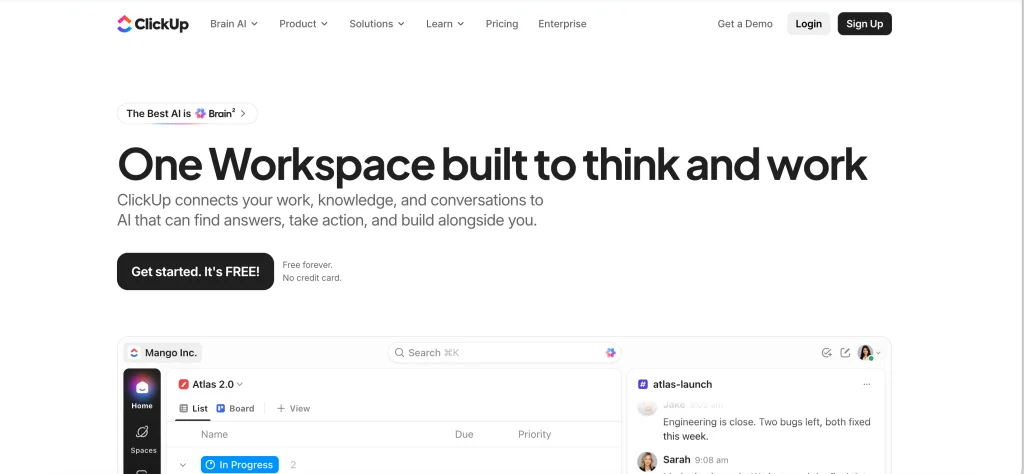
ClickUp unifies goals, tasks, documents, chat, and reporting into a single workplace. Teams can organize work using Lists, Boards, Calendars, and Gantt charts, assign tasks, set priorities, and link dependent activities. Custom dashboards help monitor project progress and workloads, while automation reduces repetitive updates. Its flexible setup supports different workflows, from everyday task tracking to detailed project planning and team coordination.
Pricing:
- Free Forever: $0 (best for personal use)
- Unlimited: $7 per user/month (best for small teams)
- Business: $12 per user/month (best for mid-sized teams)
- Enterprise: Custom pricing (best for large organizations)
Pros:
- Highly customizable
- All-in-one feature set
- Generous free tier
- Advanced automation options
- Robust integration list
Cons:
- Steep learning curve
- Occasional lagging performance
- Overwhelming interface for beginners
- Mobile app limitations
- Complex initial setup
2. monday.com
- Official Website: https://monday.com/
- Best For: Colorful, flexible visual dashboards and team collaboration
- Key Features: Drag-and-drop workflows, automation, time tracking, and scale-friendly templates
- Project Planning & Scheduling: Visual mapping of task sequences, milestones, timelines, and Gantt charts to structure workflows
- Task Tracking & Workflow Views: Dynamic management using color-coded Kanban boards, calendars, tables, and custom status columns
- Team Collaboration: Automated team tagging systems, file sharing, integrated workdocs, and real-time updates
- Reporting & Progress Tracking: Multi-project high-level dashboards compiling real-time execution analytics and status updates
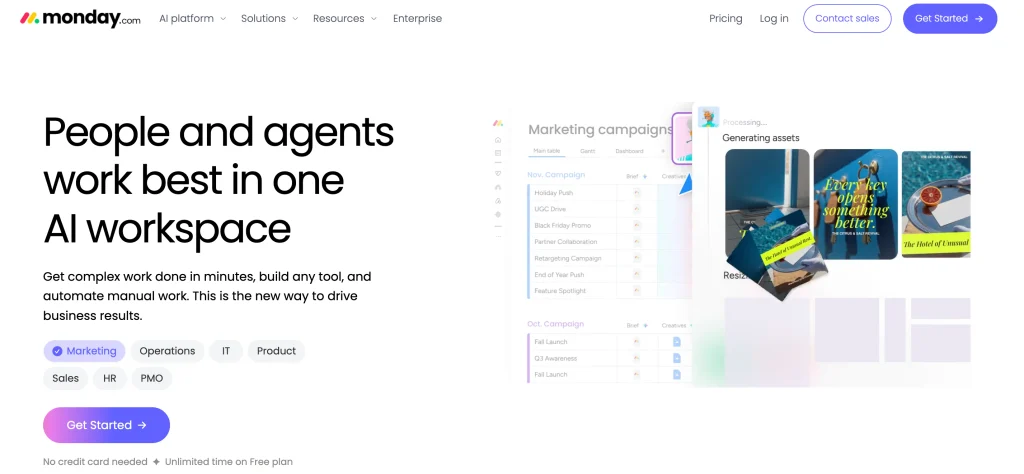
Monday.com is a flexible project management software that organizes activities with timelines, calendars, and workload views, then creates dashboards to monitor progress. Integrations connect workflows with other corporate apps, while automations manage repetitive tasks like notifications and status updates. Its flexible boards support different processes across marketing, operations, product development, and other teams.
Pricing:
- Free Plan: $0 (Up to 2 seats, 3 boards, basic views)
- Basic Plan: $9 / seat/month
- Standard Plan: $12 / seat/month
- Pro Plan: $19 / seat/month
- Enterprise Plan: Custom pricing
Pros:
- Highly customizable visual interface
- Powerful, intuitive automation builder
- Robust native integration ecosystem
- Flexible multi-view dashboard layouts
- Easy setup via prebuilt templates
Cons:
- Rigid 3-seat paid minimum
- Steep feature-gating on lower tiers
- Overwhelming options cause board clutter
- Weak native advanced financial controls
- Basic mobile app functionality limitations
3. Asana
- Official Website: https://asana.com
- Best For: Cross-functional team tracking and enterprise growth
- Key Features: Timeline, board, and list views, automated workflows, and robust third-party integrations
- Project Planning & Scheduling: Build project roadmaps, map task dependencies, and schedule timelines dynamically
- Task Tracking & Workflow Views: Toggle between Kanban boards, list views, calendars, and visual Gantt charts
- Team Collaboration: Assign distinct task owners, tag teammates directly, and communicate with context-rich comment sections
- Reporting & Progress Tracking: Monitor real-time status updates, view central portfolios, and track organization-wide goals
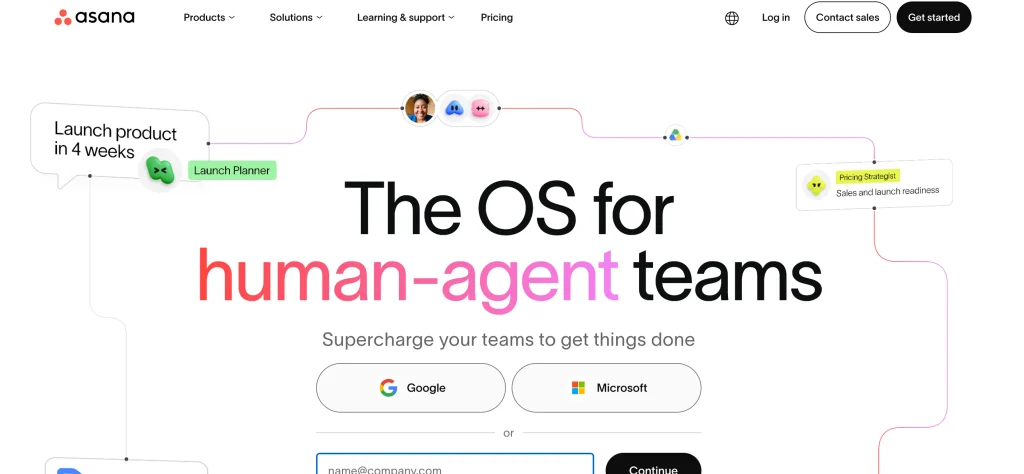
Asana assists teams with project organization, assigning tasks, deadline setting, and job tracking. Lists, boards, calendars, timelines, and Gantt charts can all be used to view projects. You can use status updates, custom fields, and dashboards to review progress and identify blockers. Workflow automations and integrations facilitate coordination between departments, minimize manual follow-ups, and maintain project responsibilities.
Pricing:
- Personal Plan ($0): Free tier capped at 2 users with basic task management
- Starter Plan ($10.99 / user/month): Billed annually ($13.49 monthly); includes timelines, workflow builder, and basic AI features
- Advanced Plan ($24.99 / user/month): Billed annually ($30.49 monthly); unlocks portfolio tracking, workload management, and native time tracking
Pros:
- Highly intuitive user interface
- Multiple flexible project views
- Robust automated workflow builders
- Extensive integration library
- Powerful native AI features
Cons:
- Expensive per-user seat model
- Steep price jump between tiers
- Restrictive free-tier user limits
- Portfolios gated behind high tiers
- SSO requires enterprise contracts
4. Trello
- Official Website: https://trello.com
- Best For: Simple, visual Kanban-style task management
- Key Features: Intuitive boards, cards, labels, and quick setup for small or remote teams
- Project Planning & Scheduling: Maps out timelines and milestones using visual Kanban boards and calendars
- Task Tracking & Workflow Views: Tracks tasks visually using customizable cards, lists, and boards
- Team Collaboration: Enables real-time updates via comments, @mentions, and shared boards
- Reporting & Progress Tracking: Monitors project health through built-in automation dashboards and metrics
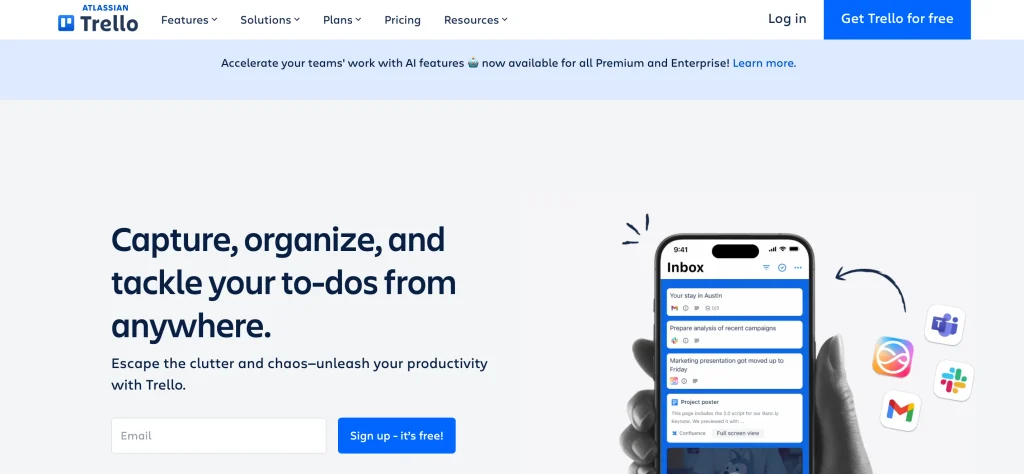
Trello is a visual project management software that organizes projects using boards, lists, and cards that move through stages such as To Do, In Progress, and Done. Each card can include checklists, due dates, attachments, descriptions, and comments. You can automate routine actions with Butler and extend functionality through Power-Ups and integrations. Its visual Kanban-style layout makes it easy to manage tasks, follow workflows, and coordinate smaller projects.
Pricing:
- Free Plan: $0 for basic use
- Standard Plan: $5 per user/month
- Premium Plan: $10 per user/month
- Enterprise Plan: Custom pricing for large teams
Pros:
- Intuitive visual interface
- Free plan available
- Flexible board customization
- Strong automation tools
- Vast integration marketplace
Cons:
- Limited native reporting
- Lacks complex dependencies
- Rigid list-based hierarchy
- Performance lags when overloaded
- Minimal built-in invoicing
5. Jira Software
- Official Website: https://www.atlassian.com/software/jira
- Best For: Agile and software development teams
- Key Features: Scrum and Kanban boards, backlog grooming, sprint planning, and deep developer tool integrations
- Project Planning & Scheduling: Map out epics, sprints, and versions across shared team timelines
- Task Tracking & Workflow Views: Manage work via customizable Scrum, Kanban, and list views
- Team Collaboration: Connect team members through real-time @mentions, comments, and notifications
- Reporting & Progress Tracking: Analyze team velocity, burn-down charts, and sprint progress instantly
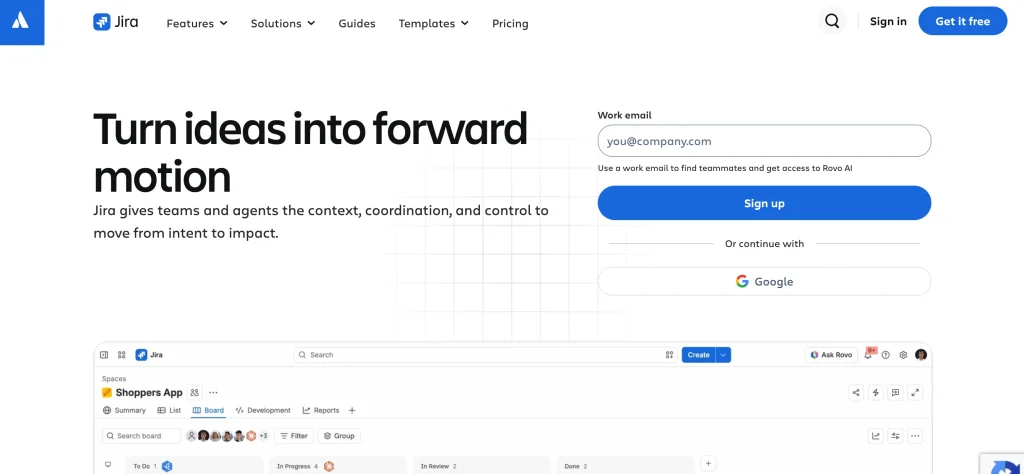
Jira Software is designed for teams managing software development and Agile projects. You can plan sprints, organize backlogs, track bugs and issues, and manage work through Scrum or Kanban boards. Roadmaps and reports help monitor dependencies, sprint performance, and delivery progress. Custom workflows and integrations connect development activities with coding, testing, and team collaboration tools, supporting coordination across complex technical projects.
Pricing:
- Free: $0 for up to 10 users with basic features
- Standard: ~$8.50 per user/month for growing teams
- Premium: ~$16 per user/month for advanced roadmaps and automation
- Enterprise: Custom pricing for large-scale security and governance
Pros:
- Highly customizable workflows
- Powerful agile reporting charts
- Massive integration ecosystem
- Advanced automated rules
- Scalable enterprise security
Cons:
- Steep learning curve
- Complex configuration UI
- Can become very slow
- Expensive premium tiers
- Not designed for non-technical users
Suggested Read :
6. Notion
- Official Website: https://www.notion.com
- Best For: Creative teams, wikis, and blended documentation
- Key Features: Databases, connected notes, calendars, and customizable workspace templates
- Project Planning & Scheduling: Create visual roadmaps and custom timelines to plan projects
- Task Tracking & Workflow Views: Switch easily between Kanban boards, lists, tables, and calendar views
- Team Collaboration: Edit pages together in real-time, leave comments, and mention team members
- Reporting & Progress Tracking: Build custom dashboards using database rollups, formulas, and progress bars
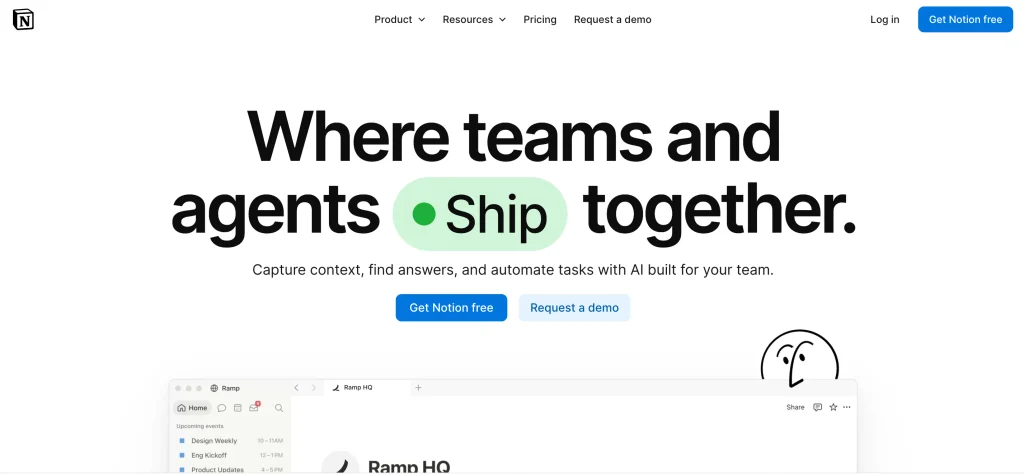
Notion combines documents, wikis, databases, and project tracking in a customizable workspace, making it a versatile project management software solution. You can create project plans, task databases, calendars, and boards while connecting tasks with meeting notes, briefs, and shared documentation. Database properties and different views help organize work by owner, status, or deadline. Templates and integrations support repeatable processes, making it useful for teams that want project management and knowledge sharing in one place.
Pricing:
- Free Plan: Core workspace features for individuals with limited block trials for teams
- Plus Plan: $8–$10 per user/month
- Business Plan: $15–$18 per user/month
- Enterprise Plan: Custom pricing
Pros:
- Extremely flexible and customizable
- All-in-one workspace consolidation
- Powerful database relations and formulas
- Rich template ecosystem
- Clean, minimalist interface
Cons:
- Steep initial learning curve
- Time-consuming to build from scratch
- Limited native automation features
- Offline mode is highly restrictive
- Search functionality can feel slow
7. Smartsheet
- Official Website: https://www.smartsheet.com
- Best For: Spreadsheet-style enterprise project and process automation
- Key Features: Gantt charts, resource management, automated alerts, and large-scale portfolio tracking
- Project Planning & Scheduling: Maps out timelines using interactive Gantt charts, dependencies, and critical path tracking
- Task Tracking & Workflow Views: Switches seamlessly between Grid, Card (Kanban), Gantt, and Calendar views to manage tasks
- Team Collaboration: Enables real-time co-authoring, row-level comments, and automated proofing approvals
- Reporting & Progress Tracking: Aggregates live data into customizable executive dashboards and multi-sheet summaries
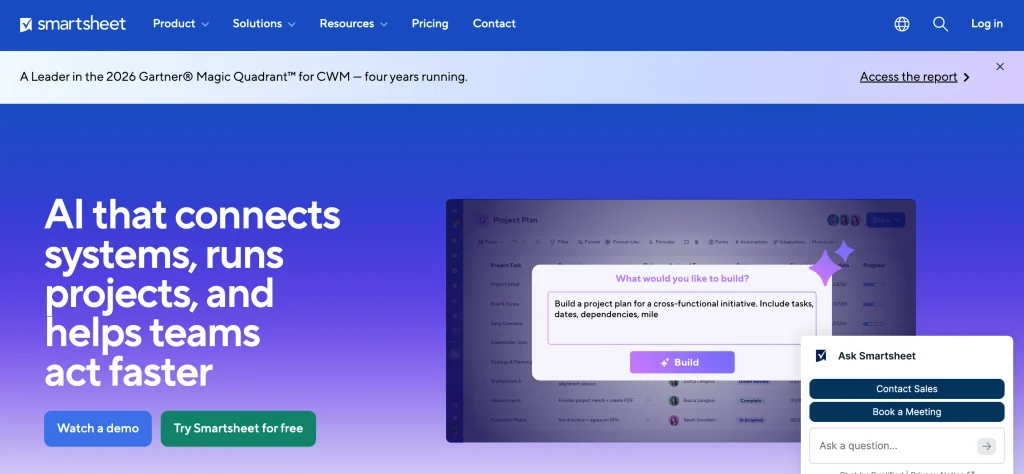
Smartsheet provides spreadsheet-style project management tools for planning, tracking, and reporting work. Teams can manage tasks in grid views, visualize schedules with Gantt charts, and create dependencies between activities. Forms help collect project requests, while dashboards and reports summarize progress and key metrics. Automated alerts and workflows reduce manual updates, making Smartsheet useful for teams that prefer structured, spreadsheet-based project tracking.
Pricing:
- Free: 1 user, up to 2 sheets
- Pro: $7/user/month (up to 10 users)
- Business: $25/user/month (minimum 3 users)
- Enterprise: Custom pricing for advanced security and scale
Pros:
- Familiar spreadsheet interface
- Powerful automation engine
- Highly customizable dashboards
- Robust formulas and reporting
- Excellent enterprise-grade security
Cons:
- Steep initial learning curve
- Real-time activity updates lag
- High licensing cost minimums
- Limited advanced resource management
- Strict cell-link capacity limits
8. Wrike
- Official Website: https://www.wrike.com
- Best For: Professional services and AI-assisted workflows
- Key Features: Interactive Gantt charts, real-time collaboration, time tracking, and workload management
- Project Planning & Scheduling: Dynamic Gantt charts and timelines for scheduling
- Task Tracking & Workflow Views: Custom workflows with Kanban, list, and table views
- Team Collaboration: Real-time commenting, tagging, and live document proofing
- Reporting & Progress Tracking: Real-time analytics dashboards and automated status reports
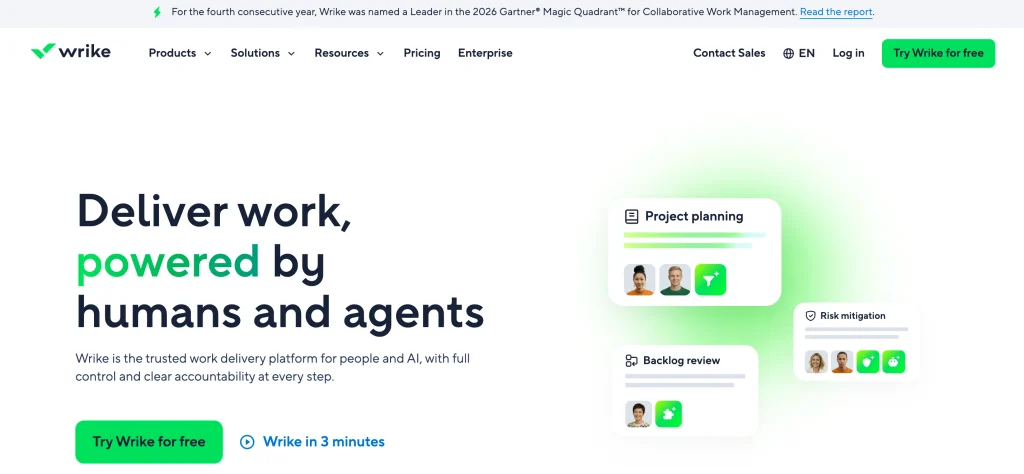
Wrike is a powerful project management software that helps teams plan projects, assign tasks, manage deadlines, and monitor work across departments. It offers list, board, calendar, and Gantt chart views, along with task dependencies, request forms, and proofing tools for reviewing creative files. Dashboards and reports provide visibility into project progress and workloads, while automation supports recurring processes. Custom workflows and integrations help teams coordinate approvals and manage multiple projects.
Pricing:
- Free: Basic task management for unlimited users
- Team ($9.80/user/month): Gantt charts, custom fields, and automations
- Business ($24.80/user/month): Advanced reporting, resource management, and time tracking
- Enterprise/Enterprise light: Custom pricing for advanced security and scale
Pros:
- Highly customizable workflows
- Powerful cross-tagging system
- Robust built-in proofing tools
- Excellent real-time dashboards
- Strong resource management
Cons:
- Steep learning curve
- Expensive paid tiers
- Outdated interface design
- Clunky mobile application
- Limited built-in chat
9. Microsoft Project
- Official Website: https://www.microsoft.com/en-in
- Best For: Complex, large-scale waterfall planning and MS-centric enterprises
- Key Features: Deep Gantt charts, resource heatmaps, portfolio modeling, and Power BI integration
- Project Planning & Scheduling: Builds complex timelines using Gantt charts, critical path methods, and automated task dependencies
- Task Tracking & Workflow Views: Provides multiple visual work formats including Grid, Kanban Board, Timeline, and Network Diagram views
- Team Collaboration: Connects teams through native integration with Microsoft Teams, Loop, and SharePoint for updates
- Reporting & Progress Tracking: Generates out-of-the-box, customizable progress dashboards and automated burndown charts
Microsoft Project supports detailed project planning through schedules, task dependencies, milestones, and resource assignments. Teams can build Gantt charts, manage timelines, and track progress against project plans. Reporting tools help review schedules, workloads, and project performance. Depending on the plan, it also connects with other Microsoft applications. Its structured planning and scheduling capabilities make it suitable for projects with complex timelines, linked activities, and resource requirements.
Pricing:
- Planner Plan 1: $10 per user/month (essential web tools)
- Planner and Project Plan 3: $30 per user/month (includes fully installed desktop app)
- Planner and Project Plan 5: $55 per user/month (enterprise portfolio management)
- Project Standard 2024: $679.99 one-time fee (on-premises perpetual license for 1 PC)
- Project Professional 2024: $1,129.99 one-time fee (advanced on-premises licensing)
Pros:
- Deep Microsoft 365 ecosystem integration
- Powerful automated critical path scheduling
- Industry-standard resource leveling capabilities
- Highly advanced multi-project portfolio management
- Extremely robust customized data reporting
Cons:
- Very steep initial learning curve
- High pricing barrier for small teams
- Outdated interface on older on-premise builds
- No native desktop client for macOS
- Overwhelming feature set for simple projects
10. Zoho Projects
- Official Website: https://www.zoho.com/projects/
- Best For: Budget-conscious teams and users of the Zoho ecosystem
- Key Features: Task lists, milestone tracking, built-in time sheets, and integration with Zoho CRM and Books
- Project Planning & Scheduling: Maps project phases using milestones, task lists, and interactive Gantt charts
- Task Tracking & Workflow Views: Manages daily execution by effortlessly switching between Kanban boards and classic lists
- Team Collaboration: Centralizes discussions through built-in project chats, interactive forums, and shared documentation pages
- Reporting & Progress Tracking: Tracks real-time completion status alongside billable timesheets and portfolio dashboard summaries
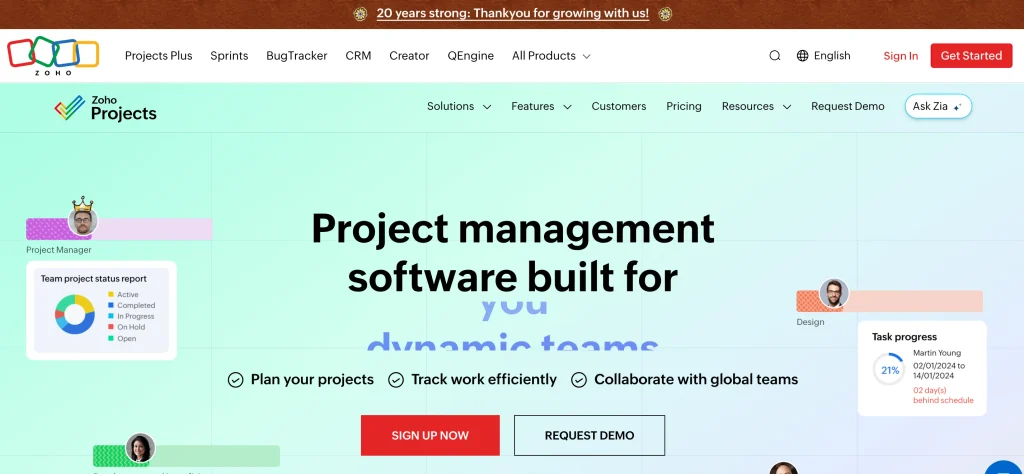
With Zoho Projects, a versatile project management software, you can manage deadlines and progress while organizing work into milestones, task lists, tasks, and subtasks. Its features include Gantt charts, task dependencies, issue tracking, timesheets, and reports for monitoring schedules and work effort. Collaboration tools support comments, chats, file sharing, and project discussions. Workflow automation handles routine updates and notifications, while integrations connect project activities with Zoho and other business applications.
Pricing:
- Free Plan: $0 for up to 3 users and 2 projects.
- Premium Plan: $4 per user/month billed annually
- Enterprise Plan: $9 per user/month billed annually
- Ultimate Plan: $14 per user/month billed annually
Pros:
- Exceptionally budget-friendly annual pricing
- No minimum user seat requirements
- Native integration with Zoho ecosystem
- Built-in native time tracking
- Strong interactive Gantt chart functionality
Cons:
- Interface feels sluggish during switches
- UI layout is initially overwhelming
- Limited advanced report customization options
- Setup configuration takes considerable time
- Rigid, highly linear waterfall structure
How Your Team Should Select Project Management Software
Your team size, workflow, and project needs will determine which project management software is best for you. Comparing a few important factors can help you choose a tool that fits your needs and budget.
- Identify Your Team’s Needs: Start by identifying your main challenges, such as missed deadlines, unclear responsibilities, or poor communication. Choose software that addresses these problems instead of paying for features your team may not need.
- Compare Essential Features: Look for features such as task management, project scheduling, progress tracking, and team collaboration. If your projects are more complex, you may also need Gantt charts, automation, or resource management.
- Choose an Easy-to-Use Tool: Software should be simple to navigate and easy for team members to learn. A user-friendly interface helps teams adopt the platform quickly and manage daily tasks without unnecessary complications.
- Check Pricing and Plans:To find out what features are included, compare paid and free programs. Consider user limits, available storage, and additional costs to ensure the software fits your budget as your team grows.
- Review Integrations and Reports:Choose software that connects with the tools your team already uses, such as calendars, file-sharing apps, and communication platforms. Reporting features are also useful for monitoring progress and making informed decisions.
- Try the Software Before Choosing: If a free trial or plan is offered, use it to test the program on an actual project. Check how easily you can assign tasks, track deadlines, and collaborate with your team before making a final decision.
Conclusion
Choosing the right project management software can make everyday work more organized and manageable. It helps teams keep track of tasks, meet deadlines, improve collaboration, and handle changing priorities with greater clarity. However, the best choice depends on your team’s workflow, project requirements, and budget.
Before making a decision, compare the essential features and try the software whenever possible. The right fit can help your team work more efficiently and keep projects moving toward their goals.
FAQs
1. What is Project Management Software Used For?
Project management software helps teams plan projects, assign tasks, set deadlines, track progress, and collaborate more effectively from one place.
2. What Features Should Project Management Software Include?
Essential features include task management, deadline tracking, project planning, team collaboration, and progress reporting. The exact needs depend on your team.
3. Is Free Project Management Software Worth Using?
Yes, free plans can work well for individuals and small teams with basic needs. However, advanced features and larger team limits may require a paid plan.
4. Can Project Management Software Improve Team Productivity?
Yes, it can reduce manual work, clarify responsibilities, and keep everyone updated. This helps teams spend less time organizing tasks and more time completing them.
5. How can I Pick the Best Software for Project Management?
Consider your team size, project requirements, budget, ease of use, and integration needs. Testing a free plan or trial can help you make a confident decision.
