The success of any online marketing campaign depends on using the right resources to plan, execute, and measure results. Digital marketing tools help professionals handle everything from finding customer insights to creating campaigns that deliver real impact. They support areas like market research, keyword analysis, content planning, advertising, customer communication, and performance monitoring.
With advanced features and automation, these platforms make it easier to identify opportunities, improve workflows, and stay ahead of competitors. Whether you are looking to attract new customers, strengthen brand visibility, or improve your marketing process, the right tools can provide the technology and insights needed to achieve better outcomes. Choosing effective solutions allows businesses to create more focused, efficient, and successful marketing strategies.
What Are Digital Marketing Tools?
Digital marketing tools are software applications or web platforms designed to help businesses promote their products and services online. Recent industry data shows that over 80% of marketers now use some form of automation, while digital advertising spend continues to hit record highs globally. Furthermore, AI adoption in marketing has nearly doubled over the past few years.
Marketers use these platforms to manage, automate, track, and optimize marketing campaigns effortlessly. They play a vital role across SEO, content creation, email marketing, social media, paid advertising, analytics, CRM, and automation. Businesses of all sizes rely on a mix of free and paid solutions to connect with target audiences without wasting resources. For example, a local bakery might use a free social media scheduler to post daily updates. Meanwhile, a global software company might use an advanced paid CRM to track customer journeys and automate email sequences. These platforms turn raw data into actionable insights for continuous growth.
Types of Digital Marketing Tools
Before diving into specific platforms, it helps to understand the different categories of software available today. Each type serves a unique role in building a well-rounded and successful online marketing strategy:
- SEO Tools: These platforms help optimize your website to rank higher in search engine results. Marketers rely on them daily for keyword research, backlink analysis, site audits, and rank tracking using both free trackers and premium analyzers.
- Content Marketing Tools: These apps assist in creating, editing, and distributing engaging content across all your channels. Everyday uses include simple graphic design, grammar checking, content research, and trend spotting via highly accessible freemium web apps.
- Email Marketing Tools: These services enable businesses to communicate directly with subscribers via targeted messaging. They are perfect for sending beautiful newsletters, building automated drip campaigns, handling list segmentation, and running A/B testing on scalable pricing plans.
- Social Media Management Tools: These solutions streamline the process of publishing content and engaging audiences on various social platforms. Teams use them heavily for bulk post scheduling, active social listening, community management, and detailed performance tracking.
- Paid Advertising Tools: These networks help you manage and optimize pay-per-click ad campaigns across the web. They are essential for profitable ad creation, strict budget management, precise audience targeting, and accurate conversion tracking using budget-based systems.
- Analytics and Reporting Tools: These tracking systems measure website traffic and user behavior to gauge the overall success of your campaigns. Marketers use them constantly for traffic analysis, visual user heatmaps, building custom data dashboards, and goal tracking through free and paid software.
- CRM and Lead Generation Tools: These platforms manage ongoing customer relationships and help capture new business prospects efficiently. They act as a central hub for contact management, tracking sales pipelines, intelligent lead scoring, and handling customer support using tiered software options.
- AI and Automation Tools: These modern programs use artificial intelligence to scale marketing efforts and connect different apps together seamlessly. Typical applications include lightning-fast copywriting, complex workflow automation, secure data syncing, and intelligent chatbot creation.
List of Top 24 Digital Marketing Tools: Full Reviews
Here is a carefully curated breakdown of the top 24 free and paid digital marketing tools to help you build your ideal marketing stack:
A: Top SEO Tools
1. Google Search Console
Website: search.google.com/search-console
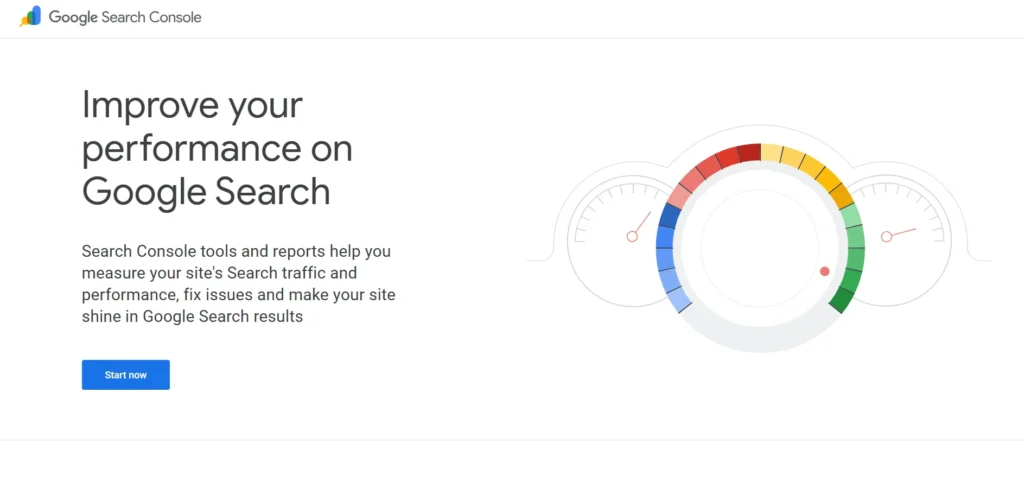
Google Search Console is a foundational free tool that lets website owners monitor their organic search performance. It helps you understand how Google crawls and indexes your website. You can submit sitemaps, find crawl errors, and review which keywords bring in traffic. This platform is completely essential for anyone who wants to improve their website health and search engine visibility safely and effectively.
Key Features:
- Tracks search rankings
- Submits XML sitemaps
- Finds indexing errors
- Checks mobile usability
Pro:
- Completely free tool
- Accurate Google data
- Sends security alerts
- Easy to use
Cons:
- No competitor data
- Limited historical data
- Basic reporting features
- No backlink tracking
Best For: Website owners and beginners.
Pricing: Completely Free.
2. Ahrefs
Website: ahrefs.com
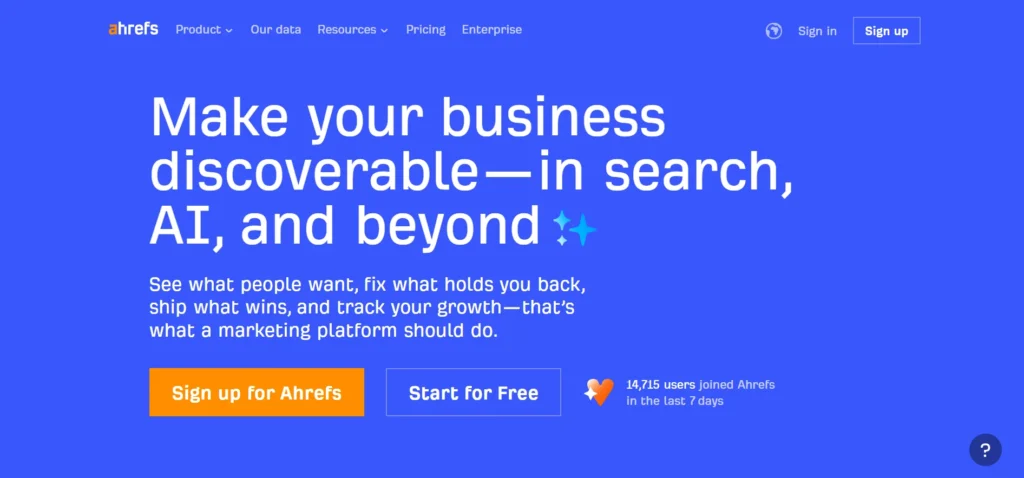
Ahrefs is an industry favorite paid platform for backlink analysis and comprehensive keyword research. It is one of the most effective digital marketing tools that helps marketers audit their technical SEO, track search rankings, and discover high-performing content ideas. With massive data capabilities, Ahrefs allows you to analyze competitor strategies easily. It is highly valued by professionals who need deep insights into why competitors rank higher and how to outrank them organically.
Key Features:
- Huge backlink database
- Detailed keyword research
- Tracks keyword rankings
- Audits technical SEO
Pro:
- Highly accurate data
- Excellent interface design
- Deep competitor analysis solution
- Frequent tool updates
Cons:
- No mobile app
- High monthly cost
- Complex for beginners
- Strict usage limits
Best For: SEO professionals and agencies.
Pricing:
- Free plan available
- Starter: $29
- Lite: $129/mo
- Standard: $249/mo
- Advanced: $499/mo
- Enterprise: $1499/mo
3. Semrush

Website: semrush.com
Semrush is a versatile all-in-one platform covering SEO, content marketing, and paid advertising analysis. It helps users discover profitable keywords, track daily rankings, and perform detailed site audits. The platform excels at showing competitor paid search strategies alongside organic data. Many businesses prefer Semrush because it combines multiple digital marketing tools into one premium dashboard.
Key Features:
- Complete SEO audits
- PPC competitor analysis
- Tracks daily rankings
- Content marketing toolkit
- All-in-one SEO automation tools for keyword research and tracking.
Pro:
- All-in-one platform
- Massive keyword database
- Great SEO reporting solution
- Good local SEO
Cons:
- Expensive premium plans
- Overwhelming interface initially
- Limited user seats
- Mobile app lacks
Best For: Mid-sized businesses and agencies.
Pricing:
- SEO: $139.95/mo
- Pro+: $299/mo
- Advanced: $549/mo
B: Content Marketing Tools
4. Canva
Website: canva.com
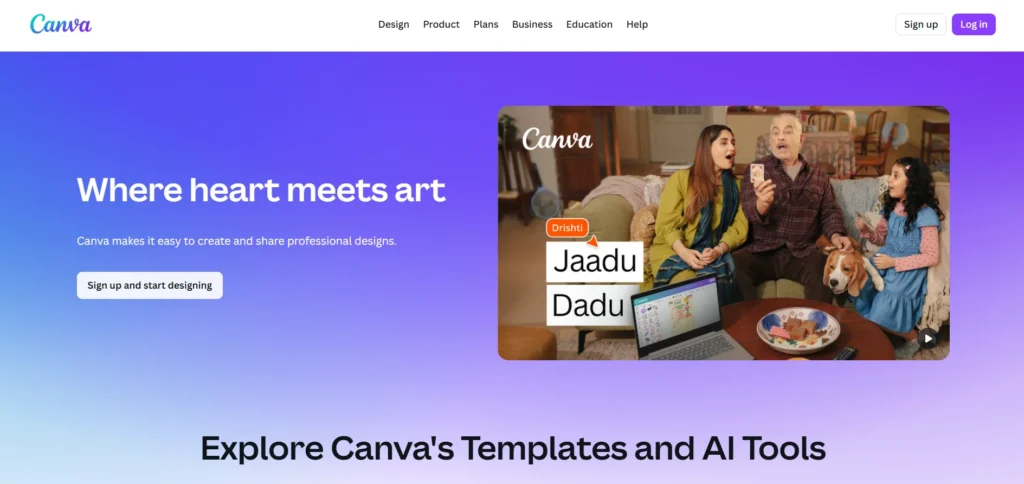
Canva is a user-friendly graphic design tool that simplifies visual content creation for marketers. It is one of the most popular digital marketing tools for creating engaging designs quickly and effectively. It features thousands of templates for social media posts, presentations, and blog graphics. You do not need graphic design experience to use its intuitive drag-and-drop interface. It offers a generous free tier alongside paid plans, helping teams maintain brand consistency and create professional visuals across different marketing channels.
Key Features:
- Drag-and-drop editor
- Thousands of templates
- Custom brand kits
- Team collaboration folders
Pro:
- Very beginner friendly
- Generous free plan
- Fast image export
- Huge asset library
Cons:
- Limited advanced editing
- Generic stock elements
- Mobile app glitches
- Basic text tools
Best For: Social media managers and creators.
Pricing:
- Canva Free: ₹0
- Canva Pro: ₹500 /month for one user
- Business: ₹680 /month per user
- Enterprise: custom pricing
5. Grammarly

Website: grammarly.com
Grammarly is a smart writing assistant that helps marketers craft clear, mistake-free copy. It checks spelling, grammar, tone, and punctuation in real time across various apps and browsers. Whether you are writing an email, a blog post, or a social media update, Grammarly ensures your brand voice remains professional. It acts like a digital editor for your entire marketing team.
Key Features:
- Real-time grammar checks
- Tone detection suggestions
- Plagiarism checking tool
- Style guide enforcement
Pro:
- Highly accurate corrections
- Works almost everywhere
- Useful free version
- Improves writing skills
Cons:
- Expensive premium version
- Sometimes misinterprets context
- Slows down browsers
- Aggressive upselling tactics
Best For: Writers, bloggers, and marketers.
Pricing:
- Free
- Premium: ₹392/mo
- Business: custom pricing
6. BuzzSumo

Website: buzzsumo.com
BuzzSumo is a powerful content research tool that helps marketers find trending topics and popular articles. It is an effective digital marketing software for analyzing content performance and discovering ideas that attract audiences. It allows you to analyze which content performs best on social media platforms based on engagement metrics. You can also use it to identify influential creators and journalists in your specific niche. This paid platform takes the guesswork out of content creation by highlighting proven ideas and helping marketers develop more impactful strategies.
Key Features:
- Discovers trending content
- Analyzes social engagement
- Identifies key influencers
- Monitors brand mentions
Pro:
- Great content ideas
- Easy influencer discovery
- Useful brand alerts
- Simple user interface
Cons:
- Very high pricing
- Limited historical searches
- Basic analytics reports
- Social data limitations
Best For: Content strategists and PR teams.
Pricing:
- Content Creation: $199/mo
- PR & Comms: $299/mo
- Suite: $499/mo
- Enterprise: $999/mo
C: Email Marketing Tools
7. Mailchimp
Website: mailchimp.com
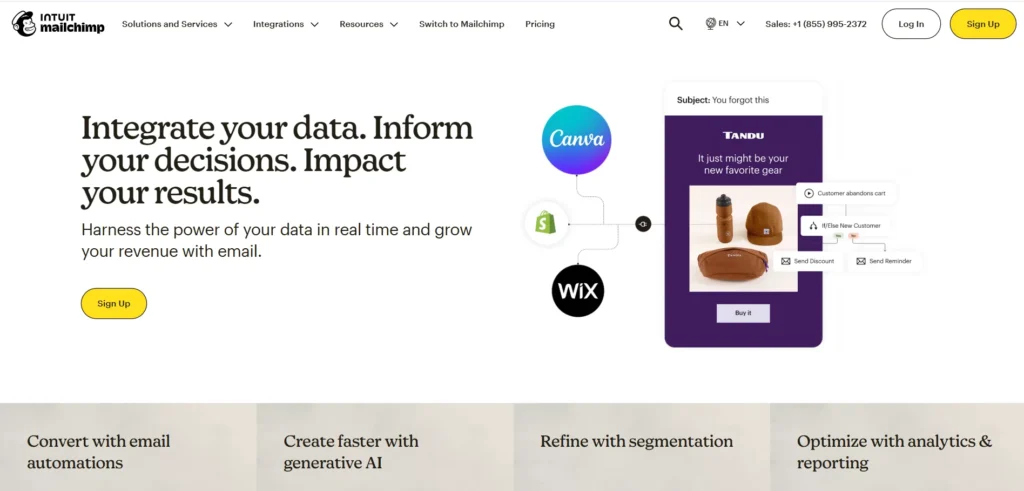
Mailchimp is a widely popular email marketing software known for its simplicity and playful branding. It allows businesses to design beautiful newsletters, automate customer journeys, and segment their audience effectively. The built-in drag-and-drop builder makes creating campaigns incredibly easy. With freemium plans and detailed analytics, marketers can track open rates and clicks to constantly improve their communication strategies.
Key Features:
- Drag-and-drop email builder
- Audience segmentation tools
- Automated customer journeys
- Detailed campaign analytics
Pro:
- Very easy interface
- Great template library
- Reliable email delivery
- Good basic automation
Cons:
- Expensive at scale
- Limited advanced logic
- Support can lag
- Strict compliance rules
Best For: Small businesses and beginners.
Pricing:
- Free plan: $0.
- Essentials plan: $4 /month.
- Standard plan: $5.97 /month.
- Premium plan: $119.44 /month.
- Prices scale based on total subscriber count.
8. ActiveCampaign
Website: activecampaign.com
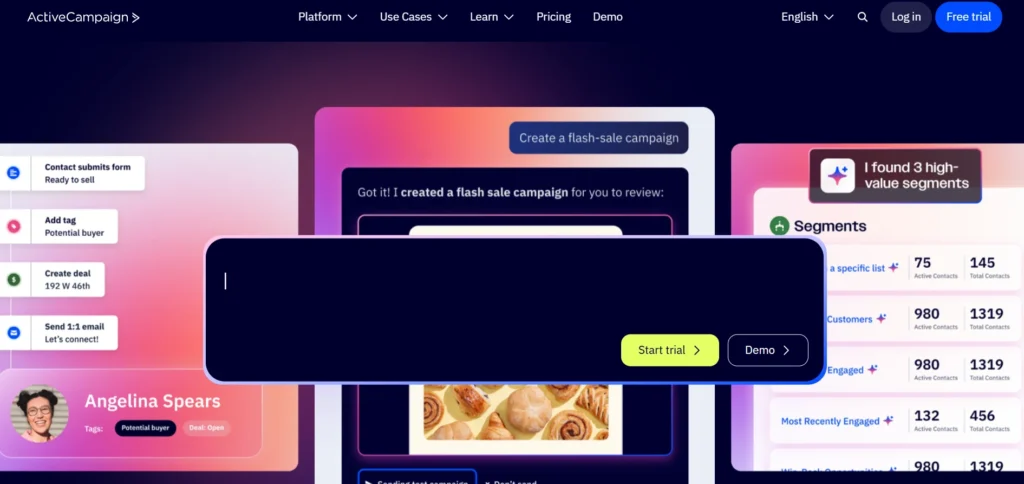
ActiveCampaign is an advanced email marketing and automation platform designed to create highly personalized customer experiences. It is a powerful digital marketing software that combines email marketing with robust CRM functionality to track customer behavior across your website. Marketers can build complex automation workflows that trigger specific emails based on user actions. It is highly favored by growing businesses that need deep segmentation and targeted messaging strategies to improve engagement, nurture leads, and build stronger customer relationships.
Key Features:
- Visual automation builder
- Built-in sales CRM
- Advanced list segmentation
- Behavioral event tracking
Pro:
- Extremely powerful automation
- Great deliverability rates
- Deep data insights
- Strong software integrations
Cons:
- Steep learning curve
- Clunky CRM interface
- No free plan
- Slow loading times
Best For: Experienced marketers and eCommerce.
Pricing:
- Starter: $15/mo
- Plus: $49/mo
- Pro: $79/mo
- Enterprise: $145/mo
9. Constant Contact
Website: constantcontact.com
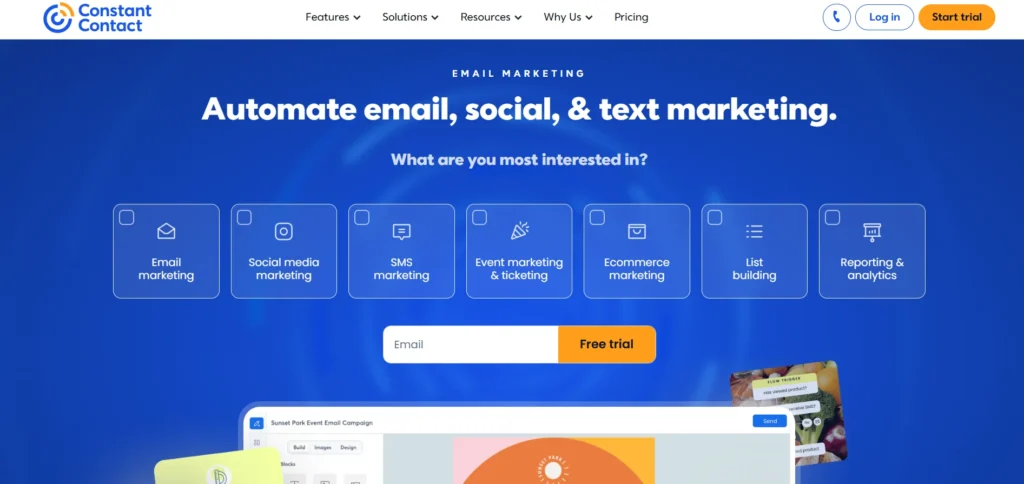
Constant Contact is a straightforward email marketing tool tailored primarily for small businesses and non-profits. It offers a huge library of pre-designed templates, making it simple to launch campaigns quickly. The platform also includes paid tools for event management, social media posting, and basic automation. Its strong customer support helps users troubleshoot issues and get campaigns running without technical roadblocks.
Key Features:
- Huge template library
- Event management tools
- Social media posting
- Simple list management
Pro:
- Excellent customer support
- High deliverability rates
- Very beginner friendly
- Easy event tracking
Cons:
- Basic automation features
- Outdated design elements
- Higher starting price
- Limited reporting metrics
Best For: Local businesses and non-profits.
Pricing:
- Lite: ₹990/mo
- Standard: ₹2,888/mo
- Premium: ₹6,600/mo
- Teams: Custom
D: Social Media Management Tools
10. Hootsuite
Website: hootsuite.com
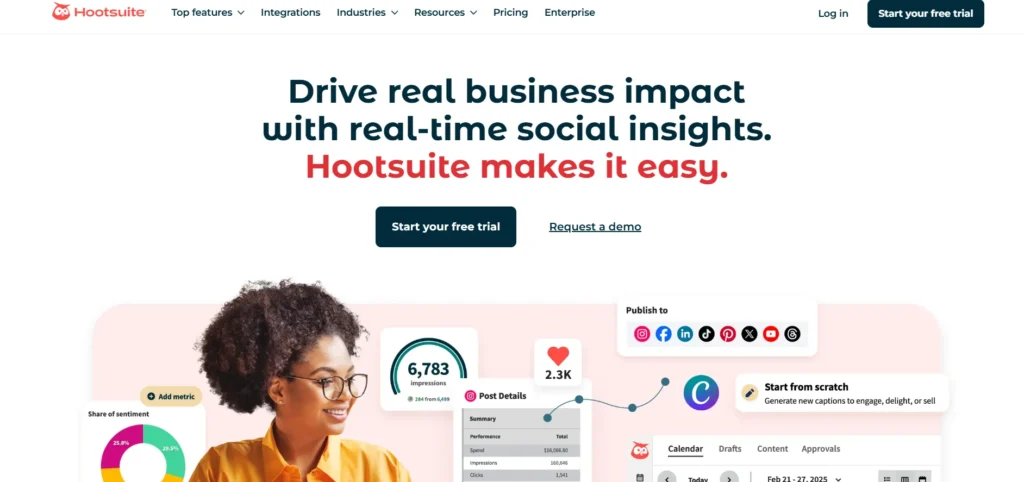
Hootsuite is a veteran social media marketing tool that helps businesses schedule posts across multiple networks from a single dashboard. It is a reliable digital marketing software that provides powerful social listening streams, allowing users to monitor brand mentions and industry keywords in real time. The platform also offers detailed analytics to measure engagement and team collaboration features to streamline the content approval process effectively. Hootsuite helps marketers manage social presence efficiently while improving audience interaction and campaign performance.
Key Features:
- Multi-network post scheduling
- Real-time social listening
- Team collaboration workflows
- Custom analytics dashboards
Pro:
- Supports many networks
- Great monitoring streams
- Strong team features
- Reliable post scheduling
Cons:
- Very expensive plans
- Cluttered user interface
- Add-ons cost extra
- Steep learning curve
Best For: Large teams and agencies.
Pricing:
- Standard: ₹1,915/mo
- Advanced: ₹7,540/mo
- Enterprise: Custom
11. Buffer
Website: buffer.com
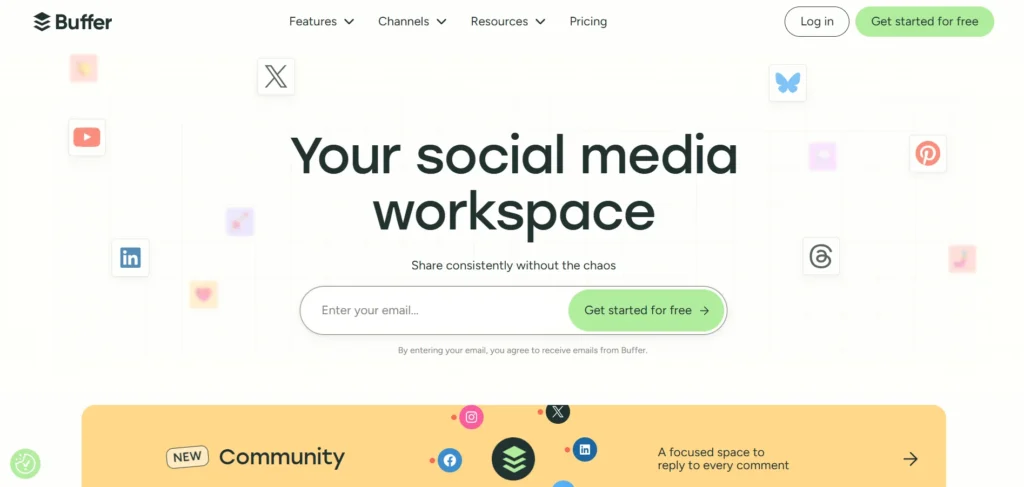
Buffer is a clean and simple social media publishing tool that focuses on ease of use. It allows marketers to queue up posts for various platforms and publish them at optimal times. The straightforward interface makes planning a content calendar completely stress-free. Featuring both free and paid plans, users can quickly see which posts resonate best with their audience without getting overwhelmed.
Key Features:
- Visual content calendar
- Optimal timing suggestions
- Basic engagement analytics
- Landing page builder
Pro:
- Clean user interface
- Very affordable pricing
- Easy post queuing
- Helpful browser extension
Cons:
- Limited social listening
- Basic reporting tools
- No unified inbox
- Weak team collaboration
Best For: Solo creators and small businesses.
Pricing:
- Free
- Essentials: $6/mo
- Team: $12/mo
12. Sprout Social
Website: sproutsocial.com
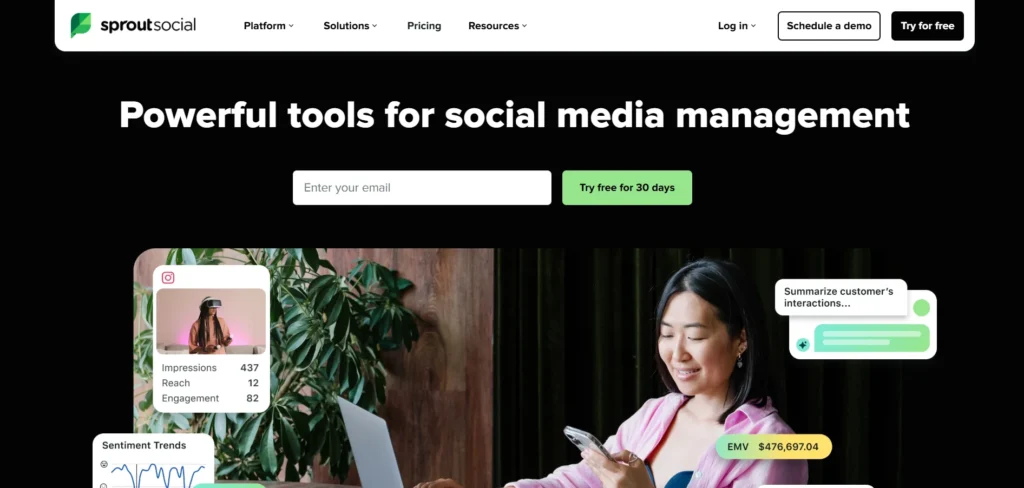
Sprout Social is a premium social media management solution known for its deep analytics and smart unified inbox. It is a powerful digital marketing software that enables brands to manage customer interactions across all channels efficiently. The platform includes advanced social listening features to uncover industry trends and audience sentiment. Many enterprise teams prefer Sprout Social for its polished interface and highly detailed presentation-ready reports, helping businesses improve engagement, track performance, and create more effective social media strategies.
Key Features:
- Smart unified inbox
- Advanced social listening
- Presentation-ready analytics
- Automated chat responses
Pro:
- Beautiful user interface
- Excellent customer support
- Deep data reporting
- Great team collaboration
Cons:
- Very high price
- Expensive extra users
- Overwhelming for beginners
- Occasional API disconnects
Best For: Corporate brands and large agencies.
Pricing:
- Standard: $199/mo
- Professional: $299/mo
- Advanced: $399/mo
- Enterprise: Custom
E: Paid Advertising Tools
13. Google Ads
Website: ads.google.com
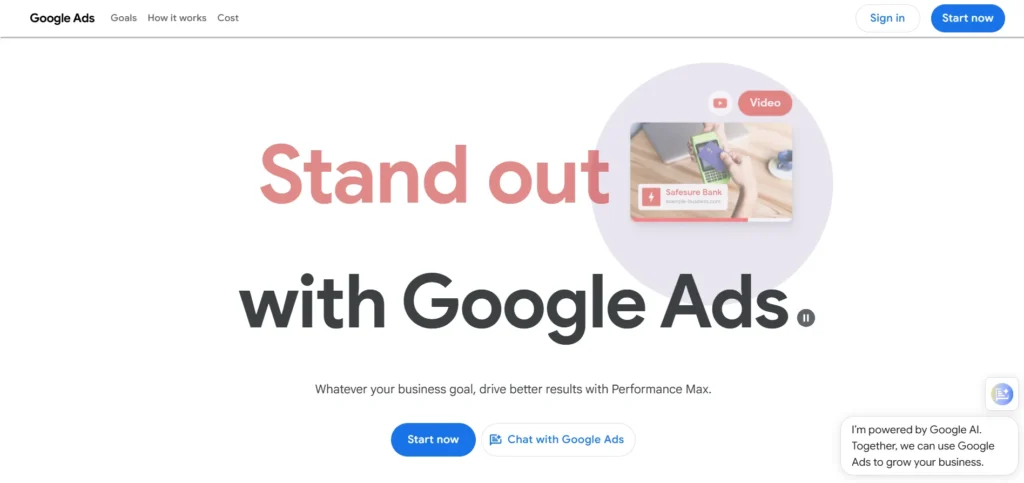
Google Ads is the dominant pay-per-click advertising platform that displays ads directly on Google search results and partner websites. It is an essential digital marketing solution that helps businesses capture high-intent traffic by targeting specific search queries. Marketers can set precise budgets, adjust bids, and track conversions effectively. It is a valuable solution for businesses looking to generate immediate leads, increase sales, and drive targeted website traffic through well-optimized advertising campaigns.
Key Features:
- Search intent targeting
- Budget control tools
- Detailed conversion tracking
- Vast display network
Pro:
- Massive audience reach
- High buyer intent
- Instant traffic results
- Total budget control
Cons:
- Highly complex interface
- Costly competitive keywords
- Requires constant optimization
- Steep learning curve
Best For: Businesses seeking immediate traffic.
Pricing: Pay-per-click (PPC) model.
14. Microsoft Advertising
Website: ads.microsoft.com
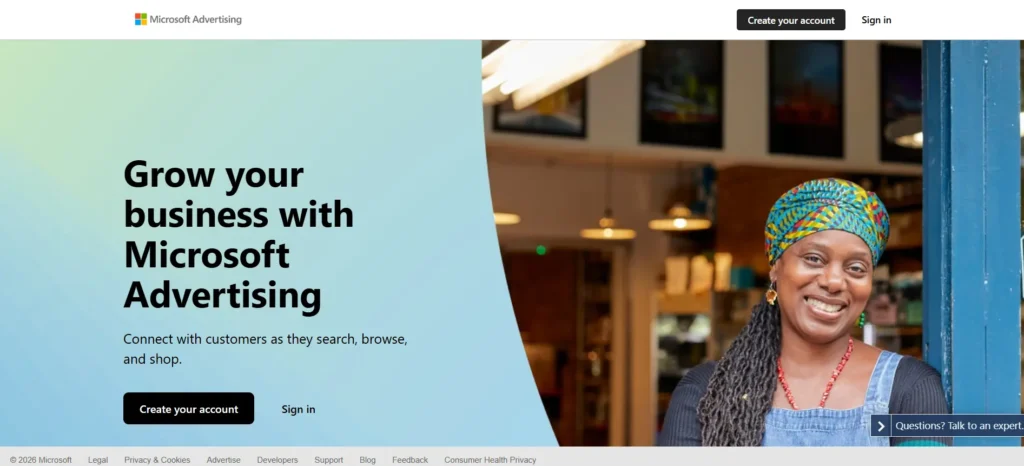
Microsoft Advertising allows marketers to place search ads across Bing, Yahoo, and AOL networks. While it has a smaller audience share than Google, it often provides lower costs per click and less competition. It is highly effective for reaching older, more affluent demographics and B2B professionals. You can easily import existing campaigns directly from Google Ads to save setup time.
Key Features:
- Search ad placement
- LinkedIn profile targeting
- Google Ads import
- Demographic targeting tools
Pro:
- Lower click costs
- Less ad competition
- Easy campaign imports
- Good B2B audience
Cons:
- Smaller search volume
- Clunky user interface
- Slower platform updates
- Limited global reach
Best For: B2B companies and budget-conscious marketers.
Pricing: Pay-per-click (PPC) model.
15. Meta Ads Manager
Website: https://business.meta.com/
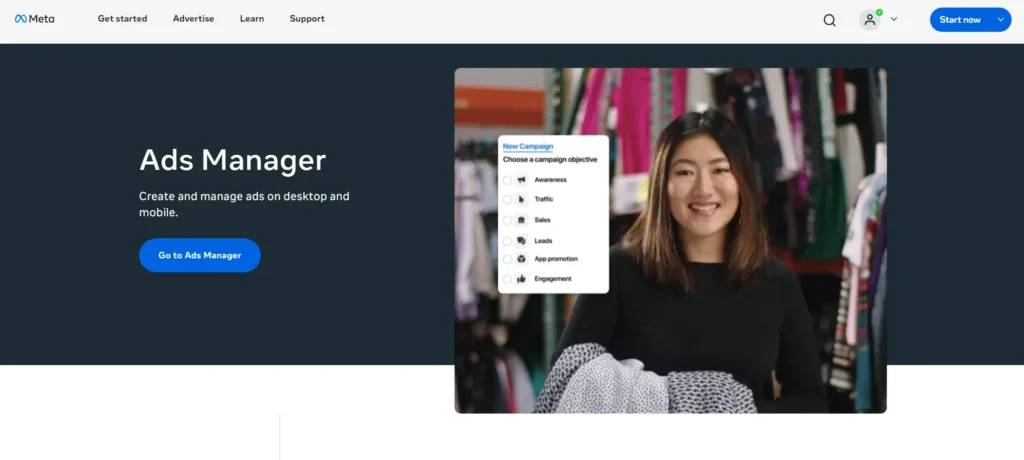
Meta Ads Manager is the central hub for running advertising campaigns across Facebook, Instagram, and Messenger. It is a powerful digital marketing solution that provides detailed audience targeting based on user interests, behaviors, and demographics. Marketers can use it to build brand awareness, drive traffic, and retarget past website visitors. The platform supports various paid ad formats, including video, carousel, and interactive collection ads, helping businesses reach potential customers and improve campaign performance effectively.
Key Features:
- Detailed behavioral targeting
- Retargeting pixel tracking
- Multiple ad formats
- Lookalike audience creation
Pro:
- Huge global audience
- Incredible targeting options
- Strong visual appeal
- Great retargeting tools
Cons:
- Strict ad rejections
- Declining organic reach
- Complex account structure
- Frequent interface updates
Best For: B2C brands and eCommerce stores.
Pricing: Pay-per-click (PPC) or CPM model.
F: Analytics and Reporting Tools
16. Google Analytics 4 (GA4)
Website: analytics.google.com
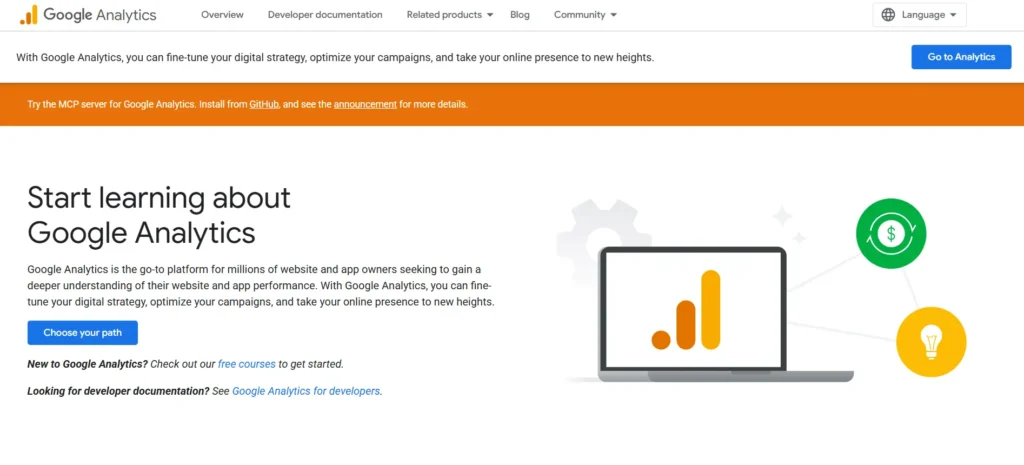
Google Analytics 4 is the latest version of Google’s flagship marketing analytics tool. It focuses on event-based tracking to provide a deeper understanding of user interactions across websites and mobile apps. Marketers use this free platform to monitor traffic sources, measure user engagement, and analyze conversion paths. It relies on machine learning to uncover valuable insights and predict customer behaviors accurately.
Key Features:
- Event-based data tracking
- Cross-device user tracking
- Machine learning insights
- Custom report builder
Pro:
- Completely free tool
- Deep behavioral data
- Strong privacy controls
- Seamless Google integrations
Cons:
- Complex new interface
- Steep learning curve
- Custom setup required
- Different from old analytics
Best For: All website owners and marketers.
Pricing: Free, Analytics 360 (Custom).
17. Google Data Studio

Website: datastudio.google.com
Google Data Studio, formerly Looker Studio, is a robust data visualization platform. It is a useful digital marketing solution that allows marketers to turn raw data from various sources into interactive, easy-to-read dashboards. You can seamlessly connect it to Google Analytics, Google Ads, and third-party tools to consolidate reporting. Available in free and paid options, it makes sharing performance metrics with clients simple, organized, and highly professional while helping businesses make informed marketing decisions.
Key Features:
- Interactive dashboard creation
- Multiple data connectors
- Custom chart formatting
- Automated report sharing
Pro:
- Free to use
- Highly customizable layouts
- Real-time data updates
- Great for client reporting
Cons:
- Can be slow
- Complex formula building
- Limited third-party connectors
- Lacks deep formatting
Best For: Agencies and data analysts.
Pricing: Free, Google Data Studio pro ($9/user/mo).
18. Hotjar
Website: hotjar.com
Hotjar is a behavioral analytics tool that shows exactly how users interact with your website. By using heatmaps, session recordings, and on-site surveys, it highlights where visitors click, scroll, and drop off. This qualitative data complements traditional analytics by answering why users behave a certain way. Offering both free and paid plans, it helps marketers optimize landing pages effectively.
Key Features:
- Interactive user heatmaps
- Live session recordings
- On-site feedback surveys
- Conversion funnel analysis
Pro:
- Visual user insights
- Easy setup process
- Great for UX
- Highlights website bugs
Cons:
- Slows site speed slightly
- High premium costs
- Limited historical storage
- Basic quantitative data
Best For: UX designers and conversion optimizers.
Pricing:
- Basic (Free),
- Growth: $49/mo
- Pro: Custom
- Business: Custom
G: CRM and Lead Generation Tools
19. HubSpot CRM
Website: hubspot.com
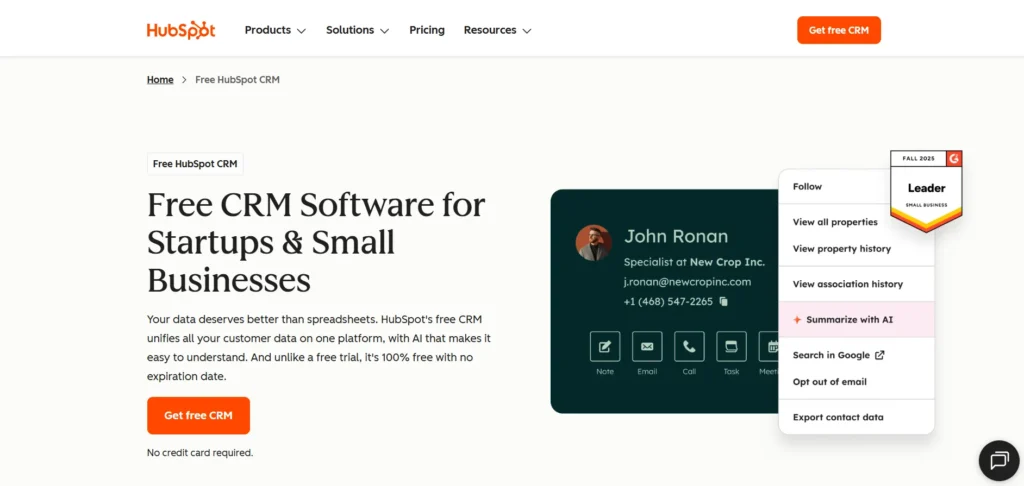
HubSpot CRM is a powerful, user-friendly platform that aligns marketing, sales, and customer service teams. It is a complete digital marketing solution that tracks customer interactions, manages pipelines, and automates lead nurturing processes seamlessly. The core CRM is completely free, making it highly attractive for growing businesses. Upgrading to premium paid hubs provides a single source of truth for customer data, helping teams build stronger relationships, improve communication, and manage customer journeys efficiently.
Key Features:
- Contact pipeline management
- Email tracking alerts
- Meeting scheduling links
- Form popup builder
- Automate lead generation
Pro:
- Generous free tier
- Very easy interface
- All-in-one ecosystem
- Great training academy
Cons:
- Expensive premium upgrades
- Complex migration process
- Limited free reporting
- Hard to migrate
Best For: Scaling businesses and inbound marketers.
Pricing:
- Free plan available.
- Starter plan: $7 /month
- Professional: $800 /month
- Enterprise: $3,600 / month
20. Salesforce Marketing Cloud
Website: salesforce.com
Salesforce Marketing Cloud is a premium enterprise-grade platform designed for complex, multi-channel customer journeys. It uses advanced data modeling and artificial intelligence to deliver highly personalized marketing campaigns. Users can manage email, mobile, social, and web advertising all from one central hub. It is widely regarded as one of the most powerful paid CRM tools available for large organizations with massive data sets.
Key Features:
- Multi-channel journey builder
- Predictive AI analytics
- Advanced audience segmentation
- Dynamic content creation
Pro:
- Extremely powerful capabilities
- Highly customizable platform
- Deep data integration
- Enterprise-level security
Cons:
- Very expensive pricing
- Requires dedicated developers
- Steep learning curve
- Clunky user interface
Best For: Large enterprises and massive teams.
Pricing:
- Starter Suite: $25/mo
- Pro Suite: $100/mo
- Enterprise: $175/mo
- Unlimited: $350/mo
- Agentforce 1 Sales: $550/mo
21. Zoho CRM
Website: zoho.com/crm
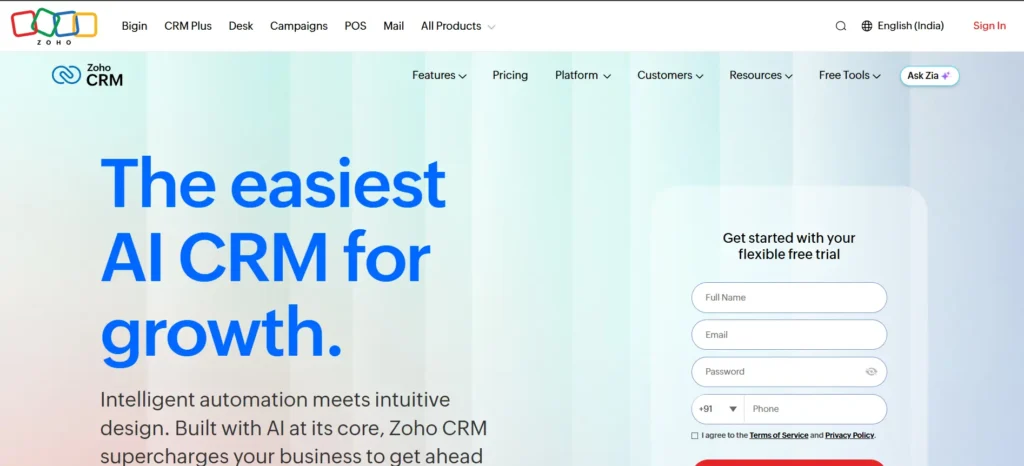
Zoho CRM is a highly customizable and affordable customer relationship management platform designed to streamline sales and marketing processes. It is a reliable digital marketing solution that features built-in automation, an AI-powered sales assistant, and extensive integration options. The platform helps teams track leads, score prospects, and manage marketing campaigns efficiently. Its free plan and budget-friendly premium tiers make it an excellent choice for businesses looking to improve customer management and boost overall productivity.
Key Features:
- Lead scoring rules
- AI sales assistant
- Workflow automation builder
- Omnichannel communication hub
Pro:
- Very affordable plans
- Highly customizable modules
- Great software integrations
- Strong mobile app
Cons:
- Outdated user interface
- Slow customer support
- Steep learning curve
- Overwhelming feature list
Best For: Small to mid-sized businesses.
Pricing:
- Free
- Standard: ₹1,300/mo
- Professional: ₹2,100/mo
- Enterprise: ₹3000/mo
- Ultimate: ₹3,200/mo
H: AI and Automation Tools
22. ChatGPT
Website: chatgpt.com
ChatGPT is a revolutionary AI marketing tool that assists marketers with content creation, brainstorming, and basic coding tasks. It can draft blog posts, write email sequences, and generate social media copy in seconds. Marketers use it to overcome writer block and scale their content production effortlessly. With both free and advanced paid versions, it acts as a highly versatile digital assistant.
Key Features:
- Natural language processing
- Fast content generation
- Code writing assistance
- Data analysis capabilities
Pro:
- Extremely fast output
- Highly versatile tool
- Free version available
- Boosts team productivity
Cons:
- Can hallucinate facts
- Requires careful prompting
- Tone can feel generic
- Knowledge cutoff dates
Best For: Content creators and busy marketers.
Pricing:
- ChatGPT Free: ₹0.
- ChatGPT Plus: ₹1999 /month.
- ChatGPT Pro: ₹10,699 / month
- ChatGPT Team: ₹1,800 /month.
- ChatGPT Business: custom pricing
23. Jasper
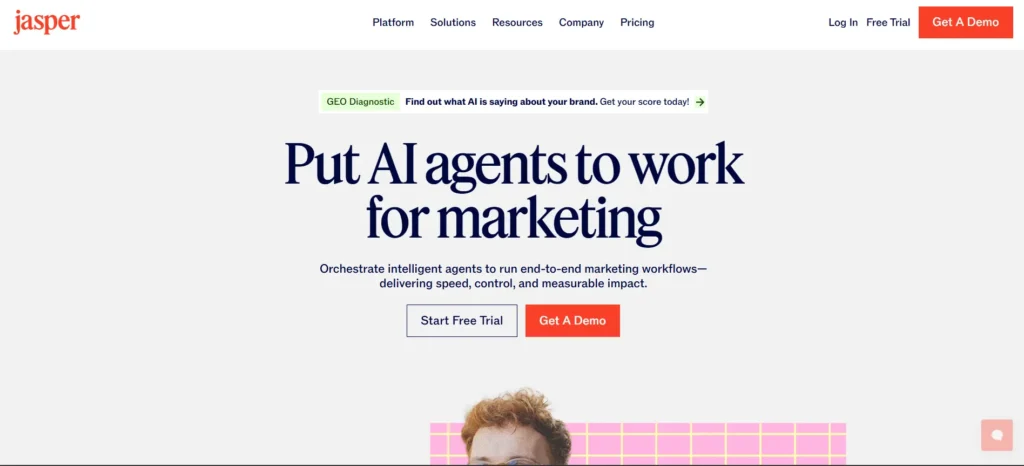
Website: jasper.ai
Jasper is a specialized paid AI writing tool designed for marketing teams and copywriters. It is an effective digital marketing software that comes with numerous templates for ad copy, blog outlines, and product descriptions. The platform allows businesses to train the AI on their specific brand voice to maintain consistency across campaigns. It is highly useful for creating conversion-focused content quickly, improving content workflows, and helping marketers produce engaging copy for different online channels.
Key Features:
- Marketing copy templates
- Brand voice customization
- SEO integration features
- Team collaboration folders
Pro:
- Built for marketers
- Consistent brand voice
- Easy to use
- Good SEO tools
Cons:
- Expensive monthly fees
- Requires fact checking
- Repetitive content occasionally
- Takes time to train
Best For: Marketing agencies and copywriters.
Pricing:
- Pro: $69/mo
- Business: Custom
24. Zapier
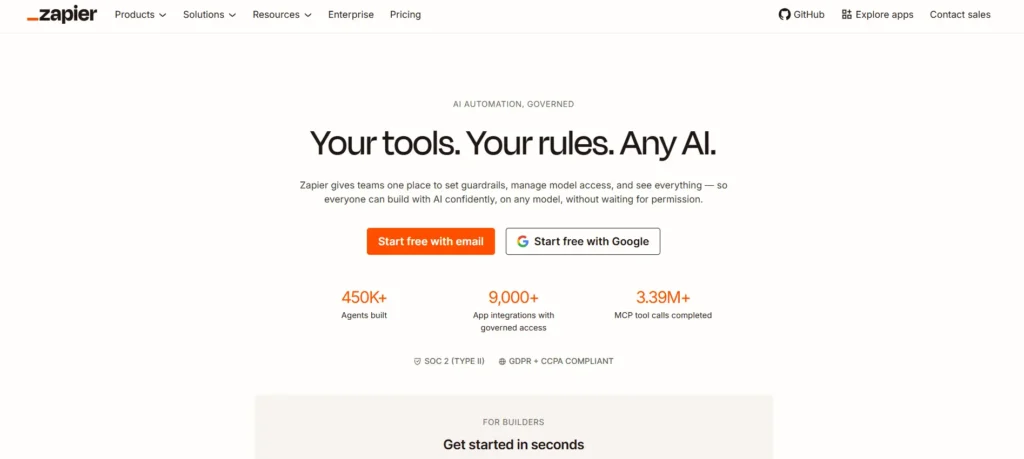
Website: zapier.com
Zapier is a popular marketing automation tool that connects thousands of web applications without requiring any coding knowledge. It allows marketers to build automated workflows called Zaps to move data between different tools instantly. Featuring a basic free tier and extensive paid options, it saves countless hours of manual data entry and prevents costly human errors seamlessly.
Key Features:
- Visual workflow builder
- Connects thousands of apps
- Multi-step automation logic
- Conditional formatting rules
Pro:
- Saves massive time
- No coding required
- Huge app directory
- Reliable data transfer
Cons:
- Expensive at scale
- Complex multi-step setups
- Errors halt workflows
- Limited free version
Best For: Operations teams and marketing managers.
Pricing:
- Free
- Professional: $29.99/mo
- Team: $103.50/mo
- Company: Custom
How to Choose the Right Digital Marketing Tools for Your Business
Choosing the right digital marketing tools is essential for creating an effective marketing strategy. With hundreds of free and paid platforms available, businesses need to select tools that match their goals, budget, team size, and growth plans. The right software can improve productivity, automate tasks, and help marketers make better decisions.
1. Identify Your Business Goals
Start by understanding what you want your marketing tools to achieve. Whether your goal is increasing website traffic, improving SEO rankings, generating leads, managing social media, or increasing conversions, your objectives should guide your tool selection.
2. Consider Your Budget
Digital marketing tools come with different pricing models. Evaluate whether a free plan can meet your needs or if investing in premium features will provide better value. Avoid paying for advanced features that your business does not currently require.
3. Check Ease of Use
A tool should simplify your workflow, not make it more complicated. Choose platforms with user-friendly interfaces, easy setup processes, and helpful resources so your team can start using them quickly.
4. Look for Integration Options
Your marketing tools should work well together. Check whether platforms can connect with your existing systems, such as your CRM, email software, analytics tools, and advertising platforms. Proper integration helps maintain smooth data flow.
5. Evaluate Features and Scalability
Choose tools that can grow with your business. A platform should support increasing traffic, customers, campaigns, and data as your marketing needs expand.
6. Analyze Reporting and Analytics
Good reporting features help you measure success. Select tools that provide clear insights into traffic, engagement, conversions, and campaign performance so you can improve your strategy.
7. Consider Customer Support
Reliable support can save time when problems occur. Look for tools that offer documentation, tutorials, live chat, or responsive customer service.
8. Test Before Investing
Many platforms offer free trials or free versions. Testing a tool before committing helps you understand whether it fits your workflow and delivers the expected results.
The best digital marketing tools are not always the most expensive ones. A successful marketing stack combines the right platforms that support your specific goals and help your business grow efficiently.
How to Build a Digital Marketing Software Stack
Building a digital marketing software stack means choosing a combination of tools that work together to manage, automate, and improve your marketing activities. The right stack helps businesses save time, understand customer behavior, track performance, and create more effective campaigns.
1. Define Your Marketing Goals
Before selecting tools, identify what you want to achieve. Your goals may include increasing website traffic, generating leads, improving customer engagement, boosting sales, or improving brand visibility. Choosing tools based on clear objectives prevents unnecessary spending.
2. Start With Analytics Tools
Analytics tools should be the foundation of your marketing stack. Platforms like Google Analytics 4 help track website traffic, user behavior, conversions, and campaign performance. These insights help you understand what strategies are working and where improvements are needed.
3. Add SEO and Research Tools
SEO tools help improve your search rankings and discover growth opportunities. Tools like Ahrefs, Semrush, and Google Search Console support keyword research, competitor analysis, backlink tracking, and website optimization.
4. Include Content Creation Tools
Content tools help create engaging marketing materials faster. Design platforms like Canva and AI writing tools help businesses create graphics, blog content, social media posts, and promotional materials while maintaining brand consistency.
5. Choose Email Marketing and CRM Tools
Email marketing and CRM platforms help manage customer relationships and automate communication. Tools like Mailchimp, ActiveCampaign, and HubSpot CRM allow businesses to segment audiences, nurture leads, and track customer journeys.
6. Add Social Media Management Tools
Social media tools simplify publishing and engagement across multiple platforms. Solutions like Hootsuite, Buffer, and Sprout Social help schedule content, monitor conversations, and measure social performance.
7. Automate Repetitive Tasks
Automation tools connect different platforms and reduce manual work. Tools like Zapier help create workflows that automatically move data, trigger actions, and improve team efficiency.
8. Review and Upgrade Your Stack Regularly
A marketing stack should grow with your business. Regularly evaluate whether your tools are delivering value, remove unused subscriptions, and upgrade only when your marketing needs become more advanced.
A strong digital marketing software stack combines the right mix of analytics, SEO, content, automation, CRM, and advertising tools to create a more efficient and scalable marketing system.
Summary
Digital marketing tools are absolutely vital for managing modern marketing campaigns efficiently. They help automate repetitive tasks, provide deep insights into consumer behavior, and ultimately increase your return on investment. Remember that no single tool fits every business perfectly, and mixing free utilities with premium paid software is the smartest approach. A small local shop requires a completely different setup compared to a massive global enterprise.
Always encourage your team to evaluate software based on your specific goals, available budget, and current growth stage. Take the time to audit your current workflow today. By building the right digital marketing stack, you will set your brand up for sustainable, long-term success.
FAQs
1. What Are The Best Digital Marketing Solutions For Businesses?
The best digital marketing tools depend on your goals. Popular options include Ahrefs and Semrush for SEO, Canva for design, Mailchimp for email marketing, Hootsuite for social media, Google Analytics for tracking, and HubSpot CRM for customer management.
2. Which Digital Marketing Software Is Free To Use?
Several digital marketing software offer free plans, including Google Search Console, Google Analytics 4, Canva Free, Buffer Free, HubSpot CRM Free, and ChatGPT Free. These tools help beginners manage SEO, content, analytics, and automation.
3. How Do Digital Marketing Tools Help Improve Marketing Results?
Digital marketing software helps businesses automate tasks, analyze customer behavior, optimize campaigns, track performance, and improve decision-making. They make it easier to increase productivity and achieve better ROI.
4. Which Tools Are Best For SEO And Keyword Research?
Ahrefs, Semrush, and Google Search Console are among the most effective SEO tools. They help with keyword research, competitor analysis, backlink tracking, website audits, and ranking improvements.
5. Can Small Businesses Use Digital Marketing Tools Effectively?
Yes, small businesses can use affordable and free tools like Canva, Mailchimp, Zoho CRM, Buffer, and Google Analytics to manage marketing activities, reach customers, and grow their online presence.
