
Passing customers between multiple teams just to solve a single problem is the fastest way to lose them. According to recent data from the SAP Engagement Index, 75% of consumers say they are completely put off by brands that repeat this exact mistake. Compounding this, 55% of buyers will outright stop doing business with a company if they face long wait times on any communication channel. When a single bad experience can push half an audience straight to a competitor, relying on fragmented email chains and disconnected software simply won’t cut it.
A good product is no longer enough to guarantee customer loyalty; the modern battleground is the entire post-purchase experience. Customer engagement tools fix this disconnect by pulling chat logs, support tickets, marketing campaigns, and customer data into a single, unified view. This gives support and success teams the instant context they need to deliver fast, relevant responses without forcing the customer to repeat themselves.
Choosing the right platform depends entirely on specific workflows, team sizes, and channel preferences. To simplify the decision-making process, this guide breaks down the top 15 customer engagement platform on the market, analyzing their core features, practical downsides, and real-world pricing structures.
What Are Customer Engagement Tools and Why Do They Matter in 2026?
Customer engagement platform are integrated software platforms designed to manage, track, and optimize every single interaction a business has with its audience throughout the buyer journey. Unlike traditional, siloed CRMs that merely act as static databases for contact information, engagement tools dynamically unify live chat logs, social media mentions, email campaigns, and support history into a single, cohesive timeline. By pulling this disparate data into one accessible dashboard, these platforms allow marketing, sales, and support teams to transition from reactive troubleshooting to proactive relationship building, ensuring that no customer query or behavioral signal drops through the cracks.
In 2026, the strategic importance of these tools has skyrocketed as the global customer engagement market crosses the $26 billion mark, driven heavily by shifting consumer behaviors and the rise of autonomous AI. Recent data from the SAP Engagement Index highlights a critical gap in the market: while 78% of businesses believe they are delivering a flawless, seamless experience, less than 40% of consumers actually feel recognized or understood by the brands they buy from.
With 40% of buyers explicitly stating that advanced AI has raised their standard for what a great digital experience looks like, businesses can no longer survive on generic communication. Engagement platforms matter today because they turn raw behavioral data into immediate, context-aware actions allowing companies to meet these elevated expectations, secure brand trust, and stop losing buyers to more responsive competitors.
How We Evaluated These Tools (Our Methodology)
To help you find the right fit for your workflow, we analyzed dozens of platforms against the rigorous operational demands of modern businesses. Our evaluation process focuses on real-world utility, filtering out marketing hype to measure how effectively these tools drive actual customer retention and team efficiency.
- Omnichannel Continuity: We tested how seamlessly the platform merges conversations across live chat, email, SMS, and social media without breaking context or losing history.
- Automation & AI Sophistication: We evaluated the depth of the platform’s workflow builders and AI capabilities, checking if its bots can resolve complex queries or just basic FAQs.
- Actionable Analytics: We looked for robust reporting dashboards that deliver clear, real-time metrics on customer satisfaction (CSAT), first-response times, and engagement trends.
- Integration Ecosystem: We assessed how easily each tool connects with popular CRMs, e-commerce platforms, and internal databases without requiring extensive custom code.
- Pricing Transparency: We analyzed the true cost of ownership, looking at per-agent pricing, hidden feature gates, and how fast the costs scale as your business grows.
Key Features To Look For In a Customer Engagement Platform
Selecting the right software requires looking past basic messaging capabilities to find features that actively scale your operations. The ideal platform must act as a bridge between your internal team and your audience, turning chaotic interactions into structured, revenue-driving conversations.
- Unified Customer Workspace: A single dashboard that pipes in conversations from WhatsApp, email, live chat, and social media, ensuring agents never have to switch tabs to find context.
- Proactive Behavioral Triggers: The ability to launch targeted pop-ups, in-app messages, or emails based on real-time user actions, like cart abandonment or spending too much time on a pricing page.
- Predictive AI & Smart Routing: Intelligent systems that go beyond basic keyword matching to understand user intent, automatically assigning tickets to the right specialized agent.
- Native Analytics & Sentiment Tracking: Built-in reporting that monitors team performance while tracking customer mood indicators to catch friction points before they turn into churn.
- Flexible API & Webhooks: Robust developer tools and pre-built integrations that allow the platform to read and write data directly to your core database or CRM in real time.
List Of Best Customer Engagement Tools in 2026
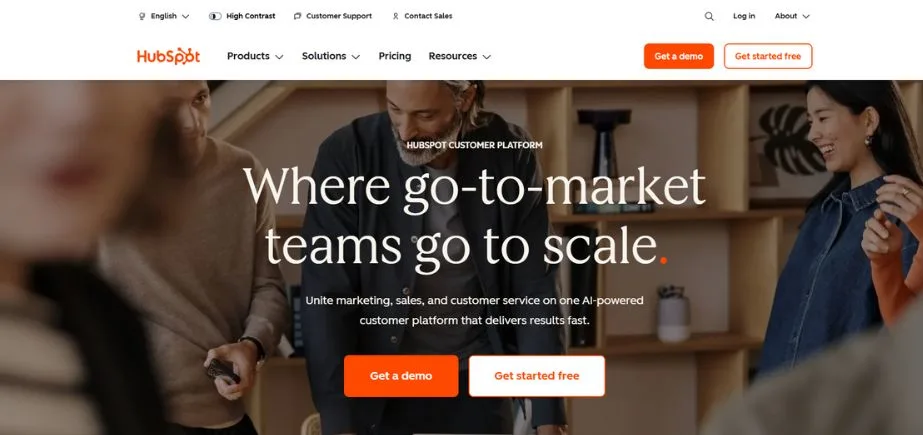
1. HubSpot — Best All-in-One Platform for Growing Businesses
Website: https://www.hubspot.com
HubSpot bridges the gap between customer engagement, sales automation, and inbound marketing by uniting them under a single data ecosystem. It also integrates seamlessly with content marketing tools, allowing businesses to create, distribute, and personalize content that supports customer engagement across every stage of the buyer journey.It replaces disconnected single-use tools with a central timeline that logs every marketing email opened, ad clicked, and live chat interaction submitted by a user.
Instead of forcing support agents to search through external databases for background information, the software serves up instant operational context natively. The platform relies heavily on its updated Breeze AI engine to automate manual ticket tagging, summarize long historical threads, and run customer-facing chatbots that pull answers directly from published knowledge bases.
Key Features:
- Unified Universal Inbox: A collaborative workspace that aggregates inbound queries from WhatsApp, corporate email, Facebook Messenger, and website live chat.
- Breeze AI Assistant & Agents: Autonomous AI layers that auto-triage incoming cases, draft context-aware replies, and build data workflows from plain-text prompts.
- Advanced Behavioral Triggers: Automated branching workflows that launch specific emails or targeted web pop-ups based on real-time user actions, like abandoned carts or repeated views on a pricing page.
- Custom Dashboard Analytics: Highly filterable reporting portals that track pipeline velocity, team first-response times, and individual campaign return on investment (ROI).
- Dynamic Customer Segmentation: Live lists that automatically group contacts into specific segments based on their ongoing behavioral triggers and property updates.
Pricing:
| Free | Starter | Professional | Enterprise |
| $0 | $6.11/seat/mo | $696.42/mo | $3132.48/mo |
Pros:
- Eliminates internal data silos by keeping marketing, sales, and support logs inside one central database.
- The visual workflow builder is highly intuitive, allowing non-technical managers to create complex automation rules without code.
- Provides deep, closed-loop reporting that connects front-line customer engagement directly to closed-won revenue.
Cons:
- Pricing scales sharply and unpredictably once you cross your included marketing contact thresholds.
- Deep customization and pipeline setups often require mandatory, expensive upfront onboarding fees at the Professional and Enterprise levels.
Best Suited For:
- Mid-sized businesses and fast-growing companies that want to manage their entire marketing funnel and customer support operations out of a single, highly integrated dashboard.
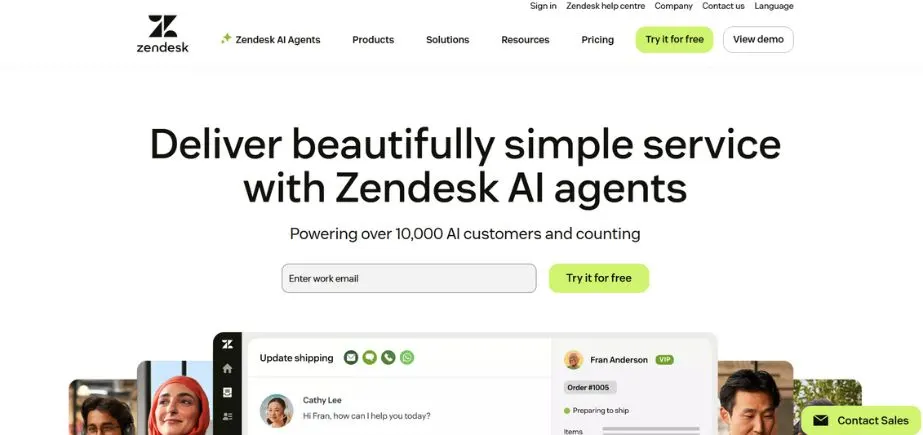
2. Zendesk — Best for Enterprise-Grade Ticketing and Omnichannel Support
Website: https://www.zendesk.com
Zendesk is a powerhouse in the customer experience landscape, built explicitly to handle massive ticket volumes across global enterprises. It excels at taking chaotic incoming data from phone systems, messaging apps, and social channels, and transforming them into organized, trackable tickets.
The platform features an incredibly granular routing engine, ensuring that tasks are instantly distributed based on agent workload, language, or technical expertise. Zendesk has also heavily integrated its proprietary Advanced AI, which works behind the scenes to analyze user sentiment, detect true intent, and suggest fast response scripts to agents.
Key Features:
- Granular Omnichannel Routing: An intelligent engine that assigns conversations across SMS, email, and voice based on real-time agent availability and skill level.
- Zendesk QA (Auto-QA): Built-in quality assurance systems that automatically scan 100% of text interactions to evaluate agent performance and trace conversation quality.
- Intelligent Intent Detection: Native machine learning models that analyze the tone and subject matter of a customer’s message before an agent even opens it.
- Workforce Management (WFM): AI-powered forecasting tools that predict upcoming ticket volumes and build optimized staff schedules to prevent backlog spikes.
- Extensive App Marketplace: A massive integration store containing over 1,200 pre-built apps to connect internal IT tools and back-office databases.
Pricing:
| Support Team | Suite Team | Suite Professional | Suite Enterprise |
| $19/agent/month | $55/agent/mo | $115/agent/mo | Available on request |
Pros:
- Unrivaled customization capabilities, allowing enterprises to build highly complex internal workflows and custom data fields.
- Highly reliable, robust reporting engine that tracks deep operational metrics like first-contact resolution rates and handle times.
- Excellent multi-brand capabilities, allowing a single team to manage distinct help centers for different subsidiaries out of one window.
Cons:
- The system has a steep learning curve and usually requires a dedicated administrator to configure and maintain properly.
- Unlocking essential generative AI features or advanced security controls requires expensive monthly add-on fees that drive up total costs.
Best Suited For:
- Large corporations and high-volume support centers that need maximum customization and deep workforce tracking metrics to run complex operations.
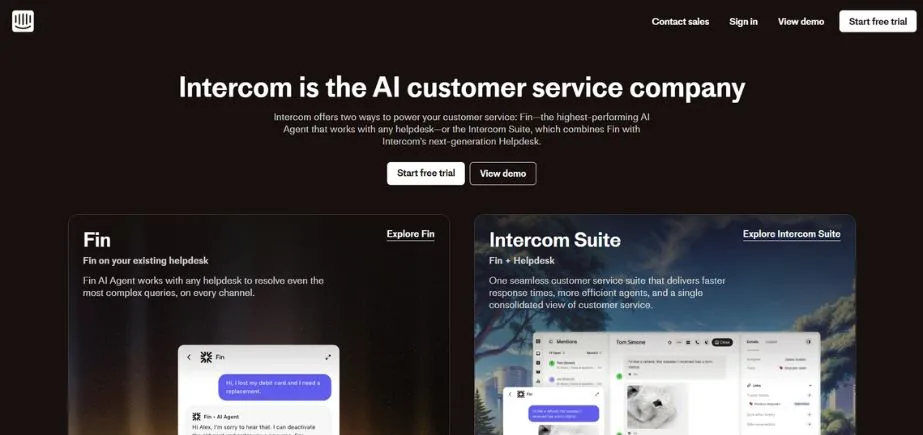
3. Intercom — Best for AI-First Customer Support and In-App Engagement
Website: https://www.intercom.com
Intercom has pioneered a shift away from traditional, lagging ticket queues by focusing heavily on instant, chat-first customer experiences. The software specializes in contextual, in-app interactions, allowing businesses to catch users while they are actively using a mobile app or browsing a website.
Intercom’s core strategy centers around Fin, its highly capable generative AI agent. Rather than relying on rigid, frustrating click-paths, Fin interprets conversational text naturally to solve complicated customer issues autonomously, loop in human agents when necessary, and log entire chat interactions perfectly.
Key Features:
- Fin AI Autonomous Agent: A native GPT-powered bot that safely references your internal documentation to resolve customer issues without human intervention.
- Proactive Product Tours: In-app visual guides, onboarding checklists, and banners designed to walk users through new features and reduce early churn.
- Contextual Messenger: A highly customizable chat widget that embeds directly into web pages and mobile apps to handle live text, tickets, and search tools.
- Dynamic Smart Loops: Behavioral trigger sequences that send targeted outbound push notifications or emails when a user stops completing a setup step.
- Lite Seats Support: Free, view-only seats for non-support team members, allowing product or engineering groups to review chat context directly.
Pricing:
| Essential | Advanced | Expert |
| $29/seat/mo | $85/seat/mo | $132/seat/mo |
Pros:
- Provides an exceptional, modern user experience that feels like a natural chat app rather than a stiff corporate portal.
- In-app targeting filters are incredibly precise, letting you segment messages by exact plan types or explicit in-app events.
- Fin AI handles repetitive inquiries remarkably well, reducing basic volume strains on human teams almost instantly.
Cons:
- The outcome-based pricing model means a sudden spike in automated AI resolutions can cause monthly bills to expand rapidly.
- Outbound engagement tools (like product tours or surveys) are gated behind an additional premium monthly add-on fee.
Best Suited For:
- SaaS companies, mobile app developers, and tech-forward e-commerce brands looking to deliver fast, chat-centric support and interactive in-app onboarding.
4. Freshdesk — Best User-Friendly and Scalable Omnichannel Software
Website: https://www.freshworks.com/freshdesk
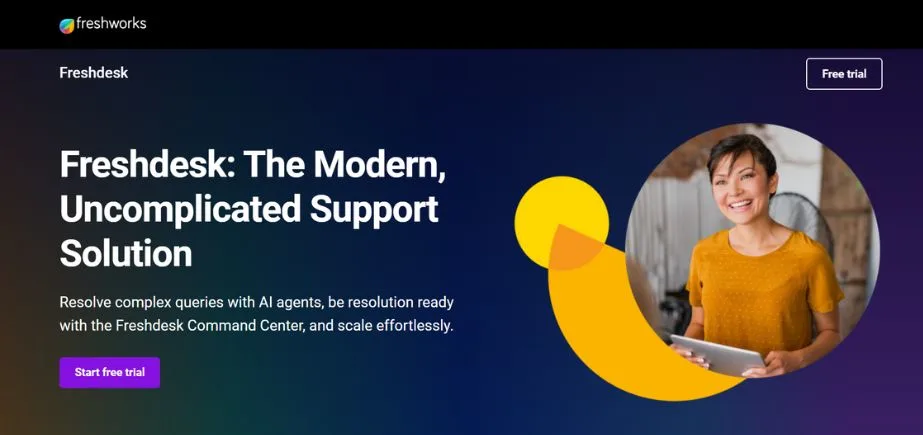
Freshdesk (part of the Freshworks ecosystem) is built on the philosophy that enterprise-grade customer engagement software shouldn’t be overly complicated to use. It offers a clean, straightforward interface that lets customer support teams get up and running in hours rather than weeks.
The platform balances ease of use with functional power, offering automated dispatch rules, custom ticket tracking, and clear collaboration tools like “Team Huddle” to discuss issues right inside the workspace. For organizations wanting an omni-channel approach, its Freshdesk Omni package binds chat, telephony, and email together smoothly.
Key Features:
- Freddy AI Copilot: An always-on agent assistant that automatically summarizes tickets, suggests next-step responses, and autogenerates knowledge base articles from brief notes.
- Collision Detection Systems: Visual indicators that show when another agent is actively looking at or replying to a ticket, preventing embarrassing duplicate responses.
- Scenario Automation: A time-saving tool that lets agents trigger a complex series of consecutive actions like changing status, applying tags, and sending an update email with one click.
- Parent-Child Ticketing: The ability to split large, multi-step customer issues into smaller child tickets assigned to different internal departments simultaneously.
- Custom Marketplace Ecosystem: Hundreds of straightforward integrations connecting popular systems like Shopify, Jira, and Slack directly into the dashboard.
Pricing:
| Growth | Pro | Enterprise |
| $15.65/agent/mo | $46.98/agent/mo | $74.12/agent/mo |
Pros:
- Extremely clean layout with virtually no configuration friction, making it very accessible for non-technical teams.
- The parent-child ticketing feature makes it incredibly easy to coordinate complex resolutions across separate back-end departments.
- Offers affordable entry tiers, giving smaller teams access to professional helpdesk features without massive upfront investments.
Cons:
- Advanced reporting filters on the entry-level plans are quite limited, forcing upgrades to access deep analytics.
- The out-of-the-box customization options for the customer-facing portal feel somewhat rigid compared to deeper enterprise competitors.
Best Suited For:
- Small-to-mid-sized businesses that want an intuitive, fast-to-deploy help desk that can seamlessly grow into a multi-channel platform over time.
5. Salesforce Service Cloud — Best for Data-Heavy Enterprises and Deep CRM Integration
Website: https://www.salesforce.com/products/service-cloud
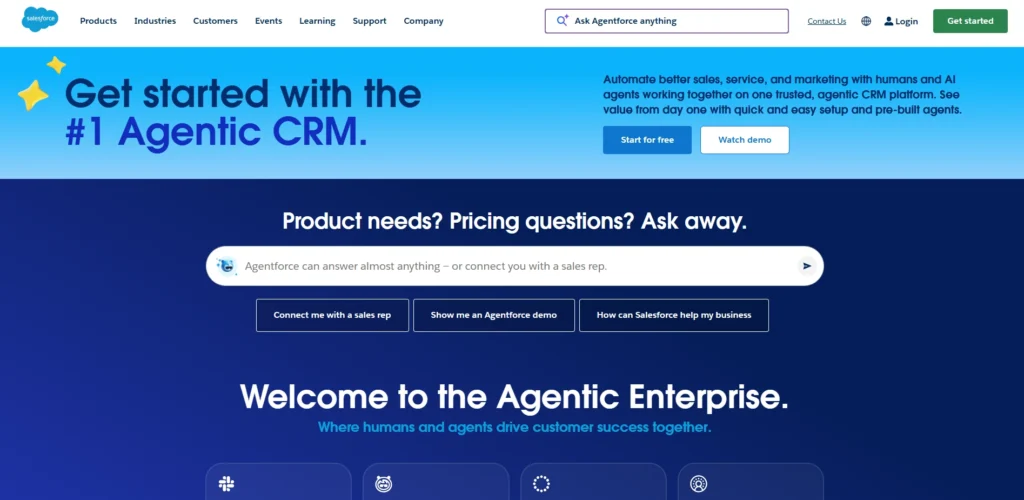
Salesforce Service Cloud stands as the ultimate corporate standard for organizations whose customer engagement strategies require deep data operations. Built on top of the core Salesforce CRM infrastructure, this platform gives support teams a comprehensive 360-degree perspective of the consumer, pulling in past contract values, active sales pipelines, and marketing interactions.
Service Cloud leverages its newly refined Agentforce architecture to deploy intelligent AI agents that handle multi-step workflows. Because it can scale to manage millions of concurrent user accounts, it is highly favored by global banks, healthcare networks, and massive enterprise operations.
Key Features:
- Agentforce 1 Service Engine: Advanced autonomous AI agents capable of connecting directly to back-end software systems to process real-world actions like issuing refunds or changing flight dates.
- 360-Degree Data Architecture: A unified platform layout that shows an agent the customer’s complete history, including active sales opportunities and marketing scores.
- Milestone & SLA Management: Highly configurable timers that visually track resolution parameters to ensure your team never breaches complex commercial service contracts.
- Field Service Integration: Comprehensive coordination features that seamlessly connect digital support desks with field technician dispatch and tracking systems.
- Omni-Channel Supervisor Dashboard: Real-time administrative windows that allow support managers to monitor live agent workloads, queue status, and active chat volumes instantly.
Pricing:
- Custom pricing available on request
Pros:
- Virtually infinite customization power, enabling enterprises to model any complex internal business operation exactly as needed.
- Unrivaled security architecture, data governance controls, and global compliance certifications across heavily regulated industries.
- Flawlessly bridges the gaps between sales, marketing, and customer support by operating out of a single, definitive truth source.
Cons:
- The platform is notoriously complex, requiring formal developer skills or expensive external consultants to configure correctly.
- The sheer volume of deep settings can easily overwhelm standard support agents if the interface isn’t intentionally simplified by an admin.
Best Suited For:
- Large enterprise corporations and heavily regulated organizations that require absolute customization, deep data security, and total synchronization with Salesforce CRM.
Suggested Read:
6. ActiveCampaign — Best for Hyper-Personalized Marketing Automation
Website: https://www.activecampaign.com
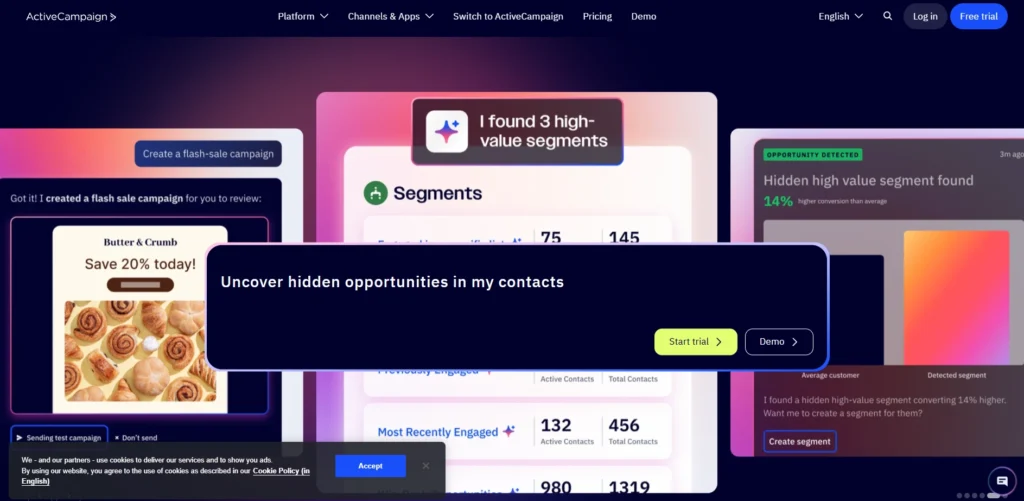
ActiveCampaign shifts the focus of customer engagement toward deep, behavior-driven marketing loops. Instead of just broadcast-blasting emails, it tracks how users interact with your website, app, and previous messages to trigger hyper-personalized follow-ups. The software operates on a visual canvas where you can build automated pathways that branch off based on user intent, past purchases, or link clicks.
It bridges the gap between cold database collection and reactive chat tools by ensuring that the messages your audience receives always align with where they are in their direct buying journey.
Key Features:
- Omnichannel Visual Builder: A drag-and-drop orchestration canvas that lets you map out complex, multi-branch email, SMS, and site-messaging journeys side-by-side.
- Precise Site Tracking: Background scripts that monitor which product categories a user visits on your site, automatically triggering tailored follow-up campaigns.
- Predictive Sending & AI Content: Integrated machine learning models that analyze historical open patterns to deliver emails at the exact moment an individual is most likely to click.
- Native Marketing CRM: A built-in sales and pipeline tracker that updates lead scores and moves deal stages automatically based on engagement milestones.
- Dynamic Split Automation: An optimization engine that lets you A/B test entire structural marketing flows against each other, rather than just testing individual subject lines.
Pricing:
| Starter | Plus | Pro | Enterprise |
| $15/mo | $49/mo | $79/mo | $145/mo |
Pros:
- Arguably the most robust conditional logic engine on the market for building intricate, multi-step marketing funnels.
- Lead scoring capabilities are highly precise, letting your sales team easily target only the warmest accounts.
- Delivers consistently strong email deliverability rates because the platform strictly monitors and protects its server reputation.
Cons:
- The sheer number of conditional rules, tags, and pathways creates a steep learning curve for non-technical marketers.
- Pricing scales up sharply as your contact database grows, which can penalize businesses with large but passive subscriber lists.
Best Suited For:
- E-commerce businesses, digital content creators, and B2B marketers who want to turn complex behavioral data into highly segmented, automated marketing funnels.
7. Zoho Desk — Best Context-Rich Platform for Multi-Department Scaling
Website: https://www.zoho.com/desk
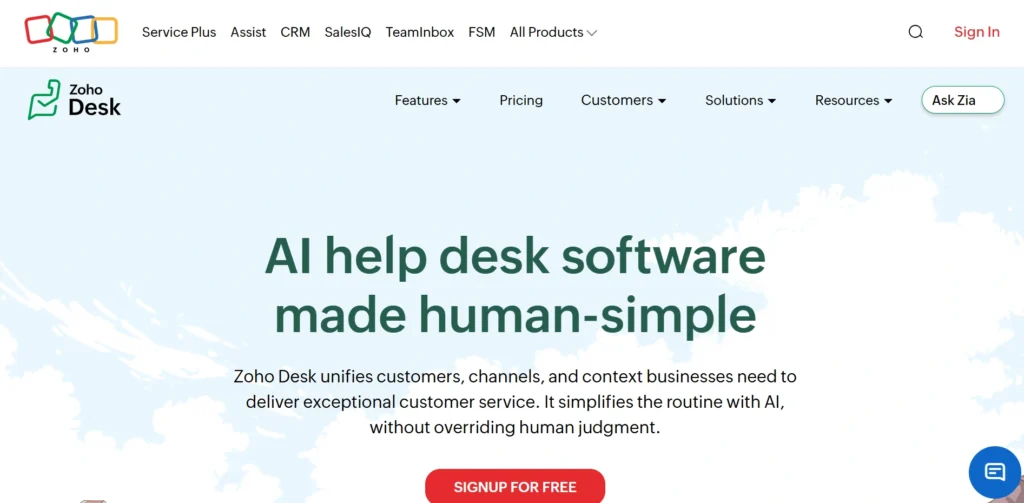
Zoho Desk is an operations-focused help desk built to bring structural order to complex, multi-brand customer service pipelines. Operating within the massive Zoho software universe, it acts as a central operational center that links support requests directly to your primary business backend.
The tool specializes in cross-departmental management, allowing a company to run distinct, uniquely branded customer portals and internal resolution paths for separate subsidiaries or product divisions within a single layout. It also utilizes its built-in AI assistant, Zia, to analyze ticket sentiment and point out anomalies before they stall your pipeline.
Key Features:
- Multi-Department Structuring: A system layout that keeps separate ticketing channels, help centers, and SLAs neatly siloed by brand or product line under one license.
- Zia AI Assistance: An automated engine that flags negative shifts in customer sentiment, tags tickets based on content themes, and suggests solutions to your agents.
- Blueprint Process Mapping: A strict process compliance tool that visually forces support agents through predefined operational steps and approvals for complex cases.
- Time-Tracking Scorecards: Native timers built straight into individual tickets to log exactly how many hours your staff spends troubleshooting specific issues.
- Deep Zoho CRM Synergy: Real-time data sync pipes that pull up account details and deal records for agents the second a ticket arrives.
Pricing:
| Express | Standard | Professional | Enterprise |
| $4.39/user/month | $8.35/user/month | $14.62/user/month | $25.06/user/month |
Pros:
- Offers exceptional cost-to-feature value, providing enterprise-grade process tools for a fraction of what major competitors charge.
- The Blueprint feature is outstanding for large organizations that need to strictly enforce regulatory compliance or standardized support steps.
- Flawlessly connects with the rest of the Zoho suite, making it a natural addition for companies already embedded in that ecosystem.
Cons:
- The out-of-the-box user interface feels somewhat dated and dense compared to sleeker, chat-first engagement platforms.
- Setting up advanced automation blueprints and cross-app workflows requires a deliberate, time-consuming setup process.
Best Suited For:
- Value-conscious businesses and mid-to-large enterprises that need structured, multi-department ticketing systems with highly enforced operational rules.
8. Drift — Best for Conversational Sales and Real-Time Pipeline Acceleration
Website: https://www.drift.com
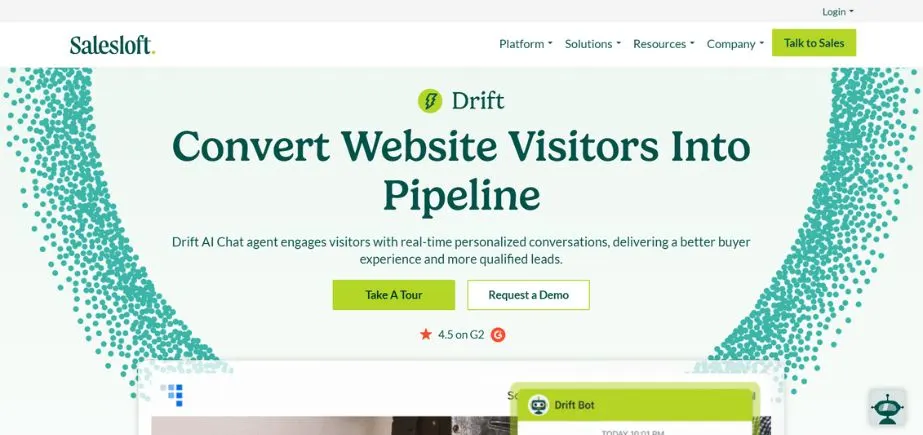
Drift treats customer engagement not as a ticket queue, but as an immediate pipeline builder. It specializes in conversational marketing and sales, using intelligent, real-time playbooks to capture and qualify website visitors the second they show high intent.
Instead of forcing enterprise buyers to fill out long contact forms and wait days for a SDR callback, Drift uses conversational AI to instantly qualify the visitor, surface relevant case studies, and book live meetings directly onto your sales team’s calendars.
Key Features:
- Conversational AI Playbooks: Adaptive, non-linear chat flows that answer complex product queries and pre-qualify target accounts without human intervention.
- Fastlane Form Automation: An intelligence layer that intercepts standard form completions to instantly offer a live chat or meeting slot to high-value prospects.
- Target Account VIP Alerts: Instant desktop and mobile notifications sent to your sales reps the second an unassigned, target enterprise account lands on your website.
- Drift Video Integration: A personalized video tool that lets sales reps record and send video walkthroughs directly inside the live chat window.
- Intel-Driven ABM Frameworks: Automated systems that customize the chat greeting based on the specific company domain or industry of the inbound visitor.
Pricing:
- Available on request
Pros:
- Unmatched efficiency at cutting out operational delays, converting cold website traffic into qualified sales meetings in real time.
- The platform’s intent tracking tools give enterprise sales reps invaluable context regarding exactly what features a target account was researching.
- Integrates flawlessly with premium marketing tech stacks like Marketo, HubSpot, and 6sense.
Cons:
- The steep entry-level pricing makes it cost-prohibitive for small businesses or startups with lower traffic volumes.
- It is strictly optimized for sales pipeline generation, meaning it lacks the deep back-end tools required for complex post-purchase technical support.
Best Suited For:
- B2B software platforms and enterprise companies running focused Account-Based Marketing (ABM) campaigns that want to maximize their website conversion rates.
9. Podio — Best for Customizable Collaborative Workflows and Engagement Operations
Website: https://www.podio.com
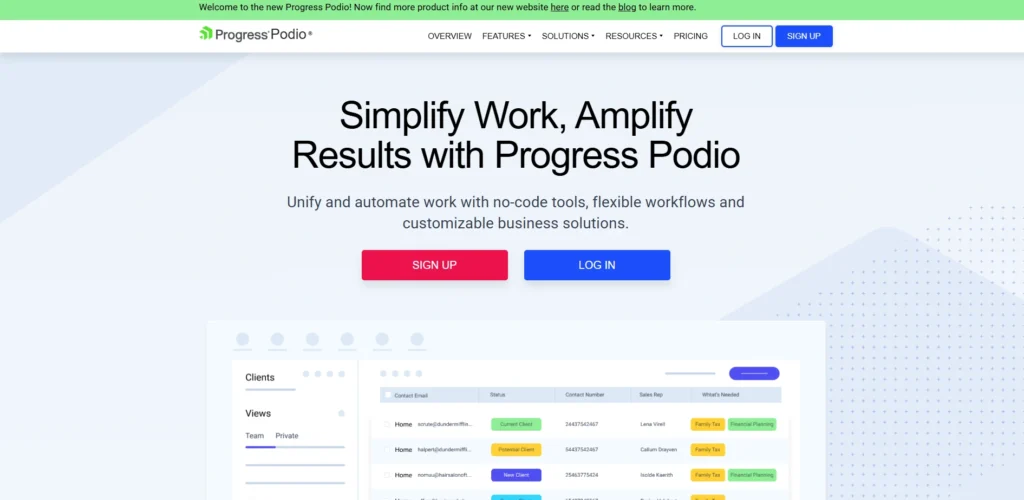
Podio (developed by Citrix) takes a highly modular approach to customer engagement operations. Rather than forcing your team into a rigid, pre-built helpdesk or CRM layout, Podio provides a flexible workspace where you can build your own data structures and tracking systems from scratch.
The platform uses a drag-and-drop app builder that lets you easily map out custom pipelines for support tracking, project tasks, or client communication. This makes it highly popular among organizations whose operational workflows don’t neatly fit into a standard ticketing box.
Key Features:
- Custom Modular App Builder: An interface that lets you drag and drop fields to build your own custom trackers for leads, bugs, and customer feedback.
- Unified Client Spaces: Secure, shared portals where external clients can review project milestones, message your team, and upload assets directly.
- Automated Workflow Engine: A logical rule engine that automates tasks like generating new items, sending emails, or updating statuses when a record changes.
- Integrated Task Coordination: Clear task assignment systems that turn incoming customer requests into actionable team assignments right next to the conversation log.
- Open Developer API: A highly flexible, open API framework that allows developers to link the custom workspace into proprietary backend software.
Pricing:
| Free | Plus | Premium |
| $0 | $11.20/user/mo | $19.20/user/mo |
Pros:
- Incredible structural flexibility—you can build an interface that matches your team’s exact physical workflows without any unnecessary layout clutter.
- Combines internal project management and external customer tracking inside the same application space.
- An affordable tier structure that allows smaller operations to create custom business apps without hiring developers.
Cons:
- Out of the box, the platform is an empty canvas; it requires a deliberate investment of time to build out your tracking apps before it’s usable.
- Lacks native omnichannel communication channels like built-in telephony or direct social media live chat streaming.
Best Suited For:
- Agencies, consultancies, and operations teams that want a highly customizable, project-integrated platform to manage unique customer relationships.
10. Klaviyo — Best for E-commerce Personalization and Behavior-Driven Retention
Website: https://www.klaviyo.com
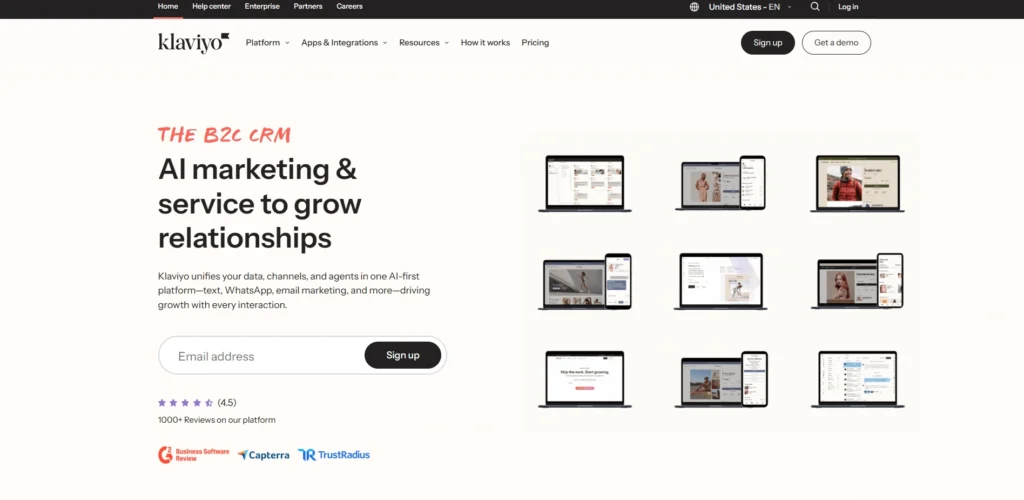
Klaviyo serves as the definitive central communication center for e-commerce brands looking to scale their direct-to-consumer relationship operations. Positioned as a specialized B2C data and messaging platform, it integrates deeply with storefront infrastructure to compile exhaustive profiles of real-time purchasing habits, browsing histories, and support context.
Klaviyo skips basic email broadcasts to power predictive flows across email, SMS, and mobile push notification layers. By storing granular historical metrics directly inside every contact profile, the software helps digital brands create highly segmented engagement pathways that automatically trigger during key conversion moments.
Key Features:
- Unified E-commerce Profiles: A data engine that links a customer’s specific purchase amounts, abandoned item attributes, and product catalog clicks into a unified profile.
- Predictive AI Analytics: Internal data models that automatically forecast a customer’s lifetime value (CLV), next expected order date, and immediate churn risk score.
- K:AI Marketing Assistant: An inline generative AI layer capable of building targeted customer-facing text campaigns and structural automation rules from text prompts.
- Dynamic Flow Automation Builder: A visual canvas for running complex post-purchase sequences, like transactional tracking, review requests, and personalized win-back loops.
- Embedded Customer Hub: A self-service portal that lets online buyers view order histories, update subscriptions, and clear up basic issues without talking to an agent.
Pricing:
- Custom
Pros:
- Industry-leading, native synchronization with major e-commerce platforms like Shopify, WooCommerce, and Magento that deploys in single clicks.
- Provides incredible data depth, allowing you to segment your audience by highly specific actions, like “spent over $100 on shoes in the last 30 days.”
- Unlocking higher pricing tiers scales with database volume without locking advanced automation features behind premium plan walls.
Cons:
- Billing is determined strictly by active profiles, meaning costs can jump significantly if you don’t aggressively purge unengaged or inactive subscribers.
- The outcome-based pricing additions for reviews and advanced cohort attribution add complexity to predictable monthly budgeting.
Best Suited For:
- Direct-to-Consumer (DTC) brands and fast-growing e-commerce storefronts that want to turn customer transactional data into hyper-targeted messaging flows.
11. Typeform — Best for Interactive and Engaging Data Collection
Website: https://www.typeform.com
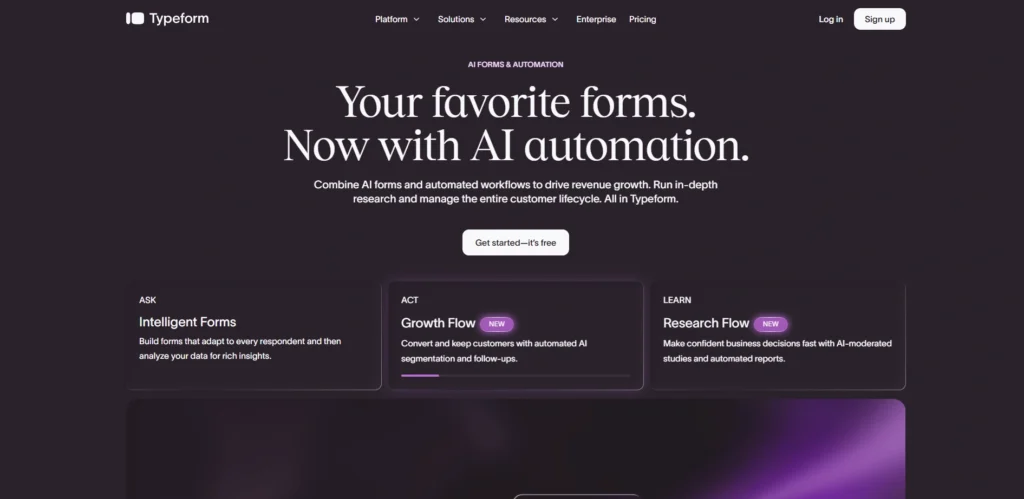
Typeform completely reimagines how businesses collect information from their audience by turning dull, standard web forms into interactive conversations. Instead of confronting users with a long, intimidating wall of fields, Typeform presents questions one at a time, creating a smooth, human-centric experience that dramatically improves completion rates.
This approach transforms routine touchpoints—like lead intake, product feedback, post-purchase surveys, and customer onboarding—into highly engaging brand experiences. By using conditional logic to skip irrelevant fields based on previous answers, it ensures every interaction feels personalized and fast.
Key Features:
- One-Question-at-a-Time Interface: A sleek, minimalist layout that focuses the user’s full attention on a single prompt, significantly reducing completion fatigue.
- Typeform AI Form Builder: An intelligent layout assistant that designs tailored questionnaire flows, rewrites questions for clarity, and optimizes conversion paths from plain-text prompts.
- Advanced Logic Jump Paths: Branching conditional logic that routes users down different question paths in real time based on their specific answers.
- Hidden Fields Data Piping: The ability to inject existing customer data (like names or account IDs) straight into the form URL to personalize the greeting automatically.
- Native Multimedia Integration: Seamless support for embedding high-quality video snippets, custom animations, and interactive image choices directly into the question blocks.
Pricing:
| Basic | Plus | Business | Growth |
| $28/mo | $56/mo | $91/mo | $266/mo |
Pros:
- Provides an exceptionally elegant, mobile-responsive user experience that boasts significantly higher conversion rates than standard forms.
- The visual logic map makes it incredibly simple to build and preview highly complex, multi-branch question flows.
- Integrates flawlessly with hundreds of external tools like HubSpot, Slack, Google Sheets, and Notion to sync data instantly.
Cons:
- The monthly response limits on the lower tiers are quite restrictive, forcing fast upgrades if a marketing campaign goes viral.
- It operates strictly as a data-collection wrapper, meaning it lacks a built-in CRM or unified inbox to manage ongoing agent conversations.
Best Suited For:
- Marketers, product teams, and customer success managers who want to maximize completion rates on feedback surveys, lead qualification forms, and onboarding flows.
12. Mixpanel — Best for Product Analytics and Product-Led User Engagement
Website: https://www.mixpanel.com
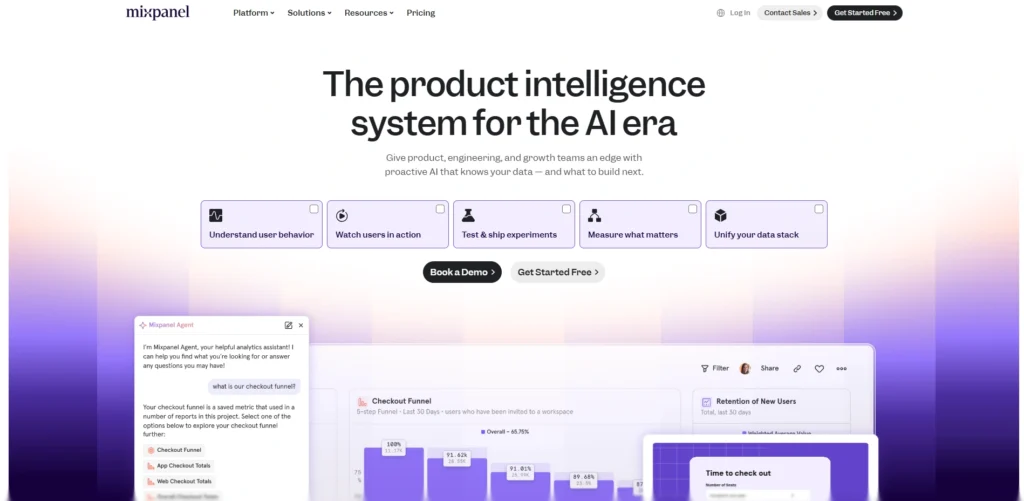
Mixpanel approaches customer engagement from a product-first perspective, tracking exactly how users interact with your web or mobile applications. Instead of focusing on vanity metrics like page views, it measures explicit user actions—such as streaming a video, sharing a link, or upgrading a subscription feature.
By mapping out user journeys and conversion funnels in real time, Mixpanel highlights exactly where users face friction, where they drop off, and what features keep them hooked. This precise behavioral insight allows growth and product teams to launch highly targeted in-app messages and experiments that improve retention.
Key Features:
- Event-Based User Tracking: Granular monitoring that ties specific actions, button clicks, and application steps directly to individual anonymous or logged-in user profiles.
- Interactive Funnel Analysis: Real-time conversion charts that show precisely where users drop out of multi-step processes like sign-ups or checkouts.
- Cohort Segmentation Engine: The ability to group users into dynamic lists based on identical behavioral patterns, such as “users who used the search tool three times this week.”
- Mixpanel Spark AI Assistant: A plain-English query interface that allows team members to generate complex behavioral reports and charts using simple text prompts.
- Impact and Retention Analytics: Deep cohort tracking charts that measure exactly how specific product updates or engagement campaigns affect long-term retention.
Pricing:
- Available on request
Pros:
- Unrivaled processing speeds for slicing and dicing complex, high-volume behavioral user data without needing SQL knowledge.
- The cohort building tool is exceptionally powerful, allowing you to export precise user lists straight into marketing platforms.
- Offers data transparency by tracking the exact actions of real users across desktop and mobile devices seamlessly.
Cons:
- Requires a deliberate and technical initial developer setup to correctly implement event tags and property trackers across your software app.
- It is strictly an analytics engine—it does not house its own native email or SMS delivery networks, relying instead on integrations to send messages.
Best Suited For:
- Product managers, growth marketers, and engineering teams at software-as-a-service (SaaS) and mobile app companies who rely on deep user behavior data to drive growth.
13. Customer.io — Best for Automated Lifecycle Messaging and Product-Linked Messaging
Website: https://customer.io
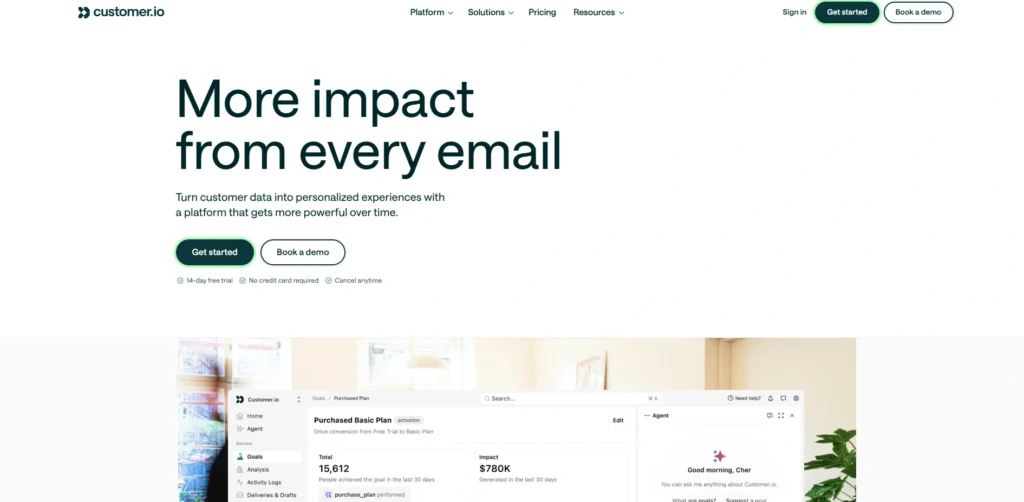
Customer.io is an automation platform built specifically for tech companies that want to connect their internal product data straight to their external messaging campaigns. It acts as a bridge between your core application database and your communication channels, allowing you to trigger highly personalized emails, SMS texts, and push notifications based on real-time actions users take inside your app.
Whether a user just signed up, stalled during onboarding, or completed a premium action, Customer.io processes that behavioral data instantly to keep the conversation perfectly aligned with their actual product usage.
Key Features:
- Data-Driven Workflow Canvas: A visual builder that maps out complex multi-channel lifecycle journeys triggered by specific in-app events or API webhooks.
- Multi-Workspace Management: The ability to keep distinct product lines, user databases, and brand communication assets cleanly separated under one subscription.
- Native Push & In-App Messages: Tools to design and trigger personalized banners and alerts directly inside your mobile or web application without app-store updates.
- Ad Audience Sync Engine: Automated pipelines that securely push your real-time behavioral user segments directly into Google, Facebook, and LinkedIn ad platforms.
- Rigorous A/B & Cohort Testing: Built-in optimization tools that test entire multi-step message paths, delay timings, and subject lines against each other.
Pricing:
| Essential | Premium | Enterprise |
| $100/mo | $1000/mo | Available on request |
Pros:
- The platform handles complex, real-time developer webhooks and data payloads with incredible speed and reliability.
- Offers true multi-channel flexibility, letting you orchestrate email, mobile push, SMS, and ad targeting inside a single workspace.
- Pricing scales linearly based on profile count, without penalizing high-volume senders with unexpected overage fees.
Cons:
- The interface can feel quite technical and intimidating for standard content marketers who are used to simpler, non-technical email tools.
- Lacks pre-built, out-of-the-box e-commerce templates, meaning it requires custom developer mapping to link with retail storefronts.
Best Suited For:
- SaaS companies, mobile app start-ups, and subscription-based tech businesses that want to build complex messaging loops tied to real-time product usage data.
14. MoEngage — Best for AI-Driven Mobile Marketing and Insights-Led Engagement
Website: https://www.moengage.com
MoEngage is an insights-led customer engagement platform tailored specifically for consumer brands looking to optimize their mobile-first experience. It unifies deep customer analytics with multi-channel delivery networks to help brands understand exactly how users move through mobile apps, websites, and retail locations.
MoEngage leverages its underlying Sherpa AI engine to automatically eliminate operational guesswork, analyzing consumer behaviors to predict churn risks, optimize delivery times, and personalize campaign themes across push alerts, SMS, and WhatsApp conversations automatically.
Key Features:
- Sherpa AI Optimization Engine: Predictive machine learning models that automatically determine the optimal channel, message version, and delivery time for each individual user.
- Geofencing & Location Triggers: The ability to deploy personalized push notifications or SMS offers to customers the second they enter a specific geographic boundary.
- Cross-Channel Journey Orchestration: A drag-and-drop visual board for building continuous consumer journeys across mobile apps, email, SMS, web notifications, and WhatsApp.
- Predictive Churn Diagnostics: Advanced analytics that automatically flag specific segments of your mobile user base that are showing early signs of dropping off.
- In-App Custom Personalization: An inline design framework that swaps out app banners, welcome cards, and product recommendation blocks based on past purchase profiles.
Pricing:
- Available on request
Pros:
- Outstanding processing capabilities for mobile push notifications, ensuring near-instant delivery times to millions of devices simultaneously.
- Sherpa AI removes the manual labor out of A/B testing by automatically routing traffic to the highest-performing message layout.
- Provides highly accurate geographic and behavioral tracking that captures the fluid nature of consumer retail shopping.
Cons:
- The analytics setup and data architecture are highly focused on mobile layouts, making it less optimal for B2B tech pipelines.
- Requires a deep technical integration using their native mobile SDKs to unlock the full power of behavioral tracking.
Best Suited For:
- Mobile-first consumer brands, retail chains, travel applications, and e-commerce apps that want to use predictive AI to maximize mobile user retention.
15. PushEngage— Best for Browser-Based Web Push Notifications and Flash Traffic Retargeting
Website: https://www.pushengage.com
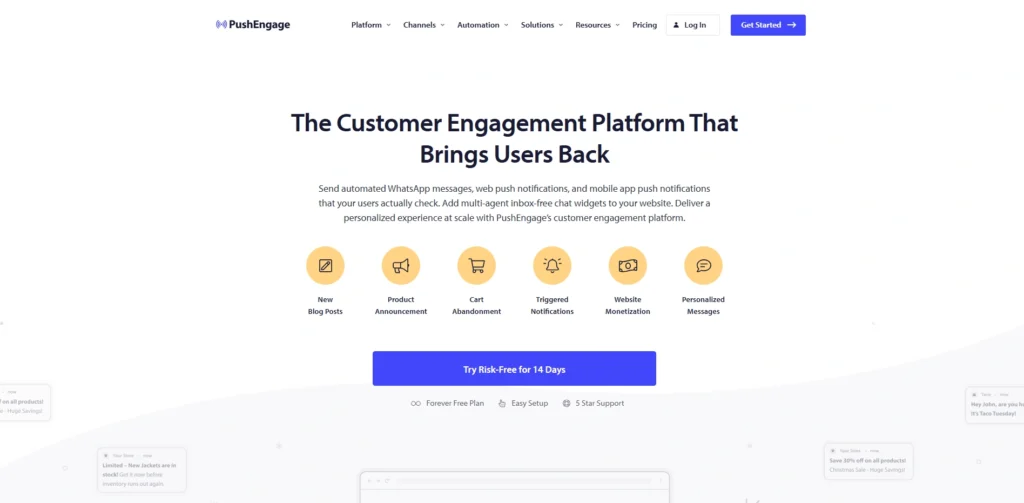
PushEngage is a highly specialized customer engagement platform designed entirely around optimizing browser-based web push notifications. It targets an active internet audience the moment they browse desktop or mobile web browsers, allowing businesses to bring traffic back without needing an expensive mobile app.
It excels at capitalizing on immediate, high-intent actions—such as dropping out of a shopping cart, reading a trending news article, or viewing a limited-time flash sale—by sending instant, clickable pop-up alerts straight to the user’s screen even if they have closed your website’s tab.
Key Features:
- Automated Cart Abandonment Loops: Trigger sequences that automatically deploy consecutive browser notifications to buyers who leave items behind in their digital shopping carts.
- Smart Behavioral Segmentation: The ability to group subscribers automatically based on the explicit categories they visit or actions they take on your site.
- Dynamic Price Drop Triggers: Automated browser updates sent to interested users the second an item on their digital wishlist drops in price or comes back into stock.
- Geo-Targeted Localized Alerts: The capability to segment and filter notification schedules based on the specific time zone and geographic location of the reader.
- Interactive Notification Action Buttons: Advanced rich-media layouts that include custom images and clickable multi-choice buttons within the browser notification box.
Pricing:
| Free | Business | Premium | Growth |
| $0 | $8/mo | $15/mo | $24/mo |
Pros:
- Incredibly fast to set up, requiring just a brief JavaScript snippet to start collecting subscribers from any standard website.
- Boasts significantly higher open and click-through rates than standard email marketing campaigns because the alerts bypass crowded email inboxes entirely.
- Provides an excellent, cost-effective alternative for driving mobile engagement without building a standalone native app.
Cons:
- The platform is hyper-focused on browser push notifications, meaning you will need separate tools to handle email, SMS, or live helpdesk support.
- The performance of the tool relies heavily on ongoing browser permissions, meaning if a user clears their browser settings, you lose the link to them.
Best Suited For:
- E-commerce stores, content publishers, and high-traffic blog sites that want a lightweight, high-conversion tool to capture and bring back bouncing website traffic.
Side-by-Side Comparison Table: All 15 Tools At a Glance
To help you see how these platforms stack up side-by-side, we have mapped out their core operational focus, primary messaging channels, and ideal team size. This direct comparison allows you to quickly filter the software based on whether your immediate operational bottleneck lies in scaling frontline customer support, automating marketing campaigns, or analyzing product usage.
| Platform | Core Operational Focus | Primary Messaging Channels | Target Team Size |
| HubSpot | Inbound Marketing & Sales CRM | Email, Live Chat, WhatsApp, Social Media | Growing SMBs to Mid-Market |
| Zendesk | High-Volume Helpdesk Ticketing | Email, Voice, SMS, Live Chat, Social | Mid-Sized to Large Enterprise |
| Intercom | Autonomous AI Support & Chat | In-App Chat, Mobile Push, Email | Tech Startups & SaaS Brands |
| Freshdesk | Simplified Multi-Channel Support | Email, Live Chat, Voice, WhatsApp | Small Teams to Mid-Market |
| Salesforce Service Cloud | Deep Data CRM Customization | Enterprise Omni-channel, Field Service | Large Scale Enterprises |
| ActiveCampaign | Behavior-Driven Marketing Loops | Email, SMS, Website Messages | E-commerce & B2B Marketers |
| Zoho Desk | Cross-Department Operations | Email, Shared Portals, Social Media | Cost-Conscious Mid-to-Large Teams |
| Drift | Real-Time Sales Conversions | Website Live Chat, Inline Video | Mid-Market to Enterprise B2B |
| Podio | Modular Project Customization | Shared Client Portals, Task Spaces | Agencies & Consulting Firms |
| Klaviyo | E-commerce Revenue Retention | Email, SMS, Mobile Push Notifications | Direct-to-Consumer Retailers |
| Typeform | Engaging Conversational Intake | Interactive Forms, Surveys, Video | Product & Marketing Teams |
| Mixpanel | Behavioral Product Analytics | Application Event Tracking Pipelines | Product & Growth Managers |
| Customer.io | Automated Lifecycle Messaging | Email, SMS, Push, Developer Webhooks | Subscription & SaaS Tech Brands |
| MoEngage | AI-Driven Mobile Marketing | Mobile Push, WhatsApp, SMS, Web | Mobile-First Consumer Apps |
| PushEngage | Browser-Based Re-engagement | Desktop & Mobile Web Browsers | Content Publishers & Retailers |
How To Choose The Right Customer Engagement Tool For Your Business
With so many specialized platforms on the market, finding the right fit requires looking closely at your team’s day-to-day bottlenecks and growth plans. Instead of chasing the tool with the longest feature list, focus on how well the software matches your business model, technical resources, and budget.
- Map Your Primary Communication Channels: Audit where your customers actually hang out whether that is WhatsApp, email, mobile apps, or phone calls and pick a tool that handles those specific networks natively.
- Match Your Technical Resources: Be realistic about your team’s development capabilities; don’t buy a complex platform requiring full-time administrators if you need a clean setup that works right out of the box.
- Evaluate the Depth of AI Tools: Look past the marketing buzzwords to see if the platform’s AI actually resolves multi-step customer issues or if it just provides basic text summaries for your human agents.
- Verify Existing Software Integrations: Ensure the new platform connects seamlessly with your current CRM, e-commerce backend, or database tools so you don’t end up creating manual data-entry chores.
- Calculate the True Cost of Scaling: Check how the software’s pricing tiers expand whether they charge by the agent seat, active contact counts, or successful AI resolutions to avoid budget surprises as your business grows.
Benefits of Using Customer Engagement Tools (With Real Business Impact)
Deploying a modern engagement platform does more than just clean up your team’s desktop workspace; it changes the underlying financial health of your company. Moving away from scattered communication chains to automated, data-driven platforms turns your customer experience from a costly overhead expense into a reliable driver of revenue growth.
- Dramatically Lower Customer Churn: Recent data from Bain & Company shows that improving your customer retention rates by just 5% can increase bottom-line corporate profits anywhere from 25% to 95%. Centralized engagement platforms stop buyers from slipping away by flag-triggering internal tasks before a customer chooses to abandon your brand.
- Faster, First-Contact Resolutions: According to the Zendesk CX Trends Report, customers are 2.4 times more likely to remain loyal to a brand when their support issues are resolved quickly. Engagement tools make this possible by giving agents immediate historical context so they can solve problems on the very first try.
- Higher Customer Lifetime Value (CLV): Returning buyers spend an average of 67% more in their third year with a business compared to their first six months. Businesses that combine customer engagement platforms with digital marketing tools can deliver personalized marketing campaigns that increase repeat purchases and customer loyalty. By using proactive behavioral triggers to suggest highly relevant cross-sells, engagement software naturally maximizes the total spend of your existing accounts.
- Bypassing Siloed Repetition Frustrations: Research shows that 70% of consumers expect any agent they speak with to have full context of their situation. A unified database stops customers from having to painfully re-explain their technical issues to multiple internal departments over and over again.
- Reduced Total Customer Acquisition Cost (CAC): Since marketing data proves it can be 5 to 25 times more expensive to acquire a new buyer than to keep a current one, shifting focus toward behavior-driven retention campaigns significantly cuts down your reliance on expensive digital ad networks.
Customer Engagement Trends to Watch in 2026
The rapid shift from experimental automation to practical, real-world execution has completely changed how companies interact with their audience this year. According to recent 2026 data from Gartner and Forrester, businesses are moving away from surface-level engagement metrics to focus on deeper operational trust, data privacy, and immediate, intent-driven customer value.
- The Transition to Autonomous Agentic AI: Customer service has evolved past basic FAQ chatbots into agentic AI systems that handle multi-step workflows. Data from Gartner reveals that 91% of support leaders are under intense executive pressure to deploy these advanced frameworks, which connect directly to back-end tools to process actual tasks like handling returns or rebooking schedules autonomously.
- A Shift From Journey Mapping to Real-Time Management: Static user journey maps left in slide decks have been abandoned by two-thirds of modern customer experience teams. The current standard is active, real-time journey orchestration—combining live behavioral signals, AI decision-making, and dynamic content to recognize a consumer’s immediate intent and update their experience across app, web, and support desks instantly.
- Up-Skilling Human Agents for High-Stakes Interactions: As automated systems take over repetitive, low-tier troubleshooting tasks, the role of human support staff is undergoing a massive transformation. Over 80% of organizations are actively expanding frontline agent responsibilities, shifting them into high-empathy problem solvers, complex technical guides, and internal knowledge management specialists.
- The Metric Focus Moves From Scores to Behaviors: The long-standing industry obsession with chasing vanity metrics like generic CSAT or Net Promoter Scores (NPS) is winding down under tightening corporate budget pressures. Leading teams are prioritizing behavioral diagnostics instead, using rich analytics pipelines to understand why buyers act a certain way and connecting engagement patterns directly to revenue retention.
- Hyper-Personalization Balanced With Digital Sovereignty: While buyers expect highly tailored experiences, they are increasingly wary of how their personal data is harvested. In 2026, digital sovereignty has become a major competitive advantage, forcing companies to implement strict governance frameworks that prove to users exactly how their first-party data is secured and utilized.
Final Verdict
In conclusion, selecting the absolute best customer engagement tool comes down to identifying your business’s primary operational bottleneck rather than trying to buy a platform that promises to do everything. If your team is buried under a mountain of support tickets and needs an organized way to handle customer issues across multiple channels, a dedicated helpdesk platform like Zendesk or a simpler alternative like Freshdesk will instantly clear up that chaos.
On the other hand, if your main goal is to optimize your digital marketing funnel, capture behavior-driven sales, or maximize online retail purchases, shifting your focus toward data-focused messaging systems like ActiveCampaign or Klaviyo is the smarter operational move.You must balance the software’s out-of-the-box features against your team’s actual technical capabilities and budget to ensure a successful long-term rollout.
Tech-forward startups and SaaS platforms looking to prioritize fast, automated AI solutions will find an ideal partner in Intercom, whereas massive enterprise organizations that require absolute system customization and total data security will naturally drift toward Salesforce Service Cloud. By picking a platform that naturally fits into your existing software setup and addresses your most critical customer touchpoint first, you can turn messy user interactions into a structured, reliable engine for business growth.
