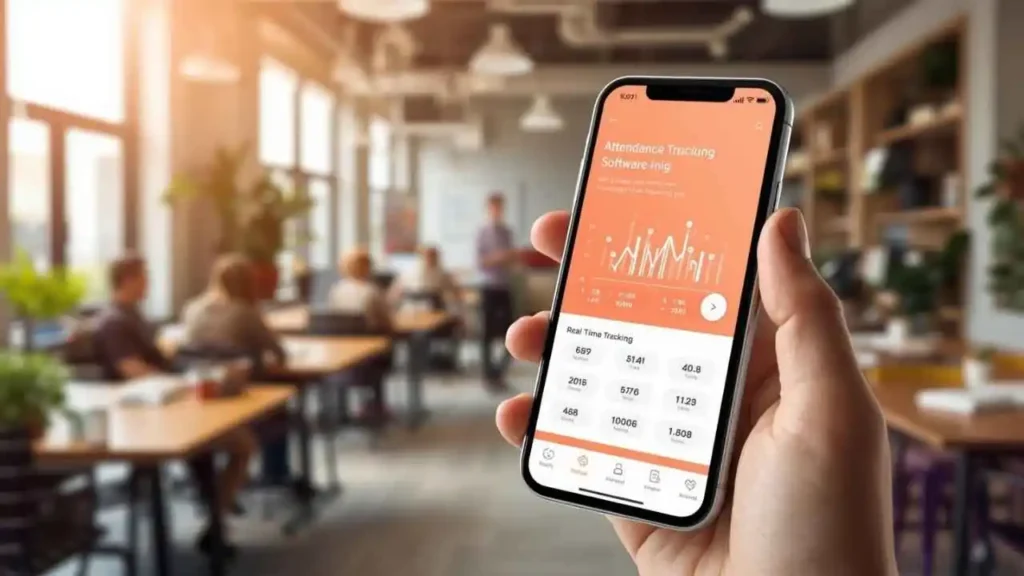
Nowadays, in the dynamically changing labour market, when the model of hybrid and remote work options has become a standard, correct attendance tracking software has never been so vital. New issues are emerging where organizations need to ensure that they are monitoring the presence of their employees, holding employees accountable, and also ensuring that there is the productivity of the distributed team.
Manual time and attendance tracking is marred with problems that have the tendency to affect the operations of businesses in a big way. Timekeeping errors made by humans, the infamous issue of buddy punching, whereby employees can clock in on behalf of their colleagues who are not present, and the simple inefficiency of the paper-based system generate high administrative costs. The challenges do not just contribute to payroll errors but also result in managers making ineffective decisions regarding the management of the workforce.
This thorough review looks at the 10 best attendance tracking software programs capable of changing the way your organization tracks and manages attendance. We will examine the essential capabilities of the platforms, their strengths, and weaknesses, and cost factors to be able to make an intelligent choice suitable for your needs as a small-time entrepreneur, a large-sized corporation, or an educational institution custodian.
Also read: SMO Tools for Businesses & Digital Marketers
What Is Attendance Tracking Software?
Attendance tracking software is a technology tool that is used to track and capture the attendance of employees or students, as well as time and leave trends. These systems supersede conventional punch cards and paper timesheets and have in their stead a highly advanced technology that gives a real-time insight into the attendance of the workforce.
The primary purpose of attendance tracking software extends beyond simple time logging. Contemporary attendance tracking software is a flexible workforce management solution that enables organizations to streamline scheduling, guarantee adherence to labor regulations, minimize the amount of payroll processing time, and understand their trends in terms of attendance and productivity rates.
Key functions of attendance tracking software include:
- Time-in/out logging: The times of arrival and departures are automatically recorded in different ways
- Comprehensive reporting: Production of attendance schedules in fine detail for payroll and compliance purposes
- System integrations: Seamless connection with payroll, HR, and project management platforms
- Geolocation tracking: The use of GPS to ascertain that employees are logging in from legitimate areas
- Biometric authentication: Biometric input, fingerprint, facial recognition, or any other way of eliminating time theft
- App-based check-ins: Flexible mobile applications, where attendance can be marked with the use of a smartphone or tablet
Key Features to Look for in Attendance Tracking Software
When considering the variety of attendance tracking software, there are features that can either break or make your selected system. Learning these important functionalities will enable you to purchase software that actually serves the purpose of your company.
Real-time tracking and automated reports form the foundation of effective attendance management. Seek a system that updates employee status in real time and produces reports that give a lot of information without the need to go through files manually. The capability means the latest information is available to the managers to make decisions and eliminates administrative overhead.
Mobile app or cloud accessibility has become indispensable in our mobile-first world. Workers should be allowed to punch in and out anywhere, particularly those who work remotely or in fields. The cloud options make data accessible regardless of the location, and it is automatically synchronized on all devices.
Integration with payroll and HR systems minimizes and streamlines procedures by replacing redundant data entry and minimizing errors. Direct connection of attendance data into the payroll calculations and into the HR database expedites the entire process and makes it highly accurate.
Biometric or GPS-based authentication addresses security concerns and prevents time theft. These technologies require that only authorized personnel can mark attendance and monitor the places where the employees should appear.
Leave and shift management capabilities provide comprehensive workforce oversight. The software must be able to cope with different types of leaves, complex shift regimes, and different work schedules in one software program.
Notifications and analytics dashboards empower proactive management. Notifications that are sent out in real-time in case of late arrivals, longer breaks, or unusual trends enable managers to deal with the problem on time. In contrast, analytics dashboards give managers information that can be used to conduct strategic workforce planning.
Explore More: Best WhatsApp Marketing Software
Top 10 Attendance Tracking Software
1. TSheets by QuickBooks
Website: quickbooks.intuit.com/time-tracking/
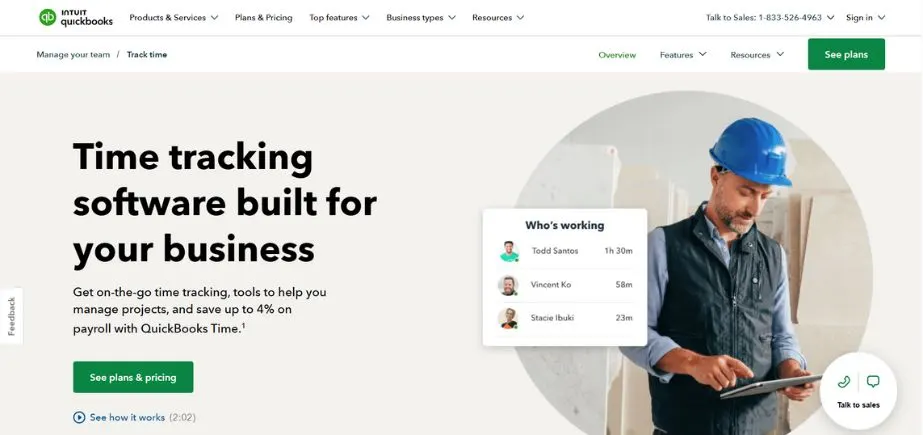
TSheets by QuickBooks is an easily recognizable cloud-based time tracking and monitoring program that was made with the aim of being user-friendly among businesses of any size or capacity. It provides mobile tracking via GPS, employee scheduling, real-time reporting, and integrates with payroll systems for efficient calculation of wages. Employees have the ability to clock in/ out through desktop, mobile app, or text message, and flexibility for remote and field staff. Timesheets can be approved, overtime can be followed, and project hours can be monitored easily by the managers. It is QuickBooks integrated, which gives it the advantage of having faster and error-free payroll and invoicing.
Key Features:
- GPS tracking with geofencing capabilities to verify employee locations
- Mobile app with offline functionality for uninterrupted time tracking
- Real-time synchronization with QuickBooks payroll and accounting
- Photo capture feature for job site verification and project documentation
- Advanced scheduling tools with automatic overtime calculations
Pros:
- Exceptional integration with QuickBooks ecosystem streamlines payroll processing
- User-friendly interface requires minimal training for employees and administrators
Cons:
- Limited functionality for organizations not using QuickBooks products
- Higher pricing compared to standalone time tracking solutions
Pricing:
Starting at $8 per user per month, with a 30-day free trial available.
2. Time Doctor
Website: timedoctor.com
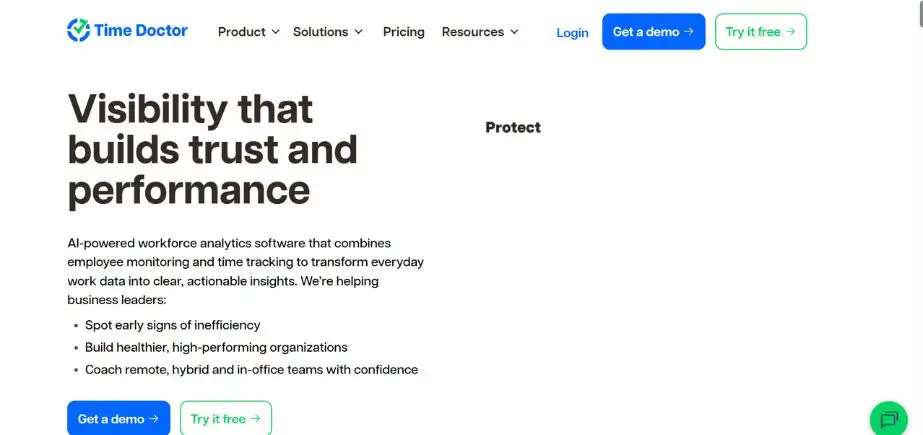
Time Doctor is a full-featured time and one of the attendance tracking software that specializes in monitoring productivity. It allows the employees to track the working hours, monitor tasks, and note the level of activity with the possibility of taking screenshots. Suitable in remote team setups, it has the ability to provide site and application use tracking to provide accountability. Managers have insight into time spent on productive and non-productive activities, whereas employees have detailed reports to assist them in performance evaluation. Interconnectivity with third-party tools, such as project management tools, removes the complexity in work processes. It has a strong reporting system that can maximize productivity and minimize time wastage.
Key Features:
- Automated time tracking with detailed activity monitoring and categorization
- Optional screenshot capture for enhanced accountability and project verification
- Comprehensive productivity monitoring with website and application usage tracking
- Payroll integration supporting multiple payment methods and currencies
- Client access portal for transparent project time reporting
Pros:
- Excellent for remote workforce management with detailed productivity insights
- Robust reporting capabilities provide comprehensive workforce analytics
Cons:
- Screenshots feature may feel intrusive to some employees
- Steep learning curve for accessing advanced features and customizations
Pricing:
Plans start at $7 per user per month, with enterprise pricing available upon request.
3. Kronos Workforce Ready
Website: ukg.com
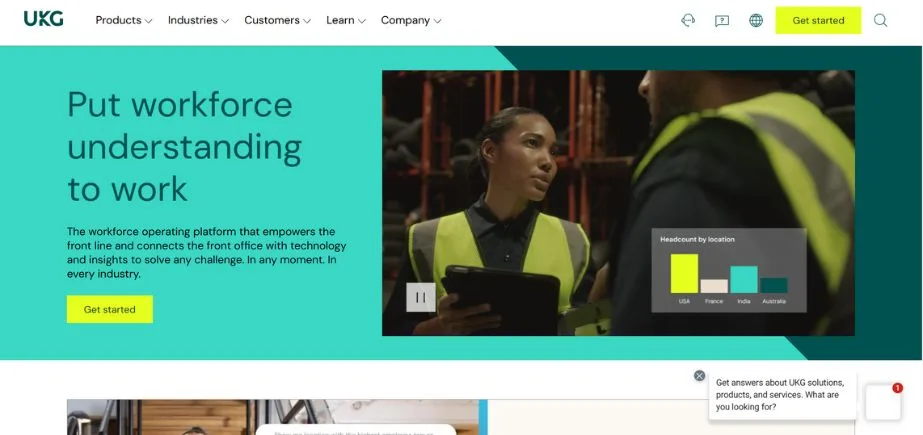
Kronos Workforce Ready is an integrated system of human capital management that encapsulates potent attendance recording features. It also automates the processes of timekeeping, scheduling, and managing leaves, thus decreasing the administration workload. The cloud technology provides real-time information on the attendance of the employees, overtime hours, and exclusion of labor laws. Through mobile access, employees can clock in without necessarily being on-site, and geofencing makes location accurate. Being connected with the payroll guarantees accurate calculation of the wages. Kronos is also capable of advanced analytics of workforce planning, which makes it suitable for huge organizations.
Key Features:
- Extensive biometric support including fingerprint, facial recognition, and palm scanning
- Advanced compliance tools for labor law adherence across multiple jurisdictions
- Comprehensive workforce analytics with predictive insights and trend analysis
- Multi-location management with centralized reporting and administration
- Integration with major HRIS and ERP systems for seamless data flow
Pros:
- Highly scalable solution designed for large enterprises with complex needs
- Comprehensive compliance features ensure adherence to various labor regulations
Cons:
- Complex implementation process requiring significant time and resources
- High cost structure may not be suitable for smaller organizations
Pricing:
Custom pricing based on organization size and requirements, typically starting at $6 per employee per month.
4. BambooHR
Website: bamboohr.com
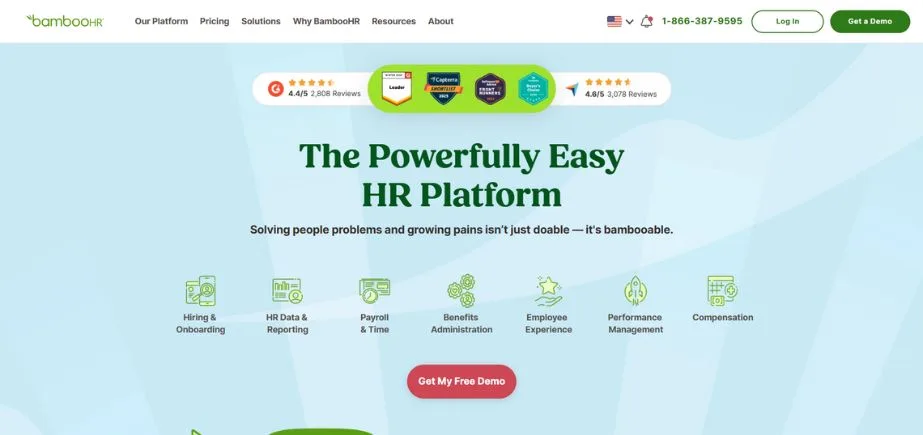
BambooHR is one of the best HR software programs that enables effective tracking of attendance. It enables employees to record time, place a time off request, and access schedules on an intuitively designed interface. In real time, managers are able to track back on the absences, approve leave requests, and monitor attendance trends. The platform is streamlined with payroll systems and includes mobile access in order to use it anywhere. Its usable interface and the fact that it is customized to report make it one of its uses to a small to mid-sized corporation that wants to focus more on the transparency of its workforce and the efficiency of its work output.
Key Features:
- Comprehensive time-off tracking with approval workflows and balance management
- Detailed reporting and analytics with customizable dashboards and metrics
- Integrated HR tools including employee records, performance management, and onboarding
- Self-service portal empowering employees to manage their own attendance and requests
- Automated policy enforcement for consistent application of attendance rules
Pros:
- Excellent integration with broader HR functions creates a unified employee experience
- Intuitive user interface designed for HR professionals and employees alike
Cons:
- Limited advanced time tracking features compared to specialized solutions
- Pricing can be expensive for organizations only needing basic attendance tracking
Pricing:
Plans start at $6.19 per employee per month, with additional modules available.
5. Zoho People
Website: zoho.com/people/
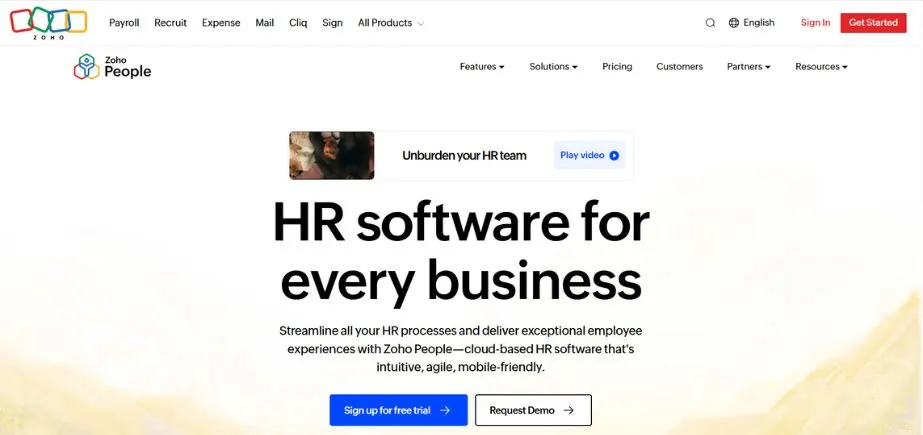
Zoho People is an HR and attendance tracking software that suits businesses of any size. It also allows auto biometric management of time and attendance, web check-in/check-out, and a geolocation mobile app. The system takes into consideration shift scheduling, overtime, and leave management. Integration with payroll and other Zoho apps enhances efficiency. Its self-service portal allows employees to control their schedules and attendance history and request leave. Zoho People is also economical and budget-friendly, especially in the expansion of teams due to its flexibility and scalability characteristics.
Key Features:
- Flexible timesheet management with project-based time allocation
- Advanced shift scheduling with automatic notifications and conflict resolution
- Employee self-service portal for attendance management and request submissions
- Integration with Zoho suite including CRM, Projects, and Books for unified business operations
- Customizable workflows for attendance approval and exception handling
Pros:
- Excellent value for money with comprehensive feature set at competitive pricing
- Strong integration capabilities within the broader Zoho business suite
Cons:
- Interface can feel overwhelming for users unfamiliar with Zoho products
- Some advanced features require higher-tier plans or additional modules
Pricing:
Free plan available for up to 5 employees; paid plans start at $1.25 per employee per month.
Read More: Top Social Media Monitoring Tools
6. Clockify
Website: clockify.me
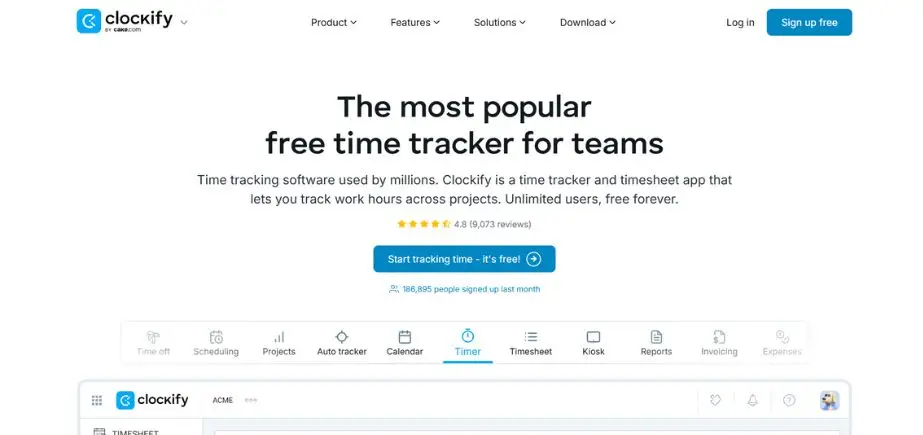
Clockify is a free automatic time tracker and attendance tool that can be used by freelancers, teams, and businesses. It enables unlimited users to keep track of the hours worked on different projects with the possibility of having it manually or automatically record. Managers could see detailed reports, see billable hours, and export related data to have payroll done. The platform involves timesheet approvals, overtime reports, and productivity reports. Employees can record attendance when using mobile and browser applications, regardless of their location. Clockify is extremely affordable, easy to use, and offers a powerful reporting feature, thus making it highly ranked amongst cost-efficient organizations.
Key Features:
- Unlimited time tracking with detailed project categorization and client management
- Project-based tracking with task organization and team collaboration tools
- Comprehensive reporting with time analytics and productivity insights
- Team management tools including permissions and role-based access control
- Browser extensions and desktop applications for seamless time capture
Pros:
- Generous free version accommodates unlimited users and projects
- Clean, intuitive interface makes adoption easy across diverse teams
Cons:
- Advanced features like invoicing and detailed reports require paid subscriptions
- Limited biometric or location-based authentication options
Pricing:
Free version available with core features; paid plans start at $3.99 per user per month.
7. Timely by Memory
Website: timelyapp.com
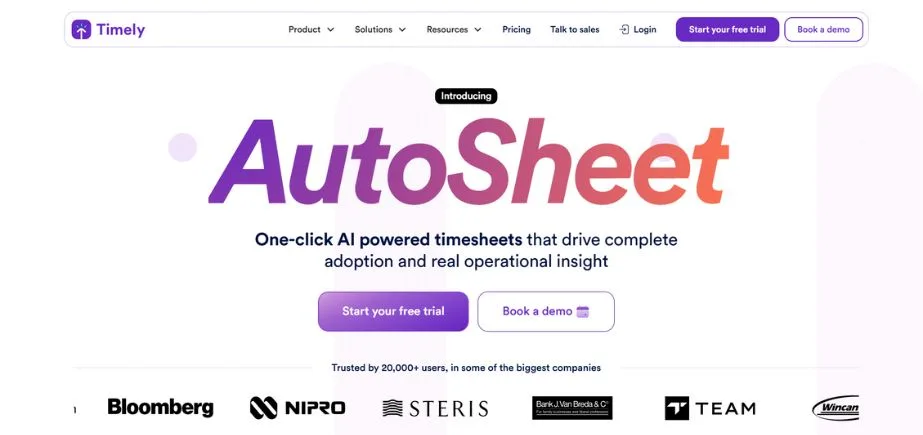
Timely by Memory is a time and attendance tracking system using AI and automating the timer for working hours. It takes into account the time consumed on work, projects, and applications without direct hands-on input, thus ensuring proper reporting. The employees are able to check and accept their registered hours prior to submission, and managers obtain the real-time project and attendance information. Timely is able to integrate with project management and collaboration tools and software. Its emphasis on automation and privacy-security-wise, by storing data rather than invading their privacy by closely observing their actions, brings the tool close to the hearts of creative teams and professionals.
Key Features:
- AI-powered automatic time tracking learns user patterns and categorizes activities
- Calendar synchronization for seamless schedule integration and meeting tracking
- Private timeline ensures individual privacy while enabling accurate time capture
- Project-based organization with automatic task categorization and billing preparation
- Memory timeline provides detailed activity reconstruction for accurate reporting
Pros:
- Automatic tracking eliminates manual time entry and reduces administrative burden
- Privacy-first approach addresses common concerns about employee monitoring
Cons:
- AI accuracy may require initial training period and occasional manual corrections
- Higher pricing compared to traditional time tracking solutions
Pricing:
Plans start at $8 per user per month, with a 14-day free trial available.
8. Hubstaff
Website: hubstaff.com
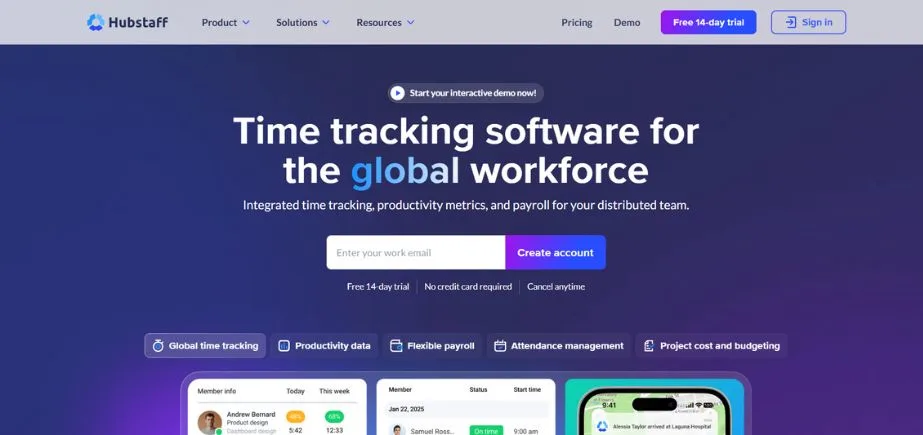
Hubstaff is time tracking and attendance monitoring software that suits remote and field-based teams best. It provides such functionalities as GPS tracking, geofencing, automated timesheets, and productivity tracking by taking optional screenshots and tracking the level of activity. Managers are able to perform shift scheduling, capture project time, and merge the information with payrolls. The reporting tools of Hubstaff give an idea of the productivity patterns and meeting attendance adherence. The mobile application makes it ideal where the workforce is distributed, as the workers can clock in anywhere; thus, accountability and transparency can be achieved.
Key Features:
- GPS tracking with route optimization and location verification
- Detailed productivity analysis, including activity levels and application usage
- Integrated invoicing tools for client billing and project management
- Screenshot monitoring with configurable frequency and privacy controls
- Payroll integration supporting multiple payment methods and global currencies
Pros:
- Comprehensive remote monitoring capabilities ideal for distributed teams
- All-in-one solution includes invoicing and payment processing
Cons:
- Monitoring features may feel intrusive and impact employee morale
- Pricing increases significantly with advanced monitoring features
Pricing:
Free plan for single users; paid plans start at $4.99 per user per month.
9. Jibble
Website: jibble.io
Jibble is a free cloud-based time and attendance system that operates across web, mobile, and Slack/Microsoft Teams. It provides face recognition and geolocation to avoid buddy punching, shift arrangement, overtime management, and reporting. The clock-in can be achieved through the use of biometrics and mobile devices, thus fitting remote and on-site workforces. Managers can export attendance data for payroll processing easily. Jibble is also very cheap, secure, and easy to use, making it ideal when it comes to SMEs and startups.
Key Features:
- Advanced facial recognition technology for secure and convenient check-ins
- Geolocation verification ensures attendance accuracy and prevents location fraud
- Slack and Microsoft Teams integration for natural workflow incorporation
- Kiosk mode enables shared device usage for team-based attendance tracking
- Real-time attendance dashboard with instant status updates and notifications
Pros:
- Modern biometric features provide enhanced security and user convenience
- Strong integration with popular communication and collaboration tools
Cons:
Facial recognition may raise privacy concerns in certain organizational cultures
Limited advanced reporting compared to enterprise-focused solutions
Pricing:
Free plan available for basic features; paid plans start at $2.99 per user per month.
10. Attend Now
Website: attendnow.com
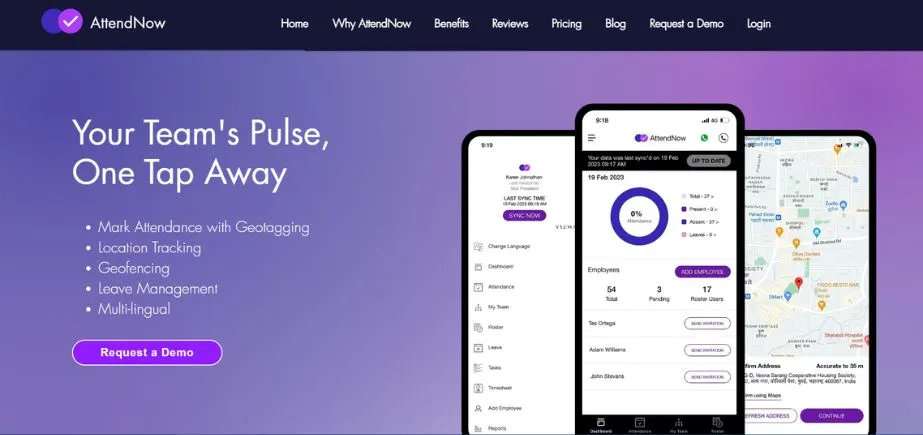
Attend Now is a new-age attendance monitoring platform and is made keeping in mind the ease and convenience of business. It will enable the workforce to scan in/out by cellphones, desk, or biometric fusion. The software has a shift planner, leave management, and a generated timesheet. Real-time dashboards enable managers to see the attendance trends, absences, and overtime. The cloud solution also offers mobility to remote staff and allows the company to integrate its payroll systems in order to simplify their work. This, the convenience of use, and the rapid configuration adopted by Attend Now make it an efficient tool to be used by businesses, both small and large.
Key Features:
- Class-specific attendance logging with course and section management
- Teacher dashboard with grade book integration and student progress tracking
- Parent portal for attendance visibility and communication
- Academic calendar integration with automatic holiday and break scheduling
- Comprehensive reporting for administrative oversight and compliance requirements
Pros:
- Purpose-built for educational environments with specialized academic features
- Cost-effective solution designed specifically for schools and educational institutions
Cons:
- Limited applicability outside educational settings
- Fewer integration options compared to general business solutions
Pricing:
Pricing varies by institution size and requirements; contact for custom quotes starting around $1 per student per month.
Choosing the Right Tool: Factors to Consider
The choice of an attendance tracking software is a mammoth task that should consider various factors so that the software that will best suit the needs of the organization and its limitations can be selected.
Business size and type fundamentally influence your software needs. Small businesses, and especially startups, are usually interested in the cost and convenience, and thus such solutions as Clockify or Zoho People will suit them. Bigger companies most likely require even more sophisticated features and integrations, and the solutions to use would be BambooHR or QuickBooks Time. Scalability and extensive compliance capabilities are also needed in large businesses; as such, UKG Ready or other enterprise solutions are more appropriate. Educational institutions have their unique requirements that can only be modified using special solutions, such as Attend Now.
Remote versus on-site workforce composition dramatically impacts feature requirements. Companies whose employees work mostly remotely require strong GPS tracking, screenshot functionalities, and a mobile-based time tracker; hence, Time Doctor or Hubstaff will be the best options. Organizations that have face-to-face workers may attach more importance to biometric verification and geofencing capabilities. The existence of hybrid workforces incurs relaxed solutions where both situations are adaptable.
Budget and scalability considerations must balance current affordability with future growth potential. Although free tools, such as Clockify, are convenient to use in terms of cost, they may need migration as your organization expands. Longer-term options may make more sense, though, by investing in more scalable systems that cost more now but could save costs in the future.
Integration needs with existing HR, payroll, and communication tools can significantly impact operational efficiency. Organizations that have put a lot of capital into certain ecosystems (such as QuickBooks or Zoho) ought to focus on compatible solutions. Businesses that employ enterprise resource planning software require platforms that have API capabilities and partnerships in terms of integration.
Security and compliance requirements vary significantly by industry and location. The healthcare and financial institutions have to deal with stricter regulatory needs that demand improved security features and audit trails. Global firms have to make sure that they do not violate a range of laws on labor and privacy in different jurisdictions.
Conclusion
This is not the same as the old-fashioned punch clock software because modern attendance tracking software has developed into pretty advanced techniques capable of sorting out the complicated requirements of the modern workplace. Increasingly dependent on AI-driven automatic tracking and workforce analytics, the tools will serve as the basis of effective workforce management in the context of the further digitalization of the world.
The solutions identified in this guide are the top ten solutions to consider, regardless of the size of organizations, budget, and needs. It does not matter whether you work with a distant workforce, a conventional office, or a learning establishment; there is a solution that will suit your particular requirements.
The major merit will be to ensure a good assessment of what you need, trial runs with your best options, and using key stakeholders to make the decisions. Major vendors will supply free trials or demos, which is an amazing chance to test functionality and the user experience before deciding whether or not to invest in a long-term solution.
It is important to keep in mind that the most relevant attendance tracking software is the one that will integrate with your existing workflows without complications, but offer its considerable features and scalability required by your organization to succeed. Getting the right solution in place will not only improve your attendance accuracy and decrease administrative burden, but it will also give you valuable insights to make better decisions when it comes to your workforce and ultimately improve your productivity.
Make use of free trials and demonstrations to get a feel of these platforms. Investing in the right attendance tracking software will reward itself with greater accuracy, increased productivity, and simpler operations that will enable your organization to continue its growth and prosperity.
FAQs
1. What is an attendance tracking software?
Attendance tracking software is the electronic system that keeps track of work hours, absences, and overtime of employees. It automates time management, facilitates scheduling, and becomes compatible with payroll systems in order to guarantee correct salary calculations.
2. What is the attendance tracking software?
Through mobile apps, desktops, biometric devices,, or web portals, employees clock in/out. This information is saved on the system, and a total work time is calculated, as well as reports that should be shown to managers.
3. Would remote teams work with attendance tracking software?
Yes. Remote check-ins have been supported by many solutions based on GPS tracking, geofencing, and mobile apps, so they can be suitable to hybrid or entirely remote working conditions.
4. Should integrating biometrics be taken into consideration?
Not always. Integration with biometrics increases security and eliminates buddy punching, but other businesses use mobile/web check-ins so they can be more flexible.
5. Which features ought to be in attendance tracking software?
Among the highlights are auto time tracking, leave management, overtime computation, scheduling, payroll, mobile, and real-time reporting.
Continue Exploring: Best Digital Marketing Companies in Delhi
