
Content marketing today is not just about creating content—it’s about creating the right content at the right time. This is where content marketing tools step in. They act like a complete support system, helping you plan ideas, create high-quality content, publish it smoothly, and track how well it performs—all in one place.
Instead of guessing what works, these tools give you clear direction and control over your strategy. They reduce confusion, speed up your workflow, and help you stay ahead in a competitive space. With the right content marketing tools, turning simple ideas into impactful results becomes much easier.
How Content Marketing Tools Help Improve Strategy and ROI
- Keyword Research Optimization: Content marketing software streamline keyword research, helping teams identify high-performing topics that align with audience intent effectively consistently.
- Content Planning and Scheduling: These tools enhance content planning by organising workflows, scheduling posts, and ensuring consistent publishing across multiple channels efficiently.
- Data-Driven Performance Insights: They provide data-driven insights through analytics, allowing marketers to evaluate performance, refine strategies, and optimise campaigns continuously.
- SEO Enhancement: Content marketing tools improve SEO by suggesting keywords, optimising meta tags, and enhancing readability for search engines better.
- Team Collaboration Efficiency: They support collaboration among teams by enabling shared editing, feedback, and centralised content management systems for efficiency improvement.
- Automation and Time Savings: Automation features reduce manual effort by scheduling content distribution, tracking engagement, and maintaining consistency across marketing channels globally.
- Improved ROI and Conversions: They help maximise ROI by improving targeting accuracy, increasing engagement rates, and converting audiences into loyal customers effectively.
Key Elements of a Successful Content Marketing Strategy
- Clear Goals and Objectives: Define measurable goals aligned with business outcomes, ensuring content efforts remain focused, strategic, and results-oriented across campaigns.
- Target Audience Research: Understand audience demographics, preferences, pain points, and behavior to create relevant, engaging, and personalised content that resonates effectively.
- Keyword and Topic Strategy: Conduct keyword research and identify relevant topics to improve visibility, align with search intent, and attract organic traffic consistently.
- Content Planning and Calendar: Develop a structured content calendar to organise publishing schedules, maintain consistency, and ensure timely delivery across channels efficiently.
- High-Quality Content Creation: Produce valuable, informative, and engaging content that addresses audience needs while maintaining clarity, originality, and brand voice consistency.
- Distribution and Promotion: Use multiple channels such as social media, email, and partnerships to distribute content and maximise reach and engagement.
- Performance Tracking and Optimization: Monitor analytics regularly, evaluate content performance, and refine strategies using insights to improve engagement, conversions, and overall ROI continuously.
Comparison Table
| Tools | Content Creation Support | Collaboration & Workflow Features | Ease of Use | Pricing |
| Grammarly | Writing assistance, grammar correction, tone suggestions, clarity improvements | Shared documents, comments, basic team collaboration features | Easy | Subscription-based |
| Ahrefs | Keyword research, content ideas, SEO insights for writing optimization | Limited collaboration; primarily individual SEO workflows and reporting | Moderate | Subscription-based |
| BuzzSumo | Content ideation, trending topics, competitor content analysis | Content research sharing, alerts, and team monitoring features | Easy | Subscription-based |
| Canva | Visual design tools, templates, graphics, presentations, social media creatives | Team collaboration, shared folders, approvals, design comments | Easy | Subscription-based |
| Semrush | SEO writing assistant, keyword research, content optimization tools | Team projects, reporting dashboards, content planning tools | Moderate | Subscription-based |
| Google Analytics | Performance insights to guide content strategy and optimization | Shared dashboards, reporting, and data access across teams | Moderate | Free |
| Google Trends | Trend analysis, topic discovery, seasonal keyword insights | Limited collaboration; used mainly for research sharing | Easy | Free |
| Feedly | Content discovery, curated news, topic tracking for inspiration | Team boards, shared feeds, content curation collaboration | Easy | Subscription-based |
| Hootsuite | Social content scheduling, basic content planning, post creation tools | Team assignments, approvals, workflow management, shared dashboards | Moderate | Subscription-based |
| Buffer | Social media post creation and scheduling support | Team collaboration, approvals, content calendar management | Easy | Subscription-based |
| HubSpot Marketing Hub | Blog writing tools, email templates, landing pages, automation | CRM integration, team workflows, approvals, campaign management | Moderate | Subscription-based |
| Trello | Content planning boards, task organization for campaigns | Kanban boards, task assignments, deadlines, team collaboration | Easy | Subscription-based |
| Notion | Notes, content drafting, templates, knowledge base creation | Team workspaces, shared pages, task management, real-time collaboration | Moderate | Subscription-based |
| Mailchimp | Email templates, campaign creation, basic content design tools | Campaign workflows, audience segmentation, shared reporting | Easy | Subscription-based |
| WordPress | Blog publishing, content management, themes, plugins for design and SEO | Multi-user roles, editorial workflows, plugin-based collaboration tools | Moderate | Free |
List of 15 Best Content Marketing Tools
1. Grammarly
Website: https://www.grammarly.com
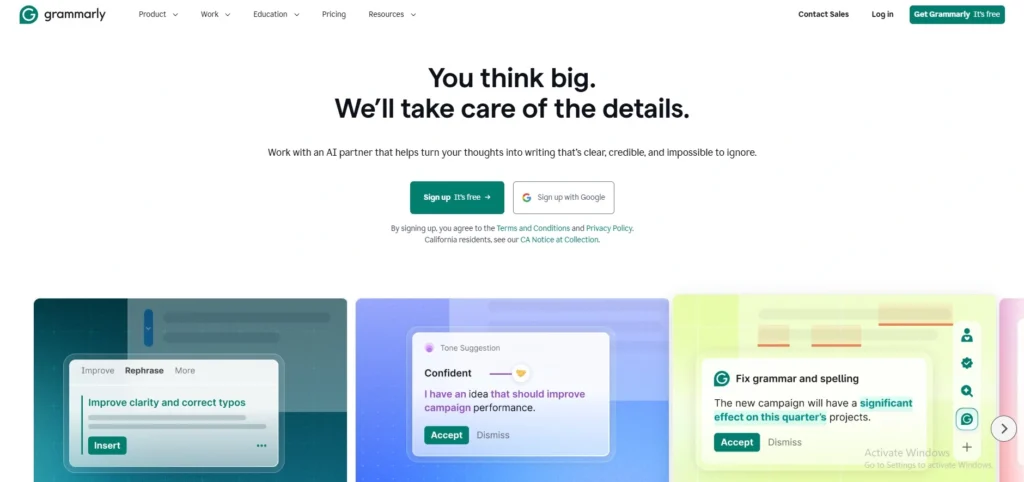
Grammarly is a tool that helps people write better. It checks for mistakes in grammar, spelling and punctuation. This tool also gives suggestions on how to make sentences clearer and easier to read, making it one of the most useful content marketing tools.
Many people use Grammarly to make sure their writing is good whether it is for a blog, an email or social media. It even helps figure out if the tone of the writing’s right for the people reading it.
Grammarly works with web browsers, apps and documents so people can use it all the time. Overall Grammarly makes writing and saves time when editing.
Key Features:
- Real-time grammar, spelling, and punctuation correction
- AI-powered writing suggestions for clarity and tone
- Plagiarism detection and readability improvements
- Browser extensions and document integrations
- Style and vocabulary enhancement tools
Pros:
- Improves writing quality and accuracy
- Easy to use across multiple platforms
- Helpful tone and clarity suggestions
- Supports professional and academic writing
- Saves time during editing and proofreading
Cons:
- Advanced features require paid subscription
- Suggestions may sometimes be overly strict
- Limited offline functionality
Pricing:
- Free- $0
- Pro- $12
- Enterprise- Custom Pricing
2. Ahrefs
Website: https://ahrefs.com
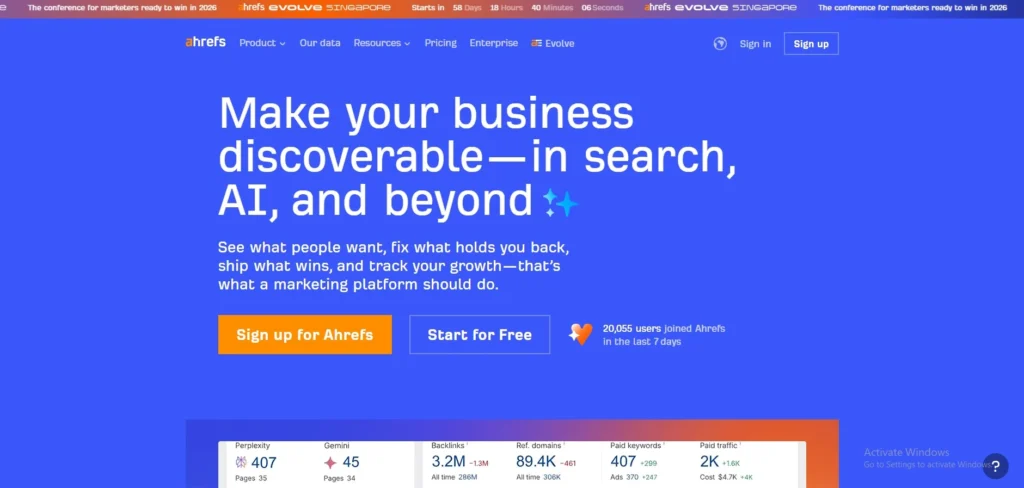
Ahrefs is a tool for marketing and search engine optimization and is often used as link-building software. It has a database of links from other websites and helps find the right keywords.
Ahrefs helps marketers see what their competitors are doing and find topics that’re popular. It even checks websites for problems that might affect how they show up in search results. Marketers use Ahrefs to plan their strategies, make their content show up in search results and track how well they are doing.
Ahrefs gives a lot of information and insights that help marketers make decisions and improve their visibility online.
Key Features:
- Advanced keyword research and content ideas
- Backlink analysis and competitor research
- Site audit for SEO health checks
- Rank tracking and SERP analysis
- Content Explorer for trending topics
Pros:
- Extensive and reliable SEO data
- Strong competitor analysis capabilities
- Excellent for content ideation
- Accurate backlink database
- Useful for SEO-driven content strategies
Cons:
- Expensive pricing plans
- Steep learning curve for beginners
- Primarily focused on SEO rather than general content creation
Pricing:
- Lite- $129 /mo
- Standard- $249 /mo
- Advanced- $449 /mo
3. BuzzSumo

Website: https://buzzsumo.com
BuzzSumo is one of the most useful content marketing tools that helps marketers find out what content is popular in the media. It lets them search for topics that are trending and see what types of content get the engagement.
BuzzSumo also helps marketers find influencers in their industry and see what their competitors are doing. It even sends alerts when something new is happening.
This tool is really useful for coming up with ideas for content and planning marketing campaigns. By looking at how people interact with content BuzzSumo helps marketers create content that people will like and share.
Key Features:
- Content discovery and trending topic analysis
- Social media engagement tracking
- Influencer identification and outreach
- Competitor content performance analysis
- Content alerts for brand monitoring
Pros:
- Excellent for content ideation
- Helps identify viral and trending content
- Useful influencer insights
- Simple and intuitive interface
- Supports competitive research
Cons:
- Limited SEO functionality
- Subscription-based pricing
- Data depth varies by niche
Pricing:
- Content Creation- $199/mo
- PR & Comms- $299/mo
- Suite- $499/mo
- Enterprise- $999 /mo
4. Canva
Website: https://www.canva.com
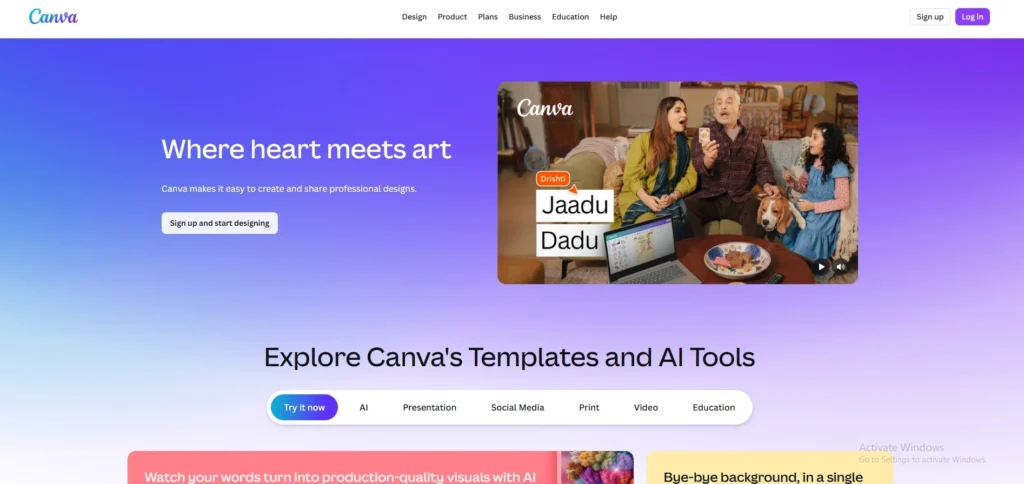
Canva is a design tool that’s easy to use, even for people who are not good at design. It has a lot of templates for media posts, presentations and other types of content.
Users can customise these templates with images, fonts and colors. Canva also lets multiple people work on a design at the time. It has a library of photos, icons and illustrations that can be used to make designs more interesting.
Marketers use Canva to create visuals that grab people’s attention and make their content more engaging. It helps them keep their brand looking consistent across all their marketing channels.
Key Features:
- Drag-and-drop design interface
- Thousands of templates for social media and marketing
- Stock images, icons, and design elements
- Team collaboration and shared folders
- Brand kit for consistent visuals
Pros:
- Easy to use for non-designers
- Wide range of templates
- Strong collaboration features
- Supports multiple content formats
- Fast content creation for visuals
Cons:
- Advanced features require paid plan
- Limited customisation compared to professional design tools
- Some templates may feel generic
Pricing:
- Free- $0
- Pro- $18/month
- Business- $25/month
- Enterprise- Custom Pricing
5. Semrush
Website: https://www.semrush.com
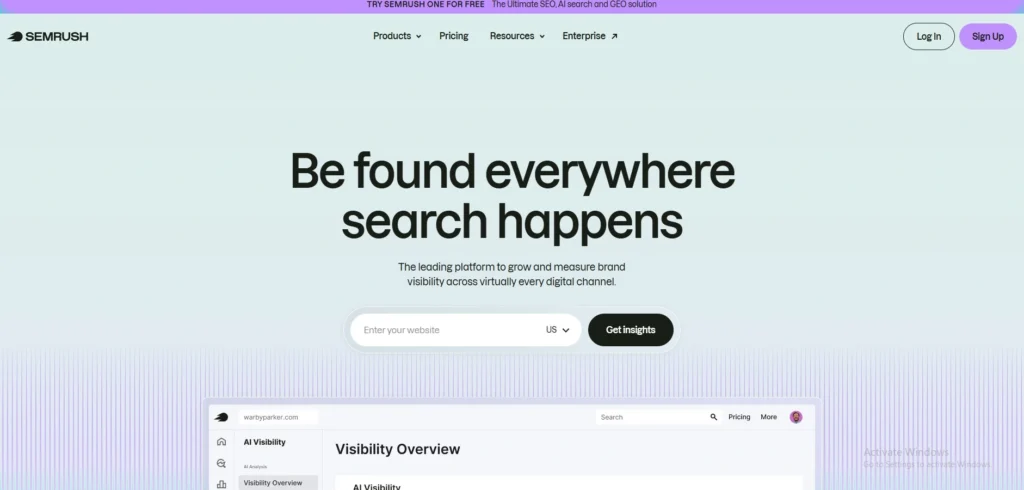
Semrush is one of the most powerful content marketing tools that helps with marketing and search engine optimization. It gives marketers the information they need to find the keywords, optimise their content and see what their competitors are doing.
Semrush has a lot of features including a tool that helps write content that is optimised for search engines. It also tracks how well content is doing and gives suggestions for improvement.
Marketers use Semrush to plan, execute and track their marketing campaigns. It is a tool that helps improve traffic, search rankings and overall online performance. Semrush is really useful, for anyone who wants to do online.
Key Features:
- Comprehensive keyword research and on-page optimization tools
- Site audit for detecting technical SEO issues
- Content optimization with SEO writing assistant
- Competitor analysis and SERP tracking
- Backlink analysis and performance reporting
Pros:
- All-in-one SEO and marketing platform
- Strong data accuracy and insights
- Excellent competitor analysis features
- Useful for content planning and optimization
- Suitable for beginners and professionals
Cons:
- Expensive subscription plans
- Can be overwhelming due to many features
- Learning curve for new users
Pricing:
- Starter- $199/mo
- Pro+- $299/mo
- Advanced- $549/mo
6. Google Analytics
Website: https://analytics.google.com
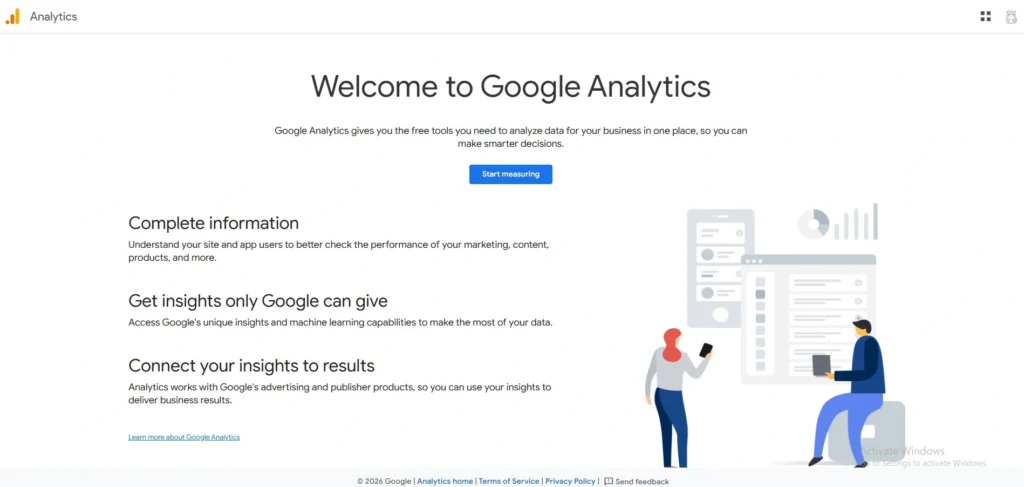
Google Analytics is a useful tool for marketers to track and analyse the traffic on their website and how users behave. It gives them information about how many people view their pages and how long they stay on the site. How many people leave without doing anything.
This helps content marketers figure out what kind of content works best and how people interact with their website. They can also use Google Analytics to group their audience by age, location and what they are interested in. The reports and dashboards help them see what is trending and if their campaigns are working.
By looking at the data from Google Analytics marketers can make good decisions to improve their content, make their website more engaging and get more people to do what they want them to do on their website.
Key Features:
- Website traffic and user behavior tracking
- Conversion tracking and goal setting
- Audience demographics and segmentation
- Real-time analytics reporting
- Integration with other Google tools
Pros:
- Free and widely used analytics platform
- Detailed insights into user behavior
- Helps measure content performance
- Strong integration with marketing tools
- Supports data-driven decisions
Cons:
- Interface can be complex for beginners
- Requires setup and configuration
- Limited direct content creation features
Pricing:
- Free
7. Google Trends
Website: https://trends.google.com
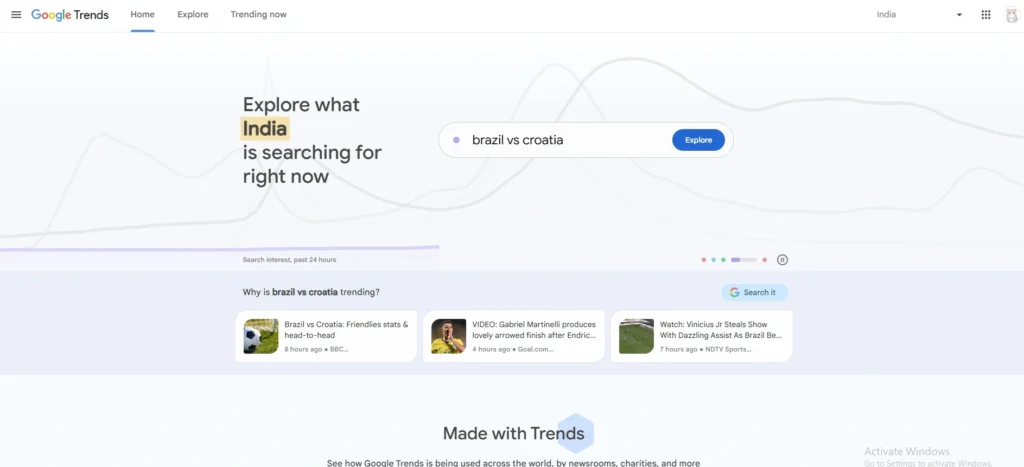
Google Trends is a tool that helps marketers see what people are searching for on the internet. It shows them what is popular, what is trending and what people are looking for in parts of the world.
Content creators use Google Trends to get ideas for what to write about and to make sure their content is what people are interested in now. The tool also compares search terms to see which one is more popular. Google Trends is very helpful for creating content that’s timely and relevant to what people are looking for.
By understanding what people are searching for, marketers can create content that people will find when they search, which helps them get visitors to their website and makes their website more visible.
Key Features:
- Keyword popularity and trend analysis
- Seasonal search behavior insights
- Comparison of multiple search terms
- Regional and global search data
- Related queries and trending topics
Pros:
- Free and easy to use
- Great for content ideation
- Helps identify trending topics
- Provides real-time search insights
- Useful for planning timely content
Cons:
- Limited depth of keyword data
- No direct SEO optimization features
- Basic analytics compared to paid tools
Pricing:
- Free
8. Feedly
Website: https://feedly.com
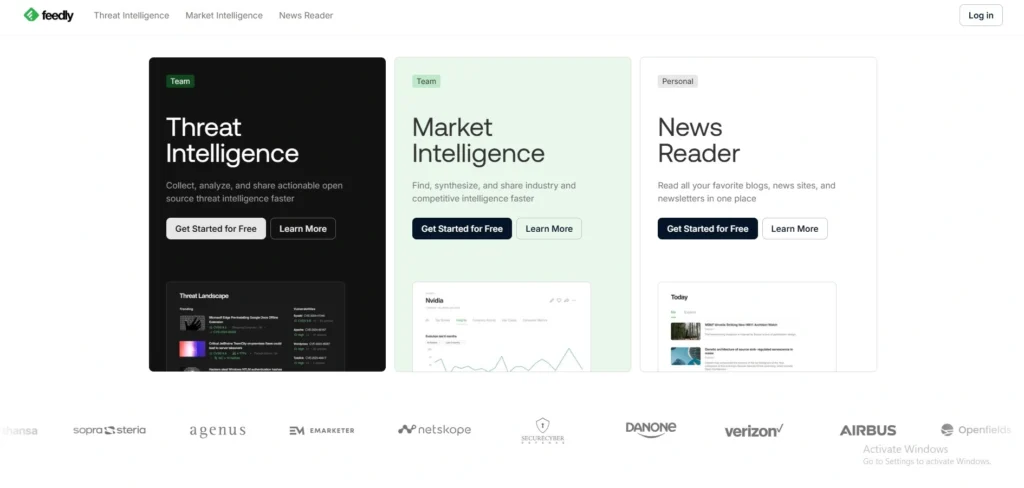
Feedly is a tool that helps marketers stay up to date with what’s happening in their industry. It lets them organise the websites and blogs they like to read into categories and see what is new in one place. Content marketers use Feedly to find inspiration, see what their competitors are doing and stay on top of what’s trending in their industry.
Feedly also uses intelligence to help filter out what is not important and show them what they really need to see. Feedly is also a tool for teams to work together as they can share what they find interesting and work on projects together.
By using Feedly marketers can save time. Always be informed about what is going on in their industry, which helps them come up with new ideas and stay relevant.
Key Features:
- Content aggregation from blogs and news sources
- Topic-based feed organisation
- AI-powered content recommendations
- Content curation and sharing tools
- Team collaboration boards
Pros:
- Simplifies content discovery
- Helps stay updated with industry trends
- Easy to organise and curate content
- Useful for research and inspiration
- Supports team collaboration
Cons:
- Limited content creation features
- Premium features require subscription
- Dependent on external content sources
Pricing:
- Standard- $1,600/month
- Advanced- $2,400/month
9. Hootsuite

Website: https://hootsuite.com
Hootsuite is a tool that helps marketers manage their media accounts. It lets them schedule what they want to post it and then see how it does. They can manage all of their social media accounts from one place, which makes it easier to get their content out to people.
Hootsuite also gives them analytics to see how their posts are doing, like how many people see them and how many people engage with them, making it useful among Social Media Monitoring Tools.
Content marketers use Hootsuite to plan what they will post, schedule it ahead of time and see how it does. It also helps them keep a presence on all of their social media accounts. Overall Hootsuite makes it easier for marketers to manage their media and run campaigns across multiple platforms.
Key Features:
- Social media scheduling and publishing
- Multi-platform account management
- Analytics and performance tracking
- Content calendar management
- Team collaboration and approvals
Pros:
- Centralised social media management
- Strong scheduling capabilities
- Supports multiple platforms
- Useful analytics and reporting
- Good for team workflows
Cons:
- Paid plans can be expensive
- Interface may feel complex
- Limited free plan features
Pricing:
- Standard- $199 per user/mo
- Advanced- $399 per user/mo
- Enterprise- Custom
10. Buffer

Website: https://buffer.com
Buffer is a tool for scheduling social media posts. It is easy to use and helps people plan their posts ahead of time. This means they can post things on Twitter, Facebook and LinkedIn at the time.
Buffer also shows how well each post does and how many people interact with it. The interface is clean and simple so anyone can use it. People who create content use Buffer to post things to get more people to interact with them and make their social media work easier.
Buffer also lets multiple people work together on posts. It is a way to manage social media accounts without spending too much time on it and focus on making good content.
Key Features:
- Social media post scheduling
- Content planning and publishing calendar
- Analytics for engagement tracking
- Multi-platform integration
- Team collaboration tools
Pros:
- Simple and beginner-friendly
- Clean and intuitive interface
- Effective scheduling features
- Affordable pricing options
- Helps maintain consistent posting
Cons:
- Limited advanced analytics
- Fewer features than competitors
- Free plan has restrictions
Pricing:
- Free- $0
- Essentials- $5/month
- Team- $10/month
11. HubSpot Marketing Hub
Website: https://www.hubspot.com/products/marketing
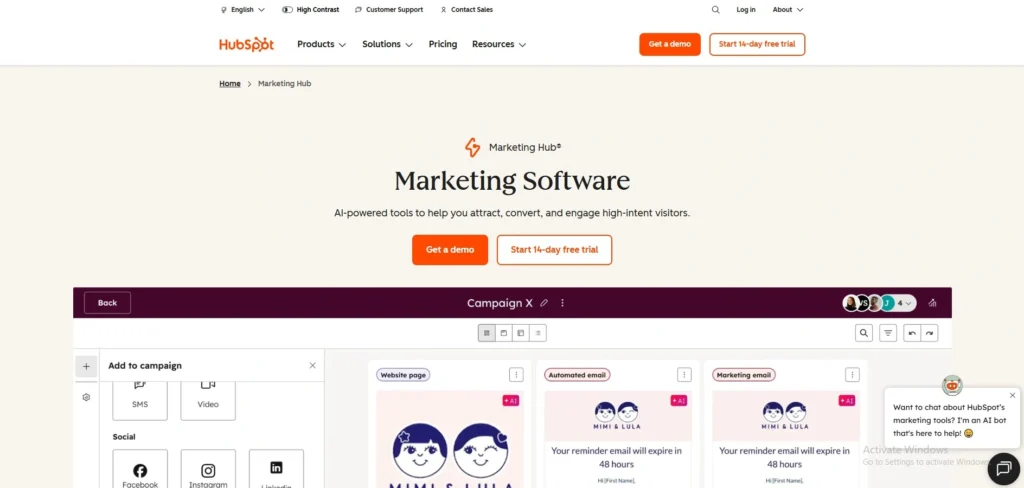
HubSpot Marketing Hub is a platform that helps with Digital Marketing Tools, creating content and automating things. It has tools for blogging, sending emails, making landing pages and getting more people to visit websites.
People who create content use HubSpot to send and track their campaigns. It also helps track what customers do and send them messages. HubSpot has dashboards that show how well things are doing.
If they are worth the money. It also automates tasks and helps take care of potential customers. Many businesses use HubSpot Marketing Hub to make their content marketing work with sales and customer relationships.
Key Features:
- Content creation and blogging tools
- Email marketing and automation
- SEO recommendations and analytics
- CRM integration for lead management
- Landing pages and campaign tracking
Pros:
- All-in-one inbound marketing platform
- Strong automation capabilities
- Integrated CRM and marketing tools
- Excellent for lead nurturing
- Scalable for businesses
Cons:
- Expensive for advanced plans
- Complex for beginners
- Requires time to fully utilize features
Pricing:
- Free- ₹0
- Starter- ₹752/mo/seat
- Professional- ₹66,697/mo
- Enterprise- ₹3,00,000/mo
12. Trello
Website: https://trello.com
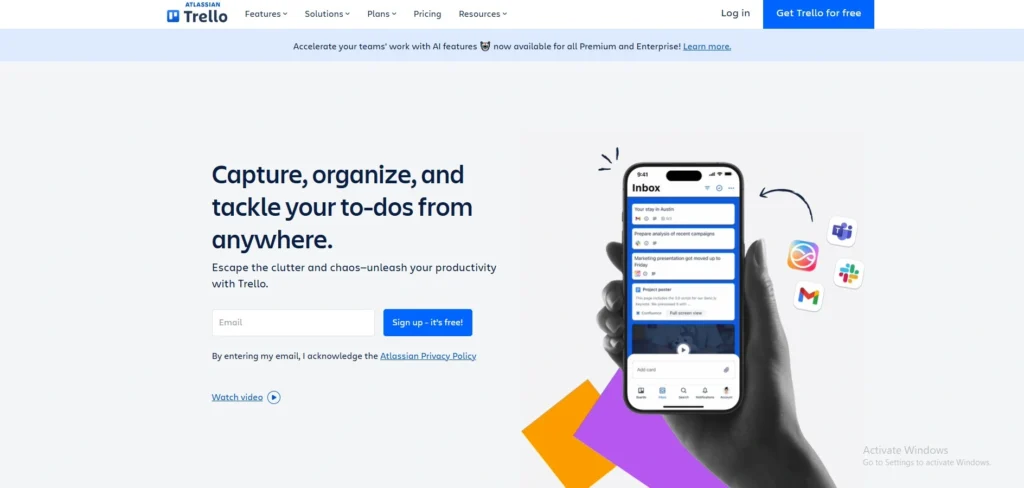
Trello is a tool that helps teams organize their work. It uses boards, lists and cards to make things clear. Marketers use Trello to plan what they will post, assign tasks and track progress.
Each card can have lists, deadlines, files and comments which makes it easy for teams to work together. Trello makes planning content easier by showing what needs to be done.
Teams can customise their boards to fit their needs and connect them with tools. Trello helps teams stay organised, be accountable and be transparent which makes it easier to manage campaigns and meet deadlines.
Key Features:
- Kanban-style boards for task management
- Content planning and editorial calendars
- Task assignments and deadlines
- Collaboration and file attachments
- Integration with productivity tools
Pros:
- Simple and visual project management
- Easy to organise content workflows
- Supports team collaboration
- Flexible and customisable
- Beginner-friendly interface
Cons:
- Limited advanced project management features
- Requires integrations for full functionality
- Not built specifically for content marketing
Pricing:
- Free- $0
- Standard- $5 Per user/month
- Premium- $10 Per user/month
- Enterprise- $17.50 Per user/month
13. Notion
Website: https://www.notion.so
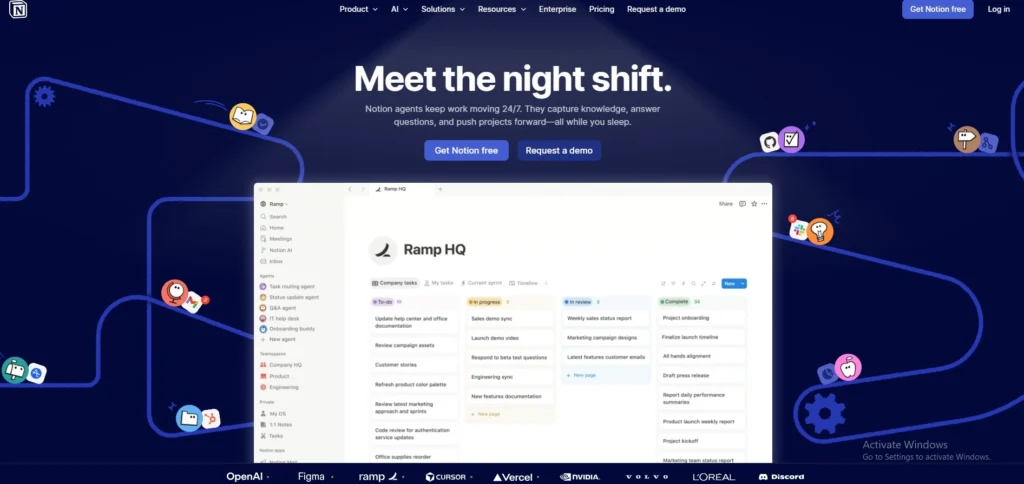
Notion is a workspace that combines notes, projects and teamwork. Content marketers use Notion to plan their content, store research, write articles and manage their work in one place.
Notion is flexible so users can build their databases, templates and dashboards. It also lets teams work together in time. Notion is very useful for organising content strategies, keeping track of documents and tracking progress.
With Notion, teams can streamline their work, improve coordination and manage all their content marketing in one place.
Key Features:
- All-in-one workspace for notes and documentation
- Content calendars and databases
- Task and project management
- Templates for content planning
- Real-time team collaboration
Pros:
- Highly customisable workspace
- Combines multiple tools in one platform
- Excellent for organising content strategies
- Strong collaboration features
- Flexible for different workflows
Cons:
- Learning curve for beginners
- Can become complex with heavy use
- Limited built-in automation
Pricing:
- Free- $0
- Plus- $12 per member / month
- Business- $24 per member / month
- Enterprise- Contact Sales
14. Mailchimp
Website: https://mailchimp.com
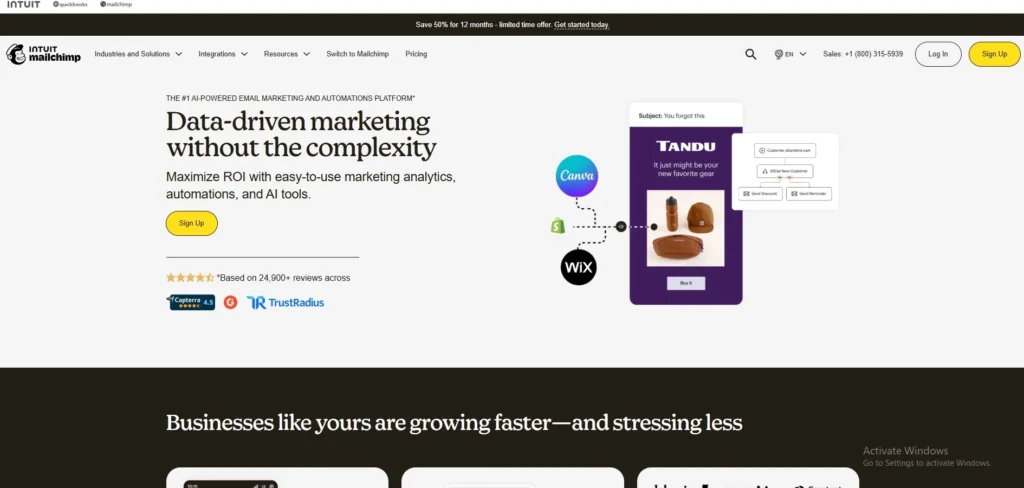
Mailchimp is a platform for email marketing and automation. Content marketers use Mailchimp to create, send and track email campaigns. Mailchimp helps design newsletters, automate email sequences and group audiences based on what they do and like.
It has templates to make campaigns easy to create and tools to test what works best. Mailchimp also tracks how many people open emails, click on links and do what the emails want them to do.
Its automation features help take care of customers and keep them engaged. By using Mailchimp businesses can send messages, build relationships with their audiences and improve conversion rates.
Key Features:
- Email campaign creation and automation
- Audience segmentation and targeting
- Pre-built email templates
- A/B testing for optimization
- Analytics and reporting dashboards
Pros:
- Easy-to-use email marketing platform
- Strong automation features
- Good for audience engagement
- Useful templates for quick campaigns
- Scalable for growing businesses
Cons:
- Pricing increases with audience size
- Limited features in free plan
- Advanced customisation can be complex
Pricing:
- Essential- $13/month
- Standard- $20/month
- Premium- $297.50/month
15. WordPress
Website: https://wordpress.org
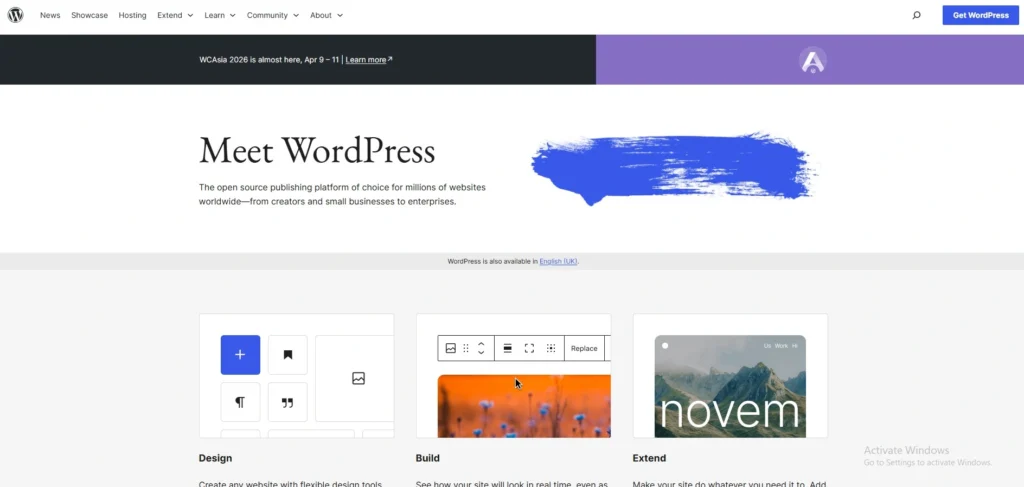
WordPress is really well known for helping people make and manage websites and blogs. It has a lot of themes and plugins that let users change how their site looks, what it can do and how it works with search engines. People who do content marketing use WordPress to put up articles and manage pictures and videos.
Make their pages work better with search engines. The WordPress interface is easy to use so people who are just starting out can use it and it also has features for people who have more experience. WordPress also works with marketing tools, analytics platforms and SEO plugins.
The reason WordPress is so popular is that it is flexible, can handle a lot of traffic and has a community of users which makes it a great choice for building and managing websites that have a lot of content, like WordPress websites.
Key Features:
- Content management system for websites and blog
- Customisable themes and plugins
- SEO-friendly structure
- Media and content publishing tools
- Multi-user roles and permissions
Pros:
- Highly flexible and customisable
- Large ecosystem of plugins and themes
- Strong SEO capabilities
- Suitable for all business sizes
- Easy content publishing and management
Cons:
- Requires hosting and maintenance
- Security depends on setup and plugins
- Can require technical knowledge for advanced customisation
Pricing:
- Free
Ending Thoughts
Content marketing tools play a crucial role in simplifying workflows, improving content quality, and driving better engagement across digital platforms. By leveraging the right combination of tools, marketers can efficiently handle keyword research, content creation, optimization, distribution, and performance analysis. These tools not only save time but also provide valuable insights that help in making informed, data-driven decisions.
They enable teams to maintain consistency, align content with audience intent, and stay competitive in a crowded digital landscape. Ultimately, selecting suitable Content marketing software enhances productivity, strengthens strategy execution, and contributes to achieving long-term marketing goals and measurable business growth effectively.
FAQs
Q1. What are content marketing tools?
Content marketing tools are software solutions that help create, optimise, manage, distribute, and analyse content for improved audience engagement and marketing performance.
Q2. Why are content marketing software important?
They streamline workflows, improve content quality, enhance SEO, and provide insights that help marketers make data-driven decisions and achieve better results.
Q3. Which features should I look for in a content marketing tools?
Look for keyword research, content optimization, analytics, collaboration features, AI assistance, scheduling, and integration with other marketing platforms.
Q4. Which content marketing software are best for beginners?
Beginner-friendly content marketing tools include platforms with simple interfaces, built-in templates, and automation features that make content creation and scheduling easier without technical skills.
Q5. How do content marketing software improve ROI?
Content marketing software improve ROI by helping track performance, optimize campaigns, target the right audience, and reduce manual effort, leading to better conversions and efficient use of resources
