
Generative AI software are changing how people write content, conduct research, design visuals, create videos, and develop software. These tools can generate new content from simple instructions, helping users complete tasks that once required several applications or hours of manual work. Businesses can also combine generative AI with digital marketing tools to streamline campaign planning, create promotional content, and improve audience engagement.
However, not every AI tool is designed for the same purpose. Some are better for writing and brainstorming, while others focus on research, image generation, video production, or coding. Choosing the right tool depends on what you want to create, how often you plan to use it, and whether you need advanced features or team-level controls.
In this guide, we cover 10 of the best generative AI tools, including their key features, advantages, limitations, pricing, and ideal use cases. The goal is to help students, creators, marketers, developers, and businesses find tools that fit their actual needs.
What Is A Generative AI Tool?
Generative AI tool is an applications that use artificial intelligence models to create new content based on user instructions, uploaded information, or existing data. They can produce text, images, audio, video, computer code, summaries, and other types of digital content. For example, a marketer can use a generative AI tool to create an initial campaign brief, generate image concepts, and prepare social media captions.
These tools work by identifying patterns in the data used to develop their underlying models. They then use those patterns to generate responses or content that matches a user’s request. Some tools focus on a single task, such as creating videos, while others combine multiple capabilities in one platform.
It is important to understand that generative AI does not guarantee that every response is correct or original. AI-generated information can contain factual errors, and generated visuals may include inaccurate details. Users should review important outputs, verify factual claims, and check whether their intended use complies with the tool’s terms and applicable copyright rules.
List Of 10 Best Generative AI Tools
The following tools cover a range of everyday and professional needs, from writing and research to visual content and software development. Some offer broad capabilities, while others are more useful when a team needs a specialized workflow.
1. ChatGPT

Best for: Writing, brainstorming, learning, research assistance, data analysis, and everyday productivity.
ChatGPT is one of the most versatile generative AI tool for individuals and businesses. Users can ask questions, draft articles, summarize documents, generate ideas, analyze supported files, and work through complex problems using natural language. It can also assist with spreadsheet analysis, coding, image-related tasks, and planning, depending on the available model and plan.
Its main advantage is flexibility. A content writer can use it to develop an article outline, a student can ask for an explanation of a difficult concept, and a business owner can use it to prepare customer communication. The quality of the result often depends on how clearly the task, audience, context, and desired format are explained.
Key Features:
- Text generation, rewriting, summarization, and brainstorming.
- File uploads and data analysis on supported plans.
- Web search and research features, subject to access limits.
- Image generation and voice capabilities, where available.
- Projects and custom GPTs for repeatable tasks.
Pros:
- Supports a wide range of personal and professional tasks.
- Easy to use without advanced technical knowledge.
- Can adapt the output to different audiences and formats.
Cons:
- May produce incorrect information or unreliable citations.
- Free access and paid plans have different usage limits.
- Outputs often require editing to match a specific brand voice.
Pricing:
A free plan is available. Paid plans include individual and business options, with prices and feature limits depending on the selected plan.
Who should use it?
- Students, content writers, marketers, entrepreneurs, analysts, and teams that need one general-purpose AI assistant for multiple tasks.
2. Claude
Best for: Long-form writing, document analysis, coding assistance, and working through complex instructions.
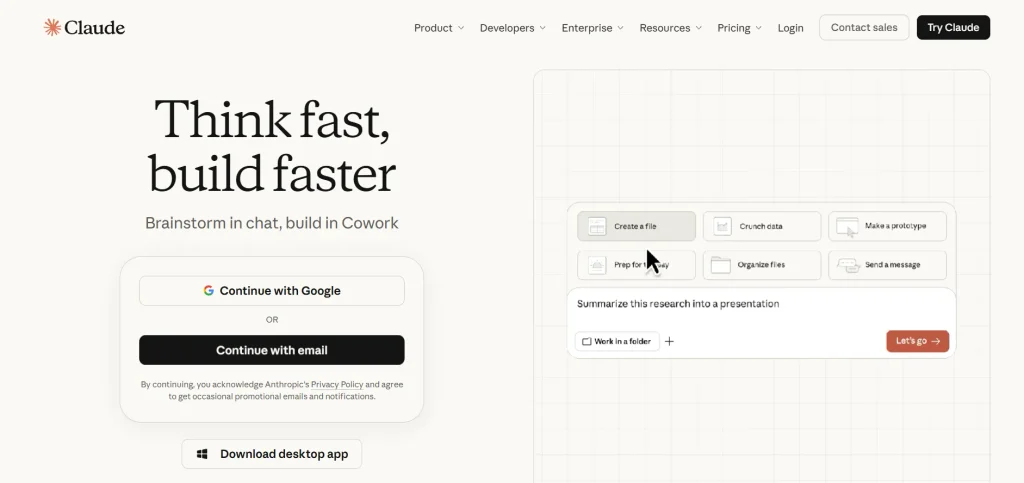
Claude is a generative AI assistant developed by Anthropic. Among the available generative AI tools, it is particularly useful for users who need help working with long documents, organizing ideas, reviewing written material, or reasoning through detailed tasks. Writers can use it to improve structure and clarity, while business teams can use it to summarize reports or extract information from supported documents.
Claude can also help developers understand code, identify potential issues, and work through programming problems. Its value is not limited to producing a first draft. With clear instructions and enough context, it can help users revise content, compare alternatives, and maintain consistency across longer projects. As with other AI assistants, its output should be checked before being used in important decisions.
Key Features:
- Drafting, editing, summarization, and document analysis.
- Coding support and problem-solving assistance.
- Support for longer context on eligible models and plans.
- Projects and other workflow features, depending on the plan.
- Team and enterprise options for organizational use.
Pros:
- Useful for detailed writing and document-heavy tasks.
- Can follow structured instructions and editorial guidelines.
- Supports both writing and technical workflows.
Cons:
- Usage limits can affect intensive daily work.
- May misunderstand context or make unsupported claims.
- Some advanced capabilities require paid access.
Pricing:
- Claude offers a free plan and paid options. The Pro plan has been listed at US20permonthorUS200 per year, while higher-usage plans cost more. Pricing and availability may change, so check the official Claude plan guide.
Who should use it?
- Researchers, editors, consultants, developers, and professionals who regularly work with lengthy documents or detailed instructions.
3. Google Gemini
Best for: Multimodal tasks, brainstorming, learning, and working within Google’s ecosystem.
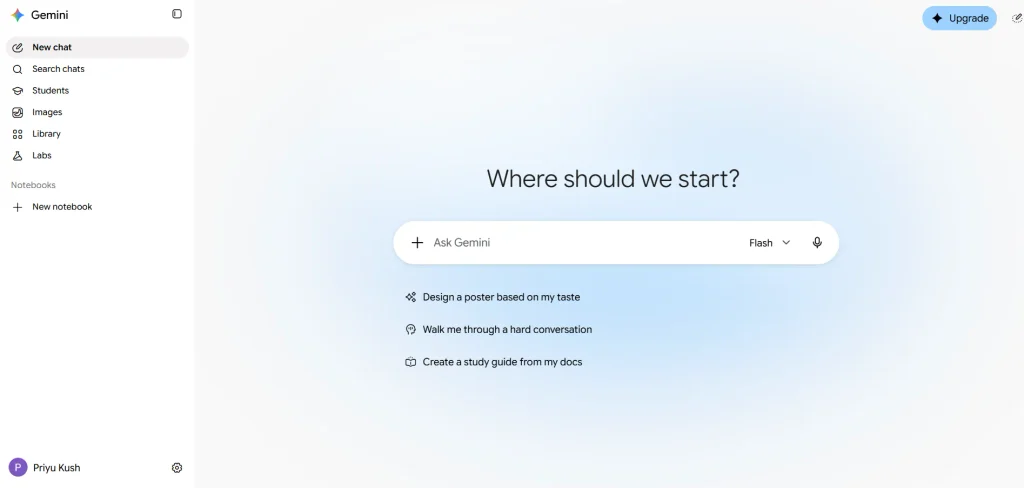
Google Gemini is a generative AI assistant that can help users create content, understand information, summarize material, and explore ideas. Its multimodal capabilities allow supported versions to work with different types of input, including text, images, and files. This can be useful when a task involves more than a simple written question.
Gemini is also worth considering for people who already use Google services. Depending on the account, subscription, and region, its capabilities may connect with supported Google applications and productivity workflows. For example, a team might use AI assistance to develop a presentation outline, organize ideas for a campaign, or summarize information before preparing a report.
Key Features:
- Text generation, explanations, summaries, and brainstorming.
- Support for images, files, and other input types on eligible models.
- Integration with supported Google services on eligible plans.
- Research and coding assistance.
- Paid plans with expanded access to selected capabilities.
Pros:
- Useful for a mix of personal, educational, and business tasks.
- Fits naturally into workflows built around supported Google services.
- Offers multimodal capabilities beyond text-only interactions.
Cons:
- Features and integrations vary by region and subscription.
- AI-generated answers can contain errors.
- Some advanced models and usage limits require a paid plan.
Pricing:
- Gemini offers free access and paid Google AI subscription options. The exact price depends on the plan, country, and included services.
Who should use it?
- Students, researchers, professionals, and teams that use Google products and need a flexible AI assistant.
4. Microsoft Copilot
Best for: Workplace productivity, business communication, and Microsoft 365 workflows.
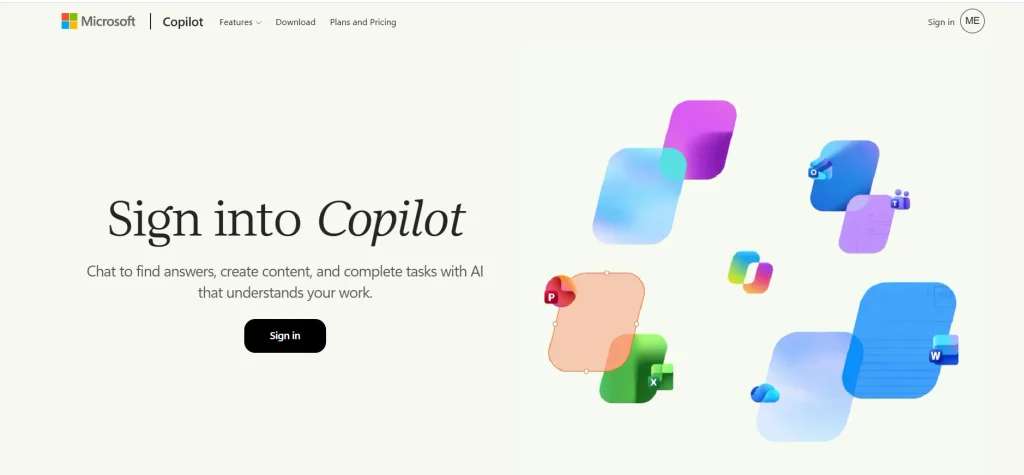
Microsoft Copilot brings generative AI capabilities into Microsoft’s productivity ecosystem. Depending on the product and subscription, it can help users draft emails, summarize information, prepare documents, create presentations, and work with business content. Its practical value is strongest when AI assistance can be used alongside the applications employees already rely on.
For example, a sales professional may use Copilot to prepare a meeting summary, while a marketing team may use it to develop campaign ideas or improve a presentation. Business users should distinguish between the general Copilot experience and paid Microsoft 365 Copilot features, as access to organizational data and app-specific capabilities depends on licensing and configuration.
Key Features:
- AI-assisted writing, summarization, and brainstorming.
- Integration with eligible Microsoft 365 applications.
- Support for workplace tasks and business workflows.
- Enterprise administration and security options on eligible plans.
- Copilot Studio for creating and managing AI agents.
Pros:
- Fits into familiar Microsoft-based workflows.
- Can reduce time spent on routine writing and document tasks.
- Offers options for both individual productivity and business use.
Cons:
- Advanced Microsoft 365 features require eligible subscriptions.
- Available capabilities depend on the app, license, and organization settings.
- AI-generated work still needs review for accuracy and tone.
Pricing:
- Some Copilot experiences are available at no cost. Paid Microsoft 365 Copilot and Copilot Studio options have separate licensing or usage-based costs.
Who should use it?
- Professionals, business teams, and organizations that rely on Microsoft 365 for documents, email, presentations, and collaboration.
5. Perplexity

Best for: Web research, source discovery, fact-finding, and research summaries.
Perplexity is an AI-powered answer and research tool designed to help users investigate questions using information from the web. Among modern generative AI tools, it stands out by producing summarized answers with links to supporting sources rather than simply returning a list of pages. This makes it useful when users need an initial understanding of a topic before reading original reports, articles, or documentation.
A researcher can use Perplexity to explore a market, identify relevant sources, or compare viewpoints on a subject. A marketer might use it to gather background information before preparing a campaign brief. However, links and citations do not automatically make an answer accurate. Users should open the original sources, check publication dates, and confirm that the cited material supports the claims being made.
Key Features:
- AI-generated answers supported by linked sources.
- Follow-up questions for exploring a topic in greater detail.
- Research and file-related features, depending on the plan.
- Access to advanced research capabilities on eligible subscriptions.
- Options for individual and organizational use.
Pros:
- Helps users find relevant sources quickly.
- Useful for early-stage research and topic exploration.
- Makes it easier to trace many answers back to original material.
Cons:
- Source summaries can miss important context.
- Search results may not include the most authoritative source.
- Advanced features and usage limits vary by plan.
Pricing:
- Perplexity offers free access and paid plans with expanded features.
Who should use it?
- Students, journalists, researchers, consultants, and content teams that need to discover and review online sources.
6. Adobe Firefly
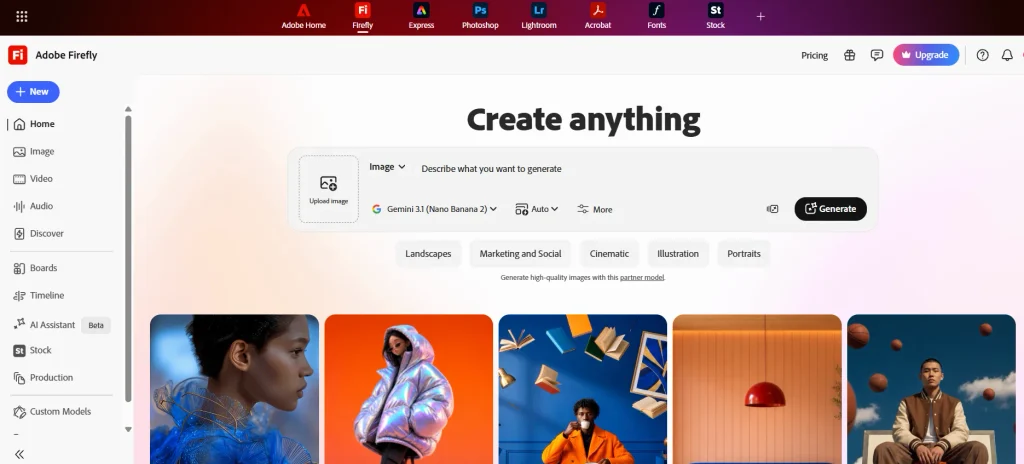
Best for: AI-generated images, visual editing, creative concepts, and marketing assets.
Adobe Firefly is a generative AI tool built for creative work. It helps users create and edit visual content, including images and supported video or audio assets. Its features can be useful for generating campaign concepts, exploring visual styles, creating mood boards, or making changes to existing images without rebuilding the entire design manually.
Firefly is particularly relevant to creative teams that already use Adobe applications. Instead of treating AI-generated content as a finished design, designers can use it to explore ideas and speed up selected editing tasks before applying their own judgment. Businesses should still review licensing terms, output quality, brand requirements, and the suitability of generated assets for commercial use. Photo editing software can also help designers refine generated visuals by adjusting colours, removing unwanted elements, and improving image quality before publication.
Key Features:
- Text-to-image generation and generative editing.
- Tools for filling, removing, or changing visual elements.
- Supported video and audio generation features.
- Creative workflows and integrations with selected Adobe products.
- Paid plans that provide different amounts of generative credits.
Pros:
- Designed around practical creative and editing workflows.
- Helps users explore multiple visual concepts quickly.
- Works alongside supported Adobe design applications.
Cons:
- Advanced generations may consume credits.
- Output quality and available models vary by feature.
- Generated content may need detailed editing before publication.
Pricing:
- Firefly offers free access with limits and paid plans. Adobe’s India pricing page lists Firefly Standard at approximately ₹797.68 per month, including GST, and Firefly Pro at approximately ₹1,596.54 per month, including GST. Promotions and plan details can change.
Who should use it?
- Graphic designers, marketing teams, social media managers, creative agencies, and businesses that need AI-assisted visual production.
Also read: How to Automate Lead Generation
7. Canva Magic Studio

Best for: Social media graphics, presentations, marketing materials, and quick visual content.
Canva Magic Studio brings AI-assisted creation into Canva’s design platform. It is useful for people who need to turn an idea into a visual asset without learning a complex professional design application. Depending on the feature and plan, users can create design drafts, generate or edit images, assist with writing, and adapt content for different formats.
For example, a small business can develop social media creatives for a product launch, prepare a presentation for a sales meeting, or create several versions of a promotional graphic. Canva is especially practical when the final output needs to be edited, branded, and exported in familiar formats. AI can speed up the first draft, but good layout, readable text, and consistent brand elements still require attention.
Key Features:
- AI-assisted design creation and editing.
- Tools for generating or modifying visual assets.
- Presentation and social media design workflows.
- Templates, brand kits, and collaboration features on eligible plans.
- AI writing and other content tools, depending on availability.
Pros:
- Accessible to users without advanced design skills.
- Combines AI assistance with an established design editor.
- Useful for producing content in multiple sizes and formats.
Cons:
- AI usage limits depend on the plan and feature.
- Generated text and layouts may need manual correction.
- Advanced brand and collaboration features may require a paid plan.
Pricing:
- Canva has a free plan and paid options, including plans with expanded AI usage and collaboration features. Prices vary by region and subscription.
Who should use it?
- Small businesses, students, social media managers, marketers, educators, and teams that produce regular visual content.
8. Runway

Best for: AI video generation, creative experimentation, and visual storytelling.
Runway focuses on AI-powered video and creative production, making it one of the generative AI tools worth considering for video creators. It can help users generate video clips from prompts or images and use supported AI tools to modify visual content. This makes it relevant to creators who want to test scenes, build storyboards, explore visual styles, or develop short-form content without starting every shot from scratch.
A marketing team might use Runway to create early concepts for an advertisement, while an independent creator may use it to experiment with scenes for a social media video. It is best viewed as a production aid rather than a complete replacement for video editing and direction. Users may need several attempts to achieve the desired motion, continuity, and visual consistency.
Key Features:
- Text-to-video and image-to-video generation on supported models.
- AI-assisted video editing and visual transformation tools.
- Creative workflows for short clips and visual concepts.
- Paid plans with different generation allowances.
- Tools for testing ideas before a full production.
Pros:
- Helps creators explore video concepts quickly.
- Useful for visual experimentation and early-stage production.
- Can support creative workflows that would otherwise require more manual work.
Cons:
- Generation limits can restrict intensive use.
- Results may contain inconsistent motion or visual details.
- Complex scenes may require repeated prompting and editing.
Pricing:
- Runway offers different plans with varying generation credits and capabilities. Because pricing and model access can change.
Who should use it?
- Video creators, advertisers, creative agencies, social media teams, and filmmakers exploring AI-assisted production.
9. ElevenLabs
Best for: AI voice generation, narration, dubbing, and audio content.
ElevenLabs specializes in AI-generated speech and related audio workflows. It can help users turn written scripts into spoken narration, produce voiceovers for videos, and create audio versions of content. Supported features may also include multilingual speech, dubbing, and voice-related tools for different production needs.
This can be useful when a business needs narration for training videos, a creator wants to add voiceovers to short-form content, or a publisher wants to experiment with audio versions of written material. Voice generation can reduce the need to record every draft manually, but the result should still be reviewed for pronunciation, tone, pacing, and language accuracy. Users should also obtain the necessary permission before cloning or reproducing another person’s voice.
Key Features:
- Text-to-speech and AI voice generation.
- Voice selection and customization on supported plans.
- Multilingual audio and dubbing features, where available.
- Audio production tools for creators and developers.
- Different usage allowances across free and paid plans.
Pros:
- Helps produce narration without recording every line manually.
- Useful for video, learning materials, and audio content.
- Supports workflows that need more than one language or voice style.
Cons:
- Audio usage limits vary by plan.
- Pronunciation and delivery may need manual adjustments.
- Voice cloning requires careful attention to consent and rights.
Pricing:
- ElevenLabs offers free access and paid plans with different character, generation, or usage limits.
Who should use it?
- Video creators, educators, podcasters, publishers, localization teams, and businesses producing voice-based content.
10. GitHub Copilot
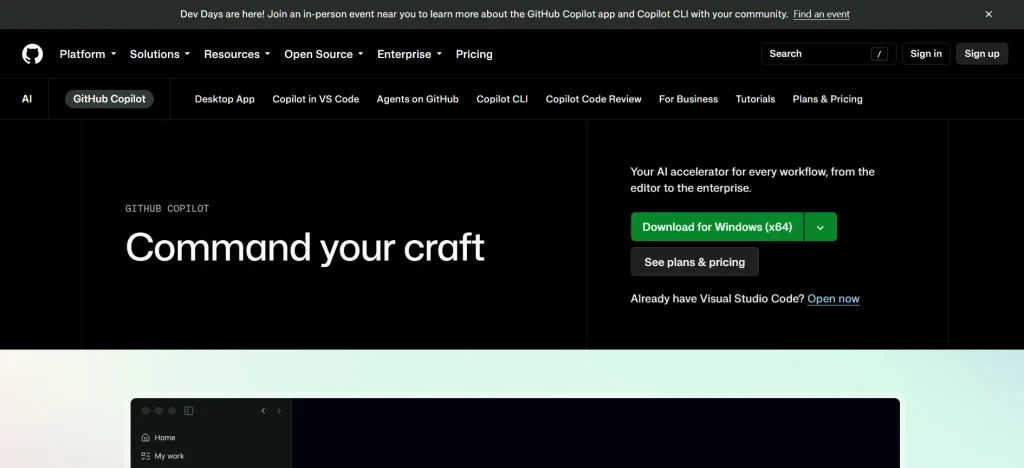
Best for: AI-assisted coding, code completion, debugging support, and developer productivity.
GitHub Copilot is a generative AI coding assistant designed to help developers write and understand software. It can suggest code while a developer works, explain unfamiliar sections, help draft tests, and support debugging. Depending on the editor, plan, and enabled features, it can also assist with broader development tasks.
Its main benefit is that it works within a developer’s coding environment rather than requiring every question to be handled in a separate chatbot. A developer can use it to generate a starting point for a function, explore a possible fix, or create tests for existing code. Suggestions still need review, testing, and security checks because generated code can contain bugs, inefficient logic, or unsafe patterns.
Key Features:
- AI-powered code completion and suggestions.
- Code explanations and assistance with debugging.
- Support for multiple programming languages.
- Integration with supported development environments.
- Additional chat and agent-style coding features on eligible plans.
Pros:
- Fits directly into supported coding workflows.
- Can reduce repetitive typing and help explore solutions.
- Useful for developers working across different languages and frameworks.
Cons:
- Generated code can contain errors or security vulnerabilities.
- Suggestions may not follow a project’s architecture automatically.
- Some features have usage limits or require paid access.
Pricing:
- GitHub Copilot offers free and paid options, with plans and feature limits that may change.
Who should use it?
- Software developers, engineering teams, students learning to code, and organizations that want AI assistance within their development workflow.
Comparison Of Generative AI Tools
Choosing a generative AI tool becomes easier when you compare what each platform can actually do, rather than looking only at its popularity. Some tools are designed for everyday writing and research, while others specialize in design, video production, audio generation, or coding. The table below highlights their main differences to help individuals and businesses shortlist the right options.
| Tool | Best use case | Content types | Standout features | Ideal users | Free plan | Starting paid price* |
| ChatGPT | General-purpose AI assistance | Text, images, files, data, voice | Writing, brainstorming, data analysis, custom GPTs, and supported image tools | Students, marketers, professionals, and businesses | Yes | US$20/month for Plus |
| Claude | Long-form writing and document analysis | Text, documents, code, supported images | Detailed writing, document analysis, coding assistance, and Projects | Researchers, writers, editors, and developers | Yes | US$20/month for Pro |
| Google Gemini | Research, multimodal tasks, and Google workflows | Text, images, files, and supported media | Multimodal assistance and integration with eligible Google services | Students, professionals, and Google Workspace users | Yes | Varies by Google AI plan |
| Microsoft Copilot | Workplace productivity | Text, documents, presentations, and supported media | Assistance within eligible Microsoft 365 applications | Business teams and Microsoft 365 users | Yes, for selected experiences | Depends on Copilot product and subscription |
| Perplexity | Web research and source discovery | Search results, summaries, text, supported files | Source-linked answers and research workflows | Students, analysts, researchers, and content teams | Yes | Check current Pro pricing |
| Adobe Firefly | Image generation and creative editing | Images, supported video and audio | Generative editing, visual creation, and Adobe workflow integration | Designers, advertisers, and creative teams | Yes, with limits | Varies by plan and region |
| Canva Magic Studio | Social media graphics and presentations | Images, layouts, presentations, text | AI-assisted design, templates, and brand-focused workflows | Marketers, small businesses, educators, and creators | Yes, with limits | Depends on Canva plan |
| Runway | AI video generation | Video and images | Text-to-video, image-to-video, and AI-assisted visual editing | Video creators, filmmakers, and agencies | Limited access may be available | Depends on plan and credits |
| ElevenLabs | Voice generation and dubbing | Audio and speech | Text-to-speech, voice customization, and supported dubbing workflows | Podcasters, publishers, educators, and video creators | Yes, with limits | Depends on plan and usage |
| GitHub Copilot | Coding and developer productivity | Code, text, and technical explanations | Code completion, coding chat, and agent-style development features | Developers, engineering teams, and coding students | Yes | US$10/month for Pro |
How To Choose The Right Generative AI Tool For Your Needs?
Selecting a tool based only on popularity can lead to unnecessary costs or features that your team rarely uses. Start by identifying the task you want to improve, then compare tools based on output quality, ease of use, integrations, privacy, and total cost.
1. Identify the Main Task You Want to Automate
Start with one clear use case. If you mainly need to write articles, summarize documents, or brainstorm ideas, a general-purpose assistant may be enough. If your work involves visual content, video, audio, or code, a specialized tool may offer more useful controls and a workflow built around that task.
It also helps to distinguish between occasional assistance and regular production. Someone creating one presentation each month may not need the same subscription as a marketing team producing dozens of assets every week.
2. Check the Free Plan and Usage Limits
A free plan is a practical way to test a tool before paying for it. However, free access may have limits on the number of messages, image generations, video credits, file uploads, or advanced model requests. These limits matter when the tool becomes part of a regular workflow.
Before upgrading, estimate how often you will use the tool and which features you actually need. A lower-cost plan may be sufficient for everyday tasks, while frequent video generation or team use may require a higher tier.
3. Review Integrations and Workflow Compatibility
A tool is more useful when it fits into your existing workflow. For example, Microsoft Copilot may be a natural choice for a team that works in Microsoft 365, while Canva Magic Studio may be more convenient for a social media manager who creates and publishes visual assets regularly.
Check whether the tool works with your current applications, file formats, collaboration processes, and content management systems. For marketing teams, compatibility with existing content marketing tools can make it easier to incorporate AI-generated material into content planning and publishing workflows. Reducing the number of manual steps between generating an output and using it can be just as important as the quality of the AI model.
4. Evaluate Privacy, Security, and Content Rights
Before uploading company documents, customer information, unpublished material, or source code, review the tool’s data handling policies and available business controls. Free consumer plans and business plans may have different settings for data retention, administration, and use of submitted information.
Creative teams should also review commercial-use terms and the permissions required for generated images, music, or voices. For regulated or confidential work, involve the relevant IT, legal, or security team before adopting a tool across the organization.
5. Test the Quality of the Output
Try the same realistic task in two or three shortlisted tools. For example, give each tool the same brief and compare the accuracy, tone, amount of editing required, and time needed to reach a usable result. This provides a better basis for selection than relying only on feature lists.
For business use, consider measuring the time saved, the number of corrections needed, and the quality of the final output. A tool that generates content quickly may not be the most efficient option if its work requires extensive fact-checking or rewriting.
Key Features To Look For In Generative AI Software
Although different tools serve different purposes, several capabilities are worth checking before you choose a platform.
- Output quality: The tool should produce relevant, readable, and usable content for your task. Test it with realistic instructions rather than relying on demonstrations.
- Multimodal support: If you work with text, images, audio, video, or files, check which input and output formats are supported by the specific plan.
- Editing and customization: Look for controls that let you refine the output, adjust the style, or make changes without starting over.
- Integrations: Connections to your existing apps can reduce manual work and make AI easier to use in daily processes.
- Privacy and administration: Business users should review data policies, access controls, and available security features before uploading sensitive information.
- Pricing transparency: Check whether the plan uses a subscription, generation credits, message limits, or usage-based billing.
- Collaboration: Teams may need shared workspaces, user management, version history, or approval processes.
- Reliability and review: The tool should make it practical to inspect results and verify important claims before publication or implementation.
How Generative AI Tools Are Changing Business In 2026?
Generative AI has moved beyond experimentation and is becoming part of everyday work across many industries. According to Stanford’s 2026 AI Index, 88% of surveyed organizations reported using AI in at least one business function in 2025, while 70% reported using generative AI in at least one function. The report also estimated that generative AI reached 53% population adoption within three years, indicating how quickly these tools have spread.
These figures do not mean that every organization has successfully integrated AI into its core operations. Adoption can mean anything from limited employee use to a more structured business deployment. The more important question is whether the technology improves a specific process, such as reducing the time needed to draft customer responses, helping developers review code, or speeding up the creation of marketing assets.
Generative AI Is Moving Into Everyday Business Workflows
Many businesses now use AI to assist with tasks that occur repeatedly, including preparing documents, summarizing meetings, drafting product descriptions, analyzing information, and answering routine questions. These uses are attractive because they can be introduced into existing workflows without completely redesigning the business. Professionals can also follow AI newsletters to stay updated on new generative AI models, emerging applications, product releases, and industry developments.
The next step is to connect AI assistance with company processes and approved information. For example, a support team may need an AI assistant to use verified product documentation, while a marketing team may need clear brand guidelines and review steps. Businesses can also use AI-powered market research to analyze industry trends, understand customer preferences, and identify emerging market opportunities. The tool alone is rarely enough; the surrounding workflow determines whether the output is useful and reliable.
AI Tools Are Becoming More Specialized
The generative AI market is not limited to general-purpose chatbots. Platforms increasingly focus on specific jobs, such as generating video, creating speech, assisting with code, or helping users search for information. Specialized tools can offer controls that are more relevant to a particular task, while general-purpose tools remain useful for work that spans several activities.
This creates a practical choice for users. A freelancer may prefer one broad assistant for writing, research, and planning, while a production team may need separate tools for image creation, video editing, and voice generation. The right setup depends on how often each task occurs and whether the benefits justify the extra subscription or learning time.
Measuring Results Matters More Than Adding More Tools
As organizations adopt more AI applications, managing overlap and cost becomes increasingly important. Two tools may offer similar writing or summarization features, so paying for both may not be worthwhile unless each supports a different workflow. Teams should also account for usage limits, staff training, review time, and integration costs.
A useful evaluation starts with a baseline. Record how long a task takes without AI, then compare the time and quality after introducing the tool. If the AI output requires extensive corrections, the expected productivity gain may be smaller than it first appears. Measuring actual results helps businesses decide which tools deserve a permanent place in their workflow.
What Is the Future of Generative AI Tool?
Generative AI tool is likely to become more integrated into the applications people already use. Instead of switching between separate platforms for every task, users may increasingly access AI assistance within document editors, design software, development environments, and business systems. This could make AI easier to use, although the quality of each integration will still depend on the underlying model and available data.
Another important direction is the development of AI agents that can carry out multiple steps toward a defined goal. For example, an agent may help gather information, organize it, and prepare a draft for a person to review. However, autonomous workflows still need clear permissions, safeguards, and human oversight, particularly when they affect money, customer accounts, business records, or sensitive information.
The growing range of tools will also make responsible use more important. Businesses will need to decide which tasks can be assisted by AI, which outputs require human approval, and what information employees are allowed to share with external platforms. The organizations that benefit most are likely to be those that combine useful AI capabilities with strong data practices, employee training, and clear ways to measure results.
Conclusion
Generative AI tools can help people write, research, design, produce audio and video, and develop software more efficiently. The best tool is not necessarily the one with the most features or the biggest name. It is the one that solves a real problem, fits your workflow, and produces results that you can trust after appropriate review.
Start by identifying your main use case, testing a few tools, and comparing their output quality, usage limits, integrations, and pricing. For occasional tasks, a free plan may be enough. For regular professional work, a paid or specialized platform may offer better value. Whatever you choose, treat AI as a tool to support human work, not as a substitute for checking facts, protecting sensitive information, and applying sound judgment.
Frequently Asked Questions
1. What Is The Best Generative AI Tool?
Some of the leading options for different tasks include ChatGPT and Claude for writing and general assistance, Gemini and Microsoft Copilot for productivity workflows, Perplexity for research, Adobe Firefly and Canva Magic Studio for visual content, Runway for video, ElevenLabs for audio, and GitHub Copilot for coding. The best choice depends on the task, budget, and features you need.
2. Is Generative AI Software Free To Use?
Many generative AI software offer free plans, but these usually come with restrictions. Users may face message limits, fewer generation credits, limited access to advanced models, or reduced collaboration features. Paid plans generally offer higher limits or additional capabilities, so check the current plan details before relying on a tool for regular work.
3. Which Generative AI Tool Is Best For Content Writing?
ChatGPT and Claude are useful starting points for drafting, rewriting, brainstorming, and organizing written content. The choice depends on the type of writing, the level of detail required, and your preferred workflow. For professional content, use AI as a drafting and editing assistant, then verify facts, add original insights, and make sure the final piece meets the intended audience’s needs.
4. Which Generative AI Tool Is Best For Creating Images?
Adobe Firefly and Canva Magic Studio are useful options for image generation and design-related work. Firefly focuses on creative generation and editing, while Canva combines AI features with templates and a visual editor. Compare the available models, editing controls, usage limits, and commercial-use terms before selecting a platform.
5. Which Generative AI Tool Can Create Videos?
Runway is a specialized option for AI video generation and visual experimentation. Adobe Firefly also offers supported video-generation capabilities. The available duration, resolution, models, and number of generations depend on the product and subscription, so review these limits if video production is a regular part of your work.
