
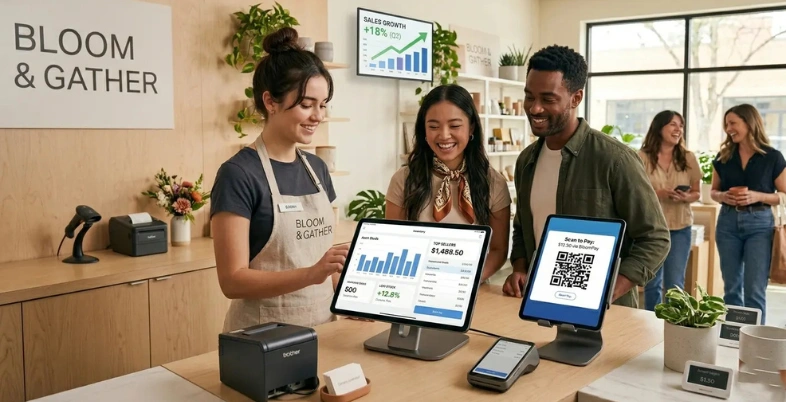
What makes a Point of Sale (POS) system essential for small businesses today? The answer lies in its ability to streamline sales, manage inventory, and simplify payment processing in one place. Modern POS for Small Businesses systems go beyond basic transactions by offering features like real-time analytics, customer management, and multi-channel selling.
They help businesses improve efficiency, reduce errors, and deliver better customer experiences. Whether you run a retail store, restaurant, or service-based business, choosing the right POS system can significantly impact daily operations and long-term growth.
What Is A POS System?
A POS (Point of Sale) system is a combination of hardware and software that allows businesses to process transactions, manage sales, and handle day-to-day operations efficiently. It is commonly used in retail stores, restaurants, and service-based businesses to accept payments from customers through various methods such as cash, credit cards, debit cards, and digital wallets.
Beyond basic billing, modern POS systems also help track inventory, monitor sales performance, manage customer data, and generate detailed reports. These systems often include features like barcode scanning, receipt printing, and real-time analytics, making operations smoother and more accurate.
With cloud-based technology, many POS systems allow business owners to access data remotely and manage multiple locations from a single dashboard. Overall, a POS system acts as a central hub for business operations, improving efficiency, reducing errors, and enhancing customer experience.
Why Small Businesses Need A POS System
- Efficient Transaction Processing: POS systems speed up billing and payment processes, reducing long queues and improving customer satisfaction during busy business hours significantly.
- Accurate Inventory Management: They automatically track stock levels, update inventory in real-time, and prevent overstocking or stockouts, ensuring better inventory control.
- Multiple Payment Options: POS systems support cash, cards, and digital payments, giving customers flexible payment choices and improving overall shopping experience and convenience.
- Detailed Sales Reporting: They provide real-time reports and insights, helping business owners analyse sales trends and make informed decisions for growth strategies.
- Reduced Human Errors: Automation in billing and calculations minimises manual errors, ensuring accuracy in transactions and improving overall operational efficiency.
- Better Customer Management: POS systems store customer data, track purchase history, and enable personalised services, helping build stronger relationships and customer loyalty.
- Time-Saving Operations: By automating tasks like billing, inventory, and reporting, POS systems save time, allowing business owners to focus on growth activities.
- Scalability and Business Growth: Modern POS systems support expansion by managing multiple locations, increasing transactions, and adapting to growing business needs efficiently.
Comparison Table Of POS For Small Businesses
| POS System | Payment Methods Supported | Inventory Management | Hardware Compatibility | Pricing |
| Shopify POS | Credit/debit cards, mobile wallets, contactless, online payments | Real‑time stock sync across online + in‑store | Barcode scanners, receipt printers, card readers | Subscription-based |
| Square POS | Credit/debit cards, UPI via QR, mobile wallets, contactless | Stock tracking, low‑stock alerts, product variants | Card readers, registers, printers, barcode scanners | Free plan + subscription for advanced features |
| Lightspeed POS | Credit/debit cards, mobile wallets, contactless | Advanced stock control, variants, multi‑location tracking | Barcode scanners, receipt printers, cash drawers | Subscription-based |
| Clover POS | Credit/debit cards, contactless, mobile wallets | Stock levels, item categorization, alerts | Clover terminals, scanners, printers | Subscription + hardware costs |
| Toast POS | Credit/debit cards, contactless, mobile wallets | Ingredient tracking, stock usage, alerts | Restaurant‑grade terminals, printers, handheld devices | Subscription-based |
| PayPal Zettle POS | Credit/debit cards, PayPal, mobile wallets | Basic stock tracking with alerts | Card readers, receipt printers | Free app + transaction fees |
| TouchBistro | Credit/debit cards, mobile wallets, contactless | Menu item tracking, ingredient levels | iPad terminals, printers, scanners | Subscription-based |
| Lavu POS | Credit/debit cards, contactless, mobile wallets | Stock tracking, recipe management | iPad POS hardware, printers, scanners | Subscription-based |
| Helcim POS | Credit/debit cards, mobile wallets, contactless | Product management, stock alerts | Card readers, scanners, printers | Subscription‑based with interchange pricing |
| GoDaddy POS | Credit/debit cards, contactless, mobile wallets | Stock tracking, product variants | Card readers, receipt printers | Subscription |
| EPOS Now | Credit/debit cards, mobile wallets, contactless | Multi‑location stock, alerts, product management | Scanners, printers, cash drawers | Subscription-based |
| Korona POS | Credit/debit cards, mobile wallets, contactless | Advanced stock tracking, purchase orders, alerts | Barcode scanners, printers, terminals | Subscription + optional modules |
| SpotOn POS | Credit/debit cards, contactless, mobile wallets | Stock counts, alerts, product management | Registers, scanners, printers | Subscription + processing fees |
| SkyTab POS | Credit/debit cards, contactless, mobile wallets | Basic stock tracking and alerts | SkyTab hardware, printers | Subscription-based |
| Payanywhere POS | Credit/debit cards, contactless, mobile wallets | Inventory tracking, product categories | Card readers, printers, scanners | Free app + transaction fees |
List of 15 Best POS For Small Business
1. Shopify POS
Website: https://www.shopify.com/pos
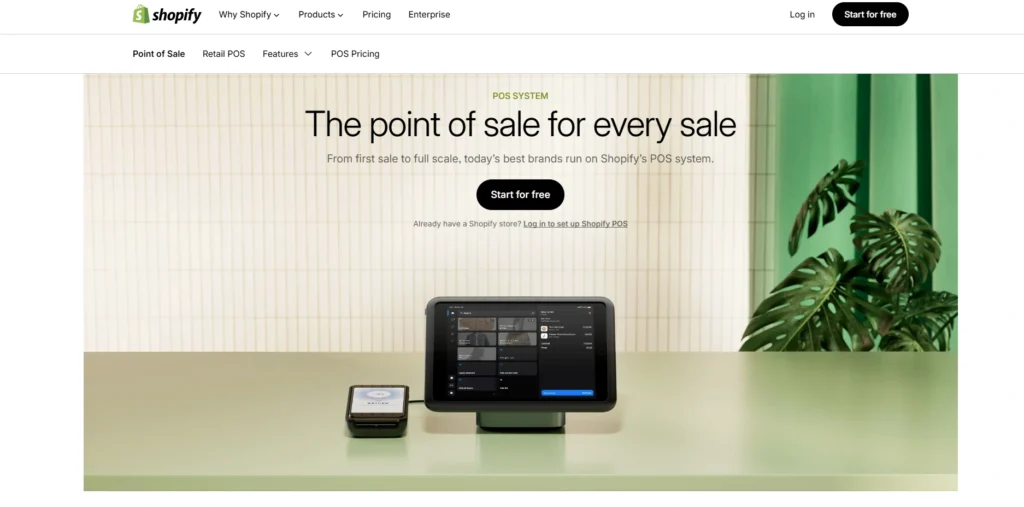
Shopify POS is an all-around point-of-sale system that is implemented in shops where the products are sold both online and at the physical premises. It is seamlessly integrated with the e-commerce platform of Shopify, enables a real-time inventory connection, a single customer profile, and consolidated sales reporting, making it a reliable POS for small businesses.
Shopify POS also has various payment options such as cards, mobile wallets and contactless payments. Its user-friendly interface and scalability support small stores to growing companies.
Shopify POS offers easy checkout and robust sales, customer, and channel management tools with hardware options such as card readers and receipt printers.
Key Features:
- Unified in‑store and online sales tracking
- Real‑time inventory syncing
- Customer profiles and order history
- Customisable checkout
- Integrated reporting and analytics
Pros:
- Excellent online/offline integration
- Scalable for growing retail brands
- Strong inventory management
- Easy to use interface
- Great for multichannel selling
Cons:
- Subscription required
- Advanced features cost extra
- Limited offline functionality
Pricing:
- Basic– $39/month
- Grow– $105/month
- Advanced– $399/month
- Plus– $2,300/month
2. Square POS
Website: https://squareup.com/pos
Square POS is a well-known and user-friendly system that is suitable in small businesses, inclusive of boutiques to cafes. It provides an easy to install credit/debit card, tap-to-pay, mobile wallet, and invoice billing.
The company offers a free basic system that comprises inventory management, sales reporting, and customer engagement tools to Square. It works well with equipment such as card readers, barcode scanners and receipt printers.
Square POS is flexible to match business requirements and offers optional services, such as payroll, e-commerce, and analytics, to enable the owner to run the business efficiently.
Key Features:
- Free POS software with payment acceptance
- Inventory and customer management
- Digital receipts and sales reporting
- Employee permissions
- E‑commerce integration
Pros:
- Free base plan
- Easy setup and use
- Wide hardware support
- Good reporting tools
- Great for small merchants
Cons:
- Payment fees apply
- Limited advanced features
- Add‑ons can be pricey
Pricing:
- Square Free– $0
- Square Plus– $49/mo
- Square Premium-$149/mo
- Square Pro– Custom Pricing
3. Lightspeed POS

Website: https://www.lightspeedhq.com
Lightspeed POS is an effective cloud-based system designed to support hospitality and retail companies. It accepts various payment methods such as cards and contactless payments and offers powerful inventory solutions such as multi-location tracking and strong stock control.
Lightspeed has extensive reporting, customer profiles, and offers analytics that optimise sales and operations, making it a reliable POS for small businesses. It is the best option in terms of increasing business due to its intuitive interface and integration.
Hardware compatibility includes scanners, printers, and terminals, which makes Lightspeed a one-stop destination to simplify checkout and product management.
Key Features:
- Advanced inventory control
- Multi‑location management
- Customer and loyalty tools
- Detailed sales analytics
- Purchase order management
Pros:
- Ideal for growing retailers
- Strong inventory features
- Excellent reporting capability
- Works offline
- Scalable for complex operations
Cons:
- Higher cost
- Complex setup
- Learning curve
Pricing:
- Basic- $109/mo
- Core– $179/mo
- Plus– $399/mo
4. Clover POS
Website: https://www.clover.com
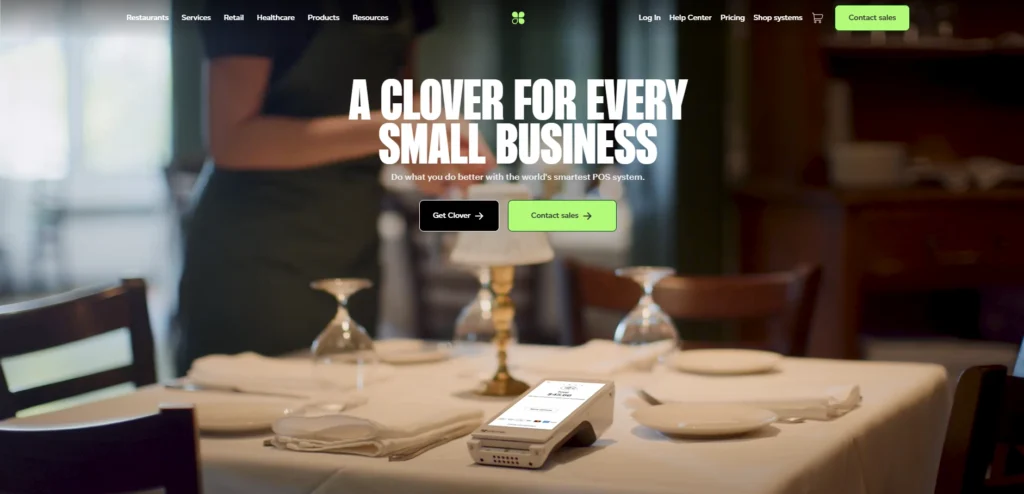
Clover POS provides a customisable, and scalable point-of-sale terminal to retail and service small businesses. It accepts various payment methods, cards, mobile wallet, etc. and includes an in-built inventory, staff monitoring, and specialised sales analysis features.
The app market place of Clover enables companies to install specialised features within their systems such as loyalty, reporting and marketing.
Clover enables organisations to use hardware such as all-in-one terminals, card readers, receipt printers, and others to deliver an integrated solution that makes it easier to check out and streamline the day-to-day activities.
Key Features:
- All‑in‑one payment terminals
- Inventory and order tracking
- Employee management
- App marketplace for features
- Customisable receipts
Pros:
- Simple hardware options
- Flexible add‑ons
- Good for small stores
- Easy to use interface
- Quick setup
Cons:
- Monthly fees
- App costs add up
- Reporting is basic
Pricing:
- Contact Sales
5. Toast POS
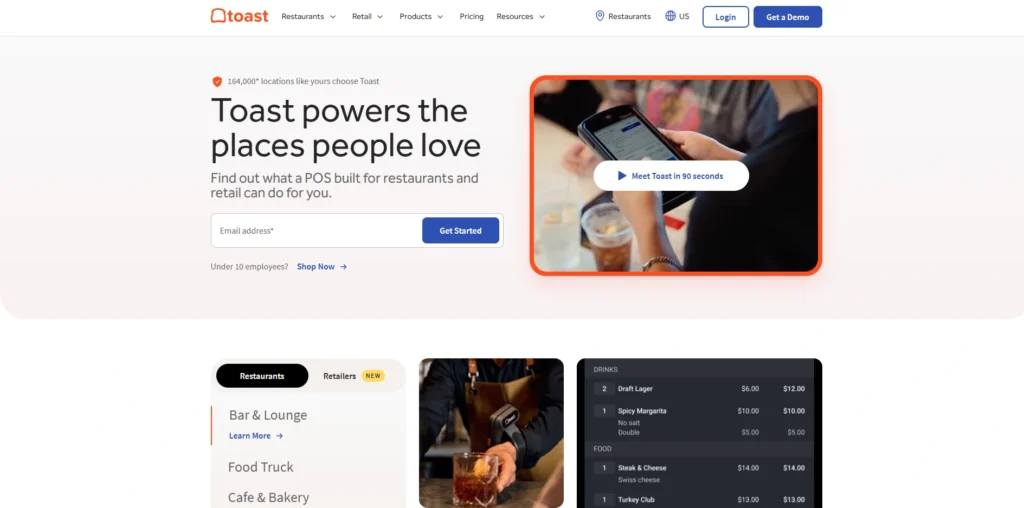
Website: https://pos.toasttab.com
Toast POS is a restaurant-focused point-of-sale system designed to manage orders, payments, and customer interactions efficiently. It accepts multiple payment options and includes features like tableside ordering, kitchen integration, and menu customisation.
The inventory tools at Toast allow tracking ingredient usage and menu profitability, making it a practical POS for small businesses in the food industry. It simplifies restaurant operations with advanced reporting and staff management features.
Hardware compatibility includes touchscreens, handheld devices, printers, and kitchen displays. Toast is an ideal choice for cafes, bars, and full-service restaurants due to its focus on foodservice needs.
Key Features:
- Restaurant‑specific ordering tools
- Table management
- Menu customization
- Kitchen display integration
- Sales reporting
Pros:
- Built for foodservice
- Strong inventory tracking
- Excellent reporting
- Offline mode available
- Good for multi‑location restaurants
Cons:
- Higher pricing
- Hardware costs
- Software can be complex
Pricing:
- Starter Kit– $0
- Point of Sale– $69/monthper
- Build Your Own– Custom pricing
6. PayPal Zettle POS
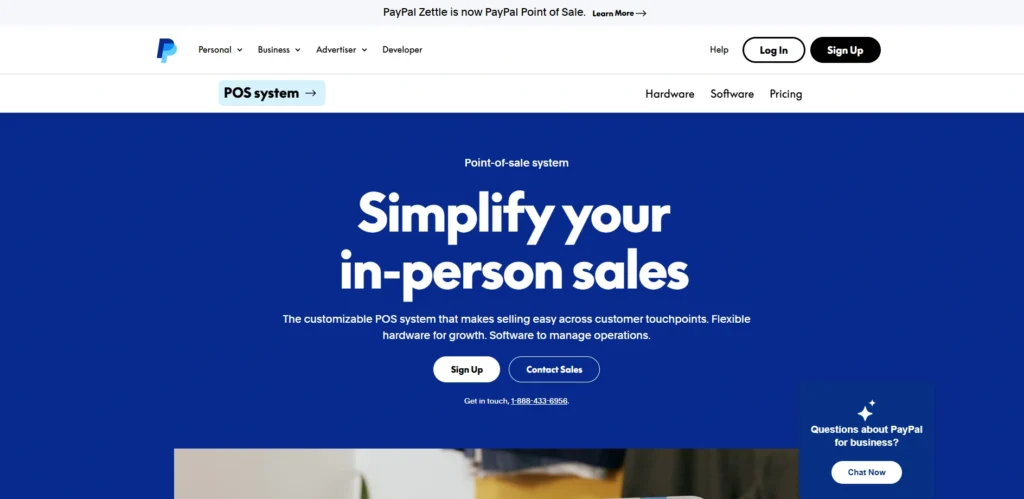
Website: https://www.paypal.com/us/business/pos
PayPal Zettle POS would be a simple and low-cost system that is suitable for small retailers and service providers. It works with the PayPal payment ecosystem and allows multiple payment options such as cards, mobile wallets, and QR code payment using a QR code generator.
The system comprises basic inventory, sales reporting, and customer management tools. The small size of Zettle card readers and the ability to use printers facilitate POS payments.
The fact that it can be easily integrated with PayPal accounts helps merchants manage finances smoothly and provides a clear understanding of business performance.
Key Features:
- Accepts card and QR payments
- Sales tracking
- Inventory management
- PayPal payouts
- Basic reporting
Pros:
- Simple and affordable
- Integrates with PayPal
- Easy onboarding
- Great for mobile merchants
- Flexible payment acceptance
Cons:
- Limited advanced features
- Basic inventory tools
- Reporting is simple
Pricing:
- Custom Pricing
7. TouchBistro
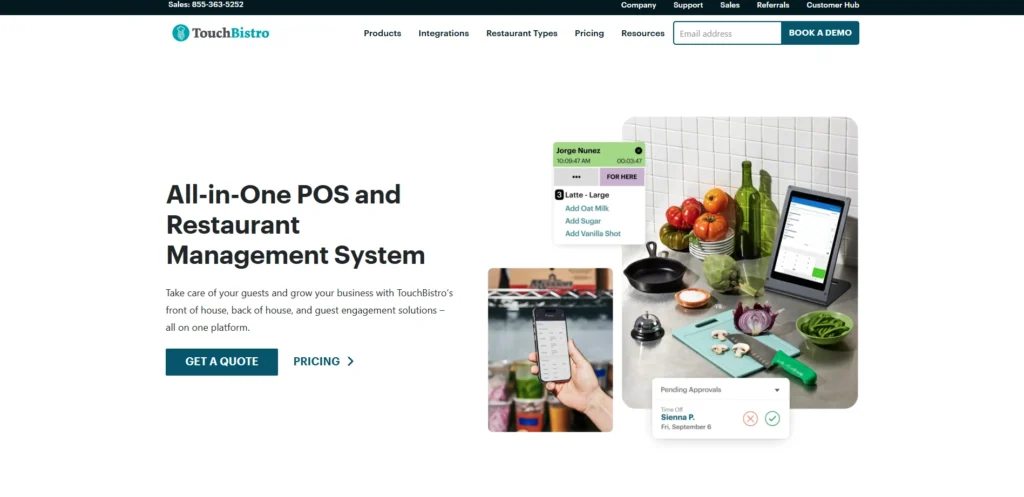
Website: https://www.touchbistro.com
Toast POS is a restaurant-focused point-of-sale system designed to manage orders, payments, and customer interactions efficiently. It accepts multiple payment options and includes features like tableside ordering, kitchen integration, and menu customisation.
The inventory tools at Toast allow tracking ingredient usage and menu profitability. It simplifies restaurant operations with advanced reporting and staff management features, making it a practical solution for the food industry.
Hardware compatibility includes touchscreens, handheld devices, printers, and kitchen displays. Toast is an ideal POS for small businesses such as cafes, bars, and full-service restaurants due to its focus on foodservice needs.
Key Features:
- Table and order management
- Menu modification tools
- Staff tracking
- Integrated payments
- Reporting dashboards
Pros:
- Designed for restaurants
- Excellent POS workflows
- Easy order entry
- Strong staff management
- Good analytics
Cons:
- Monthly fee
- Hardware costs
- Setup can be lengthy
Pricing:
- Starting at $ 69/mo
8. Lavu POS
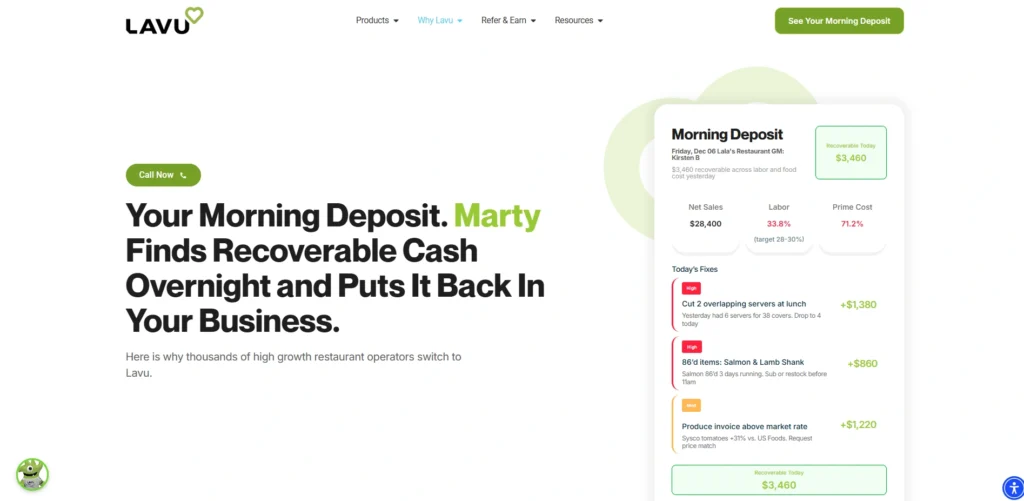
Website: https://lavu.com
Lavu POS is a restaurant and bar point-of-sale software that is a flexible and controlled cloud-based solution. It will take various payment options and provide table management, menu creation, and order scheduling.
The inventory control of Lavu assists in controlling the level of ingredients and sales trends. The system also is linked to printers, handhelds, and kitchen displays and is used to simplify service flow.
The businesses can see the performance and profitability with reporting and analytics tools. The very convenient design and restaurant-specific functionality make Lavu a strong contender among foodservice companies of any scale.
Key Features:
- Menu and table management
- Inventory tracking
- Sales reporting
- Customer tracking
- Offline mode
Pros:
- Flexible restaurant POS
- Useful reporting tools
- Works offline
- Customisable menus
- Scales with business
Cons:
- Subscription cost
- Hardware not included
- UI isn’t the most modern
Pricing:
- Get a Custom Quote
9. Helcim POS
Website: https://www.helcim.com/pos
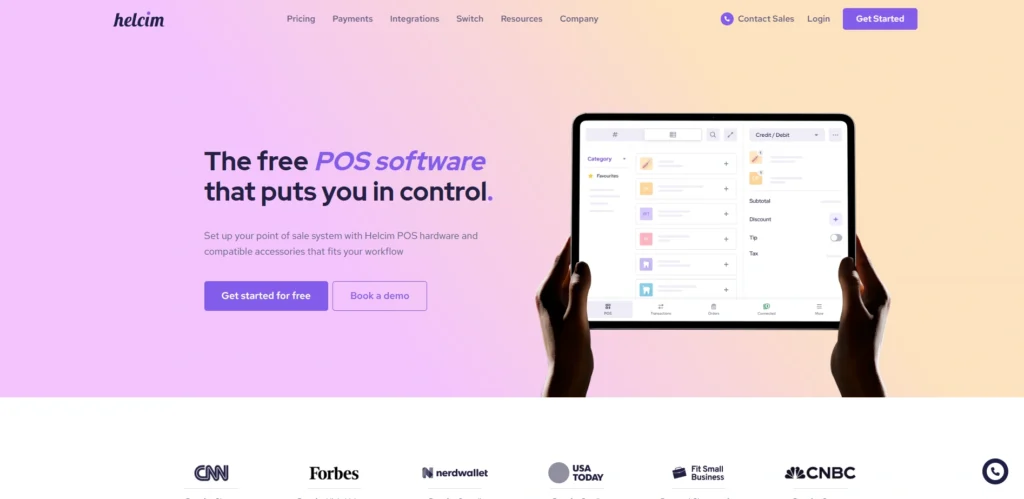
Helcim POS is a contemporary and affordable payment and sales solution that fits small retail and service businesses. It accommodates numerous payment options and also provides transparent pricing on an interchangeable basis, making it a practical POS for small businesses.
Helcim incorporates inventory control, customer monitoring, and comprehensive reporting of sales. The system can be easily connected with hardware like card readers, barcode readers, and receipt printers.
Helcim focuses on simplicity, security, and affordability to help small business owners manage sales easily with predictable operating costs.
Key Features:
- Interchange‑based pricing
- Inventory control
- Customer management
- Invoicing tools
- Sales analytics
Pros:
- Transparent pricing
- Integrated payments
- Easy to use
- Good inventory features
- Great support
Cons:
- Fewer advanced tools
- Limited third‑party integrations
- Reporting could improve
Pricing:
- Smart Terminal– $32/mo
- Card Reader– $199/mo
10. GoDaddy POS
Website: https://www.godaddy.com/en-ca/payments/point-of-sale
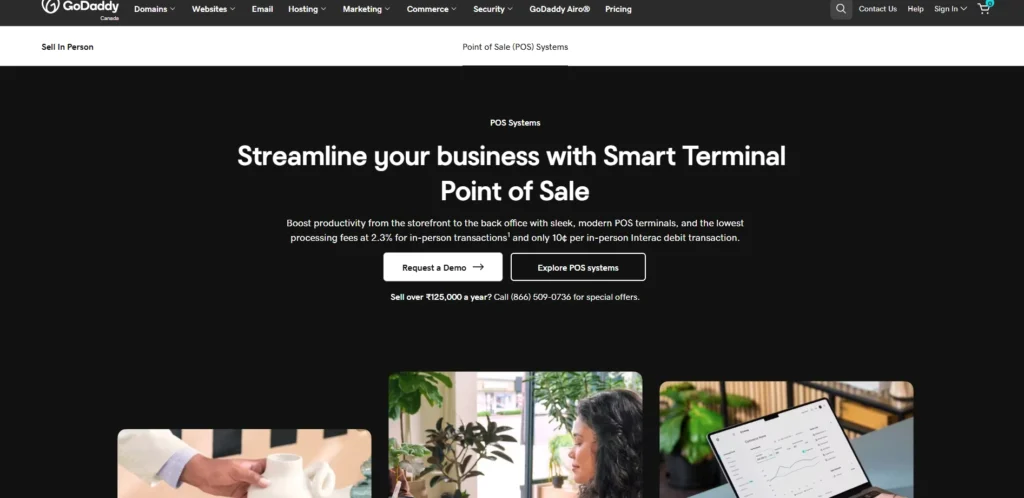
GoDaddy POS is a solution that integrates the point-of-sale features with the business applications of GoDaddy, that is why this solution is suitable with small retailers and service providers that have an Internet presence.
It accepts credit/debit cards, mobile wallets as well as contactless payments. GoDaddy POS comprises inventory, product, and sales analytics. The system complements GoDaddy e-commerce and marketing products, contributing to the unification of in-store and online sales.
Hardware-wise, card readers and receipt printers are compatible. The straightforward interface and inbuilt ecosystem of GoDaddy allow beginners and small businesses to use it.
Key Features:
- In‑store and online sync
- Customer tracking
- Inventory management
- Simple reporting
- Payment processing
Pros:
- Easy to set up
- Good integration with GoDaddy sites
- Simple interface
- Affordable pricing
- Good for beginners
Cons:
- Lacks advanced features
- Limited hardware options
- Reporting basic
Pricing:
- Smart Terminal Flex– $275.00
- Smart Terminal Duo– $399.00
- Smart Terminal Pro– $499.00
11. EPOS Now
Website: https://www.eposnow.com
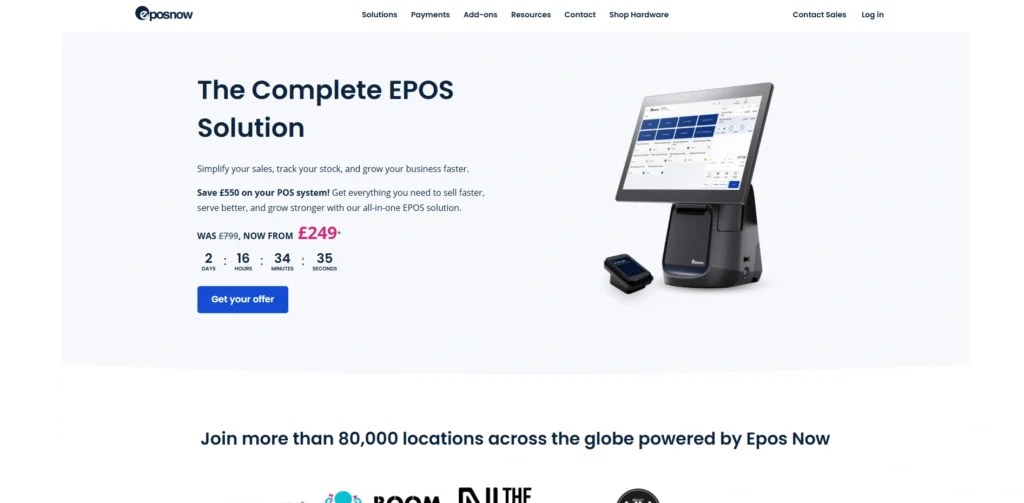
EPOS Now is a retail and hospitality POS that is a flexible cloud-based solution, making it a reliable POS for small businesses. It provides a wide range of payment types and has a robust inventory management system, including multi-location support.
EPOS Now consists of scheduling and management of employees along with detailed sales reports. The system connects to hardware such as barcode scanners, printers, and cash drawers, and can be extended with additional features like marketing, accounting, and loyalty tools.
Its scalable nature makes it suitable for small organisations that want to expand without investing in complex infrastructure.
Key Features:
- Inventory and stock alerts
- Employee tracking
- Customer loyalty tools
- Sales analytics
- Multi‑location support
Pros:
- Flexible and scalable
- Good reporting
- Works across industries
- Easy hardware integration
- Strong inventory tools
Cons:
- Monthly subscription
- Can feel complex
- Costs add with add‑ons
Pricing:
- Contact Sales for Pricing
12. Korona POS
Website: https://koronapos.com
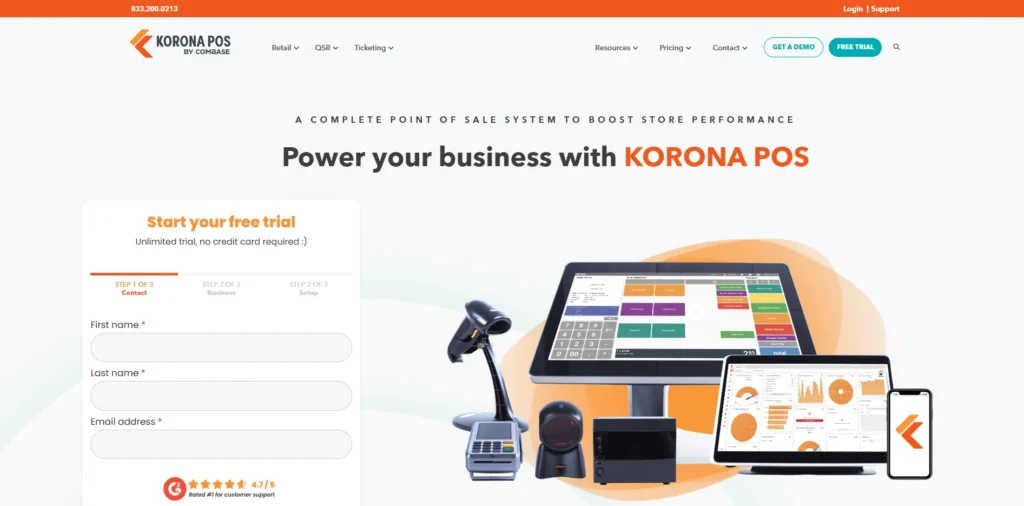
Korona POS is a full-fledged retail point-of-sale system that has powerful inventory and sales management capabilities. It provides different payment options and real time stock tracking, purchase order and reporting.
The intuitive dashboard offered by Korona gives an understanding of the sales pattern and customer behavior. The hardware that can be used is compatible, such as terminals, printers, and scanners.
The loyalty programs, gift cards and customer accounts are also supported by the system. Korona is an excellent small retailer solution as it is a powerful platform that can be expanded with the company.
Key Features:
- Robust inventory tracking
- Purchase orders
- Customer accounts
- Gift cards and loyalty
- Sales reporting
Pros:
- Comprehensive retail POS
- Good analytics
- Works offline
- Scalable features
- Strong inventory tools
Cons:
- Pricing can vary
- Setup complexity
- UI dated
Pricing:
- KORONA POS Core– $59/mo
- KORONA POS Retail– $79/mo
13. SpotOn POS
Website: https://www.spoton.com
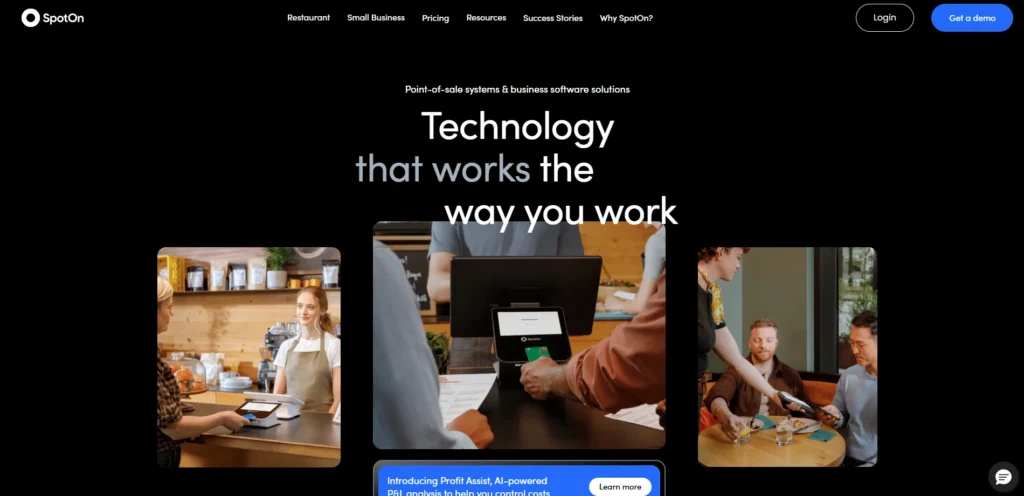
SpotOn POS is a complete payment processing and customer interaction solution in an all-in-one format. It accepts credit/debit cards, contactless payment, and mobile wallet payments.
SpotOn also features inventory management, analytics, and marketing solutions, such as loyalty programs and email campaigns. The system is connected to other hardware like the printers, scanners, and the registers.
The in-depth reporting and personalisation of SpotOn allow businesses to observe the sales patterns, control the stock, and establish more meaningful relations with the customers. It is perfect among retailers and restaurants that require both POS and expansion devices.
Key Features:
- Marketing and loyalty tools
- Inventory management
- Detailed analytics
- Customer engagement tools
- Integrated payments
Pros:
- Combines POS with marketing
- Good reporting
- Supports online ordering
- Great customer tools
- Scalable
Cons:
- More expensive
- Add‑on fees
- Setup takes time
Pricing:
- Terminal– $25/month
- Terminal + Website– $90/month
14. SkyTab POS
Website: https://skytab.com
SkyTab POS is an affordable and convenient point-of-sale service for small businesses. It accepts multiple forms of payment, has basic inventory monitoring, inventory management, and sales reporting, making it a practical POS for small businesses.
SkyTab frequently offers hardware packages, such as card readers and printers, which make it easier to set up. It features a mobile-friendly layout and simple interface that accelerates the checkout process and enhances customer service.
Although the functionality of SkyTab is minimal compared to larger systems, it efficiently meets the POS needs of small retailers and service providers.
Key Features:
- Mobile and fixed POS
- Basic inventory tools
- Order and receipt printing
- Sales reporting
- Payment acceptance
Pros:
- Affordable entry point
- Simple setup
- Good for small stores
- Mobile friendly
- Essential tools included
Cons:
- Limited advanced features
- Reporting is basic
- Not ideal for scaling
Pricing:
- £30 per month
15. Payanywhere POS
Website: https://www.payanywhere.com
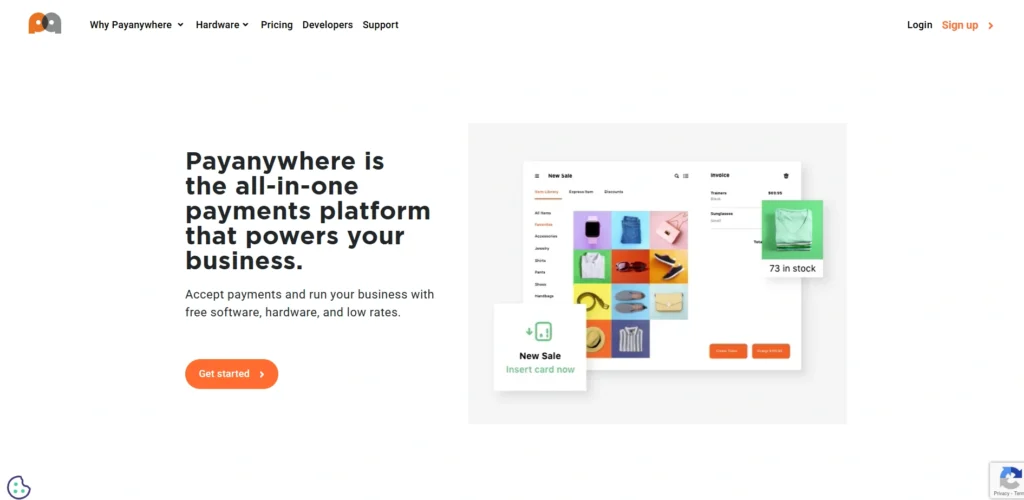
Payanywhere POS provides a small scale retailer and service business with an easy-to-use need-based POS. It also accepts several payment methods, such as cards, contactless tap-to-pay, and mobile wallets.
The system involves inventory and customer tracking, along with sales reporting. Fitting hardware such as card readers, printers, and scanners are compatible and facilitate the checkout process.
Payanywhere is also capable of offering flexible plans of processing and reporting dashboards that will provide insights into transaction patterns. Its ease and price-friendliness are good considerations when using it by startups and small stores.
Key Features:
- Accepts cards and contactless
- Inventory tracking
- Customer profiles
- Insights and reporting
- Sales tracking
Pros:
- Easy setup
- Flexible payments
- Mobile support
- Affordable
- Works for small shops
Cons:
- Transaction fees apply
- Features limited
- Reporting not advanced
Pricing:
- Custom Pricing
Ending Thoughts
Selecting the right POS system can greatly influence how smoothly a small business operates and grows over time. These tools not only handle transactions but also simplify inventory management, track sales, and improve customer relationships, making them an essential POS for small businesses. By choosing a reliable POS solution, businesses can reduce errors, save time, and gain valuable insights for better decision-making.
The best systems are flexible, user-friendly, and scalable to meet evolving needs. Ultimately, investing in the right POS helps small businesses enhance efficiency, deliver better service, and build a strong foundation for long-term success in a competitive market.
FAQs
1. Why Is A Point-Of-Sale System Necessary For Small Businesses?
It simplifies billing, reduces errors, tracks sales data, and improves overall efficiency, helping businesses manage operations more effectively.
2. Are POS Systems Expensive For Small Businesses?
Many POS systems offer affordable plans or free versions, making them accessible for small businesses with limited budgets.
3. Can A POS System Manage Inventory?
Yes, most modern POS systems include inventory tracking, stock alerts, and product management features to keep operations organised.
4. Is A POS System Easy To Use?
Most POS systems are designed with user-friendly interfaces, making them easy to learn and use without technical expertise.
5. How do I Choose The Best POS For My Small Business?
You should consider factors like your business type, budget, required features (such as inventory management or reporting), ease of use, and scalability. Choosing a system that fits your current needs and can grow with your business is the best approach.
