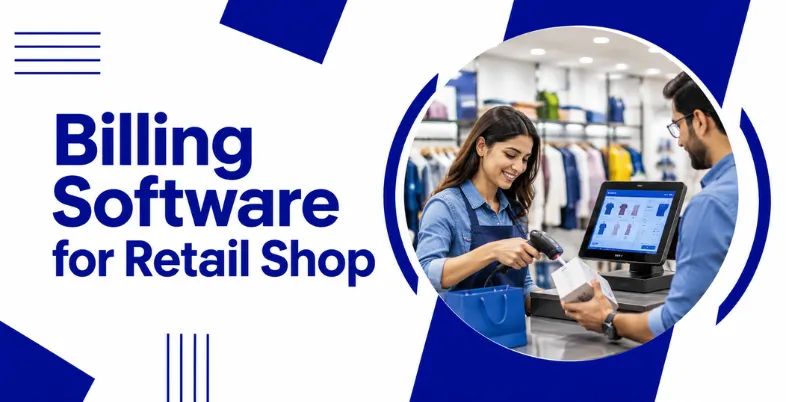
Managing a retail shop involves several daily tasks, from preparing customer bills and tracking inventory to recording purchases and monitoring payments. Handling everything manually can become time-consuming, especially when a shop sells hundreds of products or serves many customers every day. Billing software helps retailers organise these activities and reduce errors during routine transactions.
The right billing software for a retail shop can generate GST invoices, update stock after sales, track expenses, and provide reports on business performance. Some tools also support barcode scanning, customer credit management, supplier records, and multiple billing counters. These features help shop owners manage their operations without maintaining separate registers for every activity.
However, not every retailer needs the same software. A small kirana shop may prioritise affordable billing and basic inventory tracking, while a supermarket may require barcode-based checkout and multi-store management. This guide compares 10 billing software for retail shops in India to help you choose one that fits your business requirements and budget.
What Is Billing Software For Retail Shop?
Billing software for retail shop is a digital tool that helps shop owners create customer bills, record sales, manage inventory, and maintain transaction records. Instead of preparing bills manually, retailers can use the software to calculate prices, apply discounts, generate GST invoices, and record payments. Depending on the software, it can also track purchases, monitor stock levels, and prepare sales reports.
Retail billing software is useful for businesses such as kirana stores, supermarkets, clothing shops, footwear outlets, pharmacies, and electronics stores. Many solutions also support barcode scanning, receipt printing, customer credit management, and supplier records. Some offer cloud access, allowing authorised users to view business information across supported devices.
The main purpose of retail billing software is to make everyday transactions faster and business records easier to manage. By connecting billing with inventory and accounting, retailers can reduce manual work, monitor stock more effectively, and make better-informed purchasing decisions. The features required will depend on the store’s size, product range, and daily sales volume.
Quick Comparison Of The Best Retail Billing Software
| Software | Best For | GST Billing | Inventory Management | Barcode and POS Support | Pricing Model |
| Vyapar | Kirana stores and small retailers | Yes | Yes | Available, depending on setup and plan | Free and paid plans |
| myBillBook | Small and growing shops | Yes | Yes | Available, depending on plan | Free signup and paid plans |
| Zoho POS | Modern retail stores | Yes | Yes | Yes, with supported hardware | Free and paid plans |
| TallyPrime | Retailers needing accounting and billing | Yes | Yes | May require configuration or integrations | Subscription or lifetime licence |
| Marg ERP | Pharmacies and inventory-heavy retailers | Yes | Advanced inventory features | Available, depending on setup | Paid editions |
| BUSY | Retailers and traders | Yes | Yes | Depends on edition and setup | Free and paid editions |
| GOFRUGAL | Supermarkets and retail chains | Yes | Advanced retail inventory | Yes | Customised plans |
| Swipe | Small businesses needing straightforward billing | Yes | Features vary by plan | Verify current POS capabilities | Free or paid options, subject to availability |
| GimBooks | Small businesses and independent retailers | Yes | Features vary by plan | Verify barcode and POS requirements | Free and paid options, subject to availability |
| Ginesys | Fashion, lifestyle, and organised retail chains | Yes | Advanced retail inventory | Supports retail POS workflows | Customised pricing |
Pricing and feature availability can change by plan, location, device, and billing period. Confirm the latest details with each provider before purchasing.
List Of Top 10 Billing Software For Retail Shops
1. Vyapar
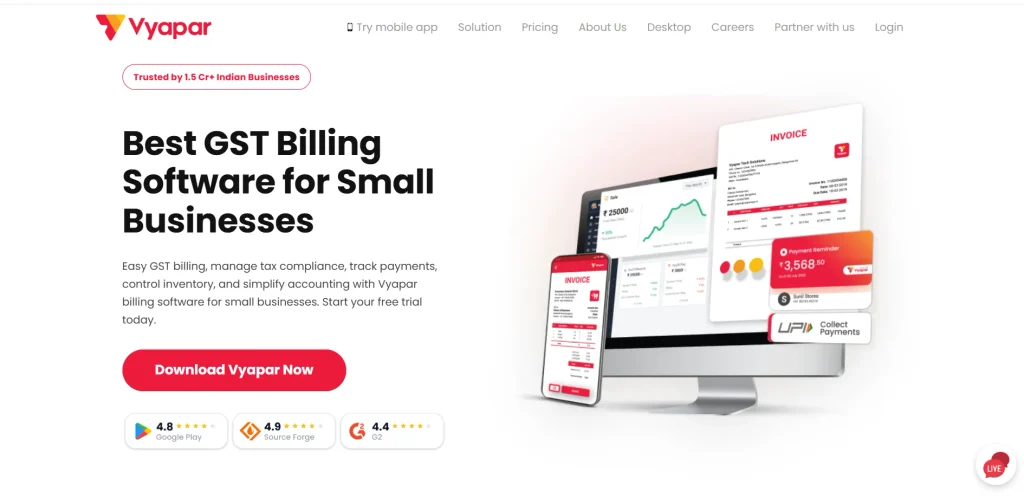
Best for: Kirana stores, grocery shops, and small retail businesses.
Vyapar is billing and accounting software designed for Indian small businesses. It helps shop owners create GST invoices, record sales and purchases, track expenses, and maintain product information. Its mobile and desktop options make it convenient for retailers who want to manage their business records without relying entirely on handwritten registers.
The software also provides inventory tracking and business reports that help retailers understand stock availability and sales performance. Depending on the selected plan and setup, users can access additional capabilities such as barcode-related features, payment reminders, and multi-device workflows.
Key Features
- GST billing and customised invoices.
- Sales, purchase, and expense management.
- Inventory tracking and low-stock alerts.
- Payment reminders and customer records.
- Business reports and barcode-related features, depending on the plan.
Pros
- Offers a free entry-level option.
- Designed for common Indian small-business requirements.
- Combines billing, inventory, and basic accounting.
- Suitable for retailers who are moving away from manual bookkeeping.
Cons
- Some advanced features require a paid plan.
- Larger retailers may need more specialised multi-store controls.
- Retailers should verify compatibility with their preferred billing hardware.
Pricing
- Vyapar offers a free option alongside paid plans. Paid pricing depends on the edition, device requirements, and billing period.
Who Should Use It?
- Vyapar is a good option for kirana stores, stationery shops, small garment outlets, and general stores that need affordable billing and basic inventory management. It is especially useful for shop owners who want to organise daily sales and payments without adopting a complicated enterprise system.
2. myBillBook
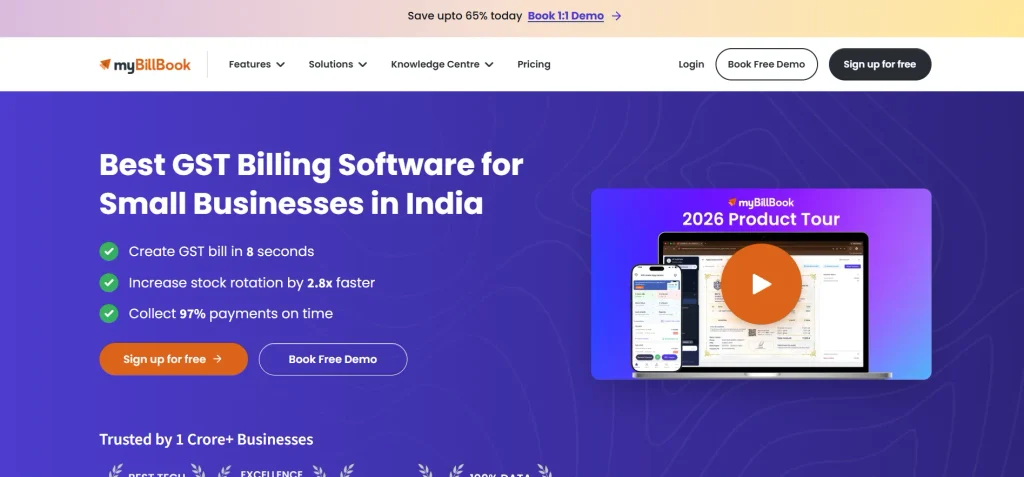
Best for: Small retailers looking for easy billing and inventory management.
myBillBook is a billing software for retail shops that helps retailers create invoices, record purchases, maintain stock information, and organise business transactions. It offers mobile and other supported device options, allowing shop owners to access billing and inventory information according to their plan.
The software is useful for businesses that want to begin with basic invoicing and add more capabilities as their needs grow. Depending on the package, retailers may be able to use barcode features, desktop billing, godown management, and other advanced business tools.
Key Features
- GST invoices and custom billing formats.
- Product, stock, and purchase management.
- Barcode generation and scanning on supported setups.
- Sales reports and payment tracking.
- Additional inventory and billing capabilities on eligible plans.
Pros
- Simple billing workflow for small businesses.
- Supports digital management of sales and purchases.
- Offers plans for different business requirements.
- Helps reduce repetitive manual entry.
Cons
- Some advanced features require upgrading.
- Retailers should check the limits on users and devices.
- Total cost may increase when additional capabilities are required.
Pricing
- myBillBook offers free signup and paid plans. Subscription costs depend on the selected package, billing period, and current promotional offers.
Who Should Use It?
- myBillBook is suitable for grocery stores, clothing shops, footwear outlets, and small electronics retailers that need straightforward GST billing with stock management. It is also worth considering if you want to introduce barcode-based billing as your shop grows.
3. Zoho POS
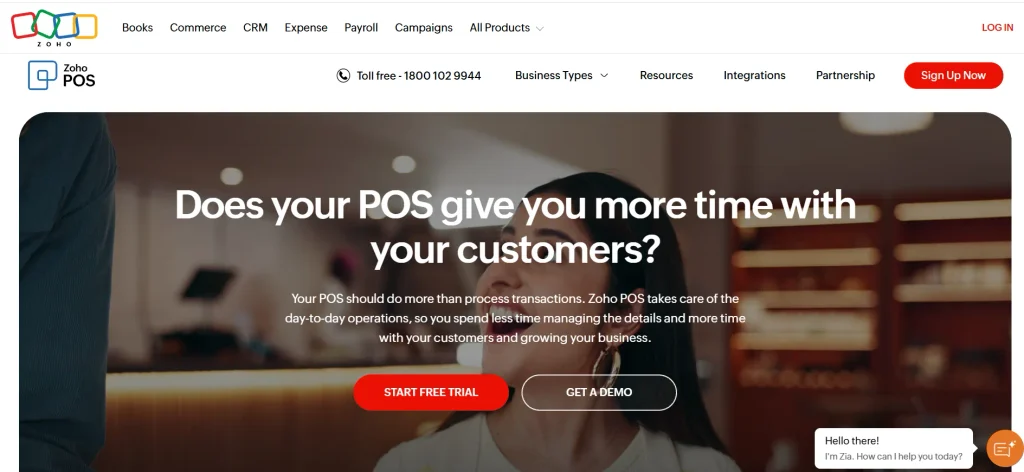
Best for: Growing retail businesses and shops that need structured POS billing.
Zoho POS is a point-of-sale solution that helps retailers manage transactions, products, customers, and inventory through a connected system. It supports retail billing workflows, including barcode scanning and compatible printing devices. Retailers can also use it to record returns, exchanges, and other customer transactions.
The software is particularly useful for businesses that want to organise their operations across multiple users or locations. Depending on the plan, retailers can access advanced inventory controls, reports, integrations, and additional registers. Its wider business software ecosystem can also be helpful for companies that already use other Zoho products.
Key Features
- POS billing and barcode scanning.
- Product and inventory management.
- Customer records and transaction history.
- Returns, exchanges, and sales reports.
- Multi-location features and integrations on eligible plans.
Pros
- Offers a free plan with usage limits.
- Supports structured retail checkout workflows.
- Provides paid plans for growing businesses.
- Integrates with selected business applications.
Cons
- Advanced features may require a paid subscription.
- Initial configuration can take time.
- Retailers should check hardware compatibility and plan limits.
Pricing
- Zoho POS offers a free plan. Its published Indian pricing includes Standard at ₹649 per location per month, Professional at ₹1,299 per location per month, and Premium at ₹2,099 per location per month when billed annually. Confirm current prices and plan inclusions before subscribing.
Who Should Use It?
- Zoho POS is worth considering for fashion stores, lifestyle retailers, speciality shops, and businesses planning to expand. It is particularly useful when a retailer needs more than invoice generation and wants a connected system for sales, stock, and store operations.
4. TallyPrime
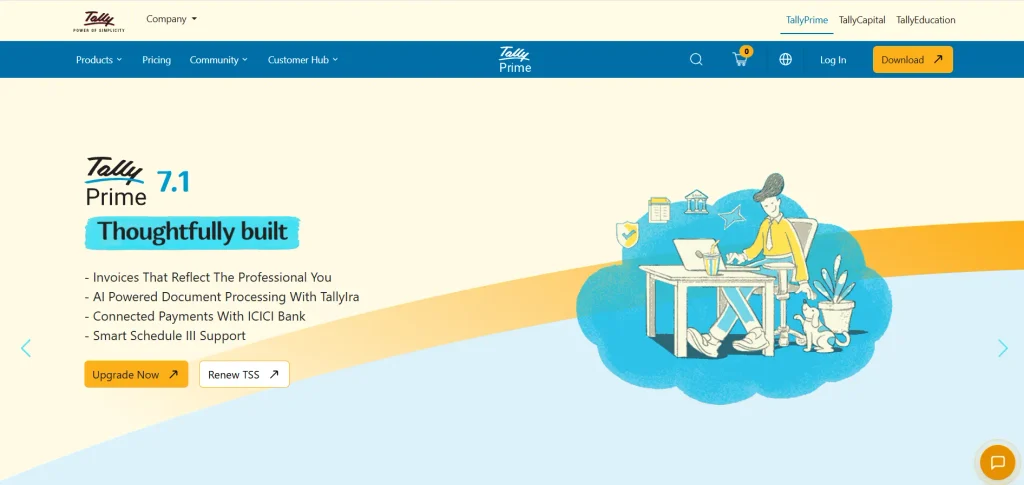
Best for: Retailers who need detailed accounting, GST billing, and inventory records.
TallyPrime is business management software that combines invoicing, accounting, inventory management, and financial reporting. It is a practical choice for retailers who want their billing activities connected to their accounting records instead of maintaining separate systems for sales and finances.
Shop owners can record purchases, track customer balances, manage stock, and prepare financial reports. Its accounting capabilities are particularly useful for businesses that work closely with accountants or have more detailed reporting requirements.
Key Features
- GST billing and accounting.
- Sales, purchase, and payment records.
- Inventory management and stock reports.
- Financial statements and cash-flow reports.
- E-invoicing and e-way bill workflows, where applicable.
Pros
- Strong accounting and financial reporting capabilities.
- Combines inventory with business accounts.
- Offers subscription and lifetime licensing options.
- Suitable for retailers with more complex financial records.
Cons
- May require training for first-time users.
- Setup can be more involved than a basic mobile billing app.
- Cloud access may involve additional costs or configuration.
Pricing
- TallyPrime Silver starts at ₹750 per month plus GST for the monthly rental option. A lifetime Silver licence is listed at ₹22,500 plus GST. Gold plans are available for businesses that need multi-user access, at a higher price.
Who Should Use It?
- TallyPrime is suitable for established retail shops, wholesalers with retail counters, and businesses that need detailed accounting alongside billing. It is a strong option when financial reporting and organised GST records are priorities.
5. Marg ERP
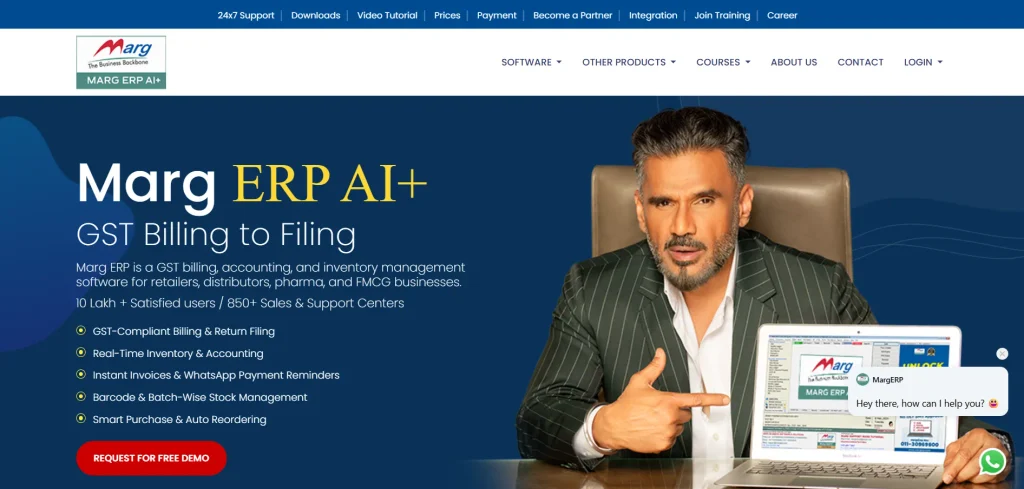
Best for: Pharmacies, FMCG retailers, and businesses with extensive inventory.
Marg ERP combines billing, inventory management, accounting, and business reporting. It is particularly relevant for retailers looking for reliable billing software for retail shops that manage a large number of products, purchase stock frequently, or need specialised controls for product batches and expiry dates.
The software helps retailers record sales and purchases, monitor stock levels, and manage supplier and customer transactions. Its different editions support varying business requirements, so retailers can evaluate a suitable setup based on their inventory complexity and operational needs.
Key Features
- GST billing and accounting.
- Purchase and sales management.
- Stock tracking and reorder management.
- Batch and expiry-related controls in supported configurations.
- Customer credit and supplier records.
- Multi-location or multi-company features, depending on the edition.
Pros
- Designed for inventory-intensive businesses.
- Useful for specialised retail categories such as pharmaceuticals.
- Offers multiple editions for different requirements.
- Connects billing with stock and purchase records.
Cons
- May be more complex than basic billing applications.
- Setup and training requirements can vary.
- Additional services and configurations may increase the cost.
Pricing
- Marg ERP offers multiple editions with different prices and features. The final cost can depend on the selected edition, number of users, support, and additional services. Request the current quotation directly from the provider.
Who Should Use It?
- Marg ERP is worth considering for medical stores, FMCG retailers, and shops with extensive product catalogues. Retailers should confirm that the selected edition supports their required stock controls, barcode devices, and reporting workflows.
Also read:
6. BUSY
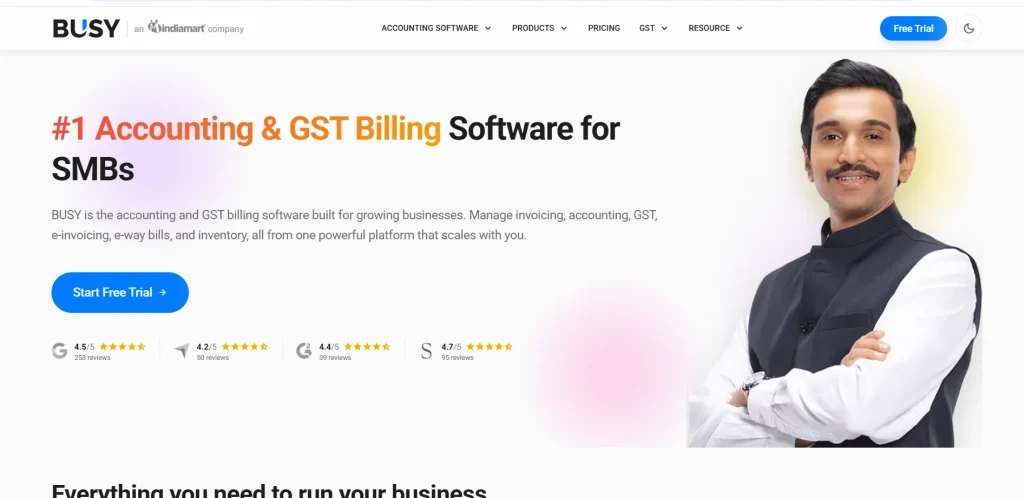
Best for: Retailers and traders who need billing connected to accounting.
BUSY is accounting and inventory software that supports GST billing, financial records, and stock management. It is suitable for retailers that also handle wholesale transactions, supplier purchases, customer credit, or multiple inventory locations.
The software helps shop owners maintain sales and purchase records while monitoring inventory and financial transactions. Higher editions provide additional capabilities for businesses that need more detailed inventory controls, user management, or branch-level reporting.
Key Features
- GST invoicing and accounting.
- Sales, purchase, and payment records.
- Inventory tracking and godown management.
- GST reports and applicable e-invoice workflows.
- Advanced reports and multi-branch capabilities in eligible editions.
Pros
- Connects billing, inventory, and accounting.
- Suitable for businesses with detailed trading operations.
- Offers different editions for different business sizes.
- Helps organise financial and stock records.
Cons
- Advanced capabilities may require higher editions.
- Some users may need training during setup.
- Retailers should test the checkout workflow before committing.
Pricing
- BUSY offers a free Express edition and paid licensing options. The final price depends on the edition, licensing model, and user requirements.
Who Should Use It?
- BUSY is a suitable option for retailers that need billing alongside detailed financial and inventory records. It is particularly relevant for businesses that combine counter sales with supplier purchases, credit transactions, or wholesale activity.
7. GOFRUGAL
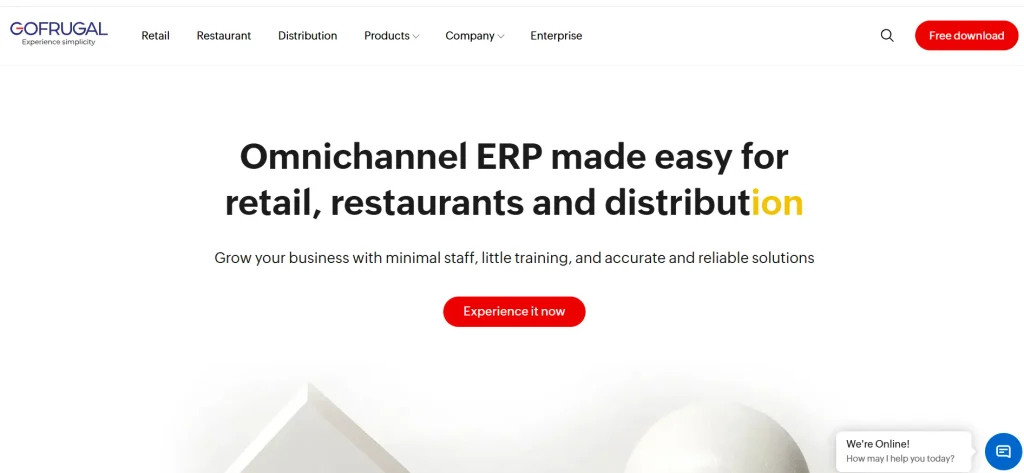
Best for: Supermarkets, grocery chains, and high-volume retail stores.
GOFRUGAL provides retail POS and business management solutions for shops that need organised billing and inventory workflows. It is designed for a range of retail operations, from individual counters to more complex store setups.
Depending on the product and configuration, retailers can manage checkout, product information, stock movement, and sales reports. More advanced packages can support multi-store operations and wider business workflows. Retailers should compare the exact package with their requirements because a small shop may not need all the capabilities of a larger retail management system.
Key Features
- Retail POS and counter billing.
- Product and inventory management.
- Barcode-based checkout workflows.
- Sales and inventory reporting.
- Options for multi-store operations and advanced retail management.
Pros
- Designed specifically for retail operations.
- Can support high-volume checkout requirements.
- Suitable for businesses with multiple counters or outlets.
- Provides more specialised retail workflows than basic invoicing tools.
Cons
- Initial setup may take time.
- Pricing depends on the selected package and configuration.
- Staff training may be required for advanced features.
Pricing
- GOFRUGAL offers different retail products and configurations. Pricing is generally based on business requirements, so retailers should request a quotation that includes software, implementation, support, and any additional services.
Who Should Use It?
- GOFRUGAL is worth evaluating for supermarkets, grocery chains, and retailers with multiple billing counters. Small shops should compare its total cost with simpler tools before choosing a more advanced system.
8. Swipe
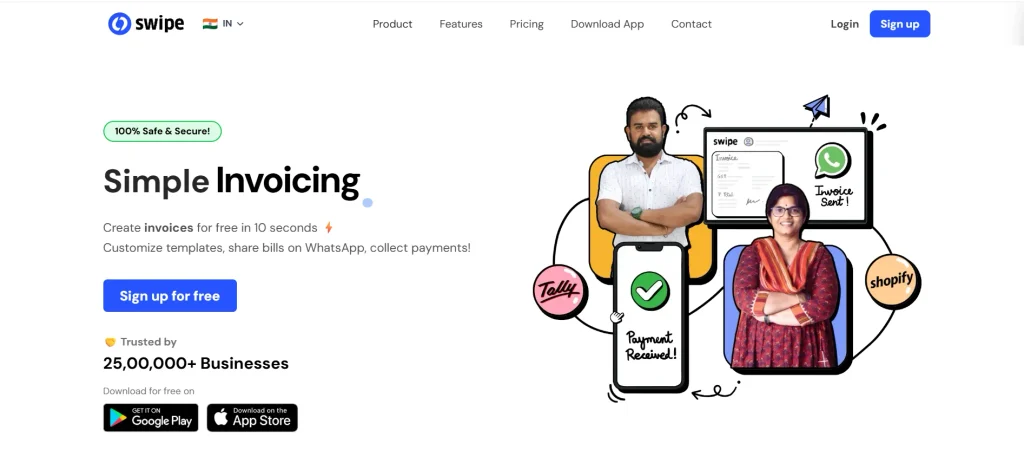
Best for: Small businesses looking for straightforward invoicing and billing.
Swipe is a billing software for retail shops that want to create digital invoices and organise customer transactions. For a small shop, a straightforward application may be enough to replace handwritten bills and maintain better records of sales.
However, retailers should distinguish between invoicing software and a full retail POS system. Before choosing Swipe for daily counter billing, check whether the current plan supports inventory updates, barcode scanning, offline billing, receipt printers, and the specific GST workflows required by your business.
Key Features
- Digital invoice creation.
- Customer and transaction records.
- GST-related billing features, where supported.
- Business reports and payment tracking, depending on the plan.
- Additional capabilities based on current product availability.
Pros
- Can simplify routine invoice preparation.
- May suit small businesses with straightforward billing needs.
- Helps maintain digital transaction records.
Cons
- Advanced retail inventory and POS capabilities need verification.
- Hardware compatibility may vary.
- Retailers should confirm current plan details before purchasing.
Pricing
- Pricing and available plans may change. Check the provider’s official website for current subscription options and confirm whether your required retail features are included.
Who Should Use It?
- Swipe is worth evaluating for retailers that mainly need digital billing. If your shop handles a large catalogue or needs barcode-based checkout and detailed stock controls, compare it with dedicated retail POS solutions before deciding.
9. GimBooks
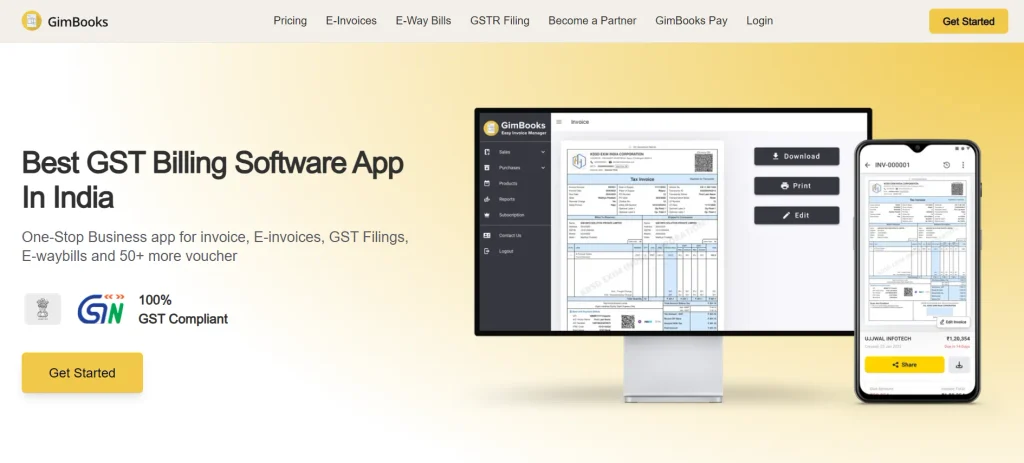
Best for: Small businesses that need simple billing and business records.
GimBooks is a business billing and accounting tool that retailers can evaluate for managing invoices and everyday financial records. A straightforward billing application can help shop owners maintain organised transaction histories and reduce the time spent preparing bills manually.
Its suitability for retail depends on the current plan and the features required by the store. Retailers should verify its inventory management, barcode support, purchase records, customer credit tracking, and hardware compatibility before treating it as a complete point-of-sale solution.
Key Features
- Digital billing and invoice creation.
- Business transaction records.
- Accounting and reporting capabilities, depending on the plan.
- Customer and payment information.
- Additional inventory functions where available.
Pros
- Can help digitise basic billing activities.
- Useful for maintaining organised business records.
- Worth comparing for small-business requirements.
Cons
- Advanced retail POS features should be verified.
- Some features may depend on the selected plan.
- Retailers with multiple counters may need a more specialised system.
Pricing
- Check the provider’s current website for available plans, included features, and subscription costs. Confirm whether GST billing and the inventory features required by your shop are included.
Who Should Use It?
- GimBooks may suit independent retailers looking for a simple billing and business-record system. For a busy store, test the software using actual products and transactions before relying on it for everyday checkout.
10. Ginesys
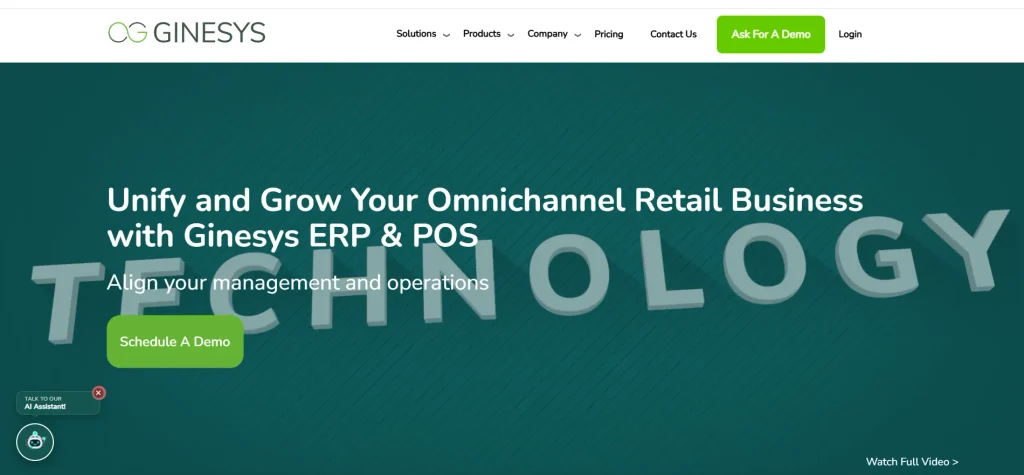
Best for: Fashion, lifestyle, and organised retail chains.
Ginesys provides retail technology solutions for businesses that need to manage sales, inventory, and store operations at a larger scale. It is particularly relevant for fashion and lifestyle retailers that deal with product variants, multiple outlets, and centralised stock management.
Compared with basic billing applications, a retail management system can connect store-level transactions with broader business operations. The exact features depend on the chosen solution and configuration, so retailers should review its POS, inventory, reporting, and integration capabilities during a demonstration.
Key Features
- Retail POS and store billing workflows.
- Inventory and product management.
- Support for product variants such as size and colour in relevant retail setups.
- Sales reporting and centralised operational visibility.
- Multi-store retail management and integrations, depending on configuration.
Pros
- Designed for organised retail operations.
- Suitable for businesses managing several outlets.
- Supports more complex product and inventory workflows.
- Can help connect store transactions with broader retail processes.
Cons
- May be too advanced for a small single-counter shop.
- Pricing and implementation depend on business requirements.
- Setup and staff training may require additional planning.
Pricing
- Ginesys offers solutions tailored to retail business requirements. Contact the provider for a quotation covering software, implementation, integrations, training, and support.
Who Should Use It?
- Ginesys is worth considering for established fashion, apparel, footwear, and lifestyle retailers that need centralised control across several stores. Small independent retailers may find a simpler billing application more economical.
Important Features To Look For In Billing Software For Retail Shops
The right software should fit the way your shop operates. Before comparing subscription prices, identify the tasks you want to simplify and the features that are essential for your business.
1. GST Billing and Invoice Management
Retail billing software should generate accurate invoices with the appropriate tax details and support the requirements applicable to your business. Look for options to manage product tax rates, discounts, returns, customer information, and invoice formats.
If your business requires e-invoicing or e-way bills, verify that the selected plan supports the relevant workflows. Not every retailer has the same compliance requirements, so confirm the details with your accountant where necessary.
2. Inventory and Stock Management
Inventory management helps retailers record incoming stock, monitor available quantities, and identify products that need replenishment. A good system should make it easier to record purchases and sales without updating several registers manually.
Retailers selling a large number of products should also look for low-stock alerts, stock adjustment records, and product variants. Pharmacies and other specialised retailers may require batch or expiry-date management.
3. Barcode Scanning and POS Billing
Barcode scanning allows staff to add products to a bill quickly without searching for each item manually. It is particularly useful for grocery stores, supermarkets, clothing shops, and outlets with extensive product catalogues.
A POS system may also support receipt printing, discounts, returns, exchanges, and different payment methods. Before purchasing hardware, confirm that the software works with your barcode scanner, printer, computer, or mobile device. Retailers can also use QR Code Generators to create QR codes for digital payments, product information, and promotional offers, making the checkout experience more convenient for customers.
4. Sales Reports and Profit Tracking
Sales reports help shop owners understand which products sell well and how revenue changes over time. Useful reports include daily sales, product-wise sales, purchase summaries, stock valuation, outstanding payments, and expenses.
If you want to track profit, make sure the software records purchase costs, discounts, returns, and other relevant expenses correctly. The quality of the reports depends on how accurately your business data is maintained.
5. Customer Credit and Supplier Management
Many neighbourhood shops allow regular customers to purchase on credit and work with several suppliers. Billing software helps track customer balances, supplier bills, and payment history. Retailers can also use customer engagement tools to share offers and encourage repeat purchases.
If credit sales are common in your business, prioritise ledger management and payment tracking rather than selecting software based only on how quickly it creates invoices.
6. Cloud Access, Backups, and Data Security
Cloud-based billing software can help authorised users access business information across supported devices. Backups can also reduce the risk of losing records when a device fails.
However, cloud access and offline functionality are not the same. If your shop has an unreliable internet connection, check whether billing can continue offline and how the system synchronises transactions later. Review user permissions, data export options, and backup policies before adopting a platform.
How To Choose The Best Billing Software For Your Retail Shop
- Identify your business requirements: A small kirana shop may need GST billing, basic inventory tracking, and customer payment records. Supermarkets may require barcode scanning, multiple billing counters, and centralised stock management.
- Choose software based on your retail business type: Vyapar and myBillBook are worth considering for small retailers. Zoho POS and GOFRUGAL may suit businesses needing dedicated POS features, while TallyPrime and BUSY are useful for accounting-focused businesses. Marg ERP is worth evaluating for inventory-heavy retail shops.
- Compare the total cost: Consider subscription or licence fees, GST, additional users, hardware, installation, training, cloud access, and support. A free plan may be sufficient for basic billing but might not include advanced inventory or reporting features.
- Check essential features: Look for GST billing, inventory management, barcode scanning, sales reports, customer credit tracking, and supplier management based on your requirements.
- Test the software before purchasing: Create a sample bill, record a purchase, process a sale and return, and check whether inventory and sales reports update correctly.
- Check hardware compatibility: If your shop uses barcode scanners, receipt printers, or billing computers, confirm that the software supports your existing devices.
- Consider future business growth: If you plan to add more employees, billing counters, or retail outlets, choose software that can support these requirements without requiring a complete system change.
Benefits Of Using Retail Billing Software
Retail billing software can make everyday shop management more organised by bringing sales, stock, purchases, and payment records into a digital system.
- Faster billing: Saved product details and barcode scanning can reduce the time required to prepare customer bills.
- Better inventory control: Automatic stock updates and low-stock alerts help retailers identify replenishment needs.
- More organised accounts: Digital sales and purchase records make it easier to review transactions and share information with an accountant.
- Improved payment tracking: Customer balances and supplier dues can be monitored without depending entirely on handwritten registers.
- Clearer business reports: Sales and inventory reports help owners understand product performance and purchasing patterns.
- Fewer manual calculation errors: Automated calculations reduce repetitive work, although users must still maintain accurate product and tax information.
The results depend on how consistently the software is used and how accurately transactions are recorded.
How Much Does Billing Software For A Retail Shop Cost?
The cost of retail billing software depends on the features, number of users, billing devices, and type of licence you choose. Some applications offer free entry-level plans, while paid subscriptions provide additional capabilities such as advanced inventory management, barcode billing, multiple users, and detailed reports.
For example, Vyapar and myBillBook offer entry-level options alongside paid plans. Zoho POS provides a free plan and paid subscriptions, while TallyPrime offers monthly, annual, and lifetime licensing options. Solutions such as GOFRUGAL, Marg ERP, and Ginesys may require a package-specific quotation based on your business setup.
When comparing prices, check whether GST is included and whether a quoted monthly rate requires annual billing. Also consider hardware, installation, training, support, and renewal costs. A slightly more expensive plan may offer better value if it includes the features your shop uses every day.
Conclusion
The best billing software for retail shops is one that makes billing faster, keeps stock records accurate, and helps owners understand daily business performance. Small retailers can start by comparing Vyapar and myBillBook, while shops that need structured POS operations can evaluate Zoho POS and GOFRUGAL. TallyPrime and BUSY are worth considering for accounting-focused businesses, while Marg ERP and Ginesys cater to retailers with more specialised inventory and operational requirements.
Before making a final decision, compare the features you will actually use, test the software with real transactions, and calculate the total cost. Choosing a system that fits your products, transaction volume, and working process will be more valuable than selecting one simply because it has the longest feature list.
Frequently Asked Questions
1. Which Is The Best Billing Software For A Retail Shop In India?
The best choice depends on your shop’s requirements. Vyapar and myBillBook are worth considering for small retailers, Zoho POS for structured POS workflows, TallyPrime for accounting-focused businesses, and Marg ERP for inventory-heavy shops. Compare their features, costs, and hardware compatibility before deciding.
2. Is There Any Free Billing Software For Retail Shops?
Yes, some providers offer free entry-level plans or limited free access. Vyapar and Zoho POS are options to evaluate, while other providers may offer free signup or trial periods. Check the plan limits carefully, especially for GST billing, inventory management, users, and transaction volumes.
3. Can Retail Billing Software Generate GST Invoices?
Many retail billing applications support GST invoicing. However, the available tax features and compliance workflows differ by product and plan. Confirm that the software supports your business requirements and that the invoice settings are configured correctly.
4. Does Billing Software Automatically Update Stock?
Many retail billing systems reduce stock quantities when a sale is completed. Some also update inventory after purchase entries, returns, and stock adjustments. The exact behaviour depends on the software and its configuration.
5. What Is The Difference Between Billing Software And POS Software?
Billing software mainly focuses on creating invoices and recording sales. A POS system generally supports the wider checkout process, which can include barcode scanning, payment recording, receipt printing, returns, and inventory updates. Some products combine both sets of features.
