
Managing business finances is not just about recording sales and expenses. Small business owners also need to track cash flow, send invoices, manage taxes, reconcile bank transactions, and understand whether the business is making a profit. Businesses with more complex financial operations may also use treasury management software to monitor liquidity, manage cash positions, and oversee financial resources. When these tasks are handled manually, financial records can become difficult to maintain, especially as the number of customers and transactions grows.
The best small business accounting software helps bring these activities together in one place. Depending on the platform, it can automate bookkeeping, create invoices, track outstanding payments, prepare financial reports, and simplify tax-related tasks. Some tools are designed for freelancers and service providers, while others are better suited to retailers, growing companies, or businesses that manage inventory.
Choosing the right software depends on your business size, location, accounting requirements, budget, and existing workflow. In this guide, we compare 10 accounting software for small business options based on their features, advantages, limitations, pricing considerations, and ideal users. We also explain which features matter most when selecting software for a small business.
What Is Accounting Software For Small Business?
Accounting software for small business is a digital tool that helps businesses record, organize, and monitor their financial transactions. It can manage income, expenses, invoices, bills, payments, bank transactions, and financial reports through a centralized system. Instead of maintaining multiple spreadsheets or recording every transaction manually, business owners can use accounting software to keep their financial information organized and easier to review.
For example, a freelance consultant can use accounting software to create invoices, track client payments, and record business expenses. A retail shop can use it to monitor sales, purchase costs, and tax records, while a small manufacturing company may need more advanced inventory and cost tracking. The required features depend on how the business earns revenue, pays suppliers, and manages its finances.
Many accounting platforms also support bank reconciliation, recurring invoices, expense categorization, and collaboration with accountants. Some provide inventory management, payroll, project tracking, or customer relationship tools through built-in features or integrations. The goal is to reduce repetitive bookkeeping work and give business owners a clearer picture of their financial position.
Quick Comparison Table Of The Best Accounting Software For Small Business
| Software | Best For | Key Features | Pricing Model |
| Zoho Books | Small businesses and service providers | Invoicing, expenses, bank reconciliation, tax reporting | Free and paid plans, depending on region |
| QuickBooks Online | Growing small businesses | Bookkeeping, reporting, invoicing, integrations | Subscription based |
| Xero | Businesses working with accountants | Bank reconciliation, invoicing, financial reporting | Subscription based |
| TallyPrime | Indian businesses and accounting teams | GST accounting, inventory, financial reports | Licence or subscription options |
| FreshBooks | Freelancers and service businesses | Invoicing, expenses, time tracking, project billing | Subscription based |
| Wave | Freelancers and microbusinesses | Invoicing, bookkeeping, financial reports | Free and paid services, depending on region |
| Vyapar | Small Indian businesses and retailers | GST billing, inventory, expense tracking | Free and paid options |
| BUSY | Indian SMEs and trading businesses | GST accounting, inventory, reporting | Plan and licence based |
| Sage Accounting | Small businesses needing core bookkeeping | Invoicing, bank reconciliation, financial reporting | Subscription based |
| Odoo Accounting | Businesses wanting an integrated business system | Accounting, invoicing, expenses, connected business apps | Plan and deployment based |
Pricing, plan names, feature limits, and regional availability can change. Check each provider’s official pricing page before purchasing. Some products offer different features in India and other markets.
List Of 10 Best Small Business Accounting Software in 2026
1. Zoho Books
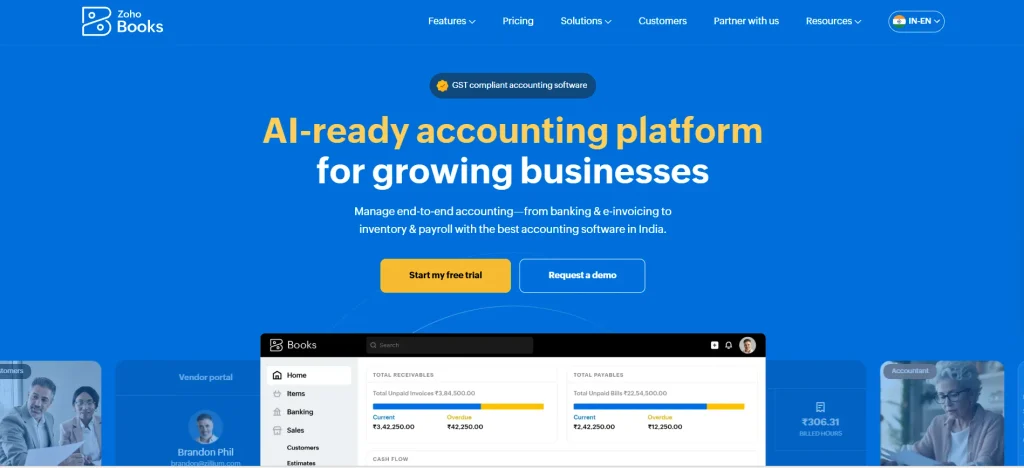
Best For: Small businesses, consultants, service providers, and companies already using Zoho applications.
Zoho Books is cloud-based accounting software that helps small businesses manage invoices, expenses, bills, banking transactions, and financial reports. It is particularly useful for businesses that want to organize their finances without installing and maintaining a traditional desktop accounting system. Users can access their records online and work with their accountants or team members, subject to the permissions available in their plan.
For Indian businesses, Zoho Books can support GST-related accounting workflows, including tax invoices and relevant tax reports. Its automation features can help with recurring invoices, payment reminders, expense categorization, and bank reconciliation. Businesses using other Zoho products may also benefit from connecting accounting with their existing sales, inventory, or customer management processes.
Key Features
- Invoice creation and payment tracking.
- Expense and bill management.
- Bank reconciliation and transaction matching.
- GST-related accounting and reporting for supported regions.
- Recurring invoices and payment reminders.
- Financial reports and integrations with other business applications.
Pros
- Offers a broad range of accounting features for small businesses.
- Supports cloud access and collaboration.
- Can reduce repetitive invoicing and bookkeeping work.
- Integrates with the wider Zoho ecosystem.
Cons
- Some advanced features depend on the selected plan.
- Businesses may need time to configure workflows and integrations.
- Users should verify that their required bank and payment integrations are supported.
Pricing
- Zoho Books offers free and paid plans in selected markets.
- Pricing and included features depend on the country, subscription, and business requirements.
- Check the official pricing page for current Indian plans and GST-related capabilities.
Who Should Use It
- Small businesses, consultants, agencies, and service providers that need cloud accounting, invoicing, expense tracking, and tax-related records in one system.
2. QuickBooks Online
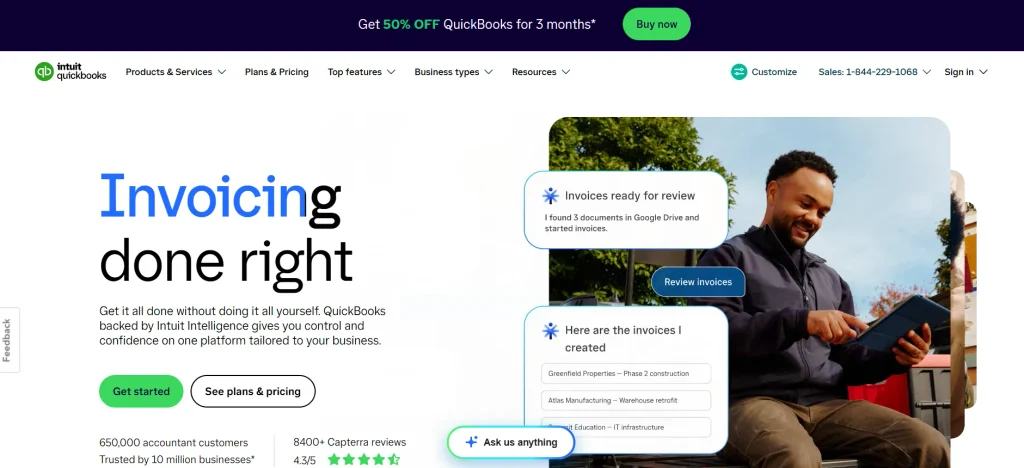
Best For: Growing small businesses that need accounting automation and third-party integrations.
QuickBooks Online is accounting software designed to help businesses manage their financial records through a cloud-based platform. It supports common accounting activities such as invoicing, expense tracking, transaction categorization, bank reconciliation, and financial reporting. Businesses can use these features to understand incoming payments, monitor spending, and prepare information for their accountants.
One of QuickBooks Online’s main strengths is its ecosystem of integrations and reporting tools. It can be useful for businesses looking for small business accounting software that connects accounting with supported payment services, commerce platforms, or other business applications. However, availability varies by country, and businesses operating in India should check local support, tax functionality, and subscription eligibility before selecting it.
Key Features
- Income and expense tracking.
- Invoice creation and payment monitoring.
- Bank transaction imports and reconciliation.
- Profit and loss statements and balance sheets.
- Supported integrations with business applications.
- Accountant access and collaboration tools.
Pros
- Provides a wide range of accounting and reporting features.
- Useful for businesses with growing transaction volumes.
- Offers integrations that can reduce manual data entry.
- Supports collaboration with accountants.
Cons
- Advanced features may require higher-tier plans.
- Subscription costs can increase as business requirements grow.
- Country-specific tax features and availability must be checked.
Pricing
- QuickBooks Online uses subscription-based pricing, with plan costs and features varying by market.
- Check the official regional website for current prices, trial availability, and included features.
Who Should Use It
- Small businesses that need accounting automation, financial reporting, and connections with other business applications, particularly in markets where QuickBooks is supported.
3. Xero
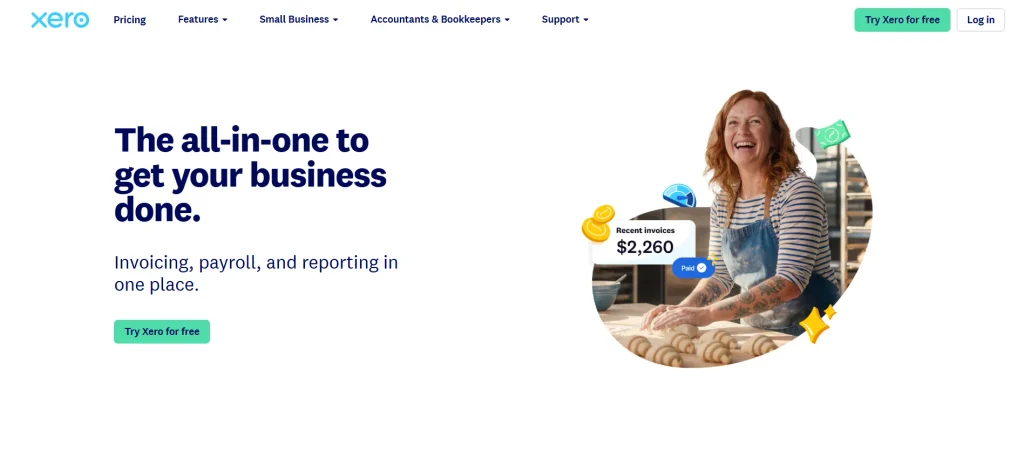
Best For: Small businesses that want cloud accounting and collaboration with accountants.
Xero is cloud accounting software that helps small businesses track financial transactions, manage invoices, reconcile bank activity, and review business performance. It is designed to keep financial information accessible to business owners and accounting professionals, making it easier to review records without exchanging multiple spreadsheets or files.
Xero can be particularly useful for businesses that rely on connected applications for payroll, payments, inventory, or customer management. Its reporting and reconciliation tools help users monitor income and expenses while keeping their books organized. However, features, supported banks, tax functionality, and subscription options vary by country, so businesses should confirm regional suitability before making a decision.
Key Features
- Online invoicing and payment tracking.
- Bank feeds and reconciliation tools.
- Expense management and transaction records.
- Financial statements and business reports.
- Accountant collaboration and access permissions.
- Integrations with supported third-party applications.
Pros
- Provides cloud access to financial records.
- Helps streamline routine bookkeeping tasks.
- Supports collaboration with accountants.
- Offers integrations for businesses with connected workflows.
Cons
- Some features are limited by subscription tier.
- Businesses may need additional applications for specialized operations.
- Regional tax support and bank connectivity should be checked before purchase.
Pricing
- Xero offers paid subscription plans, with pricing and features depending on the market.
- Review the current regional pricing page to compare invoice limits, bank reconciliation, and other plan-specific features.
Who Should Use It
- Small businesses and professional service firms that want cloud accounting and regular collaboration with an accountant.
4. TallyPrime
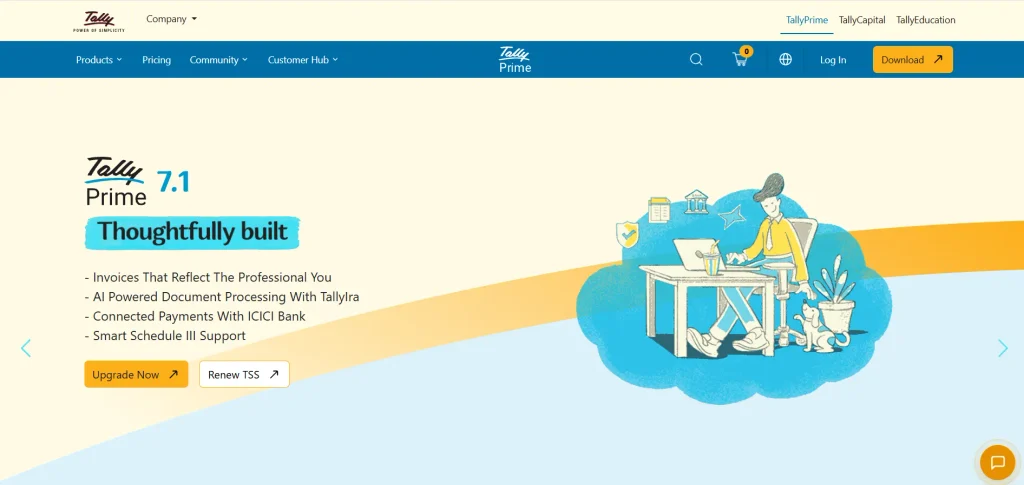
Best For: Indian businesses, traders, distributors, and accounting teams that need GST and inventory support.
TallyPrime is business management and accounting software widely used by Indian businesses. It helps organizations record vouchers, manage ledgers, track receivables and payables, maintain inventory, and generate financial reports. It is particularly relevant to businesses that need accounting and stock information connected within the same system.
The software supports GST-related accounting workflows and reporting for Indian businesses. Depending on the configuration and licence, businesses can also use it to manage multiple locations, handle purchase and sales records, and maintain detailed financial information. TallyPrime can be a strong fit for businesses that prefer a traditional accounting interface, although users may need training to make full use of its functions.
Key Features
- Ledger, voucher, and transaction management.
- GST accounting and supported tax reports.
- Inventory and stock management.
- Receivables, payables, and cash flow tracking.
- Financial statements and business reports.
- Multi-user and remote-access capabilities, depending on the setup.
Pros
- Well suited to many Indian accounting workflows.
- Combines accounting with inventory-related features.
- Supports detailed transaction records and financial reporting.
- Can handle more complex accounting requirements than basic invoicing tools.
Cons
- The interface may take time for new users to learn.
- Setup and configuration may require assistance.
- Remote access and additional capabilities may involve specific licence or service requirements.
Pricing
- TallyPrime offers licence and subscription-related options, depending on the edition and usage requirements.
- Check the official pricing information for current plans, GST features, and multi-user requirements.
Who Should Use It
- Indian retailers, wholesalers, distributors, and small to medium-sized businesses that need accounting, inventory management, and GST-related workflows.
Suggested read:
5. FreshBooks

Best For: Freelancers, consultants, agencies, and service-based businesses.
FreshBooks is accounting software designed for businesses that bill clients for services, projects, or time spent working. It helps users create professional invoices, record expenses, track billable hours, and monitor payments. These features make it a useful option for businesses looking for small business accounting software that simplifies billing and financial management, particularly when the time spent on a project directly affects how much a client should be charged.
FreshBooks also supports project-related workflows, making it easier to organize client work and connect it with billing. Freelancers and small agencies can use it to reduce manual invoice preparation and keep track of outstanding payments. Businesses that need complex inventory management or country-specific tax reporting should check whether FreshBooks meets those requirements or needs to be connected to another tool.
Key Features
- Customizable invoices and recurring billing.
- Expense tracking and receipt management.
- Time tracking and billable-hour records.
- Project and client management.
- Payment reminders and financial reports.
- Accountant collaboration and supported integrations.
Pros
- Easy to evaluate for service-based billing workflows.
- Connects time tracking with client invoicing.
- Helps organize expenses and outstanding payments.
- Offers tools suited to freelancers and small agencies.
Cons
- Not primarily designed for complex inventory management.
- Some features depend on the selected plan.
- Businesses should verify local tax and payment support.
Pricing
- FreshBooks offers paid subscription plans, with pricing based on the selected package and current promotions.
- Check its official pricing page for invoice limits, team-member access, and included features.
Who Should Use It
- Freelancers, consultants, designers, marketing agencies, and service providers who need invoicing, expense tracking, and project billing.
6. Wave
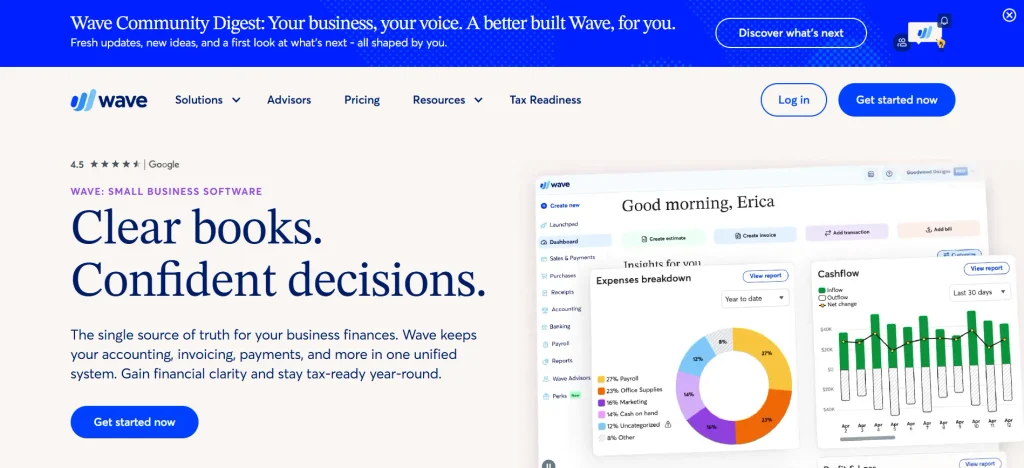
Best For: Freelancers, independent professionals, and microbusinesses seeking simple financial management.
Wave provides accounting and invoicing tools aimed at small businesses that want to manage their finances without adopting a complicated enterprise system. Its core capabilities can help users record income and expenses, prepare invoices, and review basic financial reports. This makes it relevant to independent professionals and small service businesses with relatively straightforward accounting needs.
Wave’s appeal is its accessible entry point for basic bookkeeping in supported markets. However, free access to accounting functions does not necessarily mean that every service is free. Payment processing, payroll, additional services, and regional availability can affect the overall cost. Businesses outside Wave’s supported markets should verify eligibility before relying on it for day-to-day accounting.
Key Features
- Basic income and expense tracking.
- Invoice creation and payment status monitoring.
- Financial reports for business performance.
- Receipt and transaction management, where supported.
- Online payment options in eligible markets.
- Additional services through paid plans or add-ons.
Pros
- Suitable for straightforward bookkeeping needs.
- Helps freelancers manage invoices and expenses.
- Can provide a low-cost starting point in supported markets.
- Offers basic financial reports without requiring a complex setup.
Cons
- Availability and services differ by country.
- Payment processing and additional services may incur charges.
- May lack the advanced inventory and reporting tools needed by growing businesses.
Pricing:
- Wave offers free accounting access in supported markets, alongside paid services and payment-processing fees.
- Check the official website for current regional availability and the costs of any additional services you need.
Who Should Use It:
- Freelancers and microbusinesses in supported regions that need basic invoicing and bookkeeping without extensive inventory or operational requirements.
7. Vyapar
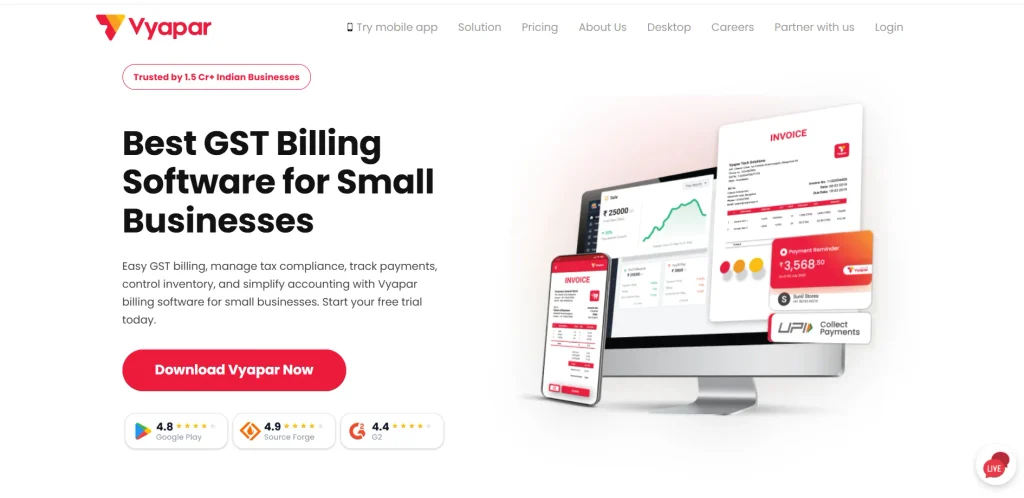
Best For: Small Indian businesses, retailers, wholesalers, and traders.
Vyapar is business accounting and billing software designed with Indian small businesses in mind. It helps users create bills, record purchases, track expenses, manage stock, and maintain customer and supplier records. For businesses that handle frequent sales and purchases, combining billing with inventory tracking can make daily operations easier to manage.
The software is relevant to shop owners who need GST billing and practical business reports without adopting a more complex accounting platform. Depending on the version and plan, it can also support payment tracking, outstanding balances, and data access across supported devices. Businesses should compare the available desktop and mobile features and check which capabilities require a paid plan.
Key Features
- GST and non-GST billing options.
- Purchase, sales, and expense records.
- Inventory and stock tracking.
- Customer and supplier management.
- Payment tracking and outstanding balances.
- Business reports and supported backup options.
Pros
- Designed around common Indian small-business requirements.
- Combines billing, inventory, and basic accounting functions.
- Can suit retailers and traders with frequent transactions.
- Offers entry-level options for businesses with basic needs.
Cons
- Advanced functionality may require a paid version.
- Complex accounting requirements may need a more specialized system.
- Businesses should confirm backup, synchronization, and multi-user capabilities for their setup.
Pricing:
- Vyapar offers free and paid options, with features varying by version and plan.
- Check its official pricing details for current desktop and mobile packages, premium features, and any applicable charges.
Who Should Use It:
- Kirana stores, small retailers, wholesalers, distributors, and other Indian businesses that need billing, inventory tracking, and basic accounting.
8. BUSY
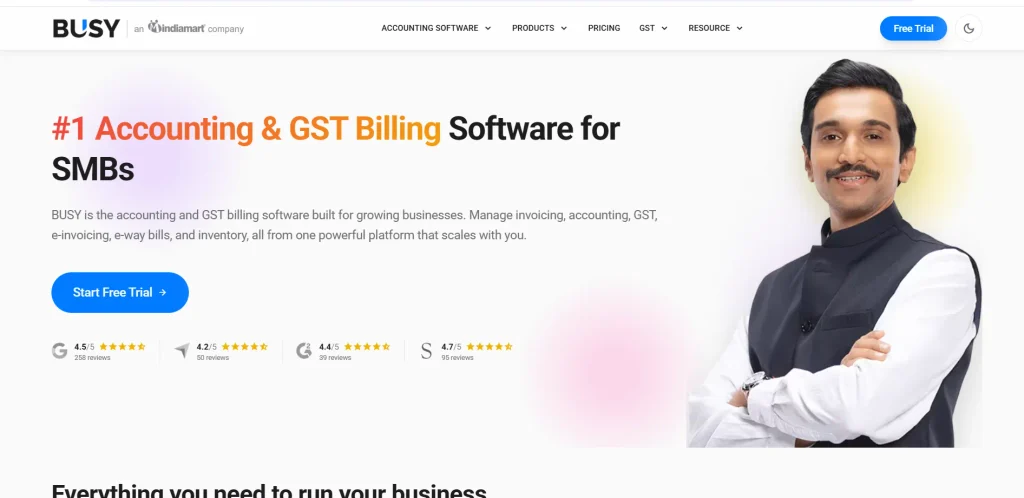
Best For: Indian small and medium-sized businesses, wholesalers, and inventory-driven companies.
BUSY is accounting and business management software that supports financial accounting, GST-related workflows, inventory management, and business reporting. It can be useful for trading and distribution businesses looking for small business accounting software that connects purchase and sales transactions with stock records and financial accounts. Businesses can use it to maintain ledgers, monitor outstanding payments, and prepare relevant accounting reports.
Its range of accounting and inventory capabilities makes BUSY worth evaluating when basic invoicing software no longer meets a business’s requirements. The best configuration depends on the number of users, inventory complexity, reporting needs, and whether the business requires remote access or additional integrations. Before choosing it, businesses should confirm which functions are included in their preferred edition.
Key Features
- Financial accounting and ledger management.
- GST billing and related reporting.
- Inventory, purchase, and sales management.
- Receivables and payables tracking.
- Financial and stock reports.
- Multi-user and additional business features, depending on the edition.
Pros
- Designed for Indian accounting and tax workflows.
- Useful for trading and inventory-intensive businesses.
- Connects accounting records with stock transactions.
- Offers more detailed business management features than basic billing tools.
Cons
- Users may need training to configure advanced features.
- Pricing depends on the edition and licence requirements.
- Businesses should verify compatibility with existing systems and workflows.
Pricing:
- BUSY offers different editions and licence options.
- Contact the provider or check its official pricing information for current rates, included features, user limits, and support options.
Who Should Use It:
- Indian SMEs, wholesalers, distributors, and businesses that need accounting software with GST and inventory management.
9. Sage Accounting
Best For: Small businesses that need straightforward cloud bookkeeping and financial reporting.
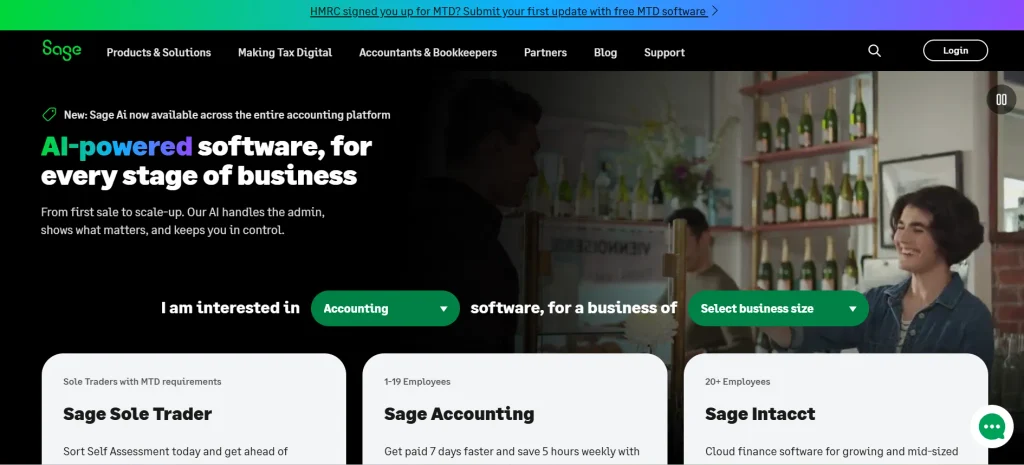
Sage Accounting provides tools for managing invoices, recording expenses, tracking transactions, and reviewing financial reports. It is intended to help small businesses keep their accounts organized and understand their financial position without maintaining every record manually. Cloud access, where supported, can also help business owners and accounting professionals review records from different locations.
Sage is worth considering for businesses that want a dedicated accounting system with a clear focus on bookkeeping and reporting. However, Sage products and features vary by country, so users should identify the exact product available in their region. Businesses operating in India should confirm local tax support, currency requirements, and availability before adopting it.
Key Features
- Invoice creation and customer payment tracking.
- Expense and supplier bill management.
- Bank transaction reconciliation.
- Financial reports and bookkeeping tools.
- Accountant access and collaboration.
- Supported connections to other business applications.
Pros
- Covers core accounting needs for small businesses.
- Helps organize invoices, expenses, and payments.
- Offers financial reporting tools.
- Can support collaboration with an accountant.
Cons
- Features and product availability vary by country.
- Some businesses may need separate inventory or payroll software.
- Advanced capabilities may require a different plan or product.
Pricing:
- Sage offers subscription-based products in supported markets, with pricing varying by region and plan.
- Check the official regional website to confirm availability, features, and current rates.
Who Should Use It:
- Small businesses that need core bookkeeping, invoicing, bank reconciliation, and financial reporting in a supported market.
10. Odoo Accounting
Best For: Small businesses that want accounting connected to other business operations.
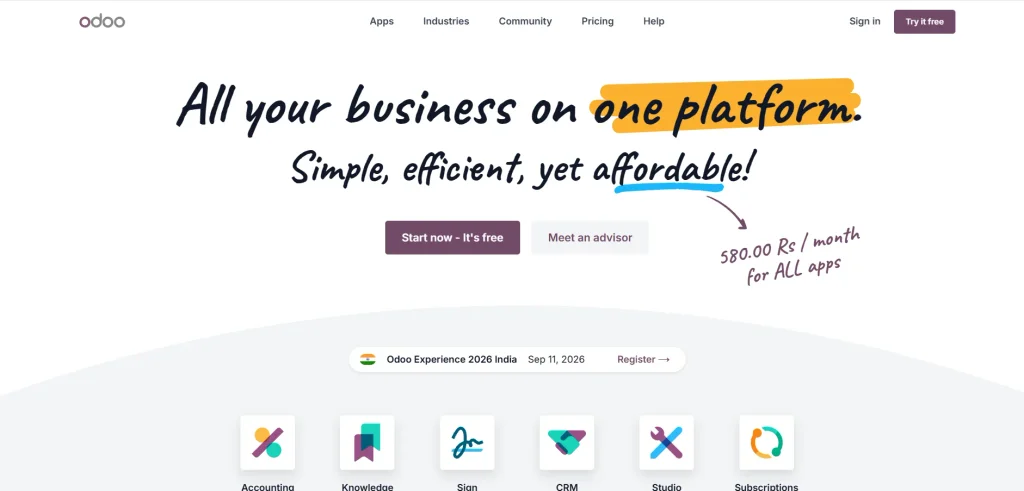
Odoo Accounting is part of the wider Odoo business application suite. It can help businesses manage invoices, bills, payments, bank transactions, and financial reports while connecting accounting with other applications. Depending on the selected apps and configuration, businesses can link financial records with sales, purchasing, inventory, and other operational processes.
This integrated approach can be useful for companies that want to reduce the number of separate systems they use. For example, a business may want a sales order, customer invoice, stock movement, and payment record to be connected within one system. However, Odoo may require more planning and configuration than a basic bookkeeping tool, particularly when the business needs custom workflows or multiple applications.
Key Features
- Customer invoicing and supplier bill management.
- Bank reconciliation and transaction tracking.
- Financial statements and accounting reports.
- Connections with sales, purchasing, and inventory apps.
- Automation and customizable business workflows.
- Cloud and other deployment options, depending on the plan.
Pros
- Can connect accounting with wider business operations.
- Useful for companies that want a unified business system.
- Offers flexible applications for different requirements.
- Can support workflows beyond basic bookkeeping.
Cons
- Setup and customization may require technical assistance.
- Costs depend on the selected plan, apps, and implementation.
- Businesses should confirm local tax compliance and accounting support.
Pricing:
- Odoo offers different subscription and deployment options.
- Total cost depends on the plan, number of users, selected applications, and any implementation work.
- Check the official pricing page and confirm that the accounting configuration meets your local requirements.
Who Should Use It:
- Small businesses planning to connect accounting with sales, inventory, purchasing, and other operational functions through one platform.
Key Features To Look For In Small Business Accounting Software
The right accounting software should make financial management easier without adding unnecessary complexity. Before selecting a platform, identify the tasks you handle regularly and prioritize features that reduce manual work, improve record accuracy, and help you understand your business performance.
1. Invoicing and Payment Tracking
Invoicing features help businesses create professional bills, record customer payments, and monitor overdue amounts. Look for customizable invoices, recurring billing, automatic payment reminders, and options to record partial payments. If you frequently work with the same clients, recurring invoices can save time and reduce the risk of missing billing dates.
2. Expense and Purchase Management
Expense tracking helps you record operating costs, supplier payments, travel expenses, and other business purchases. Some tools allow you to upload receipts or connect bank transactions to expense categories. This makes it easier to review spending, identify unusual expenses, and prepare financial records for tax filing.
3. Bank Reconciliation
Bank reconciliation helps match transactions in your accounting records with entries in your bank statement. Software that supports bank feeds and transaction matching can reduce manual data entry and help identify missing or duplicate entries. Before choosing a platform, check whether it supports your bank and whether reconciliation is included in your selected plan.
4. Tax and Compliance Support
Tax requirements depend on the country and type of business. Indian businesses may need GST invoices, tax calculations, relevant reports, and support for their accounting and filing workflows. Check whether the software supports the tax rules applicable to your business and whether any required reports or integrations need additional configuration.
5. Financial Reports and Cash Flow Insights
Accounting software should help you understand more than the amount of money entering and leaving your business. Reports such as profit and loss statements, balance sheets, accounts receivable, and accounts payable help you review financial performance and obligations. Cash flow reports can also help you anticipate payment shortages before they affect daily operations.
6. Inventory and Purchase Tracking
Businesses that sell physical products may need accounting software that records stock purchases, sales, and inventory costs. Connecting inventory with accounting can reduce mismatches between stock records and financial transactions. Retailers can also use POS for small businesses to manage sales transactions, process customer payments, and maintain accurate inventory records. If you operate a retail shop, wholesale business, or distribution company, confirm whether inventory management is built in or requires a separate application.
7. Data Security and Access Controls
Accounting software contains sensitive information about revenue, expenses, customers, suppliers, and bank transactions. Look for appropriate user permissions, secure authentication, data backup options, and clear data-retention policies. Businesses with multiple employees should also check whether they can restrict access to payroll, financial reports, or other confidential records.
How To Choose The Best Accounting Software For Small Business?
- Identify your accounting requirements: Decide whether you mainly need invoicing and expense tracking or more advanced features such as inventory management, bank reconciliation, and detailed financial reports. Choosing according to your daily workflow helps prevent unnecessary costs.
- Consider your business type: Freelancers and consultants may prioritize client invoicing and billable hours, while retailers may need stock tracking and purchase management. Businesses in India should also confirm support for GST-related workflows and applicable compliance requirements.
- Check ease of use: The software should be easy for you or your accounting team to understand. Test common tasks such as creating an invoice, recording an expense, reconciling a transaction, and generating a report before committing to a subscription.
- Compare the complete cost: Include subscription fees, additional users, premium features, payment-processing charges, setup, data migration, training, and support. A low starting price may not represent the total cost of using the software.
- Review integrations: Check whether the platform connects with your bank, payment gateway, e-commerce store, inventory system, or payroll application. Supported integrations can reduce duplicate data entry and improve the consistency of financial records.
- Check tax and reporting support: Make sure the software supports the tax rules, invoice formats, and financial reports relevant to your location. Do not assume that a product’s international version includes every local compliance feature.
- Plan for business growth: Choose software that can accommodate more transactions, customers, users, and locations as your business expands. If you expect to add inventory or payroll later, check whether these features can be added without migrating to a different system.
- Test customer support and data export: Check the availability of tutorials, support channels, and onboarding assistance. Also confirm that you can export your financial records if you decide to change software in the future.
Benefits Of Using Accounting Software For A Small Business
Reduces Manual Bookkeeping
Accounting software helps automate routine tasks such as recording transactions, preparing invoices, categorizing expenses, and generating reports. This can reduce the time spent updating spreadsheets and make financial information easier to maintain. Automation does not eliminate the need for review, but it can make routine bookkeeping more manageable.
Improves Cash Flow Management
A business can appear profitable and still struggle to pay its bills if customers pay late or expenses arrive before revenue. Accounting software helps monitor outstanding invoices, upcoming payments, and available cash flow information. These records allow owners to identify payment delays and plan expenses more carefully.
Makes Financial Reporting Easier
Instead of preparing reports manually, business owners can use accounting software to generate financial statements and review income, expenses, and outstanding balances. Regular reporting helps them understand which activities contribute to revenue and where costs may be increasing. Accurate reports also make conversations with accountants and lenders easier.
Helps Maintain Organized Tax Records
Keeping invoices, expense records, and purchase transactions organized throughout the year can make tax preparation less stressful. Software with relevant tax features can help maintain consistent records and generate useful reports. Businesses should still verify entries and follow the requirements applicable to their tax situation.
Supports Better Business Decisions
Financial records can reveal whether sales are increasing, expenses are rising, or customer payments are taking longer than expected. By reviewing these trends regularly, business owners can make more informed decisions about pricing, purchasing, hiring, and expansion. The quality of these insights depends on how accurately and consistently transactions are recorded.
How Much Does Accounting Software For Small Business Cost?
The cost of accounting software for small business depends on the provider, the number of users, the features required, and the way the software is licensed. Some platforms offer free entry-level plans for basic bookkeeping, while cloud-based solutions typically use monthly or annual subscriptions. Traditional accounting systems may offer licence-based options, and integrated business platforms can have additional costs for extra applications or implementation.
Basic plans may cover invoicing, expense recording, and simple reports. Higher-tier plans may add bank feeds, advanced reporting, inventory management, multiple users, automation, and additional integrations. Some providers also charge separately for payment processing, payroll, training, or premium support.
Before purchasing, calculate the total cost for the features you will actually use. A free or inexpensive option may be sufficient for a freelancer with a small number of transactions, while a retailer or distributor may benefit from paying more for integrated inventory and accounting. Compare plans using your actual requirements rather than choosing solely on the advertised starting price.
Conclusion
The best small business accounting software is one that simplifies financial management while matching your business’s actual requirements. Zoho Books is worth considering for cloud accounting, QuickBooks Online and Xero for businesses in supported markets that need connected financial workflows, and TallyPrime or BUSY for Indian businesses with more detailed accounting and inventory requirements. Freelancers may prefer FreshBooks, while Vyapar can be a practical option for small retailers and traders.
Before making a decision, compare the features you need, verify local tax support, and calculate the complete cost of using the software. Testing a few real transactions can help you identify the platform that makes bookkeeping easier and gives you a clearer view of your business finances.
Frequently Asked Questions
1. What Is The Best Accounting Software For A Small Business?
The best option depends on your business requirements. Zoho Books is worth evaluating for cloud accounting, TallyPrime for Indian accounting and inventory workflows, FreshBooks for service businesses, and Vyapar for small Indian retailers. Compare features, regional availability, and total cost before deciding.
2. Is There Free Accounting Software For Small Businesses?
Yes. Some providers, including Zoho Books and Wave in supported markets, offer free access for certain accounting features. Free plans may have limits on users, invoices, automation, or reporting, so check the current terms before relying on one for your business.
3. Which Accounting Software Is Best For Small Businesses In India?
Zoho Books, TallyPrime, Vyapar, and BUSY are options worth considering for Indian businesses. The right choice depends on whether you need cloud bookkeeping, GST-related accounting, inventory tracking, billing, or more detailed financial reporting.
4. Can Accounting Software Manage GST Invoices?
Many accounting platforms designed for the Indian market support GST-related invoice creation and reporting. However, available features vary by product and plan. Confirm that your chosen software supports the relevant invoice formats, tax calculations, and reporting workflows required for your business.
5. Is Accounting Software Suitable For A Freelancer?
Yes. Freelancers can use accounting software to create invoices, record business expenses, track payments, and prepare financial summaries. Tools such as FreshBooks and Zoho Books are worth evaluating, depending on the features and pricing available in your region.
